





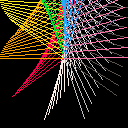
This was one of the first things I did in Pico-8, seeing other people do small graphical art pieces and wanting to do it myself, I started looking at other peoples tweetcarts (probably from @guerragames, since I mentioned him in my original tweets about this) and began playing with sin and cos myself. It had been a while since trig class. I was rusty on how they worked and after some time re-learning how to make a circle I made this.
One thing I learned while playing around was what printing could do if you didn't clear the screen. I found this out while trying to print out a debug statement! The line feed creates a really interesting effect if you're playing with motion, and purposefully using empty prints to achieve this is not something I've seen many other people play with.


 1 comment


using google translate
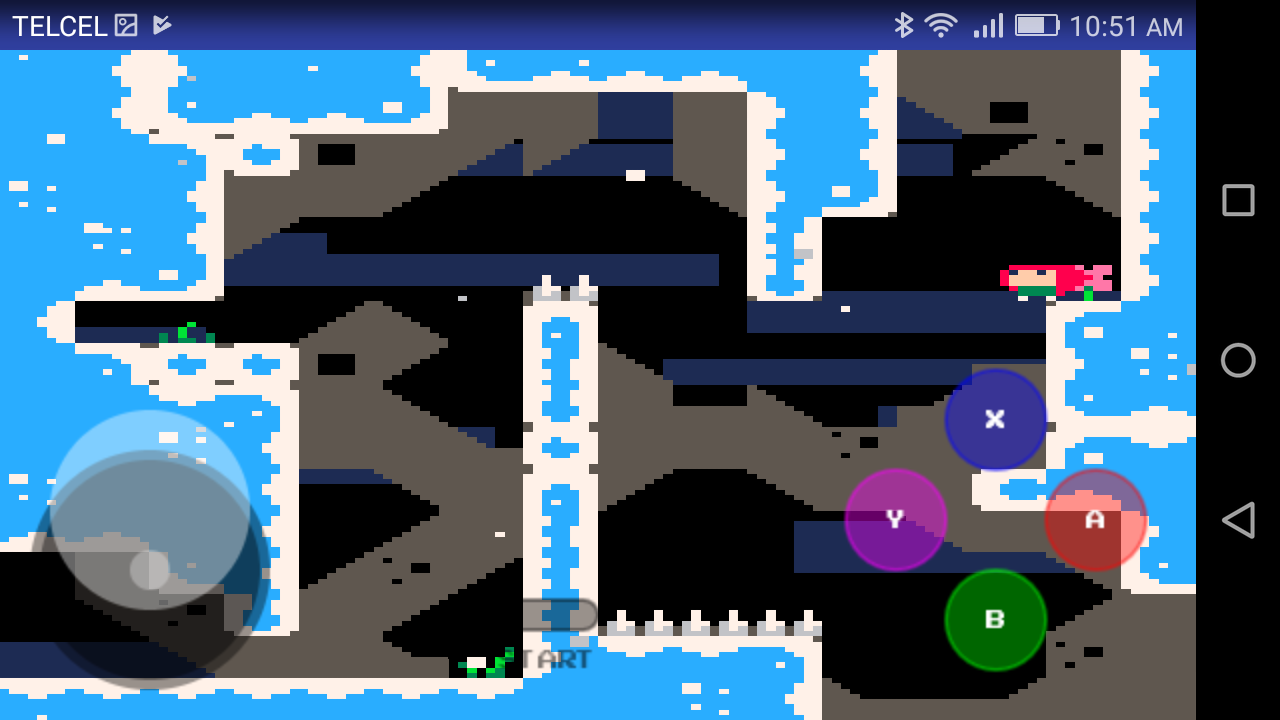
I received a lot of feedback from the previous project, regarding whether it is possible to add a joystick so I got down to work to see if we can do this and not die trying.
What do we need:
- Read the awesome article by Eugene Andruszczenko(https://github.com/32teeth/html5-plugin-canvas-gamepad).
- Your PICO-8 html cartridge (html and js).
Now a quick lesson of what we are doing:
- 1) Adding the buttons (I add the info on .js of the game):
YOUR_GAME.js
CanvasGamepad.setup({
	start:false,
	buttons:[
		{name:"jump"}
	]
}); |
- 2) Mapping our controller detection on the game.js (you can found the complete code at the end of this article).
This is the line that make the magic:
game.js
//buttons

                if(map["a"] == 1){SimulateKey(90);}
		if(map["b"] == 1){SimulateKey(88);}

[ [size=16][color=#ffaabb] [ Continue Reading.. ] [/color][/size] ](/bbs/?pid=62249#p) |
1 comment



.gif)


Hey there!
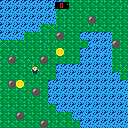
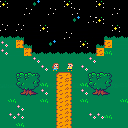
I'm very new to Lua/Pico-8/programming in general, and I've been cobbling together code from Youtube tutorials and other threads to make this cart. Ideally, I want to make a super basic, top down adventure game (game length about 4 mins) with the player being able to trigger dialogue from different characters on different screens (I just made the "NPCs" background tiles with x,y values that trigger dialogue, because that seemed like the easiest way to implement that...).
I've been looking at a bunch of tuts for camera control, but I can't seem to wrap my head around it (every time I THINK I'm making a table for my player, there is an error). However, I did find a way to change screens Zelda 1 style (right now, the character can walk down at bottom into a new screen and back up into the first screen).
 2 comments



Hello, everyone! I've ported the Flash game This is the Only Level to a graphing calculator...twice...so I'm testing out a few things to see whether or not a port for the PICO-8 would be feasible.
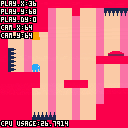
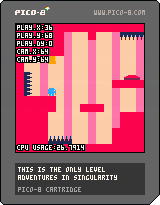
At this point, the controls are:
- LEFT/RIGHT: Move the elephant
- UP: Jump
Hopefully I'll develop this into a more complete game!
6 comments

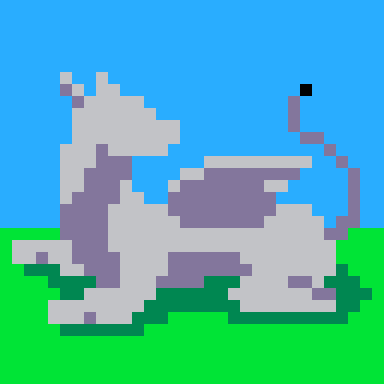

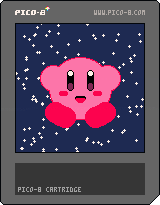
This is a Pico-8 doodle I made a while ago using only circles. I wanted it to be the first cart I published on the BBS because I love it so much. It might be one of my favorite things I've ever made.
I tried as closely as possible to follow the traditional tutorial of how to draw Kirby:
First you draw a circle,
Then you dot the eyes,
Add a great big smile
And presto, it's Kirby!
I have plans to add some animation to Kirby himself later on, but for now I just wanted to share him with everybody!
EDIT:
I forgot, but I actually was inspired to do this because of a tweet from @thekirbybot on twitter!
https://twitter.com/thekirbybot/status/1009457661405028352
8 comments





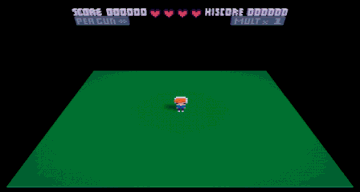
I just got my looking glass! All the demos are really slow on my 2018 macbook air (ofc), except Voxatron. It runs full speed, awesome performance. It's really fun to play!!!
I want to write my own games for the looking glass. If I use the unity sdk, I'm afraid everything will be too slow. Is voxatron fast because it uses the c api and no unity?
3 comments

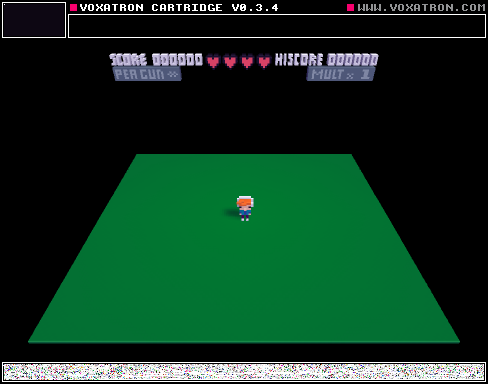

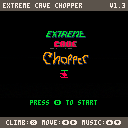
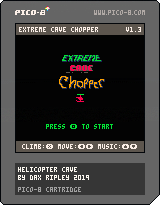
Dodge rocks while avoiding the cave walls! Every 100 points, the cave colour changes, and your speed increases slightly. Inspired by the old Helicopter web game from the late '90s / early '00s.
v1.3 changes:
- Added rocks that fall as you play, which increase in frequency the further you go
- Added ability to move left and right (to avoid said rocks)
- Lowered player speed increment as you progress
- Added fancier sprite-based title screen
v1.2 changes:
- High score is now saved to base ram, and loaded on cart init
- Mute music by pressing O+X together
v1.1 changes:
- Fixed bug that displayed old high score and new high score simultaneously
- Adjusted some colours and text
1 comment
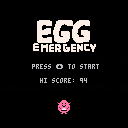
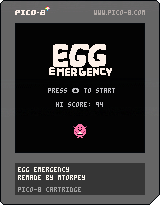
I don't know if anyone remembers Egg Emergency, a mini-game from Pokemon Stadium on the Nintendo 64. It was one of my favourites, and as my first Pico-8 project I thought I'd remake it in 2D.
It lacks a lot of features, but I had fun making it!
4 comments



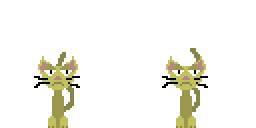
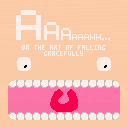
Hi everyone, for my first effort in pico 8 I made a small arcadey platformer. Try to keep your cool and survive as long as possible while lava chases you down an endless tower.
Controls:
left/ right - run
Z/C/N - jump
X/V/M while running - slide
Enjoy and let me know what you think!
4 comments


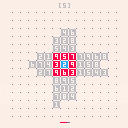

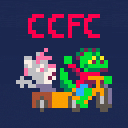
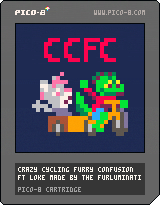
There's a great party going in Malmö but the guests can't seem to get anything done themselves! Use your trusty cargo bike and get your friends to Systembolaget, receive spiritual healing from Spökguden, or just take out the trash.
Done as an Xmas present to my good friend Loke, who DID keep the party going! My aim was to create something like Crazy Taxi with Frogger controls.
Music by @gruber_music
Don't worry about the in-jokes
1 comment
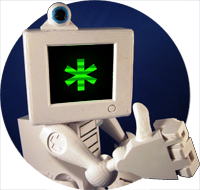

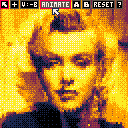
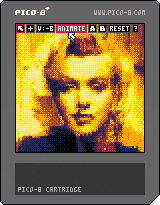
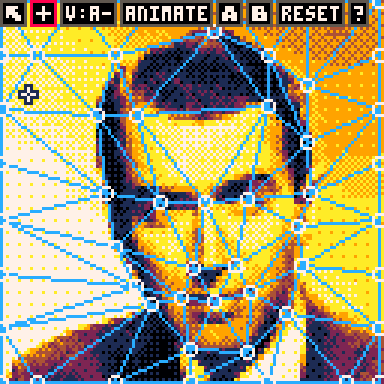
Pico Image Morph 2000
Use your personal Pico-8 computer to create professional-quality image morphing effects as seen in blockbusters such as "Willow" and "Terminator 2". Use the power of Pico Image Moprh 2000 to seamlessly transform one person into another or even change a cat into a dog!
Pico Image Morph 2000 can even be used to create wacky deformations! The possibilities are endless!
Instructions:
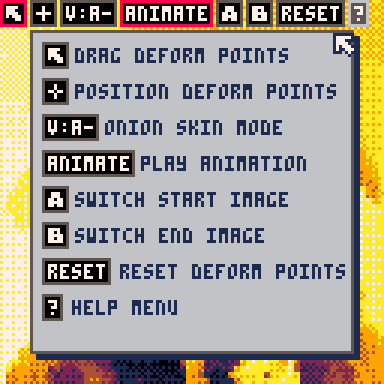
Pico Image Morph 2000 requires the use of the Pico Mouse Accessory.
While in "Position Mode", locate deform points along critical portions of the image, such as centers of eyes or the edges of lips.
Switch to "Deform Mode" to drag deform points to new locations.
Use the "Onion Skin" button to switch between viewing the Start Image, Target Image, or a blended overlay of both.
Click the "Animate" button to loop the animation
The system include 5 different image to morph between.
4 comments


Lefty vs. the Brainless Skulls!
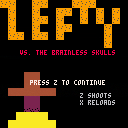
My son (11) and my (42) first Pico-8 release, emphasized learning the system over real playability. A ton of fun to make. Source code is available via Lefty vs. Brainless Skulls Github repository. We also listed it on the cmcavoy itch.co.
Gameplay is very basic, run around, shoot the skulls. The skulls jet around in random directions. We added a health counter and limited bullets to make it at least a bit more interesting. A couple of things that we learned that were particularly revelatory - collision detection, game state (having a startup screen) and animation pacing (though Lefty himself needs a bit of work). Map drawing took a while to wrap our heads around. The (simple) math around screen pixels to map tiles had us stumped for a while.
2 comments


My expansion on Dylan Bennett's Cavediver game from their Gamedev With Pico zine (https://mboffin.itch.io/gamedev-with-pico-8-issue1).
Controls:
- Button 5 : jump / start (x by default)
- Button 4 : start Crazy Mode (z by default)
 1 comment


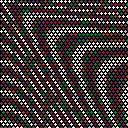
::★::cls()
for y=0,42 do for x=0,31 do
sx = 1+x4 + (y%2)2
sy = 1+y*3
d=.25t()sqrt(sx^2+sy^2)
q=cos(d/20-t()/4)2
circfill(sx,sy,1,5+q1.5)
end
end
flip() goto ★
0 comments

