


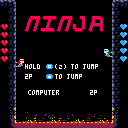
Ninjas climbing the wall, try to defeat the enemy down.
Hold Z to jump higher, that you can throw the enemy by stomping on his head.
You can get shuriken by eat the random icon in the screen, press Z to use it when you in air.
You can choose computer AI or player 2, anyone else or just your another hand.
CONTROLS
1P:
Jump : Z (O)
2P:
Jump: Arrow Up
The game is still in developing, more weapons will be add in next update. If you have any suggestions please level a comment. I will improve it in next version, thank you!


 4 comments





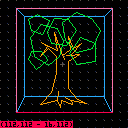
In composing scenes made of polygons and shapes, I needed a way to lay out a scene and then retrieve the coordinates of the individual shapes. Now you can retrieve the shapes themselves!
Controls:
mouse: move cursor
click: place line point
up/down: cycle colors/sprites
left/right: cycle through drawn shapes/cursor
X (p1 X): cancel shape/delete selected shape
SEDF (p2 directionals): adjust cursor/shape/point position
Q (p2 X): toggle hud/cursor
tab (p2 O): toggle fg
Z (p1 O): hold for secondary functions:
+drawing line: lock to 90-degree angles
+drawing rect: lock to square
+up/down: cycle shape types
+left/right: cycle through selected shape's points
+tab (p2 O): copy selected shape/cursor coordinates to clipboard
+Q (p2 X): copy all shapes to clipboard
The foreground elements I was using, as they were relevant only to my concurrent project, I commented out. You can add your own foreground draw commands in the labeled segment of the _DRAW() function.
When copying your shapes to the clipboard, the data will be formatted for pico's built-in draw functions. To change the name of the draw functions exported, modify the strings in the PREFIXES table at the top of the _INIT() function. To change the separator between each shape when copying all shapes change the SHAPELISTBREAK string.
Todo:
- add more complex shapes: polygons, complex sprites, ovals
- include fill states
- add layer adjustment
(this previous version is 0.1)
2 comments

I had the video for this uploaded but not the cart, anyway it's here now. Some of these routines (but more optimized) ended up in Ad Astra.
4 comments

Just uploading a few of my old carts, this was the first thing I did in Pico-8 when I got it.
0 comments
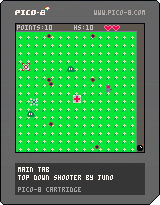
This is the first game I made in Pico8, and I kind of learned the system as I was making it.
OLD:
Day 3:
-There was a bug that took an hour to fix :/
Day 4:
-I made a silly error that took an hour to fix
-We're almost at a playable beta build n_n
Day 5:
-The beta build is live!
-2 new types of enemies
-Bug fixes
-Placeholder sfx
Day 6:
-Tweaks
-HP Packs
-3 more power ups on the way
Day 7:
-There are 5 power ups in all, and a random power up! (with sfx)
-Placeholder music
-Tweaks
-Bug fixes (kinda)
-Invincibility is now visible
-Bombs are fully implemented, press x to clear the screen of enemies!
Day 8:
-Player can now choose between icy and retro controls on the pause menu
-Controls displayed on game load up
-Bug fixes
-Changed some strange colors
--(I figured out how to use black, so I'll most likely be making a couple color changes)
Day 9:
-Final release!
-Bug fixes
-Hidden boss
-Sidestepping making aiming easier
-Touching up
7 comments


I was working on this a while ago and haven’t found much time for it lately, but I thought it could be interesting to some people. It is a fork of Lua that implements the PICO-8 dialect.
Why?
If you know how to embed Lua somewhere, then there are chances that you can embed PICO-8 compatible Lua instead! I use it for an unfinished toy emulator project.
Features
- short if syntax (on one line)
- short print syntax (? at the beginning of a line)
- compound assignment operators: += /= etc.
- C style not equal operator: !=
- C++ style comments with //
- fixed-point arithmetic with overflows, infinity etc.
- the PICO-8 math library (shr, atan2, flr etc.)
- binary literals: 0b1001001.10010
- works in Windows and Linux, and probably in OS X too
How?
The usual approach to the language extensions is through code parsing and patching. For instance, replacing all occurrences of <something>+=<blah> with <something>=<something>+(<blah>). This is what PICO-8 itself does, which is why it still has the occasional weird parsing issues (you can write x=0y=1 but not x+=0y=1). My approach is to implement these extensions in the Lua parser instead, which is elegant, more robust, and gives better error reporting.
Where?
It’s on GitHub: https://github.com/samhocevar/z8lua
Example
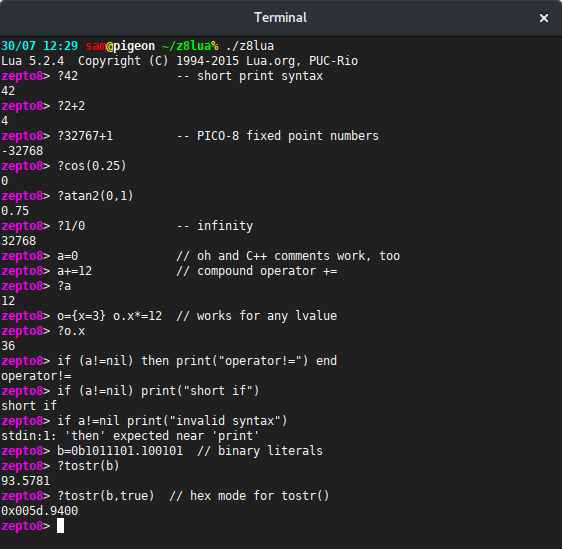
Here is a z8lua session in my terminal; you can see familiar PICO-8 syntax in here:
 4 comments





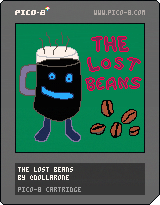
A disaster has struck! The coffee beans have been lost!
Help Rich - this coffee dimension's maintainer - find the lost beans! Embark on a caffeinated platform adventure where you can find coffee upgrades that will help you with your adventure. For example, if you become an americano you gain the ability to double-jump! Obviously!
How quick can you find the beans? Can you also find the special bean™?
If you're looking for a more serious challenge, try finishing the game without getting any of the upgrades!
Best played with coffee in hand.
Cursors to move, X or M or V to jump! (assuming PICO-8 default controls)
The game utilises the Advanced micro platformer toolkit by @matthughson
Made for Coffee Jam 18
edit: added a title screen and some minor tweaks
7 comments

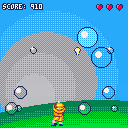
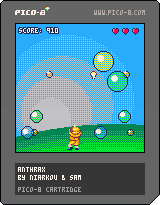
We made this game over the weekend as some practice for Ludum Dare. It is named after one of our cats.
Controls: left/right to move, X to fire.
1 comment



Started to develop a game with my kids during the summer :)
It is very easy to not frustrate the little ones
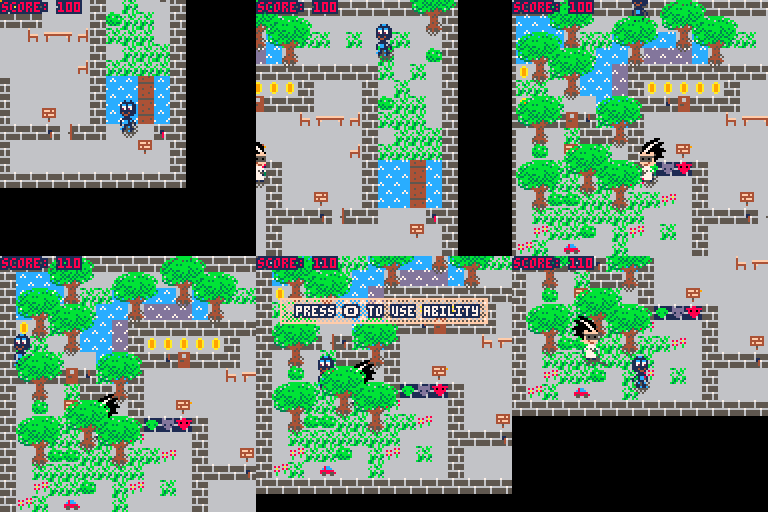
Latest update:
Improved music
Added more SFXs
Fixed some problems with stuck characters
1 comment


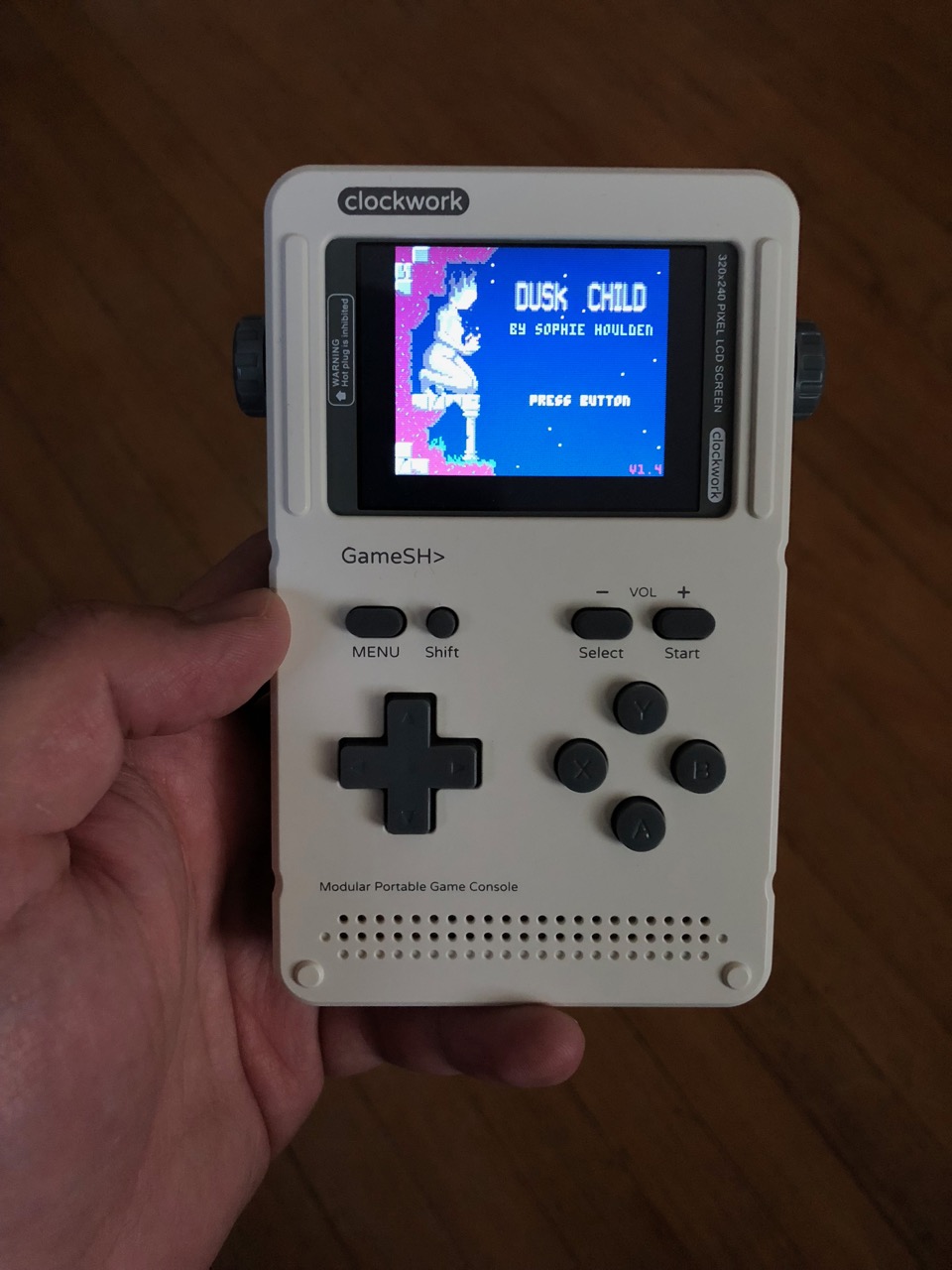
This is Pico-8 running on the Clockwork Pi GameShell, a new hackable handheld game machine. GameShell has an ARM architecture, runs Linux, and works with the Raspberry Pi version of Pico-8.
Featuring a "modular" design, GameShell comes as a easy-to-assemble kit. You need side cutters or a hobby knife to separate the plastic pieces from their sprues and clean up the ends. Beyond that, the parts go together without tools. There are five modules: the main board, the screen, the battery, the keypad, and the speakers. Each module is enclosed in a plastic case with an easy-to-open lid. The modules are connected with little cables, and they all fit snugly in a Gameboy-sized case. There's a headphone jack and a microUSB port for charging, as well as on-board Wifi. The keypad includes D-pad, ABXY buttons, select, start, menu, and shift. You can also get a separate expansion module for shoulder buttons on the back.
6 comments




Ah man, haven't written any pico8 for a while so I'm trying to get my groove back. Let's warm up with another console's logo intro: Sega Megadrive's! (or Genesis', depending on your region)
7 comments


Little aproximation of what the Gameboy (Advance)'s logo screen looked like. I'd say it looks pretty swell :D
0 comments
[i]For years, the development of PICO-8 cartridges has been restricted to those elite few who have knowledge of the arcane "Lua" programming language. Well, ladies and gentlemen, I am pleased to inform you that this is no longer the case! This PICO-8 cartridge contains within it an Integrated Development Environment for a language that anyone can learn. When the language first appeared as P'' in 1964, it lacked the necessary i/o routines to become popular; but thanks to some recent extensions to the language (as well as a little re-branding) it has become instantly recognisable to programmers all over the world. The language has just eight simple commands that anyone can learn in a matter of minutes -- soon, you too could be writing software for the PICO-8!
0 comments

A short litttle "game" about a roomba in a decaying world. I made it while thinking about the short story, There Will Come Soft Rains, by Ray Bradbury. In this game there's really nothing to do but watch it happen. You control the Roomba, but that's it.
5 comments


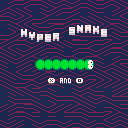
Description
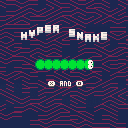
It's snake, but fancy looking! Eat the apples and help the snake grow.
Instructions
Left Key and Right Key to change the angle of your snake. O Key and X Key in menus to select options.
Version
The current version is 1.0.2 and features the following changes:
+fixed an issue that allowed the apple to be placed in impossible locations on level start.
Previous versions can be found below:
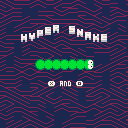
 1 comment


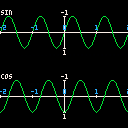
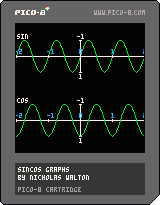
I always forget exactly how sin/cos functions work in PICO-8, since they're different to normal math sin/cos. I made this cartridge as a quick reference to see how they work. I hope it helps someone!
0 comments


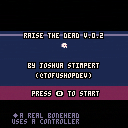
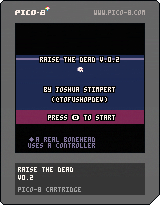
Raise The Dead is an Action Platformer for the Pico-8 in which the player must help a recently resurrected skeleton escape from his crypt. Hop on the magic skulls floating throughout the crypt to find the key to each floor's door!
The purpose in developing this game was to both to learn how to make pico-8 software and as an attempt to design a game around a single gimmick; In this case, hopping off of enemy heads.
Controls
Arrow Keys - Move
Z key - Jump
Down Key - Fall through the thin wooden floors
Special Technique - Hold the jump button when hopping off of enemies to jump higher
Recent Version History-
Recent Version History-
Update 0.2 pushed!
Keyblock feedback greatly improved - I added a reaction on the keyblocks for when the player picks up a key and is able to pass through them. The coloring on this is temporary for right now; I'm currently just using palette swaps for the effect, but in further updates I would like to migrate these blocks to their own objects I can spawn to have greater control over the color
4 more floors!
Misc bugfixes and timing tweaks
Special Thanks
mhughson - Advanced Micro Platformer - Starter Kit
https://www.lexaloffle.com/bbs/?tid=28793
viza - Advanced Particle System library
https://www.lexaloffle.com/bbs/?tid=1920
These were both immensely helpful as tools to help learn how some more complicated game programming subjects are tackled in pico-8; It's really nice to see people give to the community like this and I wanted to make sure they didn't go un-credited.
If you like this and want to see more, give me some encouragement by following me on my itch page or twitter!
https://secretbunta.itch.io/raise-the-dead (@TofuShopDev)
7 comments

