

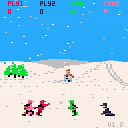
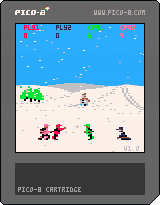
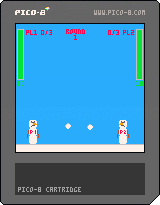
Snowball Sunday is a Pico-8 remake of the c64 classic game Snowball Sunday by Ash & Dave released in 1988 on the Commodore 64.
This remake version has up to two human players and two computer players.
Instructions
Throw snowballs at each other and have fun. That's it
Controls
Player One - Cursor Left/Right to move. Down Cursor to Duck and Collect snow. Z, C, or N to throw snowball.
Player Two - S/F to move. D to Duck and Collect snow. left Shift or Tab to throw snowball.
Credits
Original Programming, Graphics and Idea by Ash & Dave
Pico-8 Conversion by me.
Full details here; https://mcnameegames.wordpress.com/2017/11/25/snowball-sunday-pico-8-v1-0/


 0 comments

Introduction
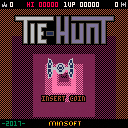
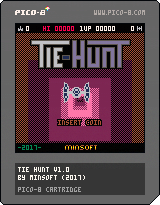
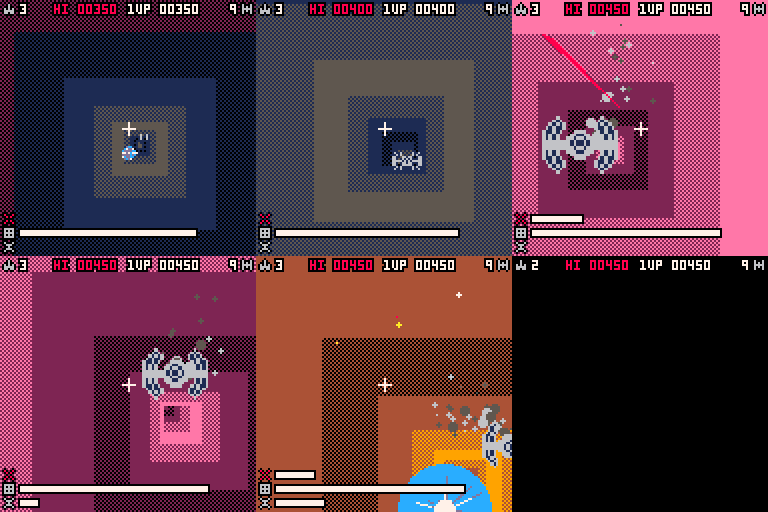
This is my homage to Owen Rubin's wonderful 1979 arcade game Tunnel Hunt, which features eye-wateringly fast psychedelic visuals and ominous sound. I have tried to retain the key elements of the game as best as I can (given smaller palette and lack of analog joystick), while adding a few variations to enhance to experience...
Gameplay
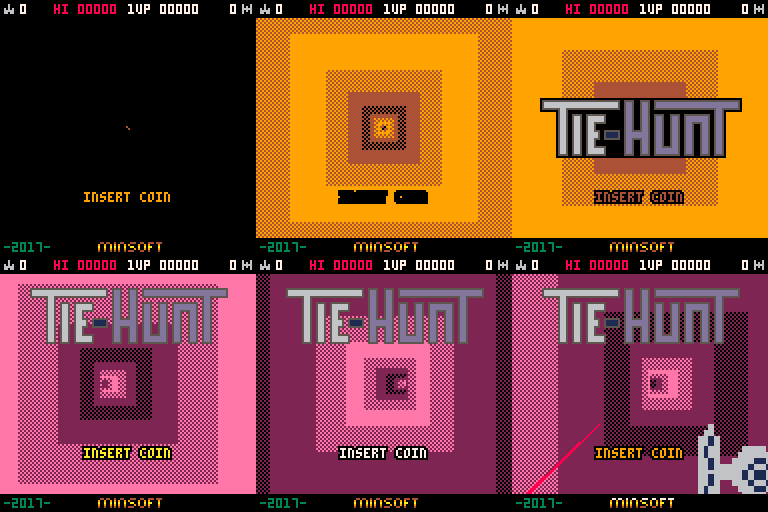
Hurtle through the tunnel blasting anything in your path. Your craft will increase speed over time, but hitting walls will slow it down (while also heating the hull). You can use this to your advantage, but overheating the hull will result in death!
Lasers will also overheat if used too much, which will disable them for a time until sufficiently cooled. Shields can be activated to defend against enemy craft or fire (plasma balls), but will be reduced in power as a result. Shooting plasma balls will charge your shields fractionally (as well as award 50 points).
There are four different types of enemy, which will require 1,2,5 or 10 shots to destroy. Points will be awarded based on the type of enemy destroyed, the time taken to destroy it, and enemy hostility (this increases over time). A bonus life will be awarded after 10,000 points, and every 30,000 points thereafter.
 10 comments







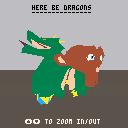
I'm trying to implement a basic 3D scene on as many platforms/APIs as possible, and this was a funny opportunity to discover PICO-8!
See this page for the complete list.
This is a small 3D rasterizer, strongly inspired by Alone in PICO. The meshes data is stored in integer format in the sprites and map memory region of the cartridge.
1 comment

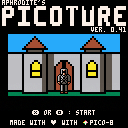
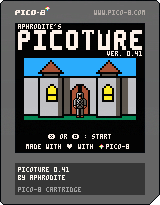
New version avaliable, not much going on in this one, basically a graphical rework and a code refactoring (again), also changelos on the 7th tab, also not mentionned in the changelogs the appearence of the Health and money, as I am unsure it'll be of use yet, same for the few "music tracks".
This version is called 0.41
For the ones unaware, this is a prototype for a text based adventure game, based of the phantasy star II adventure series for the sega channel on the megadrive (japan only when released, even though some fan translations exists but this isn't the place for that).
As usual the graphics and sounds can be reused, the game too, you know the deal, don't be a bad person, and I won't be mad.
enjoy, and don't look yet at the code to use it as an exemple, it is still clunky.. but better!
first version post (0.35):
[box=ffeedd]I know I am not using the pico-8 enough, however, I'm still using it from time to time.
This time, I wanted to do a test to see if it would be possible for me to do the mechanics of a game similar to "Phantasy star II text adventure", which is a text based gamewith some graphic elements for important situations.
This "picoture" should not be seen as a game that is close to completion, as the code is clunky (first time I am doing this kind of game, all engines included), the graphics are ininspired for most of them (I am not a good pixel artist).
Now that it's said, let's talk a bit about the game, and more specifically, this version:
there are 6 commands:
go north
go south
go east
go west
use: let's you use the map when you cannot use an object, if an object can be used, it'll be used automatically
look: let's you look the current area, sometimes looking at somthing will let you pick objects (in the 0.35 beta: a key and a compass)
the goal of the 0.35 beta is to go to the forest, there aren't much interactions yet, but it does work.
2 comments

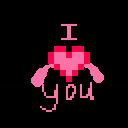
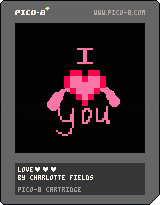

I know Zep has said the API is pretty much finalised so I'm guessing he's not planning on adding characters to the font but I think it'd be nice for the purpose of displaying controls/tutorials to have symbols to represent the start button (for posting carts to BBS) and the return key (for posting elsewhere where people aren't familiar with PICO-8 controls).
I made a quick mock up for them sticking to the 7x5 limit other glyphs use.
 3 comments


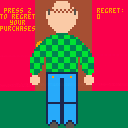
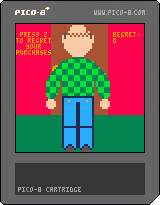
A very, very quick and dumb toy inspired by an episode of the podcast 2 Good Boys. You're Guy Woodward, and you must regret. There is no win state.
0 comments
My first project in PICO-8. It started as a "wouldn't it be cool to make the Mortal Kombat theme" and then quickly grew from there. Had lots of fun putting this together, and learnt a lot of tricks and tips along the way which will be useful for future games.
Feedback appreciated :)
Big kudos to Liquidream for answering my countless number of n00b questions
3 comments

After receiving my copy of the official MS-DOS version of Shenzhen Solitaire, I was inspired to try my hand at moving it to yet another platform!
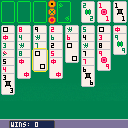
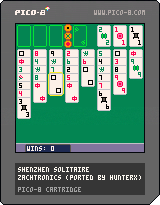
To win, stack the three suits from 1 to 9 in the top right. Stack cards in the center area, alternating suits and decreasing values. The free cells in the top left can store one card each of any type, or use the relevant button when four matching dragons are exposed to move them all to a free cell.
Use the arrow keys to navigate, O (default Z) to make a selection and X (default X) to go back. Use the reset option in the pause menu if you wish to start again. If you enjoyed this game, please consider supporting the original version or its parent game, Shenzhen I/O.
2 comments
.png)


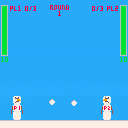
Is there a way to tell what SFX is playing in a given channel? Or even just whether the channel is currently in use? I guess there might be a way to POKE for it...
1 comment
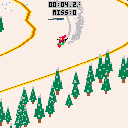
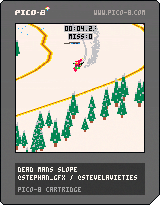
v0.6 update:
- added menu item to invert the horizontal controls, let me know what you think!
Dead Man's Slope
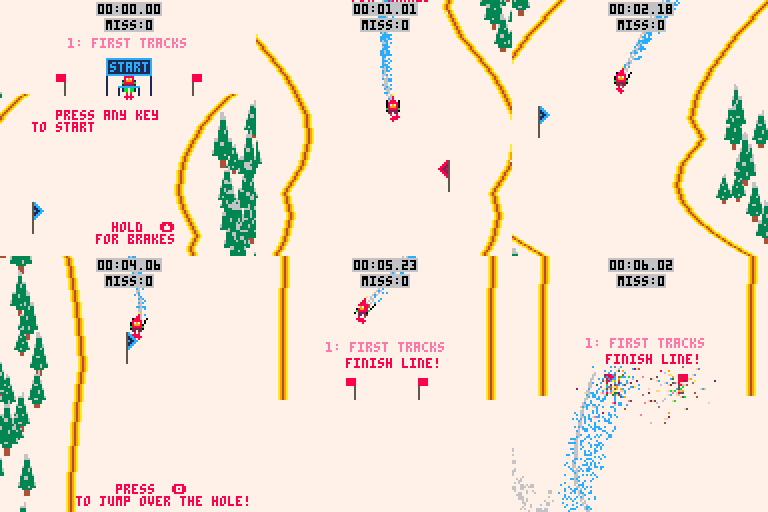
WIP post for early feedback. Tell me what you think!
Fast paced, technical slalom skiing!
Controls:
arrow keys: point the skis toward the arrow direction
x: dash
z: jump
Slalom around the gates and get to the finish line as quickly as possible. Missing gates incurs a time penalty, so try to stay on track! Jump over the holes and avoid the trees.
I'm still iterating on the polish and level design. I have already implemented ice patches that you slide across and moguls that you can jump off of, but haven't built levels around them yet. Thought I would release this a bit early to see how people react!
12 comments





Let's say I have a table called 'objects' that contains all of the objects in my scene. I want to loop through it and call each object's update function. The order in which the objects are updated doesn't matter. Of the following examples:
-- example 1 for obj in all(objects) do obj:update() end -- example 2 for _,obj in pairs(objects) obj:update() end -- example 3 for i in pairs(objects) objects[i]:update() end -- example 4 foreach(objects, function(obj) obj:update() end) |
which is the fastest?
Thanks.
14 comments




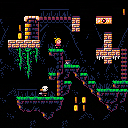
Updated to 1.01: fixed a bug where levels starting at coordinates other than 0,0 had wonky collisions
Hey everyone!
This is the second public domain tileset I'd like to share with everybody (after the top-down tileset released a few weeks ago). Like the one before, it was originally created for my PICO-8-based game design workshop, but it would be a shame to limit its use to only the workshop participants. So I made it a little bit more universal, bundled it with the engine code I used for the workshop, and released it here!
The tileset contains heads and bodies for a variety of characters, enemies, obstacles, three terrain types, lots of stuff to climb on, some random items and a few additional things no platformer should go without. As far as I'm concerned, this is all public domain, so feel free to use all of it or parts of it in your platformer projects, and feel free to remix or alter it in any way you want.
The cartridge is commented as heavily as the PICO-8 compressed size limit would allow, but I'm happy to answer any additional questions you might have.
Hope this comes in useful, and do let me know if you make anything with it! Have fun!
[i]This tileset would not exist without the support of the generous folks on my [b]Patreon
10 comments






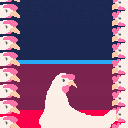
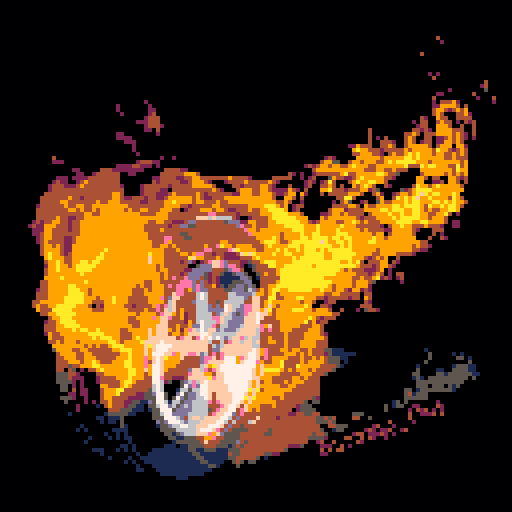
Hello there. This is a silly cart I did as a result of a inside joke. It started with one of my current avatars being a tracing of a "I REGRET NOTHING" gif with a rotating chicken and it ended up somehow on Pico-8.
Some technical stuff:
So we have 12 frame gif exported into spritesheet/map data with a tool I wrote on the fly to make it possible and took most of the programming time. The tool loads the frames from a gif and split each frame in 8*8 sprites, indexes them to avoid repetition in sprites and gives me the map data of each frame (or better, the map values to be changed from a frame to another, making a frame's data negligible).
I wanted to use the vector tool to vectorize the frames by hand but the lack of overlaying a model image and the amount of frames made me prefer automatically chunking the frames instead...
The end result? Probably my silliest cart yet.
Sorry.
1 comment
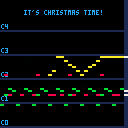
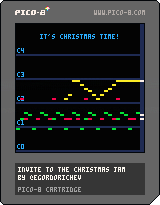
Hey, everyone! Christmas is near, and it is a good reason to make something, about winter and Christmas in pico8!
So I challenge you to create a game or write a song until 24'th, so we all can check your cart near the Chrismas!
The rules are simple:
- Be sure to submit it till 24'th of December
- It should be Christmas-themed
- Be nice to other ;)
P.S. thanks to @kittenm4ster for his awesome tracker idea!
5 comments

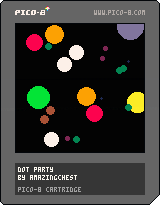
My first cart with PICO-8, Dot Party is a very simplistic implementation of a particle system using OOP techniques. I'm an hobbyist programmer and I've never used Lua before so this was mainly a learning experience figuring out how to make and use "classes" in PICO-8.
I'm not sure if my implementation is the best way (or even good), but here's the breakdown:
dot = {
  x      = 64,
  y      = 64,
  size   = 15,
  shrink = 0.2
}

function dot:new(o)
  local o = o or {}
  setmetatable(o, self)
  self.__index = self
  return o
end

function dot:update()
  self.x -= (self.x-64)/128
  self.y -= (self.y-64)/128
  self.size -= self.shrink
end

function dot:draw()
  circfill(self.x,
           self.y,
           self.size,
           self.size)
end

function dot:exists()
  return self.size > 0
end
|
0 comments