






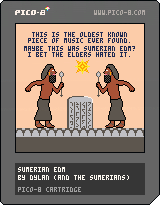
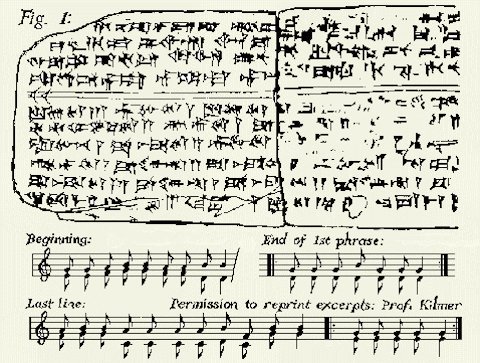
Yay! Been waiting for 0.1.11 to post this! This is a goofy, fun cartridge in response to a retweet by a friend about the oldest music ever found (3,400 years old). A researcher translated the Sumerian text into our present-day musical scale, so I figured, "Hey, let's throw this in PICO-8 and see how it sounds!" :D
I figured out how to make a not-too-crappy drum beat to go along with it (thanks to @Gruber's awesome PICO-8 music tutorials) and then whipped up some goofy Sumerian-style pixel art. Enjoy!


 1 comment



Another 0day release from TTT...
J/K. Made this silly little "port" of a classic Amiga cracktro (also seen on MS-DOS) to celebrate 0.1.11.
Credits:
GFX ......... iLKke Code .... kometbomb Music ...... Gruber |
2 comments




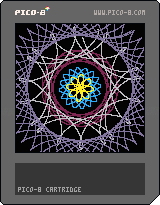
My PICO-8 spirograph maker. I didn't really play with Spirograph sets as a kid, but I think this was the general idea.
1 comment



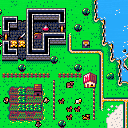
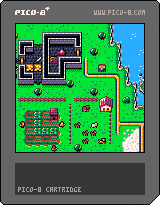
So, I've been doing a PICO-8 game development workshop for a while now. One of the ideas for the workshop that ultimately didn't pan out was for me to make a top-down tileset that would allow us to make a game during the workshop quickly.
The workshop went a different way, but a good tileset is a sad thing to waste - so I finished it, and I'm hereby releasing it to the PICO-8 community. The CC tag on the cartridge is not a coincidence - as far as I'm concerned, this tileset is public domain and you can use it and abuse it however you wish!
Wanted to make a PICO-8 medieval tactics game? A Heroes of Might and Magic demake? A Harvest Moon rip-off? A strategy game of some sort? This should help you at least a little bit :)
There is 64 empty tiles left to be filled. If you actually start a project and make some headway, I'd be happy to do a few tiles specific to your game, time permitting.
Lastly, the biggest reason I could spend the time to finish this tileset instead of working on $$$ projects is the people on my [b]Patreon
11 comments




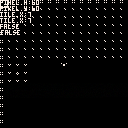
I am a baby learning to crawl when it comes to PICO-8. So far I have created a pickup by using a tile flag. I figure I need to add an if statement to my gameupdate(), but I can't seem to figure out how to get the sprite to disappear when the player touches it. I was also hoping to add the death sparkle particle used in Jelpi. Does anybody have the isolated code? Are there any good tutorials that can show me how to create proper collision boxes based on the sprite and not the entire tile? Thank you!
 0 comments
I am trying to figure out how to isolate the randomized butterfly particle that Happy Little Island uses. It is activated when the player interacts with a flagged tile. In my prototype, the flagged tile is the grass (spr(32)) and the butterfly/particle is spr(34,35). I am clearly missing something, but I can't seem to problem-solve my way through it.
2 comments

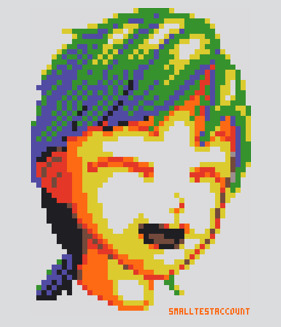
I was working on a Chinese to English vocab program, and pinyin (The English alphabet for Chinese) uses diacritics all the time
maybe not a thing that can be used in the code, but in text variables. Having a function in the text variable like "dia" (like flr) or something. If you're having issues imaging what the would look like, here
Print("Hello W' .. dia("o") .. "rld")
|
Hello Wòrld |
2 comments


Anyone try this? I've tried on the old 3DS and it silently fails to load the canvas. Can someone give this a go? this would sell a new 3DS for me.
4 comments






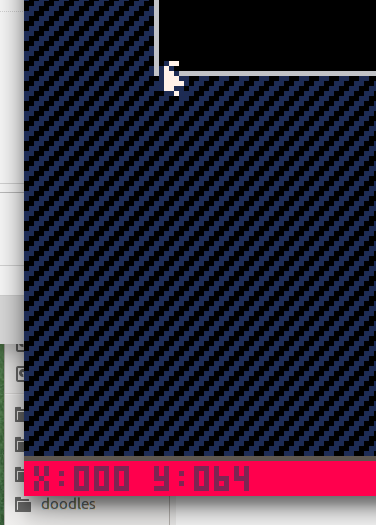
I'm working on a cart for the FC jam, but got this really annoying bug, that doesn't allow me to use 128x64 map space without breaking the sprites. If I will try to mset(0,32), it will corrupt my sprites on page 2. I really need that sprite space, does anyone know a quick solution?
5 comments



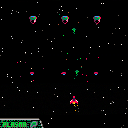
My first game. Still a work in progress.
There is nothing yet after the first wave
z to shoot
x to switch weapon
arrows to move
1 comment

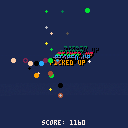
Demonstration of player seeking orbs, score counter, smoke trail and pick-up notifications.
1 comment


Simple test of GBA style menu system, ends with a dump of graphics to be used later in the port.
0 comments
Hey, zep. I really love pico-8. It is an amazing console. It costs its money. But I'm really disappointed, that we can't help you with making it better. I'm not talking about making it open source (tho it would be amazing), but maybe, just maybe, you could peek a few guys, who could help you in the future development. I would be really happy to help you my self. Again, that doesn't mean going open source for everyone.
It's all up to you, but it will make the pico-8 much much better, and it will be updated more often.
Please, tell me what you think about that.
9 comments




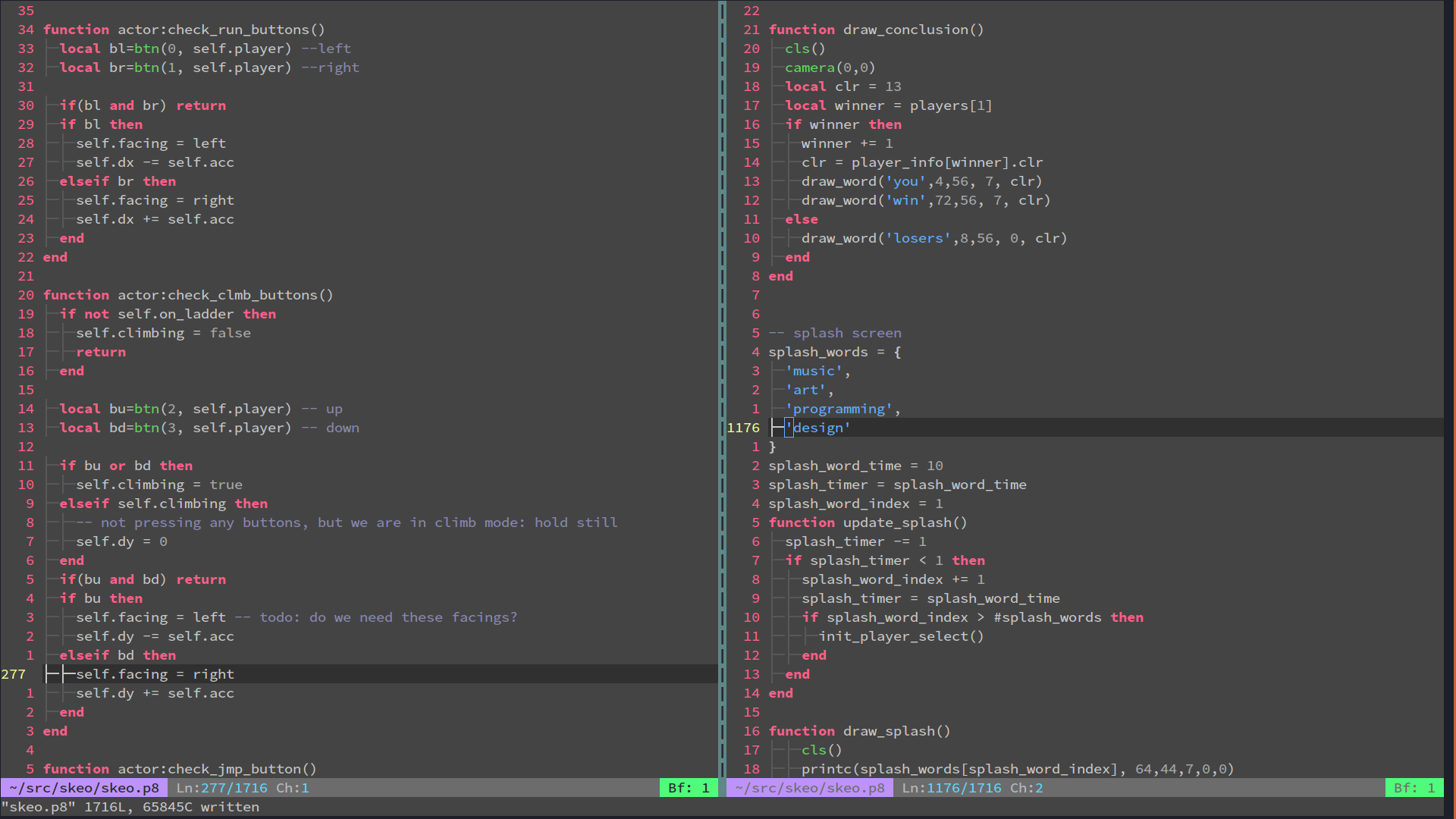
Not that the built in editor isn't wonderful, but sometimes I feel more comfortable in good ol' Vim. This color scheme helps me stay in the pico spirit while working in Vim.
 5 comments




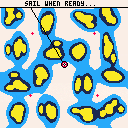
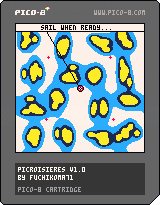
“Picroisières” is a procedural sailing simulator. Every time you play the game, a new unique archipelago and new weather conditions (wind direction and speed) will be created. Although the map will always look roughly similar, the shape and location of islands should be sufficiently different to keep route planning interesting.
There are two screens: Map and Compass. Toggle between the two by hitting the “Z” key (FR: “W”, DE: “Y”).
Controls are very simple: you only control steering and “power”. Think of the latter as an abstraction for all the trimming, sail changes etc.
Steering is done using the left (port) and right (starboard) arrow keys. “Power” is increased or decreased (by 5% increments) by pressing the up and down arrow keys respectively.
Your boat is a racer: it can easily reach over 15 knots in strong wind! However, sailing at higher speed risks damaging your ship. At 20 knots, a critical failure will statistically occur after approximately 4 hours (game time). At 25 knots (hard to reach but not impossible), after only 45 minutes. Note that this is a probabilistic event, so if you’re unlucky, you could suffer a breakdown much quicker (and vice versa). To be safe, reduce “power” to stay well under 20 knots, where the chance of damage is very low…
The game consists in completing a course through 4 waypoints or gates, in the prescribed order, then coming back to your starting point. Each gate (NW, NE, SE, SW) is marked by a red “+” sign on the map. The next waypoint you must reach emits a “pulsating” signal. The gates are not buoys: you don’t go around them, you must sail “through” them. When you clear a gate, the symbol turns green and the next waypoint is automatically selected. After you clear the last (SW) waypoint, you must return to the starting box.
In “Picroisières”, you race against the clock. The timer starts when you exit the starting box and stops when you re-enter it (after completing the course). Leaving the starting box again restarts the clock, so you can compete against yourself (try to improve your time) or challenge a friend (hot seat).
As in real life, weather (windspeed and direction) changes continuously (and randomly) over time. Before you first exit the starting box, you can randomise the weather as many times as you want by hitting the “X” key (as if choosing the day on which to go sailing). Once the “race” has started, this option becomes unavailable.
White and light blue indicate a safe depth, if you ever enter dark blue or yellow, you will beach your boat (this effectively ends the game as you can no longer manoeuvre in any way). A black symbol at the centre of the screen marks your current position. A black vector (to the edge of the screen) plots your course following the current heading.
If you suffer a breakdown (as a result of sailing at excessive speed), your “power” drops to a maximum of 20% (jury rig) and the drag coefficient of your boat is multiplied by two. Needless to say this makes you rather slow! You must limp back to the starting box (automatically selected in case of damage). When you leave the starting box again, you boat will be repaired.
The map has periodic boundary conditions, which means you can pretty much sail indefinitely in any direction (the archipelago just “repeats” itself). Of course, the gates remain where they are, i.e. you cannot reach the SW gate by sailing NE!
The Compass also shows your heading (CRS), speed (SPD) and the apparent windspeed (WND), as well as the current “power” level. The light blue arrow is the apparent wind direction (taking into account boat speed), the dark blue one is the true wind direction (both obviously overlap when motionless).
Enjoy!
3 comments
