This is the most complicated song I've done in pico-8. Taking me 3 and a half hours in total to complete. The song is 34 patterns long using 39 loops. This track uses all 4 channels for the following.
-Vocals/lead
-Drum
-Bass
-Keys (I couldn't fit the whole chords in so I just used the core notes in each of them)
UPDATE: I've used a piano roll visualiser using the code of kittenm4ster. Thank her for the awesome code.
Let me know what you think of this remastering in the comment thread. I hope you enjoy listening to it.
and of course, KEEP ON MEMIN'!!1!


 8 comments


.png)



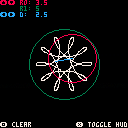
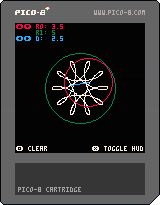
First cartridge I've posted here, enjoy!
Also, try playing with setting r0 to a negative value ;)
3 comments




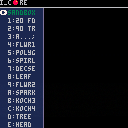
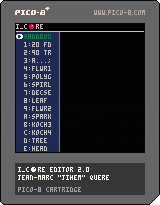
I_EDITOR is a programming game. The goal is to write simple scripts to reproduce a drawing on screen. The commands used in the scripts move a pointer (“turtle”). The pointer has a pen, which can be up or down. When the pen is down, each move lays a print. There are additional instructions to make calculus, evaluate conditions and call previous declared sequences. The syntax and semantic are organized in language called I_CORE.
Now you can download the manual !
Le manuel en français est disponible.
Try to reproduce the blueprints or play with the sandbox...
I will add a score and more blueprints soon ;-)
In the main menu:
Choose a blueprint or the sandbox (up/down, x)
In the editor:
Choose the command in the first column (up/down, x) or return to the main menu (o)
Change column (left/right)
Change the value in the second colum (x, then left/right to decrease/increase)
Delete instruction in the second colum with (o)
Have a look on i_core thread to have more explanation about the language "I".
I will make a tutorial soon and post a link and additional information here.
Sample
:A 20 FD 90 TR ; :B 1 - # A ?B ; 4 B
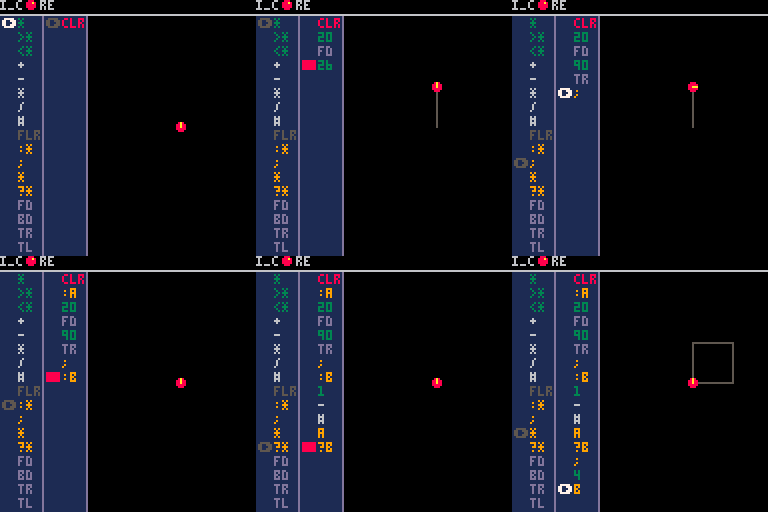
CLR : clear
<CP : copy from clipboard
>CP : copy to clipboard
Copy the line below into the clipboard
:a 10 fd 90 tr ; a a a a
Paste in PICO-8, then activate <CP
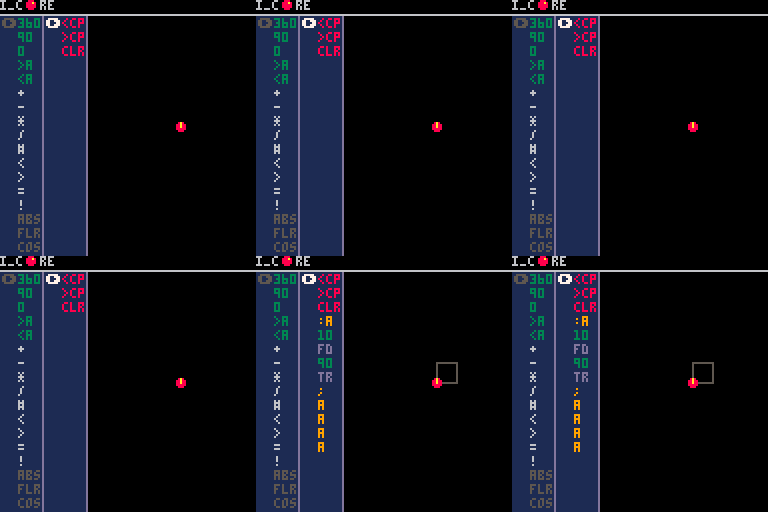
/!\ WARNING:
Clipboard functions (<CP,>CP) aren't working in HTML exported cartridge.
Copy from notepad (text in the html browser may contain tag or additional characters)
8 comments


Hello! I really enjoy working in pico-8, and I plan to use Raspberry Pi GPIO support to do some stuff with simple machines. I want to use an external process to handle stuff Pico-8 can't, like image recognition. My current plan is to rewrite a byte in the .p8 file and then reload that byte in the game periodically. Is there a better way to go about doing this? Thanks!
UPDATE: I had thought that Pico-8 might completely reserve access to the GPIO pins it's using, but this is not the case! After experimenting I've discovered that I can see changes made via another process within Pico-8. This way I can communicate with another process using the same pins.
3 comments


Hallo Folks
this part of code perfectly crash your PICO-8 both PC and Pocket-CHIP version.
function f(a)
printh("f",a)
return yield (2*a)
end

co = cocreate(function(a,b)
	printh("co1",a,b)
	local r = f(a+1)
	printh("co2", r)
	local r,s = yield(a+b,a-b)
	printh("co3",r,s)
	return b, "end"
end)

printh("m1",coresume(co,1,10))
printh("m2",coresume(co,"r"))
printh("m3",coresume(co,"x","y"))
printh("m4",coresume(co,"x","y"))
|
0 comments


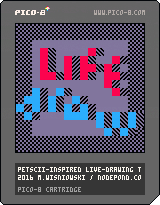
The first "official" release of the PETSCII-inspired pixeleditor Lifedraw.
Controls:
Cursor keys - move
X - Menu / Select tile and other feature from the menu
C - Draw
Post works made with it with the hastag #lifedraw. Have fun and enjoy the ride!
6 comments


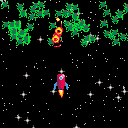
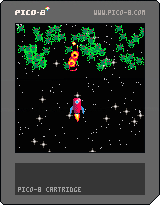
I wrote this little game with my niece and nephews, to show them how games are made.
My nephew said he thought it'd be all much easier...
Use the arrow keys to steer the ship.
Use X to spawn green slimey tentacle aliens.
Use Z to fire a space rocket at them.
SAFE THE UNIVERSE! DO IT! NOW!!!
0 comments

I know at least 90% of us who trawl the forums already own PICO-8, but just thought I'd share for the few who don't. You can get PICO-8 in the "Beat the Average" bundle for currently less than $7, or pay $10 to add Voxatron. Lots of other good software in there as well.
Here's the sauce: https://www.humblebundle.com/game-developer-software-bundle.
3 comments




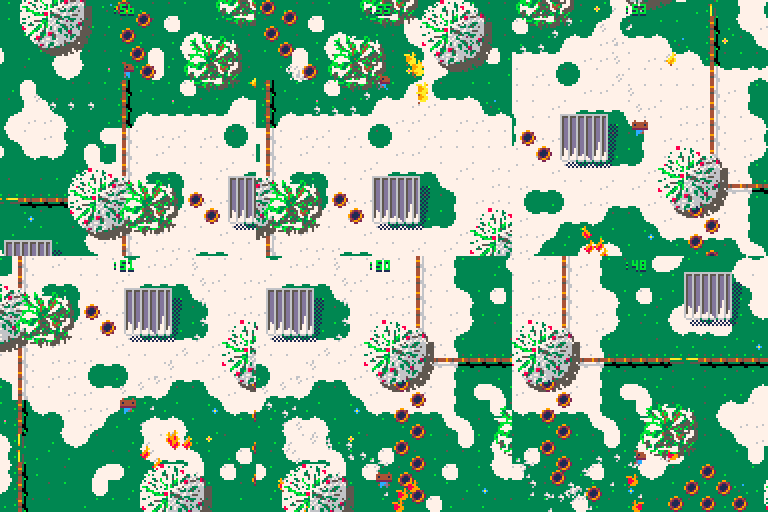
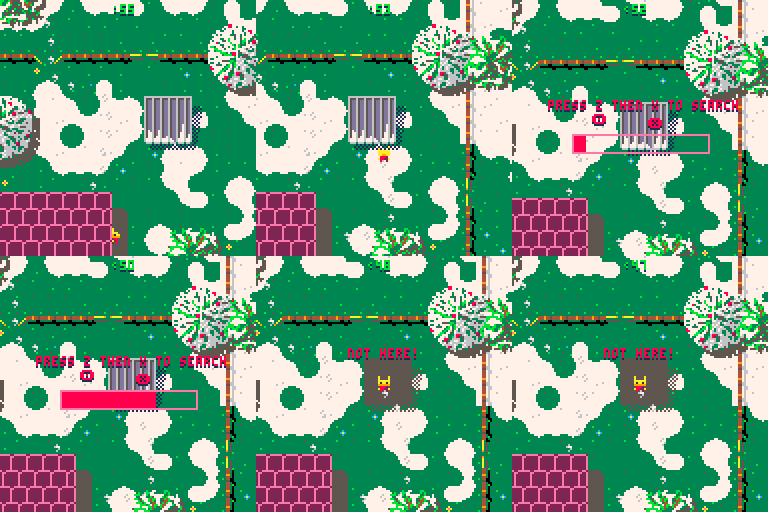
Melting Snow: Hide and Seek is a two-player hide and seek game played in the snow. The first player hides. As you do so, you inevitably leave clues: footprints in the snow, barrels pushed out of place, gates left open, chickens frightened into odd places. After you hide, the second player (who has been closing his eyes) takes over as the seeker. You look for the hider, but not just anywhere: try to narrow your search by deducing where the hider must be. To investigate a place, move to it and then tap the Z and X keys rapidly back and forth. Once you've filled the search bar the game will tell you whether you've found the hider. If not, keep searching until the time runs out.
Good, quick fun for families and friends. Enjoy!
8 comments



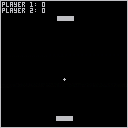
Just a Hello World style program with Pong
Usually a C++ SDL2 Developer and haven't used lua in a while and wanted to get to grips again
0 comments
Hello. After website redesign, new Pico-8 player is terrible slow. It calls _update60 function 30 times per second, even if there is no CPU lag (stat(1) ~ 0.11)
Here is test:


It works great on desktop Pico-8 and when exported to HTML5. But it plays terrible on this website, every second lasts for 2 realtime seconds.
4 comments


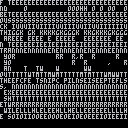
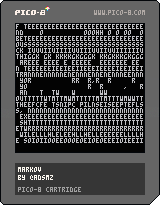
press z to generate text using a markov chain
this is almost done. almost. I'll keep working on this until it works. or until someone else makes it work.
usage:
place the markov function in your code
markov(input text,n-gram length,[output length] |
input text - string, required
  this is the string you want to use to teach the neural network with. it's used to populate a table of n-grams, then later to build the output string

n-gram length - integer, required
  the length of each n-gram. an n-gram is a string of characters with a length of n. these are pulled out of the input text by stepping through it character by character

output length - integer, default 32
  how long the outputted string should be
known issues:
- lookit that wacky output
- it sometimes hangs if the input text is too short (this shouldn't be a problem with a good paragraph. a standard lorem ipsum or navy seal pasta works fine)
- it's probably poorly optimized and messy
based on this [youtube]eGFJ8vugIWA
0 comments

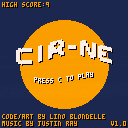
Cir-ne is a game where you must be in the good side to avoide circles.
Collect white circle to raise your score !
Control :
Move with left and right arrows.
Change side with "C".
New ! Now the game save your high score (report me if there is some bug).
Better graphics.
10 comments


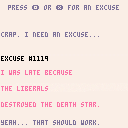
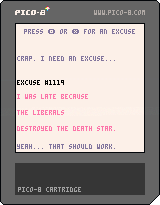
Hello there sir/madam/organism of equal or greater sentience! Have you ever been caught in a compromising situation? Of course you have! Remember how embarrassing it was? Don't you wish you could have had a great excuse ready? Well, now with The Excuse Machine, you never have to worry about coming up with a convincing lie ever again!
 1 comment



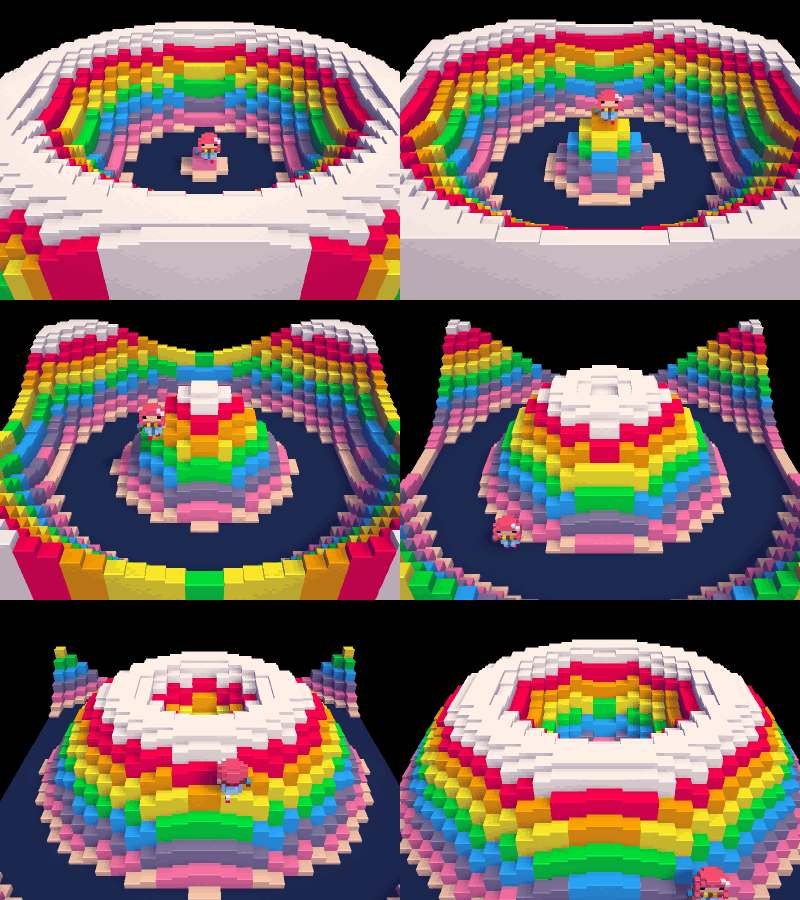
A heads up for Voxatron users -- the first version of the Lua api will be out next week in 0.3.5!
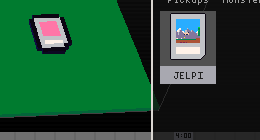
Pictured above is the result of drawing voxels directly into a room's map. The 0.3.5 api also provides access to actor attributes and state, spawning, camera control, and direct access to the display. The entire PICO-8 api is in there with some 3D counterparts (line3d, box, sphere), and it's possible to import a pico-8 cart into the resource tree, place it in a room, and run the cart on a single slice of the display. The .p8 cart shows up in the resource navigator, and is placeable in the room like this:
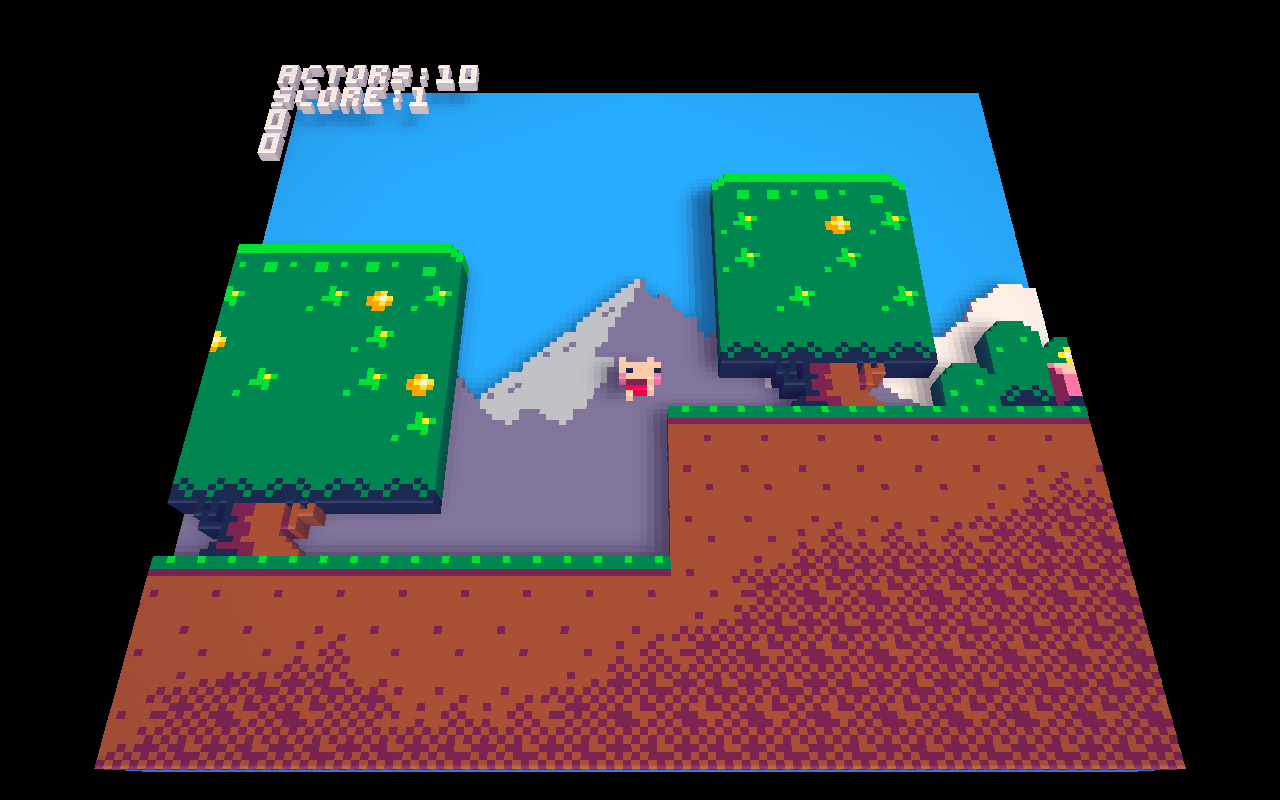
The code can also be edited to make slight adjustments for the 3d display:
In other news, I've updated the website with mobile-friendly cart listings and touch controls for the carts. It's still a work in progress -- the sound in particular is very choppy or missing altogether. But apart from that it is quite useable. If you have a modern phone or touch device please try it out!
15 comments








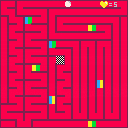
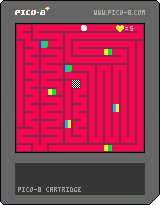
Move within the beat towards the goal in the middle!
Don't stand still.
Don't touch the walls.
Have fun and give feedback if you want to :)
0 comments
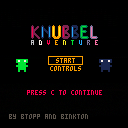
Move - [Arrow Keys]
Interact - [C] or [N]
Cancel - [X] or [V]
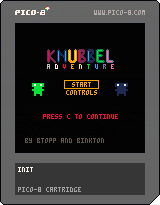
Knubbel Adventure is the result of a gamejam! (2016)
- Created by Btopp & Binkton
0 comments


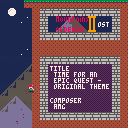
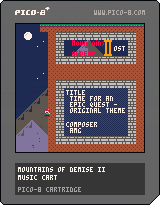
a music cart for Mountains of Demise II because I couldn't resist the urge to listen to this awesomeness in a separate cart.
use freely.
0 comments