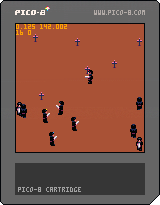
I am going to throw together a last minute entry for the Game Boy Jam (https://itch.io/jam/gbjam-5). I just started tonight, and the deadline is end of this weekend (Oct 9th, 2016), so this will likely be a pretty rushed entry.
I'm a programmer, and I would love to work together with an artist and sound designer if possible to help add some visual polish.
If you are interested please post some links to you work; preferably completed projects.
GAME IDEA
Wave Race Legend
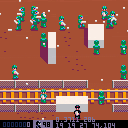
2D jet ski game where you bounce off waves trying to take down AI opponents. A mix of Joust and Wave Race 64.
For simplicity there will likely be no "race" aspect to the game; just survive as long as possible.
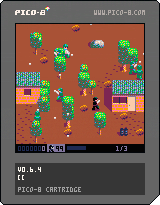
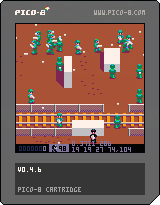
As I mentioned, I just started this project, but here is a quick gif of my current progress to hopefully give you an idea of what I mean:

ABOUT ME
Here's a couple of carts are recently released:



 26 comments





PICO-8 0.1.9b builds are now live on Lexaloffle and Humble.
This is a bug-fixing update, mostly for crashes related to switching between widowed mode, full-screen and minimized windows. I've also included the dynamically linked pico8_dyn versions in the linux archives, that were missing from 0.1.9.
The Windows installer & .zip file include a more recent sdl2.dll, although there weren't any known issues relating to that.
I've switched back to shift-a..z for glyph entry in the code editor, as alt-a..z is sometimes reserved by the host operating system. If you find yourself accidentally entering the extended characters by accident, you can turn this off in config.txt (near the bottom). To enter glyphs without shift-a..z, press ctrl-k to toggle glyph mode.
Changelog:
v0.1.9b Added: Alternative function key mapping: ctrl-6..9 for F6..F9 Added: Alternative glyph entry method: (ctrl-k) to toggle glyph mode Changed: Enter glyphs with shift a..z, but can be disabled in config.txt Changed: Increased emscripten ram to 128MB (some carts at risk of running out) Fixed: Crash when window size is tiny or minified Fixed: Crash on toggling fullscreen mode Fixed: printh can write files outside filetree (security issue) Fixed: show_fps (can also now be toggled with ctrl-1) Fixed: Shorthand if/then syntax error when using the form: (functionname)(param) Fixed: log.txt not saved in path specified by -home switch Fixed: Default application data folder created even when -home specified Fixed: Missing dynamic builds (pico8_dyn) from linux archives Fixed: Removed unneeded RPATH from linux binaries Fixed: export foo%d.wav fails to write multiple files |
36 comments


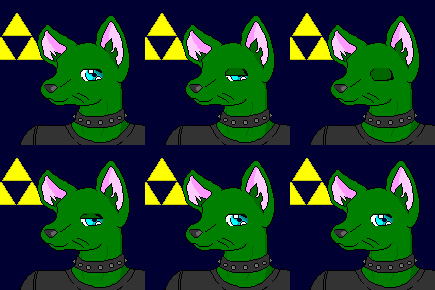








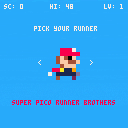
Improved collision detection with enemies- now uses standard bounding rect (as opposed to a single pixel check)
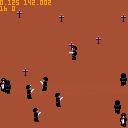
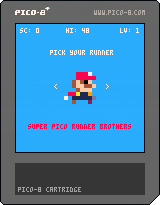
Super PICO Runner Brothers allows you to play as four familiar characters and complete a single stage runner competing for a high score. Complete the level, gain points, and repeat at faster speeds.
This started as a quick experiment with PICO-8, thanks to the fanzine, second edition where you'll see the art I used for the game characters.
Press left and right arrows to select your character, and Z or the fire button to start. Then when playing using left and run to speed up and slow down, and either up or fire to jump. Hold for longer jumps.
Good luck, I've only made it half-way through level 2 myself, but I expect it should be reasonable to make it through well into level 3 or 4 where the speeds probably become prohibitive beyond that.
11 comments


Invader Maker
i originally wrote this for blitzmax back in jan of 2016.
The principle is the same:
[1] Generate 9-16 dots in a 4x8 field. (4-across cause it's mirrored when plotted later)
[2] Ensure all dots touch each other. (no stray dots)
[3] Mirror the field horizontally. (pixels 5, 6, 7, and 8)
[4] Then pick 2-random colors to paint it with. (no same colors)
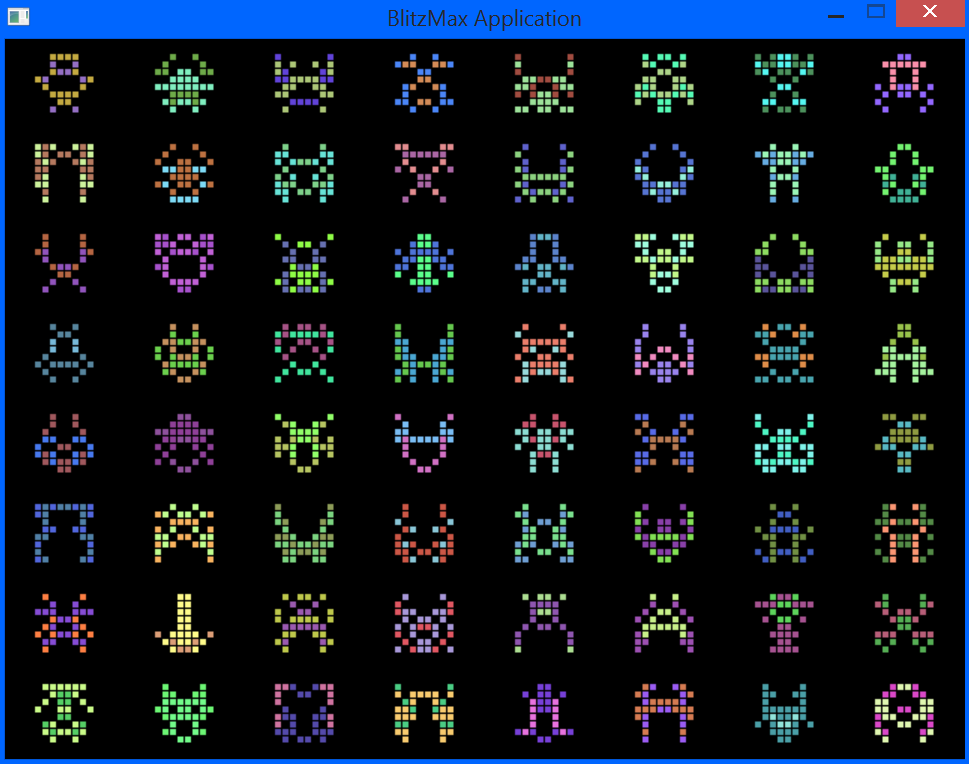
Here is how it looks in BlitzMAX. Since the screen is a little over 1200 pixels across, you can get some nice detail, including a single pixel separation per bigger pixel to make it stand out better.
 6 comments


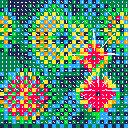
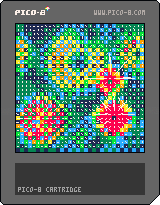
Another thing I've been working on, a 2D fluid dynamics in PICO-8 using vector field.
Probably could use some optimisation. Press and hold button to add pressure at random point.
0 comments



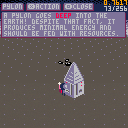
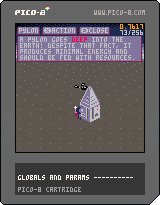
Just a simple work in progress of what could at one point become an exploration/building game with little pip robots!
--changelog--
rev1: added basic ui for information on elements.
rev0: simple movement.
3 comments

Hey all, I've made a little PICO-8 introductory tutorial for the company I work for. I used my PocketCHIP to create the "game" in the tutorial :)
http://tongullman.blogspot.jp/2016/10/pico-8-introductory-tutorial.html
2 comments


[**could not embed: -]
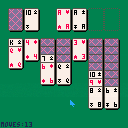
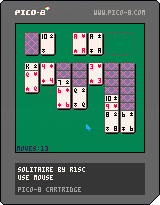
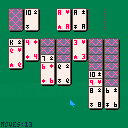
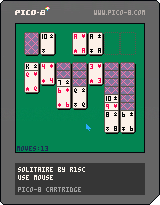
Solitaire (Klondike)
Use a mouse
Left button picks and drops cards
Right button pans the board a bit to show long piles of cards
5 comments

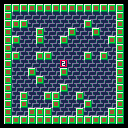
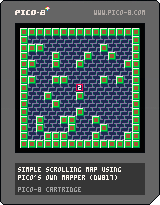
As some of you new to PICO might be asking. How can I make a smooth-scrolling map ?
The solution ? To use PICO's own MSET() to plot tiles into your map space and MAP() to draw it all out.
Check the code carefully though ! PICO apparently cannot by default smoothly scroll a map one pixel at a time so I am plotting the map using a modulos of 8 steps to count as one tile for pixel-perfect movement.
Hit the (Z) key to change from the 1st room to the 2nd.
A center digit will tell you which page you are on.
When you get to the end, before you hit a key to return to the prompt, hit CTRL-R right there to run it again.
10 comments

I am working on my first serious endeavor (something like flappy bird mixed with side scrolling shooter boss fights) and would appreciate some help regarding the scrolling maps.
The idea is that the map is divided into several 16x16 tile sections (one whole screen) and that these sections would scroll at a constant rate as you attempt to avoid obstacles. I wanted the scrolling obstacle sections to be randomized for replayability.
i.e. Your character starts in section Z. As it starts to scroll across the screen, section X follows it. Section Y follows section X, etc. for N iterations. At which point, a boss battle takes place.
Has anyone attempted something like this before? Are there any examples of games that could be useful?
Thanks in advance.
10 comments


This really does feel like the old days. Where you would turn on a BBC Micro, C64 or MS-DOS computer and then get stuck in.
When I saw the program does peeks and pokes I nearly wept. Out of nostalgic joy and flashbacks to getting the C64 to bloody do what I wanted it to lol.
I love the little pixel editor. Reminds me of SEUCK in the way it works. And the Wave editor is like something I used on the Amiga.
Bravo!
0 comments

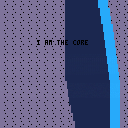
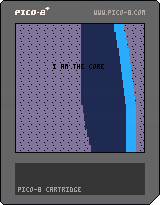
The Core for Deadline-Demoparty, Berlin 2016
The first demo I ( @Nodepond) made together with @gruber_music.
Demo was released at the deadline-party in Berlin an made the 3rd-place at the combined newschool demo category. Pico-8 is still not a single category in the demoscene yet, but more and more people hear about pico-8.
https://demozoo.org/productions/163764/
 1 comment
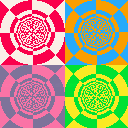
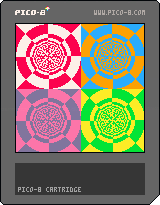
I've started playing with PICO-8 yesterday, and wanted to level up my skills by creating this simple demo.
It's based on the old demoscene approach of building LUTs (look up tables) for angle and depth of each pixel, and then using the values as texture coordinates.
If you want to learn more about the effect, my friend Ben has a great writeup on it:
3 comments


Could be me been tired. But I don't get why my character is falling through the map.
I thought I had done some basic collision detection, after following some tutorials. However it doesn't seem to work and my character simply falls straight through the map.
--player variables
p1=
{
		--initial sprite start
		--point and velocities
		x=64,
		y=24,
		vx=0,
		vy=0,

		isgrounded=false,

		grav=0.2,
}

function _update()

--left and right movement
p1.dx=0
if btn(0) then --left
		p1.dx=-2
end

if btn(1) then --right
		p1.dx+=2
end

p1.x+=p1.dx

--gravity
p1.vy+=p1.grav

p1.y+=p1.vy

local v=mget((p1.x+4)/8,(p1.y+8)/8)

p1.isgrounded=false

if p1.vy>=0 then
		--look for a solid tile
		if fget(v,0) then
			--place p1 on top of tile
			p1.y = flr((p1.y)/8)*8
			--halt velocity
			p1.dy = 0
			--allow jumping again
			p1.isgrounded=true
		end
end

end

function _draw()
cls()

map(0,0,0,0,128,128)
spr(48,p1.x,p1.y)
end
|
13 comments


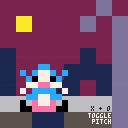
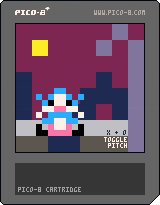
I've got no programming knowledge.
Just mucking around.
[UPDATED: Pitch toggle and new tones]
3 comments
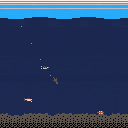
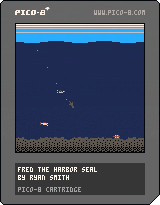
Just a game I made to learn pico 8.
In game help shows the controls. Once you begin a dive, you can't stop or change course. Dive while moving to go to the bottom. Dive while floating to go about halfway down. Game ends once you eat about 50 fish and then your score is shown.
Eat fish!
6 comments