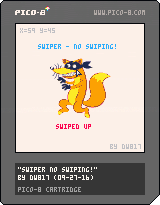
Update (09-28-16)
- Set it to clear message if invalid swipe
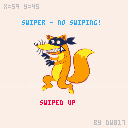
My friend Chris has a great cellphone. It's touch-screen and he was showing me a feature I didn't know about called SWIPING. That is, you take your finger on the phone and drag it up, down, left, or right - quickly, and it registers as changing pages.
With the advent of PocketCHIP's -ahh- marvelous keyboard, I suspect users of the device will be more interested in carts that take advantage of its touch-screen technology.
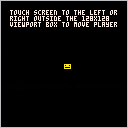
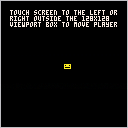
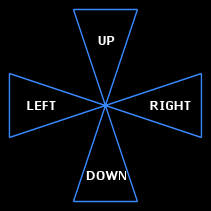
I thought about it for a second, determined you needed to have some tight triangles for movement and am seeking that. Here is a picture of what my code is looking for:


 2 comments



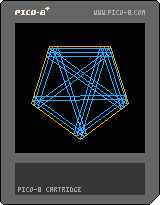
Inspired by ProjectEuler #202, this is a geometry toy that shows how a laser will bounce of the mirrored sides of a regular polygon
Left/Right - adjust starting angle
Up/Down - increase/decrease the number of sides
CC0
1 comment

This HTML5 program is mosaic processing in the palette of the PICO-8.
High-speed processing in the local processing.
http://www6.plala.or.jp/TimeTripper/html5/pico8.html
 2 comments
First time of the PICO-8 program at PocketCHIP
particle calculations using Lua of table
https://www.lexaloffle.com/bbs/?tid=27751
 0 comments
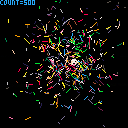
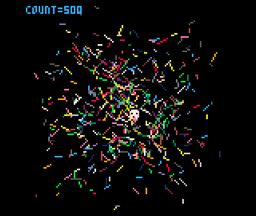
This is the first program in the PICO-8 of PocketCHIP.
Move the cursor keys
Decrease in the x key
Increase in the z key
1 comment


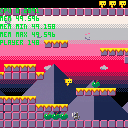
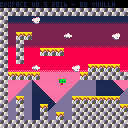
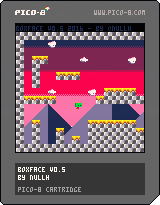
CONTROLS
Left/right - move left and right (original!)
Z - do a jumping
Been working to create a simple framework for a platformer. No ideas of gameplay yet, but I'm happy with the look and feel of it.
Massive thanks to mhughson for his Micro Platformer to get me started.
7 comments



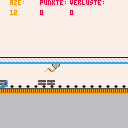

A while back, joshmillard posted Pico Jr, a fantasy-console-within-a-fantasy-console based on these specs:
"- 48*48 pixel four-tone greyscale graphics (so, colors 0, 5, 6, and 7 in the PICO 8 palette)
- 2 channel sound
- dpad and one button (other button could be reserved for meta-game/menu stuff)
- 1 page of sprite sheet
- standard sprite size of 6x6 pixels
- dodgy slow-refresh LCD screen (could simulate this by checking screen buffer every frame and only allowing pixels to move one shade of grey toward whatever the target is)"
I extended Josh's prototype by overwriting most of the Pico-8 functions with wrappers that enforce the Pico Jr limits. For example, if you use pget(12,5), it will give you the value of pixel 12,5 on the Pico Jr screen instead of the Pico-8 screen. It will also give you a color from the Pico Jr palette of {0,1,2,3} instead of the actual Pico-8 values of {0,5,6,7}.
Some functions have been disabled entirely, for example:
- No map support in Pico Jr
- No direct memory access (poke, peek, memcpy, etc.). Sorry tweet-jammers.
- No custom menus
- No cart data (for the time being)
If you try to use any of the disabled functions, like memcpy() or map(), your code will crash with a syntax error.
Other limitations to be aware of:
- I have hardly tested this at all. It's probably full of bugs.
- Put your code into the usual _init(), _update() and _draw() functions. Bare loops won't render correctly. (Sorry again, tweet-jammers.)
- Keep your code between the "your code below" / "your code above" blocks.
- Avoid using function or variable names that begin with two underscores (__). That's how all of the backend functions are named, and if you use that pattern yourself, you might end up overwriting something important.
- I didn't build in Josh's suggestion of 6x6 sprites. All the sprite functions are still based on standard 8x8 sprites.
Here's Josh's original Jump Guy, updated for the new dev kit.
14 comments






Hey everybody!
I downloaded Pico-8 a little while ago because while I've developed some games in the past - they've all been with programs that didn't require any coding on my part (like Twine). But I've really wanted to start working on what I've always wanted to make: a basic exploration-based platformer. I've never really worked with code in my life and I've looked up several tutorials, but I haven't found anything yet on how to make a game like this and I'm really struggling with getting started on this (coding is a lot more intimidating than I thought even though Pico-8 simplifies things by a huge margin).
Basically what I'm asking is - where do I get started to make a basic 2D platformer ala Super Mario? Thank you so much to anyone in advance who has any helpful advice or comments. If I ever get my passion project made I'll be sure to share it with everyone here :-)
2 comments



UPDATED: 10/01/18
Updated the font. Removed hard edges, softened them, expanded all images to be at least 7-pixels across, added some descenders, and completed the remaining drawing elements for the butterfly vector palette. Also installed standard PICO-8 licensing emblem and notification.
Details: https://www.lexaloffle.com/bbs/?tid=31927
Updated to save all SRAM now. CSTORE() RELOAD()
This UPDATED cart (09-28-18) now takes advantage of the ability to save 4096-bytes externally, thus you have 17-pages to work in. Were you using only 256-bytes, you could only have a single 16x14 (224-bytes) text page to edit.
13 comments





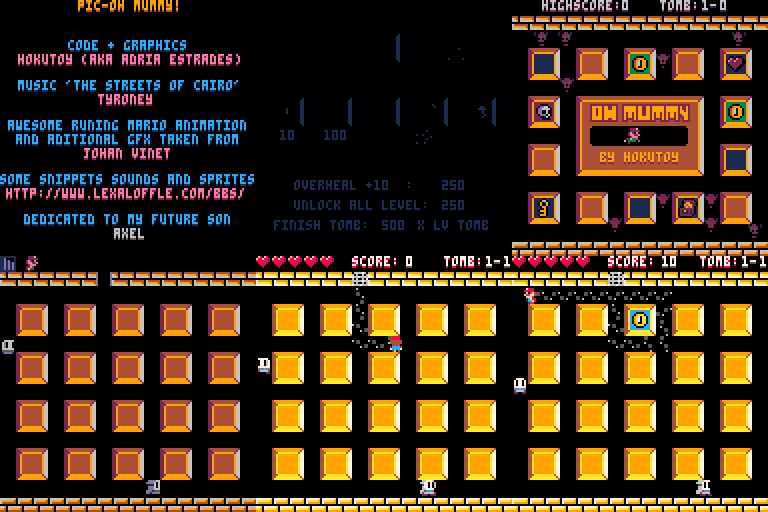
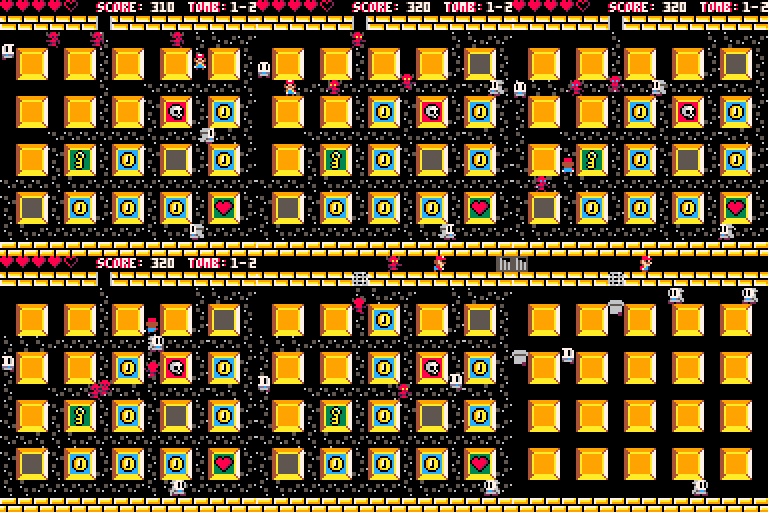
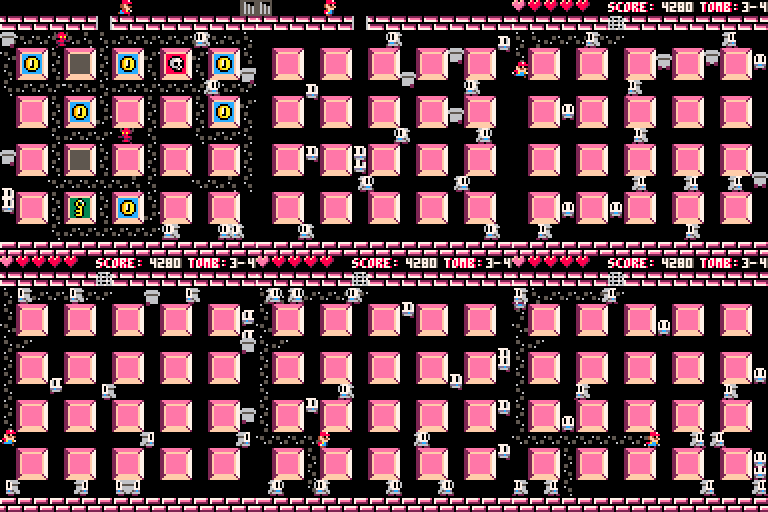
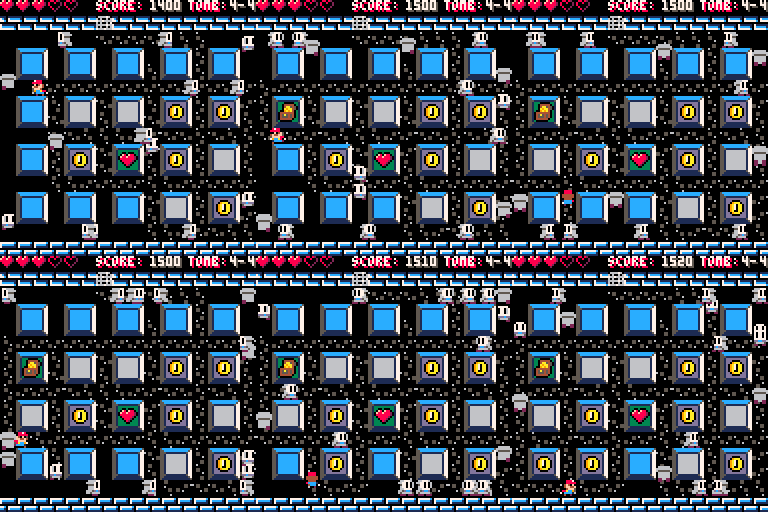
I present my first pico8 game, PIC-Oh Mummy, a remake of a old game i played on Amstrad CPC when was a child.
Hope you enjoy it! Post your score or how deep you did!
PD:
Great thanks to Tyroney for the music... it was crucial for the project!
Thanks to all de people of the BBS for his works and codes. I took one thing from here and one from there... ;)
PD2:
Do not look the source code ... seriously.
I'm not a programmer and i have no previous experience in coding in LUA, java, C or anything else (I've only made some games in FENIX/ BENNU GD) so the code in full of mistakes and things done wrong that i learned the hard way.
Sorry for my bad english ;)
Enjoy!
21 comments



Would love some help optimizing the code! :)
edit: Version 2! down to 504 tokens!
edit: Version 3! down to 484 tokens!
edit: 480 tokens :O
- graphic section E
- map section Q
- sprite logo 7
- sfx banks NONE
- music banks NONE
- cart data section NONE
- 3618 chars
7 comments

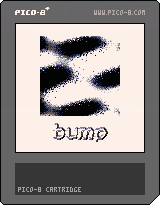
This is a first attempt at creating a bump map lighting effect. The funky gray plasma thing is just there for pizzazz. The world can always use more pizzazz.
-Electric Gryphon
1 comment

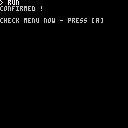
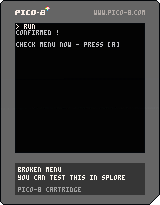
Guys, do any of you know how to make the onboard menu plugin command work properly in this code ?
I want the text, "confirmed" to only appear WHEN you select the menu item. From here, don't press [A] as that will only exit the program.
Instead press [ENTER] and select, "test." You will see that it does not run the function associated with it.
-- broken menu
-- you can test this in splore
-- or online

function main()

menuitem(1,"test",doit())
getkey("check menu now")

end

function doit()
  print"confirmed !"
end

-- simple get and wait key [a]
function getkey(t)
  if t!=null then
    print""
    print(t.." - press [a]")
  end
  repeat
    flip()
  until btn(4)==false
  repeat
    flip()
  until btn(4)
end--getkey

main() -- nifty put at top
|
8 comments



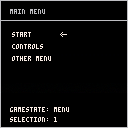
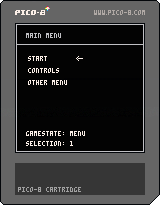
Another very basic demo of a menu and managing various gamestates.
There are better ways to do it (like an int instead of strings) but this is the most verbose and easy to read.
Even if you know how to do this basic little thing, its handy having copy-paste code material on hand...
18 comments

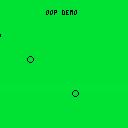
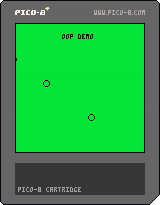
This is a very basic example of how to use 'Object-Oriented Programming'.
I thought lua objects were a bit odd when I started using PICO-8 and I know that PICO-8 is used in education sometimes, so maybe this could be useful for someone just starting to code.
Or not _|7o
Who knows
I want to post the code as a snippet too but I'm sure how, without retyping the whole thing. There must be a way to extract the code from the cartridge here, like there is when you're in the actual PICO-8 software....
0 comments
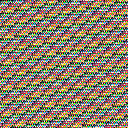

The sign of victory ! It's been a good day !
Here is the code I wrote for it:
--[[

------ f i l e - 8 k ------

program to test saving off
more than 256-bytes of
persistent data despite any
version changes.

big props to tyroney and
rytrasmi for having the
patience to teach me this. :)

--]]

function main() -- begin

pic={} -- empty array

-- generate serious nonsense
for i=0,8191 do
  pic[i]=flr((i+i*1.77))%256
end
-- how much ram do i have left?
-- :)

-- show a bit of it
cls()
for i=0,8191,255 do
  print(pic[i])
end

getkey("ready to convert")

for i=0,8191 do
  poke(24576+i,pic[i])
  -- save it out
end
getkey()

cstore(0,24576,8192,"_data.p8")
-- save screen at memory loc 0

cls()
getkey("saved")

getkey("ready to load")

reload(24576,0,8192,"_data.p8")
-- load 8k at screen start

getkey()

pic=nil -- erase array !
pic={}

for i=0,8191 do
  pic[i]=peek(24576+i)
  -- get it all back
end

cls()

for i=0,8191,255 do
  print(pic[i])
-- proof is in the pudding !
end

getkey("complete !")

end
-- end of main

-- simple get and wait key [a]
function getkey(t)
  if t!=null then
    print""
    print(t.." - press [a]")
  end
  repeat
    flip()
  until btn(4)==false
  repeat
    flip()
  until btn(4)
end--getkey

main() -- nifty put at top
|
10 comments