





Hi,
I'm a bit of a beginner where programming is concerned, but I'm trying to work out how best to create an infinite scrolling background for a side-scrolling shooter game.
I figured that the way to achieve this would be to make a screen full of sprites and move them to the left, deleting them once they are off the screen and replacing them with new sprites on the right. I have managed to achieve this, but I don't think the performance is that great. It doesn't feel very smooth.
Am I doing it the right way? Is there a better way?
Thanks for any help you guys can give!
--tile scrolling

function _init()
	tile_h={} --horizontal tile strip

	--spawn 16 tiles in strip
	for i=0,16 do
		spawn_tile(i*8,0)
	end
end

function _update()
	foreach(tile_h,update_tile)
end

function _draw()
	cls()
	for i=0,16 do
		foreach(tile_h,draw_tile)
	end
end

function update_tile(t)
	t.x-=1 --move tile to left

	--if tile off edge of screen
	if t.x<-8 then
		del(tile_h,t) --delete tile

		--add new tile to right
		spawn_tile(16*8,0)
	end
end

function spawn_tile(x,y)
	local t={}
	t.x=x
	t.y=y
	add(tile_h,t)
end

function draw_tile(t)
	--draw 16 tiles vertically
	for i=0,16 do
		spr(1,t.x,t.y+i*8)
	end
end
|


 5 comments


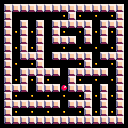
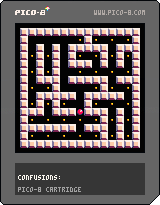
It's my first PICO-8 cartridge uploaded here.
Move with arrow keys and press Z to regenerate.
I've used Prim's algorithm for this. Some common patterns are visible which I don't know how to fix.
This might be buggy, if you're unable to collect all pills please let me know and comment about it because I was a little confused when I coded this.
0 comments

Hello!
First, let me say how impressed I am with the things I've seen from the PICO community so far. It blows my mind how far you guys have already pushed this 'console' and I am super excited to get familiar with PICO and contribute.
I am currently using 1.8, and I'm in Ubuntu in crouton on my Chromebook. When I start PICO, it opens up in fullscreen, which is sort of an issue for me. I would really love to be able to unfocus from the window and resize it smaller, so that I can have some documentation and code on-screen, but I don't know how, or even if such a thing is possible. Has anyone also run into this?
Thanks in advance!
8 comments





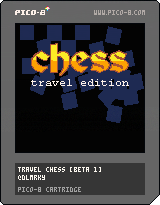
Early beta for Travel Chess.
It replicates the little magnetic chess games I used to play with my brother in the back of the car on long journeys... (which I lost every time).
Todo: [table]
[tr][td][b]
3 comments



i'm just going to go over this cause i can't find this game anymore. i found this game on new games , i downloaded tried to play nothing eventful happened in the game. so then i thought this game could use so much more color, it ended with me breaking the game. if you made this im sorry cause i ruined your game didn't mean to but i just found it to be kinda fascinating how now its about making the screen perfect :)
0 comments
i'm just going to go over this cause i can't find this game anymore. i found this game on new games , i downloaded tried to play nothing eventful happened in the game. so then i thought this game could use so much more color, it ended with me breaking the game. if you made this im sorry cause i ruined your game didn't mean to but i just found it to be kinda fascinating how now its about making the screen perfect :)
0 comments
Hello all.
I'm a fairly new enthousiast Pico-8 user. I realy love the vibe that the Pico-8 community produces.
Plugging into that vibe I'm mentaly transported back to the late 80's and early 90's when i was fumbeling around using my MSX home computers. And trying to get the damn machines do what i wanted using MSX basic "code"
Currently if i'm playing a pico-8 games I'm playing them using a Xbox 360 gamepad. But it just doesn't feel right.
So i orderd some USB NES pads.
Then it came to me, on the MSX I played everyting using my (in the Netherlands famoust) "The Arcade 2" joysticks.

Look at that princess.
If Pico-8 would be a real (non virtual/fantasy) system what whould the default imput method be.
A controller (NES/Sega Master System like) or a joystick (MSX/atari/ C=64, Amiga) like?
1 comment


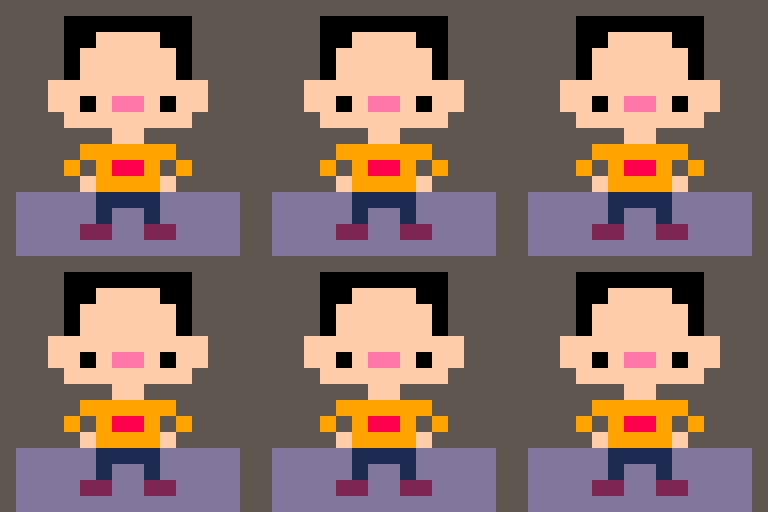
(1st Pico-8 game)This is mostly for myself, but you are welcome to watch this develop.
Rough summary:
You are a tiger who craves human flesh. Eat as many people as possible without being shot by a hunter or starving to death.
Ideally, this would consist of a fair size overworld, or overworlds, which contains a multitude of prey. The number of hunters increases as you kill more, but you can hide in bushes/shadows.
Other features might be added once the game is playable.
0 comments

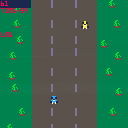
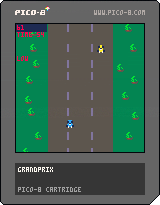

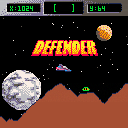
Here is a cartridge I was working on and forgot about. It's a happy surprise that it is more or less working!
4 comments


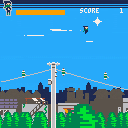







I might answer my own question here, but I want to take music from one cart and add it to my cart.
From what I've read, I need to copy the sfx and music sections of Cart A and paste it into Cart B. Easy enough, however, I've already made sound effects for Cart B. Am I correct in expecting that my sounds will get overwritten when I paste in Cart A effects?
Any nice way to import music without clobbering my own sound effects so I don't have to remake them? They're not great or anything, but making sounds is easily the most tedious thing in Pico8 and I'd hate to spend all the time to try and churn them out again.
Or maybe my game just won't have music...always an option...
2 comments

Hi i am trying to export my sounds but it gives back wav files with zero duration.
Im using this command: export("sound%d.wav") after making some wav's
Please help.
2 comments



Hi guys,
The Lair is almost ready for public consumption, but I'd like to playtest it for a while as a closed beta, to ferret out bugs and improve the gameplay as much as possible. This is how it looks like right now:

If you're interested in playing the game and helping out, drop me a line at [email protected] and I'll fire you back a link :)
0 comments

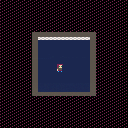
This new version comes with a reduction to two rooms, but makes a certain mechanic really important.
No, there isn't just 1 room, but two. -w- Progress.
There was a huge code cleanup and minification, so we have that going for this version. And the auto generated is back and improved!
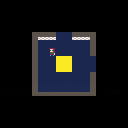
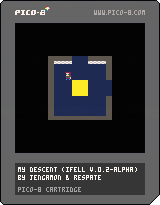
Me and my brother are coming up with a successor of "I Fell", featuring better mechanics, better movement, and hopefully better art and music. I had fun making "I Fell", so I thought, "why not?" This is the result.
0 comments

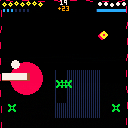
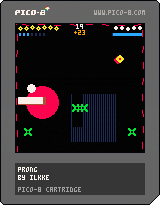
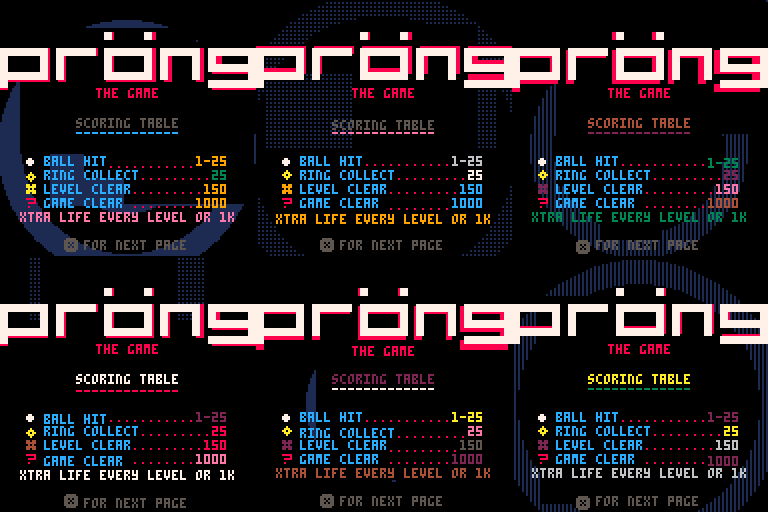
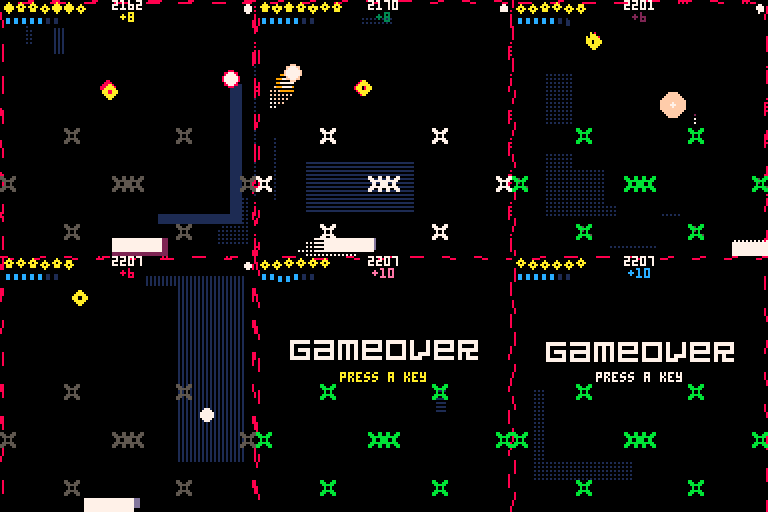
Pröng is a mutant game of pong. Also a techno-thriller dating sim.
This was a bit of an experiment combining many different game mechanics together. It was a lot of fun to make. It was also my first pico-8 project ever so I learned quite a bit.
I might do a write up in the future outlining the development process as I think it would be interesting to share.
Hope you enjoy.
3 comments



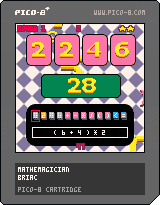



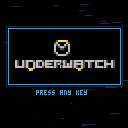
About
Underwatch is an objective based team shooter demake. The objective is to capture the control point (marked in orange) by ensuring that only your teammates are occupying the area.
You must eliminate your enemies and raise your team's capture meter to 100% before the other team does!
Controls
- z: Primary Ability
- x: Secondary Ability
- Up: Jump
- Left: Move Left
- Right: Move Right
Any resemblance to existing copyrighted material is coincidental and unintentional.
0 comments
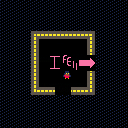
Forgot the instructions: Move around with the arrow keys.
Anyways, the cart is finished, at least I have declared it so. It is not perfect, but it was a nice stretch into what PICO-8 could do.
I enjoyed making this, and I hope you do, too.
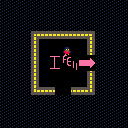
My first cartridge. I was trying to learn the basics of PICO-8 (I literally got it yesterday), and this is want I ended up with. It is nowhere near finished (ignore that 1 in the version). The heaviest inspirations seem to be FNAF and Yume Nikki.
4 comments


Hi,
here is example how to write lua code more as OOP using metatable and user defined callbacks for update and draw per actor.
Note: Plane sprite is created as sprite 2x1 on sprite id 1 and 2.
--   Actors+Actor CLASSes
-- andygfx - cubesteam - 2016

-- Define TActors container class ---------------------------------------------

TActors = {}

-- TActors CONSTRUCTOR

function TActors:New()

    o = {
            list={}
        }

    setmetatable(o, self)
    self.__index = self

    return o

end

-- TActors methods ------------------------------------------------------------

-- add actor to Actors list
function TActors:Add(actor)
	add(self.list,actor)
end

-- delete actor from Actors list
function TActors:Del(actor)
	del(self.list,actor)
end

-- return count of actors in list
function TActors:Count()
	return #self.list
end

-- call user defined update method on all actors in list
function TActors:Update()
	for a in all(self.list) do
		if a.enable then
			a:update()
		end
	end
end

-- call user defined draw method on all actors in list
function TActors:Draw()
	for a in all(self.list) do
		if a.enable then
			a:draw()
		end
	end
end

-- Define TActor class --------------------------------------------------------

TActor = {}

-- TActor CONSTRUCTOR ---------------------------------------------------------

function TActor:New()

    o = {
            name="actor",
			enable=true,
			visible=true,
			x = 0, y = 0,
			_x = 0, _y = 0,
			sprite = 0,
			sx = 1, sy = 1,
			dx = 0, dy = 0,
			update = function() end,
			draw = function() end
        }

    setmetatable(o, self)
    self.__index = self

    return o

end

-- METHODS

-- set actor fields
function TActor:Set(name,sprID,x,y,w,h,dx,dy)
	self.name=name
	self.sprite=sprID
	self.x=x
	self.y=y
	self._x=x
	self._y=y
	self.sx=w
	self.sy=h
	self.dx=dx
	self.dy=dy
end

-- set actor update and draw callback
function TActor:SetCallback(fncUpdate,fncDraw)
	self.update = fncUpdate
	self.draw = fncDraw
end

-- respawn acgtor to start position
function TActor:Respawn()
	self.x=self._x
	self.y=self._y
end

-- pico8 callbacks ------------------------------------------------------------

function _init()
end

function _update()
  Actors:Update()
end

function _draw()
  cls()
  Actors:Draw()
end

-- TEST ACTORS ----------------------------------------------------------------

-- create Actors container
Actors=TActors:New()

-- user defined UPDATE callback for actor
function UpdatePlane(self)
	self.x+=self.dx
	self.y+=self.dy

	if self.x>128 then self:Respawn() end

end

-- user defined DRAW callback fro actor
function DrawPlane(self)
	spr(self.sprite,self.x,self.y,self.sx,self.sy)
end

-- create actor#1
plane1 = TActor:New()
plane1:Set("plane1",1,10,20,2,1,1,0)
plane1:SetCallback(UpdatePlane,DrawPlane)

Actors:Add(plane1)

-- create actor#2
plane2 = TActor:New()
plane2:Set("plane2",1,10,35,2,1,2,0)
plane2:SetCallback(UpdatePlane,DrawPlane)

Actors:Add(plane2)

-- create actor#3
plane3 = TActor:New()
plane3:Set("plane3",1,10,50,2,1,3,0)
plane3:SetCallback(UpdatePlane,DrawPlane)

Actors:Add(plane3)
|
1 comment

