

Grabbed Pico-8 the other day and started playing around with it. I really like it so far! It's challenging, but it's also fun to figure out how to work around the restrictions :D
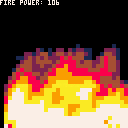
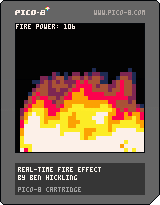
Here's one of those old-skool fire effects you used to see a lot in demos/cracks/intros back in the 80s/90s
Doing large loops over tables isn't too speedy, so I had to cut it down to 32x32 to keep the framerate smooth. It could probably be optimised, but I'm not great with that, so if you spot something that could speed it up a bit, let me know!
Controls: up/down changes the energy of the fire being spawned at the bottom of the screen


 2 comments


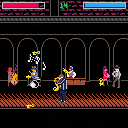
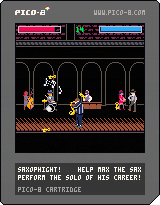
Play as Max the Sax and keep your solo alive for as long as you can against an unending barrage of trumpets in a cutthroat underground jazz club.
This is the first full game I've made in PICO-8, and really my first completed game period. It's an arcade game that procedurally generates music based on how you play. There's a blues mode and a bebop mode (bebop mode let's you play faster but it's also more difficult). High scores and unlocks are saved if you download the cartridge. Instructions are in game!
Also for anyone interested, the source code with version history is up on my github page here.
Edit: the music desyncs really badly on the web player, so I'd recommend downloading the cartridge to play it!
23 comments









If you run a cart, then hit <esc>, followed by RESUME, the btnp function fails.
This simple program demos the issue.
hitbutton=false

function _init()
end

function _update()
 hitbutton=false
 if (btn(4)) hitbutton=true
 if (btnp(5)) hitbutton=true
end

function _draw()
 cls()
 if (hitbutton) print("button",60,64,7)
end
|
0 comments


Based on feedback I've created several variants of the unofficial PICO-8 font file. Please note, I do not claim any copyright - I used FontStruct to make these and it automatically inserts your username for copyright purposes.
PICO-8 mono
https://drive.google.com/uc?export=download&id=0B97Um39fHXlcN0xLMWxkSUdlNFE&resourcekey=0-66wLfWyB7-YBce08y9sgqg
A monospaced font which includes punctuation, uppercase and lowercase letters.
PICO-8 mono upper
https://drive.google.com/uc?export=download&id=0B97Um39fHXlcRWowOXB0Zko5dkk&resourcekey=0-7fJImsUrevG_99_pf4YOEA
A monospaced font which includes punctuation and uppercase letters. Lowercase letters are replaced with uppercase.
PICO-8 mono reversed
https://drive.google.com/uc?export=download&id=0B97Um39fHXlcQnlFNnRKVC1wc28&resourcekey=0-gheBygTpIzOwdeLUppUpNw
A monospaced font which includes punctuation, uppercase and lowercase letters. The uppercase and lowercase letters have been swapped around.
27 comments






Version 2 with more funny effect:
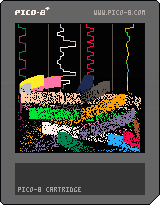
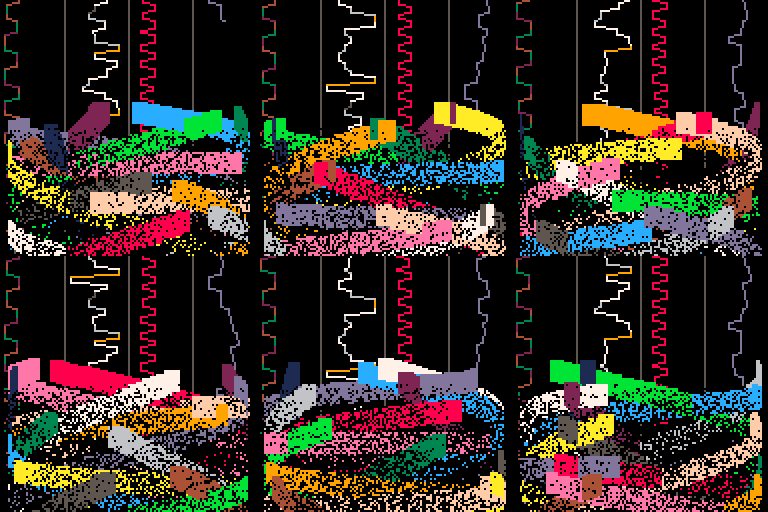
Original version:

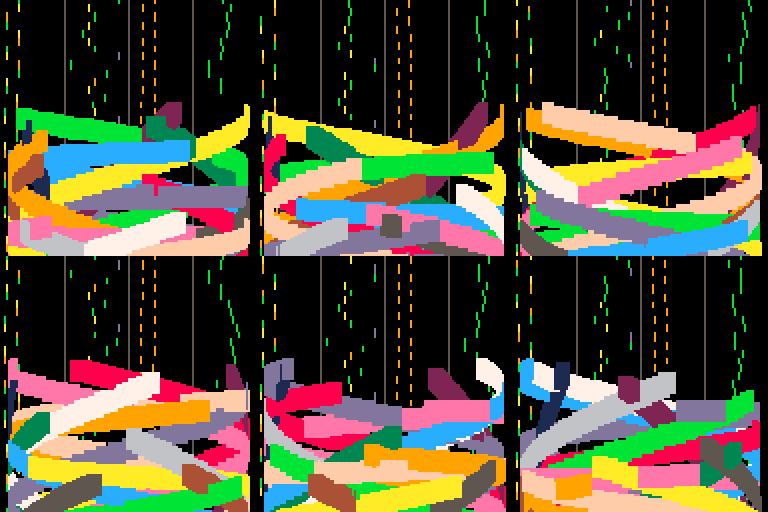
Yet another music visualiser, using the Woo demo music by ZEP
3 comments

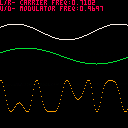
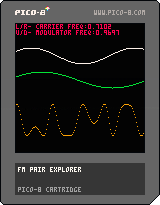
extremely simple and silly FM pair waveform visualizer
left/right to control the "frequency" of the carrier (green wave)
up/down to control the "frequency" of the modulator (white wave)
orange waveform is resultant output waveform
wish i could program the synth too :(
0 comments
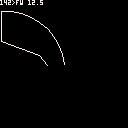
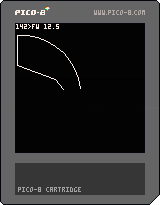
I was thinking about the current #tweetjam #tweetcart and wanted to do something fun an interactive, and though about a logo interpreter, i've made one then i've started to work on making it the shorter as possible, this is the current size it's about 200 chars, but I'm sure it can be done smaller.
How to use:
Left/Right select the logo command:
FW : Forward
TL : Turn Left
TR : Turn Right
Up/Down select the value for the current command, in degres for the rotation (TL/TR) and in pixel for moving (FW)
The top row is used to display the current command:
"A>CC VV"
where A is the current angle rotation (0 is going to the top, 90 to the right, etc..) CC is the currently selected command, and VV the command value.
To "run" the command BTN 4 (Z) is to be used!
This version is a really small subset of the Logo language, and is not interpreted as logo is of course, without a real keyboard it would be really difficult to do something better..
I will post a longer version that support most of the logo turtle commands but not as a language, only as a direct command mode.
Have fun!
It's not the code in the cart, but I've trimed it a bit, it was 346 chars it's now 314! \o/
But this one ditch the left button so you can only select in order FW → TL → TR → FW → ...
z={"fw","tl","tr"} s=1 v=0 a=0 x=64 y=64 cls() function _draw()
if(btnp(1))s+=1 s=s%3+1
if(btn(2)and v<360)v+=0.5
if(btn(3)and v>0)v-=0.5
if btnp(4)then f=sin(-a/360)*v g=-cos(a/360)*v
if(s==1)line(x,y,x+f,y+g)x+=f y+=g
if(s==2)a-=v
if(s==3)a+=v
end a%=360 rectfill(0,0,128,8,0)print(a..">"..z[s].." "..v,0,0,7)end
|
0 comments

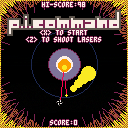
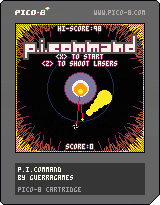
A little Missile Command inspired game. Protect Planet I from invasion.
- Use arrow keys to move the cursor
- Shoot lasers from the planet's eye by pressing <z>
- Button mashing is encouraged, no limits, let loose!
11 comments





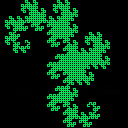
L-System for generating fractal structures like the Dragon Curve. Uses map, gfx_props, song
and sfx memory. No reason it couldn't be extended into user data. It generates the 11th iteration of a dragon curve, but has commented out code to generate a moore curve. Since it overflows into song data, you can hear music generated by the curve. Takes a few seconds to generate before it starts drawing.
0 comments


Speaking of strings, I just saw one of zep's tweets that had this in it:
?"MUSIC"
Did anyone else know that this is shorthand for PRINT("MUSIC")? I don't think it's standard Lua. It's more a BASIC thing. It's not in the manual.
I could shorten my Pi-Ko-Pon game a bit with this...
Edit: Well, maybe. It has to be by itself on a line, and it has to be at the start of the line. Still, useful for printing vars at the prompt:
> STR="THIS IS HANDY" > ?STR "THIS IS HANDY" > |
Worth noting: It calls PRINT(), so if you've overridden PRINT(), your routine will get called when you use the ? operator.
5 comments


With no library support for PICO-8 Lua, strings become somewhat cumbersome to manipulate. Technically, I can do everything I need if I'm willing to dedicate far too many tokens to tables and support routines, but it seems like it's an unnecessary impediment to making textual apps, which probably already have space issues.
I think if we had a few things that I'm actually going to draw from BASIC, it would make string handling much simpler:
CHR(n) would return a single-char string with (presumably ASCII or UCS-8, but possibly UCS-16) character n (0-255 for ASCII/UCS-8 or 0-65535 for UCS-16). It should probably return a blank string for illegal characters (or mod n by the range), and NIL if passed nothing.
ASC(c) (or maybe UCS(c)) would complement CHR(n), taking a string and returning the character value of the first character in the string. If passed a blank string, it should probably return something descriptive like -1 or NIL. Likewise it should return NIL if passed nothing.
26 comments


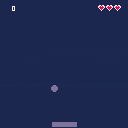
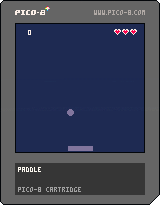
And so i have taken my first baby steps into the magical land of headaches, bugs, and frustrations known as game development. So here i offer up my alternate palate Squashy. I'm surprised at what i learned and now quite excited to learn more! <3
1 comment

hey! i'm using a tiling window manager with no desktop/icons/etc.
all the Pico-8 functions which save files to the desktop try to save to ~/Desktop, a directory which i didn't have.. it just says "saved screenshot to desktop" etc and does nothing. if i create that directory it works of course.
i tried changing XDG_DESKTOP_DIR (which is i think the standard global environment variable used to set Desktop location) but Pico-8 doesn't seem to pick up the change, still tries to save to ~/Desktop.
not really a big deal - i'm just fussy and don't like capitalised directory names =) - but is there any way to change this? thanks!
2 comments


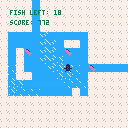
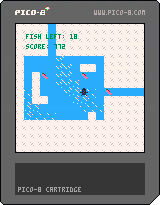
Game made in 1 hour for the One Hour Game Jam.
The theme for this week was "Do it quickly".
10 comments




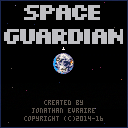
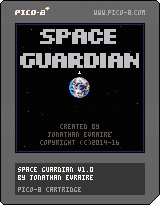
Defend the Earth from a natural disaster: waves of asteroids are on a collision course and it is up to you to stop them! Space Guardian is reminiscent of classic arcade games like Space Invaders and Asteroids. What's your high score?
This is a port of my ludum dare 31 entry which you can play here. I might come back and add sound later.
3 comments



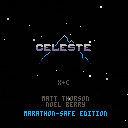
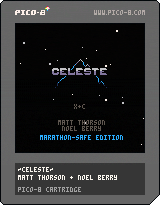
Small mod to Celeste for SecksWrecks' SGDQ run. It modifies the game so that if you complete a level without getting the strawberry, the level resets, just in case, since the run will be streamed live.
Posting it here so it can be found on splore, in case of technical problems.
Changes are here: https://gist.github.com/justinj/7b19cc0ef66f729eb60cc957cedc020e
EDIT: He ended up using the vanilla version of Celeste instead of this!
3 comments


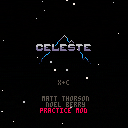
mod of @justinjaffray's original hack made for me to practice individual levels with with slight edits to suit me.
E toggles loop mode
S and F scroll warp target level and D warps
1 comment


I am working on my first ever game, a gltich themed breakout, based on the Squashy from Pico8 Zine#1 and I am now working on making the glitch effects that will be part of the gameplay. What I have now is a way to add a static noise through pget and pset and this kinda corrupted VHS by using random values over x06000 with memcpy.
Memcpy is great for making random glitch effects. But what if we want to, for example, take something from a particular part of the screen and paste it another place we have chosen. Right now I am just doing a trial and error of values and if I get close, I call it a day... but I think there has to be a better way.
Basically, I am wondering if there is a way to find exact memory address of particular screen coordinates? Some kind of a map perhaps of x,y coordinates and memory values? Or even better... a formula that we can use to input x,y of source and destination that would return the memory values we can use memcpy on.
I am pretty sure that there has to be a some kind of underlying math that translates one to the other, but I am a noob, so don't even know where to start trying to back-engineer it.
Would such a map be possible, or would the memory values change depending on color of each pixel for example?
14 comments