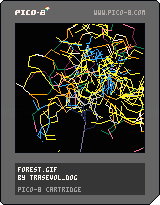
Rerun the cartridge to generate another tree - that's the fastest way to empty memory.
I made this for procjam, kinda late. It generates a tree over time using linked arrays as branch data. Each branch is updated individually when going through the whole branch data tree, linked array to linked array.
You can download the cartridge modify the parameters in the beginning of the code to unrandomize the generation. A set of different palettes is also there, uncomment one to use it. Don't forget to comment the "randomize()" line in the _init() though.
Have fun generating trees!


 4 comments





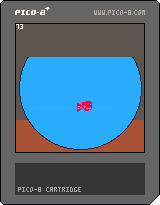
Free time before my cup of tea becomes less warm...
I have to free my mind from the ugly things of the last week.
I will add bubbles and make a game about that.
You will have to feed the fish.
Left, right, down arrow keys to move the fish.
Up will be used to collect food items.
Hope this is fun. At less if you smile my day will be more bright.
3 comments

On the linux version, it seems that the mouse controls the arrows, and clicks go as buttons.
Is there any way to disable it? my touchpad sometimes triggers random movements :(
Thanks!
0 comments
Hello!
I've just uploaded a python tool for downloading cartridges :D
Right now you use it like this:
$ p8dl 10022 |
But, in a future, I'd love it to be able to browse cartridges like Voxatron does.
It should work in Windows, OS X and Linux.
Check it out with
$ pip install p8dl |
The code is here: https://github.com/franciscod/p8dl
What do you guys think?
0 comments

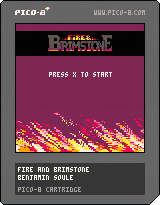
Fire & Brimstone is a roguelike with a randomized skill tree
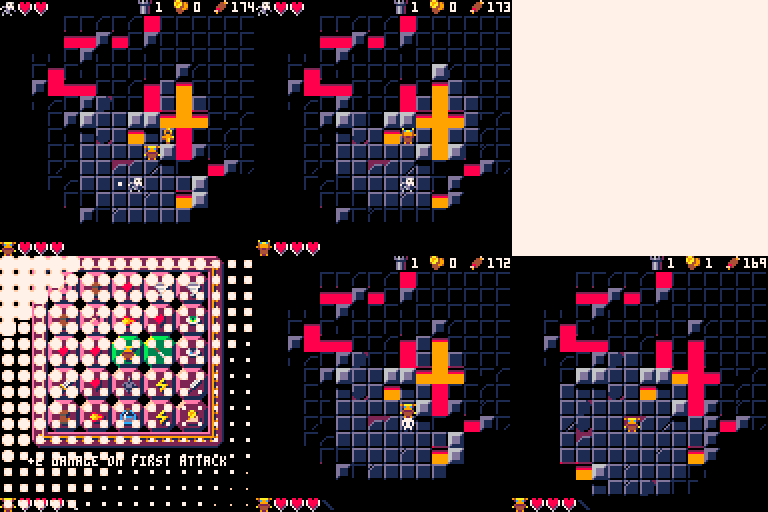
-- GOAL --
You must find the 4x relic parts in the dungeon
Relic parts spawn on floor 2/3/4 + 5/6/7 + 8/9/10 ...
You can also buy a relic part to the shopkeeper for 12 coins.
-- CONTROL --
[arrow keys] move / attack
[z] Swap your active spell
[x] cast a spell
-- LEVEL-UP --
Each level contain a ankh.
Activate the ankh to level-up and unlock a new skill.
unlocked skills must be contiguous.
-- GOLD --
Each monster drop a coin.
You can spend coins with a shopkeeper at level 3 / 6 / 9 / 12 / ...
55 comments








Episode III is out! -> Puzzle Cave III - That 70s Bunny
Hey Everyone,
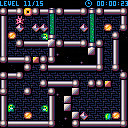
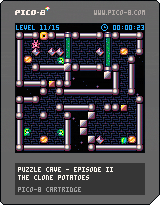
we finally made it! Episode II of Pinkbunny's adventures is here!
Puzzle Cave II - The Clone Potatoes
By popular demand the difficulty level is raised to 'insane' - well, at least when compared to the first episode :D
We hope you'll enjoy this game!
Cheers!
Team Hackefuffel
g1d30n & gizmo
P.S. Post your final score!
Update:
2016-05-22: fixed that nasty sound bug (~_~)\
24 comments


Sometimes it's pretty much essential to view as text the contents of a table in the console in order to debug problems, but currently there's no straightforward way to do that, you have to implement your own function. Could we get something like this in the next version?
1 comment

Here I'll be posting modular resources for use in your cartridges! Each cartridge includes both shortened code, taking up a minimum of tokens, as well as expanded code, with lots of nice formatting and explanatory comments. They're all released under the zlib/libpng license so please feel free to use them in your own project!
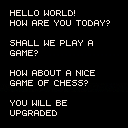
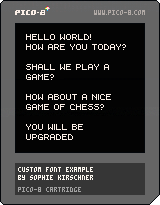
Like me, you may think the default font is kind of awful. If you do, here's some code that will help you render your own! The example font has 64 characters and starts at 0 in sprite memory, but you have full control over which characters are included and where they're located at and in which order they appear by making easy modifications to just a few variables. Take a look at the code to see how it's done!
1 comment


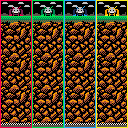
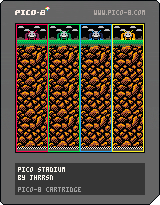
Hey everybody! I'm currently working on a minigame collection in the vein of Pokémon Stadium for N64. Progress has been slower than anticipated due to a deluge of 'real' work, but I'll continue to update this thread as the games get completed. At the moment, the first minigame (Dig! Dig! Dig!) is working and the second (Pico-san Says!) is well on its way.
The game supports four players, and I'm hoping the finished product will be a great companion to three friends and some beers!
Stay tuned!
4 comments


Something that confounded me when I first started using Pico-8 was: Where is my data being saved? For example, I wanted to have Pico-8 look for carts in my Dropbox folder so I could easily share my work between computers and with collaborators. But using this you can put your Pico-8 data wherever you want.
First of all, close Pico-8 if it's already open.
On Windows Pico-8 saves data in "%AppData%/pico-8". (To find where your %AppData% folder is located, you can select "Run" from the start menu and enter "%AppData%", and an explorer window will open there.)
On OSX it saves data in "~/Library/Application Support/pico-8".
You might fuck up, or I might have fucked up, so I recommend copying this folder and pasting it somewhere so if things go wrong you won't have lost your data, you can just copy the folder back and have things back to normal.
For convenience, let's call where you want Pico-8 to start saving its data instead [b]"New/Path/To/pico-8"
14 comments







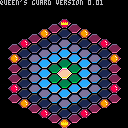
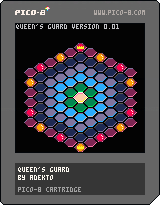
based on an old game i found in a book of board games
curently not functional (and no ai, not sure if i could even fit one in)
the game and rules
2 comments


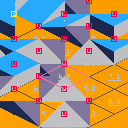
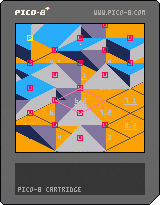
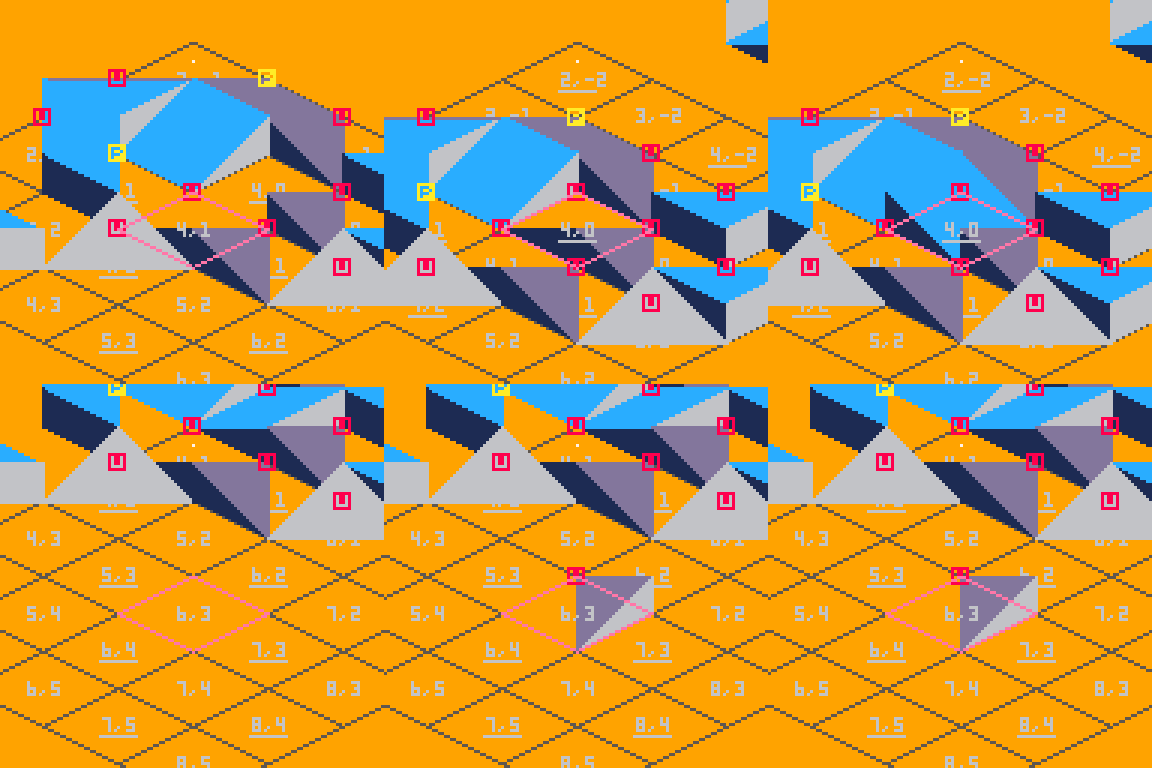
Now it's possible to press RETURN > EDIT LEVEL to use a rudimentary level editor to create your own map.
Keys:
Arrow keys to move the ball,
Z and X to change between maps (used for block testing)
<details>
<summary>Next up</summary>
- Procedurally generate a full landscape
- Blocks casting shadows,
- Some form of game mechanism — probably "The Incredible Machine" inspired
</details>
<details>
<summary>Looking for older versions?</summary>
- 0.3 by cauli
 3 comments


I would expect map(...,0) to draw only tiles with no flags, but instead it draws all tiles. As it is there seems to be no way to draw only tiles which have no flags.
3 comments


Here's a simple ebook reader with the first three chapters of A Tale of Two Cities. Press X to advance (once per paragraph / page).
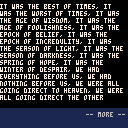
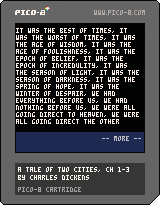
This is a tech demo of some tools I've been working on for developing text-based games. It'd be more impressive if it were an actual game, but this victory was hard won so I'm posting it. :)
Notes:
-
Text is stored in cart data, not as string literals in the code.
- The original source file does have the text as string literals in code. I use a post-processor to extract the string literals, pack them into text data stored in the cart, then replace them with string IDs. I use a custom syntax to flag which strings ought to be extracted so I can still use regular string literals elsewhere. The processing tool lets me adjust the location of the text in memory, so I can set aside space for sprites, sfx, etc. by limiting the size of the text data region.
15 comments









Cursors and a+b is sufficient for almost anything, but what about a pause/menu button? How many controllers have there been that didn't have a start button? It would be really useful, especially for games that are a little broader in scope and could really use a pause menu of some kind.
9 comments