


i will need to check the color contrast often when picking colors from the 𝗽ico-8 palette for future projects. so i made a color contrast table to make it faster than using the contrast checker:
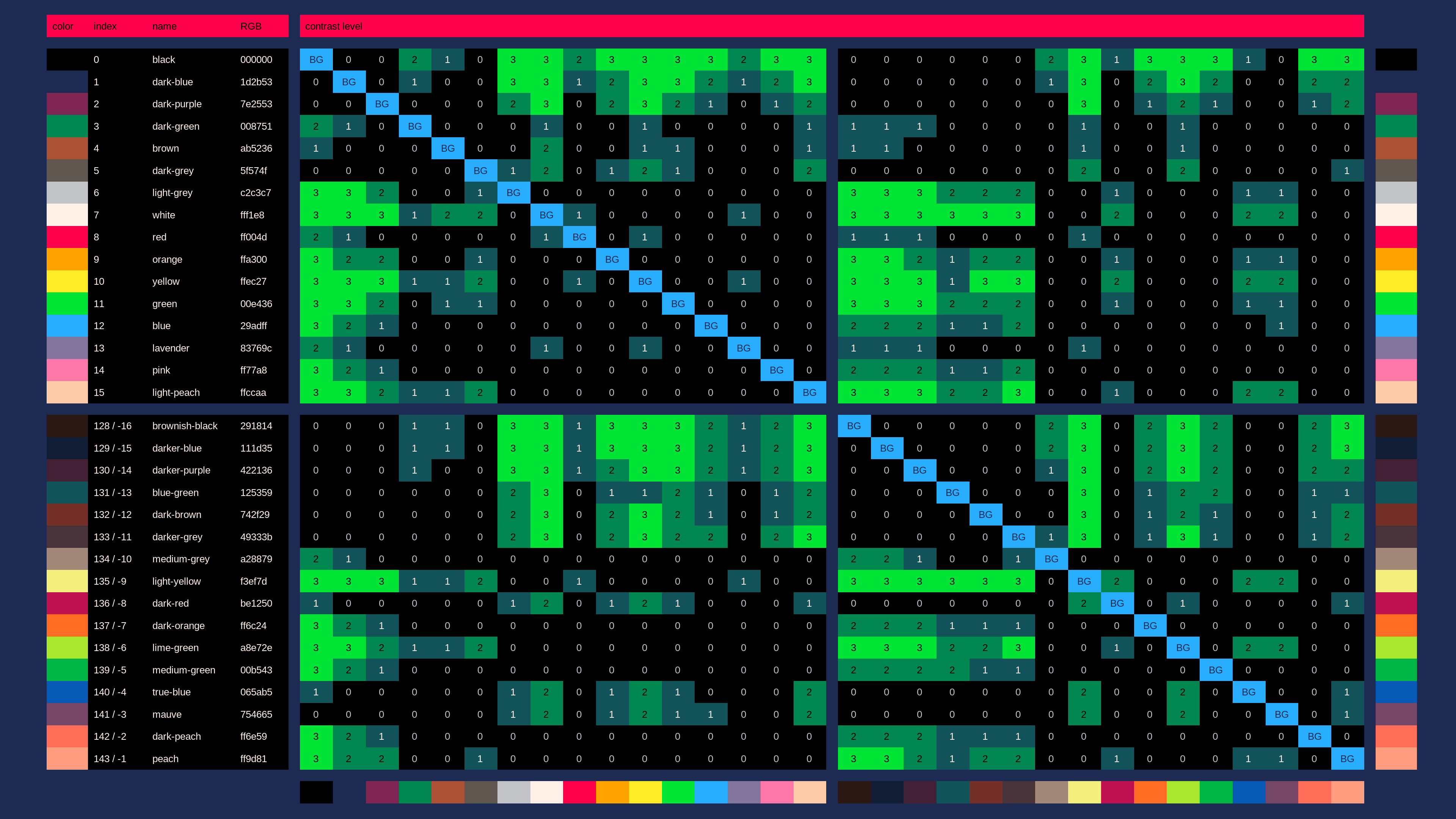
you can find the contrast level between 2 colors in the table by doing this:
- start from one of the 'BG' fields, corresponding to the background color you want to try
- navigate straight up or down the color palette in the same column.
every field shows the contrast level of the color if used as the foreground color on top of the column's 'BG' color
the numbers from 0 to 3 are contrast levels. the higher the contrast level, the better the readability. the contrast levels mean:
| contrast level | description |
|---|---|
| 0 | ❌❌ nothing is readable. 𝗱on't use colors with contrast this poor unless you can't avoid it, or on elements that are just decoration |
| 1 | ⭕❌ graphical objects like icons and borders are readable. large text is also readable. normal-sized text is not readable |
| 2 | ⭕❌ large text is easily readable. normal-sized text is also readable |
| 3 | ⭕⭕ large and normal-sized text are easily readable |
💡 secret tip
the contrast between 2 colors is the same when you swap foreground and background color.
so you can not only use the 'BG' fields to pick a background color and the rest of the column to pick a foreground color:
you can also use the 'BG' fields to pick a foreground color, and the rest of the column to pick a background color
ℹ️ information sources used
- pico-8 color palette: https://pico-8.fandom.com/wiki/Palette#0..15:_Official_base_colors
- contrast checker: https://webaim.org/resources/contrastchecker/


 5 comments





(v00 11-23-22)
TO LOAD THIS PICO-8 CART, in immediate mode, type:
load #travwomoving2
Run this cart. Now before you view the source-code, THINK of what it might be. Do you think it's using an array to keep track of the stars ? OK. Perhaps the acceleration speed is being recorded from another floating point array. Fine. How about the color of each star to make sure they stay the same for each row in the display. That would be the regular way to do it, yes.
So that's 3-arrays we need to keep track of, right ? Let's list them out:
- The Star's X-position.
- The Star's acceleration speed.
- and the Star's constant color.
20 comments









I'm sure this must have been requested before but I'll post this anyway.
Please could you give a second colour to the right click in the sprite editor. This would make deleting mistaken pixels so much easier.
A second tile in right click for the map editor would be great too.
Thanks.
2 comments



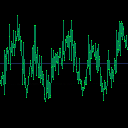
This is a cart I made that can play certain wave files by reading from the 0x800 serial port (dropped files) and writing to the 0x808 port. It also graphs the samples being played.
Note: if you drop any old wav file, your ears may not thank you; you will want to make sure the file is formatted correctly. I made files that work with this cart by using Audacity and doing the following steps:
1) Open existing wave file
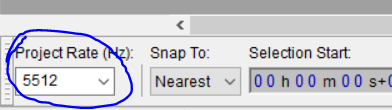
2) Set project rate to 5512 Hz (located in the lower left) :
3) If the audio track is stereo, split stereo to mono
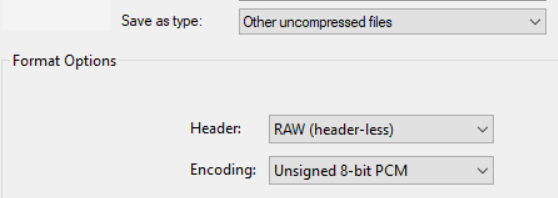
4) Export file in RAW format using unsigned 8 bit PCM:
 0 comments
Putt-Putt
Sit back, relax, and knock that ball into the hole!
Which hole is your favorite? How many hole-in-ones can you get?
Downloadable version at Itch.io.
Behind the scenes
This is my first full on game. All my others have just been remakes.
The physics were quite easy. Friction and collide, that's it. However, designing 48 unique levels
was very time-consuming, if you liked them, please leave a star, maybe a comment. Thanks!
This is also the first game I have uploaded to Itch.io.
Credits:
Coding --- Loanwulfious(me)
Music --- @Packbats, adapted by Loanwulfious
Art, Cover --- Loanwulfious, inspired by @zep
6 comments



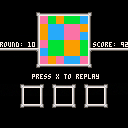
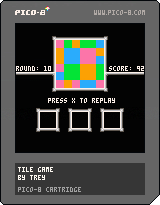
First, select one of the three tiles.
Then, place the tile somewhere on the 3x3 grid.
Repeat these steps 9 times.
For scoring, each set of adjacent matching tiles is worth the square of the number of tiles that makes up the set:
1 tile = 1 point
2 tiles = 4 points
3 tiles = 9 points
4 tiles = 16 points
Minimum score: 36
Maximum score: 100
My high score is 92. :) Post yours below!
6 comments



Hi! That cart took probably more time than it should have. Nevertheless, I'm glad I've finally "finished" it.
- Arrows to move
- X to attack (when you have energy)
- Z to show "hint"
3 comments
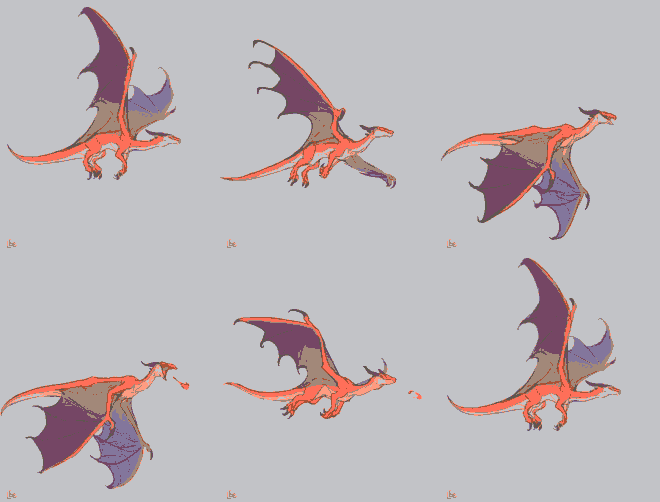

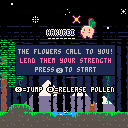
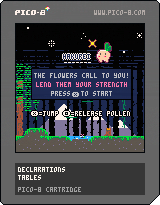
Hey yall, this is my first 'complete' game Hakurei!
In it, you play as a small turnip spirit helping plants grow in the forest.
When I set out to make this small project I wanted something I could keep within scope, but also something cute and relaxing. I managed to get all the art and assets going and then found myself neeing music. the amazing majeedooo0010 made the chill music you hear in the game, and the sound effects were made by Fettuccini (I've posted their Ko-Fi and Twitter respectively at the bottom of the post).
I suffer from an anxiety disorder so I wanted to create a mindless game that allowed for a distraction before a panic attack. I was hoping to just make something small but the more I worked on it the more I felt I needed to add until it became a 'complete' experience.
13 comments








Hello, I'm Wish Volo. I made a game about sorting orbs.
And it's in PICO-8!
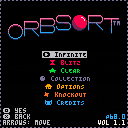
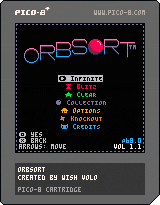
old versions
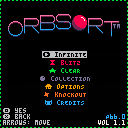
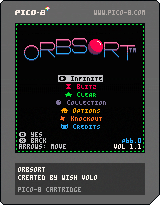
 6 comments










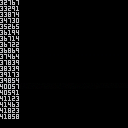
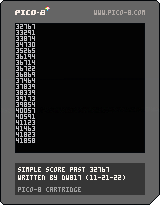
(v02 11-21-22)
TO LOAD THIS PICO-8 CART, in immediate mode, type:
load #beyond32767
Use the joystick to navigate this cart.
Press UP to increase the score with a random value of 1 to 1000.
Press DOWN to decrease the score with a random value of 1 to 1000.
Press LEFT to reset the score back to zero (0).
Press RIGHT to set the score to exactly 32767. The standard upper limit.
Be aware that the score is saved every single frame. This is not a slow process and occurs almost immediately. So when you reboot the cart or come back to it later, it will contain the last value you had in it. Please see the sourcecode for more notes and details.
0 comments



I tried making a map editor, and it starts to work quite nice.
https://www.youtube.com/watch?v=vjNXJmDkVHg
After I made the video, I added showing the used palette, render the spritemap accordingly and search for any palette array in code. It does not parse loose PAL commands, but you can always add a bogus array declaration with 15 or 16 colour numbers.
It also makes grading student work a lot easier....
0 comments
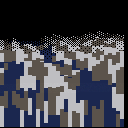
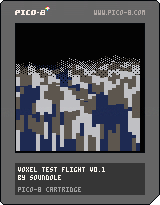
Here's a little test project that I made to try out very simple rendering from a height map. It uses code similar to a raycaster, but checks the height at regular distances all along the ray. It renders from front to back, with an algorithm to stop it drawing over anything previously drawn. It uses the diamond-square algorithm to generate the terrain height map, and reads from a chunk of sprite memory to texture the ground.
Arrow keys move the camera. There's no game mechanics, or functionality beyond just flying around. I'm not ruling out coming back to this, but I think my curiosity about these sorts of systems is satisfied for now. I have even more respect for people who have made fun and playable games out of this sort of tech!
0 comments