


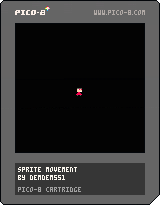
I finally made my first game! Sprite Movement. Its a game where you move around. Even though it might be boring, I'm gonna make more versions! For now, Bye!


 2 comments


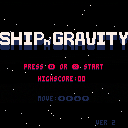
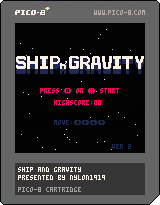
This game use only directional pad. If the ship close to asteroids, it will be forced by gravity. Sometimes, a can is dropped from upper side. It makes time limit longer.
▼This is gameplay by "Pursuing Pixels" (https://twitter.com/PursuingPixels).
0 comments

Hi everyone, this is my first Cartridge published to Pico-8 BBS.
This game is an evolution of the second game found in "Gamedev with Pico-8" .pdf document in Pico-8 resources page, and I really enjoyed coding it and learning Pico-8 gamedev. I had a lot of ideas that I plan to use in the future for my next cartridges, but I decided to keep this one simple.
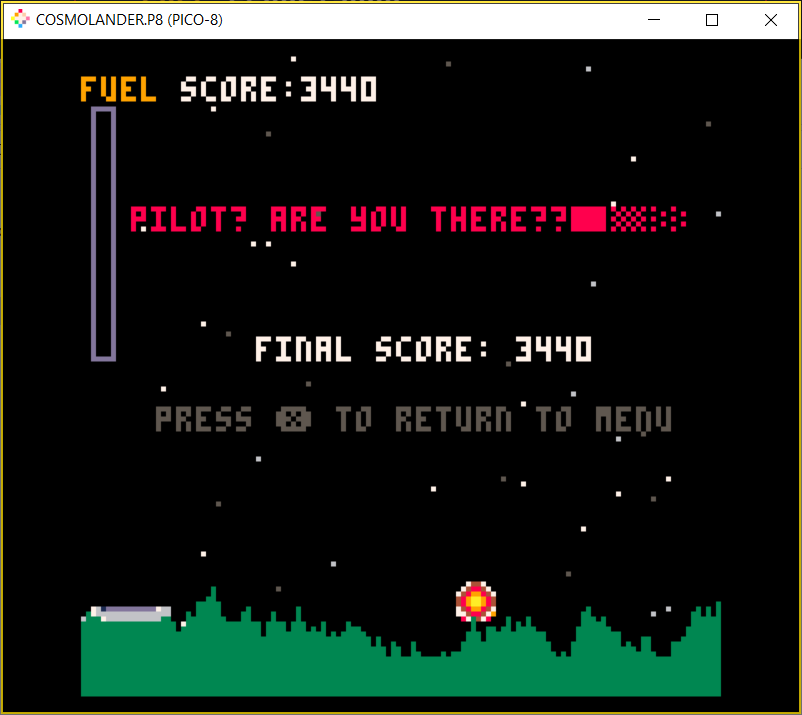
In CosmoLander you take control of your explorer spaceship in a mission to visit multiple planets from a far away galaxy. The main goal is to land on as much different planets as you can, while managing your Fuel and shooting at the switches that control the landing platform gates.
Rules:
The more precise you land on a platform, the higher your score (60 to 100). Be careful not to touch the ground too hard, otherwise your spaceship will get crushed in pieces.
Every 500 points you are provided a floating Fuel Tank, that will replenish 20% of your spaceship tank. If you choose not to pick it up, you will have to wait for the next 500 points, so don't miss the chance.
Every 6 planets you visit you will face a more difficult challenge, where the planet will have a switch controlling the Landing Platform Gates, you have to press the red button either by shooting at it (use button X to shoot!) or by landing on top of it (its riskier, but it grants extra 80 points!!).
Buttons:
Spaceship Weapons: ❎
Spaceship Controls: ⬅️⬆️➡️
If this game made you have some fun and spend time on it, please consider leaving a comment and sharing your Highest Score, to challenge other Pilots!!
Enjoy!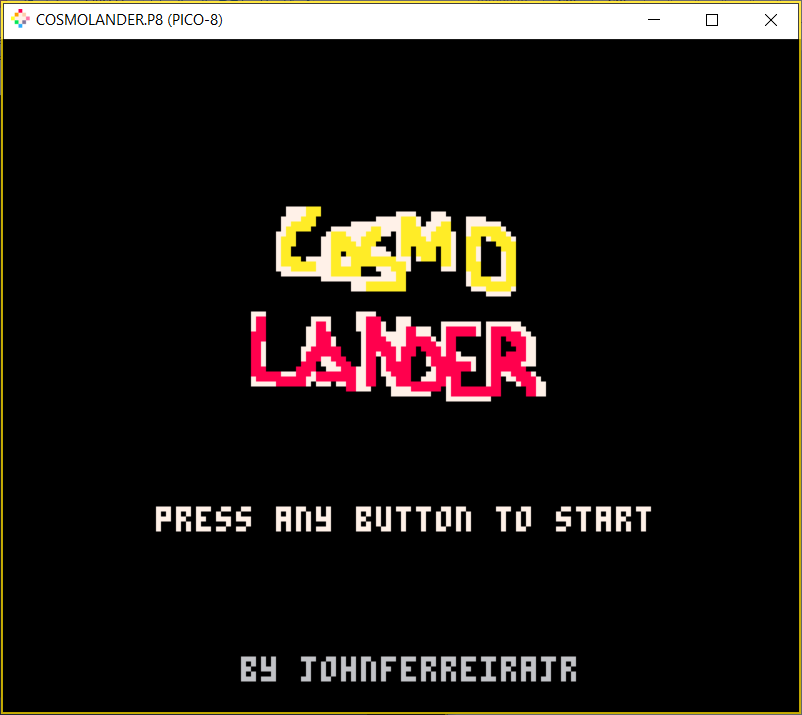
0 comments

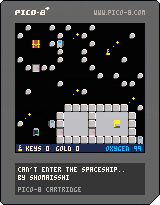
Hi! My name is Shoma. I'm from Japan.
I'm crazy about "lateral thinking puzzles" recently.
I tried to make the game with that idea.
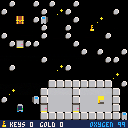
I made a simple puzzle game that is able to be cleared super very short time like a 5 minutes.
The title of my first work is "I misplaced the key somewhere.." .
The purpose of the game is "back to the spaceship before the oxygen runs out" .
— STORY —
We came to treasure hunt by our spaceship. I misplaced the keys somewhere while exploring in outer space and couldn't enter the spaceship! Oxygen disappears moment by moment, and the members say die ...
——————
5 comments





!Warning! This is (even though it is peaceful) VERY GORY.
In Fact, the whole idea behind this cartridge is, to make it GORY.
But everything gruesome is pixelated, so no worries!
2 comments



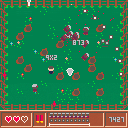
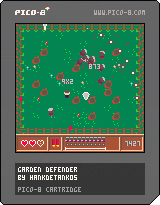
Welcome to Garden Invasion! Use your shotgun to protect yourself from zombies invading your garden. Along the way, you'll find items that help you better defend against the onslaught.
Controls:
- Arrow keys: walk around the garden
- X: fire your shotgun
- Z: reload shotgun
2 comments

Hey everyone, I've made a little gui program with Python to export and import the lua code of the cartridges(only working for .p8 files for now).It even checks that the code size you're trying to import to the cart is less than 32k, tough i'm not sure if that is still the correct size. You can check it out here.
Contributions are highly appreciated!(Specially if you know something about tkinter, because i learned it doing this program and it's quite janky lol).
Cheers!
4 comments


Just a random post to let you know that I have 0 issue with pico-8 on a M1 based computer.
3 comments



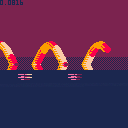
Here is a snake animation in which I used a few tricks I've been learning recently.
Includes memory manipulation (water surface reflection), palette swap for underwater snake.
Hope you like it o/
3 comments



Hey everyone,
As apart of a project I am working on, I encoded the P8SCII font and character set into 2 C arrays (I couldn't find any existing such encoding). I also wrote a very small library around these arrays and released everything on GitHub into the public domain. If you’re ever working on a C/C++ project where you want P8SCII but don’t have (or want) disk IO, this library can hopefully prove useful!
0 comments
So, as shown in my previous two posts, I'm making an operating system for Pico-8 called P8OS.
I am making it so that Z, closest to the window/whatever key, activates the app menu, and X, right next to it activates the task menu, where you can see which windows/programs are active. I need to check for both of them every frame. Shortened down to the problematic code, here is where it goes wrong:
function btnk(k)
  local p=stat(30)and stat(31)
  if k!=nil then
    if(p==k)return true
    if(p!=k)return false
  else
    return p
  end
end
if(btnk('z'))inmenu=not inmenu
if(btnk('x'))intask=not intask |
It will not detect pressing X unless Z is pressed in the same frame, which is even more confusing.
Clearly something has gone desperately wrong somewhere in this code. I just can't pinpoint what.
P.S. Keep in mind that if you want to reproduce this you will need to call poke(24365,1) or equivalents at the start of your code.
6 comments

This is my manifesto of sorts on how I plan to implement P8OS in the forseeable future. I will keep writing it over time. Basically, you'll see the post progress as I write it down.
Part 0: Decisions, decisions, decisions
First, I'll have to make some choices to fit the limitations of PICO-8. First and formost; will we allow external programs that can be installed onto any given person's copy of the OS? And if so, how will we fit this into PICO-8?
I have the answer to both of those questions. 1) Yes. 2) A VM.
A VM is perfect for this. If you manage to design a compact and efficient bytecode and run it efficiently, then you're set.
Second decision: Should our OS have multitasking? And, once again, if so, how?
Here are the answers: 1) Yes. 2) Instancing.
If we build our VM modularly, we should be able to have a single instance of the VM for each program, which if run asynchronously, would allow for multitasking.
Third decision: Should we use the mouse and keyboard?
As demonstrated by my extremely early and nonfunctional version of the OS, yes to both.
1 comment


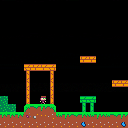
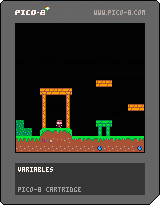
Here is a simple platformer based on the NerdyTeachers Platormer Tutorial for Pico-8. I highly recommend this tutorial for anyone who is starting off with Pico-8. Here is a small sample of everything the tutorial covers (besides the music).
Link to tutorial: https://www.youtube.com/watch?v=q6c6DvGK4lg
2 comments
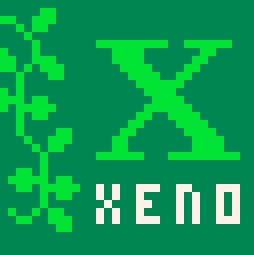
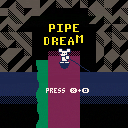
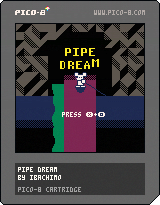
Slide down a slippery pipe being pulled by a fish. The fish loves slime and the slime leaking into the water will determine which direction the fish pulls you. But watch out for the slime enemies. Don't let them touch you when they are red or hit you with their red slime particles or you will lose hearts! Control the flow of the slime, collect money, and smash the enemy slimes. See if you can make it through the 9 levels!
controls:
press z to increase spin speed
press x to make the fish jump
press x while the fish is in the air to slam it down and smash slimes
use the arrow keys to serve back and forth / up and down while sliding
2 comments

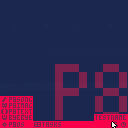
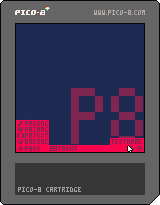
This is a very early version of P8OS(v0.2 as of now), a very creatively named operating system built on the one Pico-8 already has. I'm trying to do what the original Windows did, which is piggybacking on an existing framework and building off of that.
It really isn't much just yet, but here's a few lists for those who like them.
Existing features:
- Mouse and keyboard reading(really not much to brag about)
- Removed v0.2: A system clock on the menu bar
- A basic menu bar
- A (yet nonfunctional) app menu you can toggle with Z(closest to the Windows button)
- A very clever way of storing program names
- v0.2: An (also nonfunctional) task menu you can toggle with X(next to the app button)
5 comments



About
Pico Off Road is a racing game inspired by the classic Ironman Super Off Road. There are 5 car colors to choose from (equal by parameters), three tracks that can be played in both directions. Player can choose from two modes - single race or tournament. There is one "hidden" mode: single race with 0 opponents can be considered as a practice.
Menu controls
- Z = confirm
- X = back
Driving controls
- arrows = turning, throttle, reverse
- Z = nitro
- X = throttle (for controllers if you can't press left/right + forward at the same time)
Tech
Pico Off Road uses combination of 2D sprites, 3D height map and real-time rendered meshes (cars).
20 comments








.png)

Update 13-03-2021: New copy-paste and flood fill tools added.
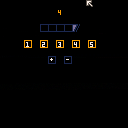
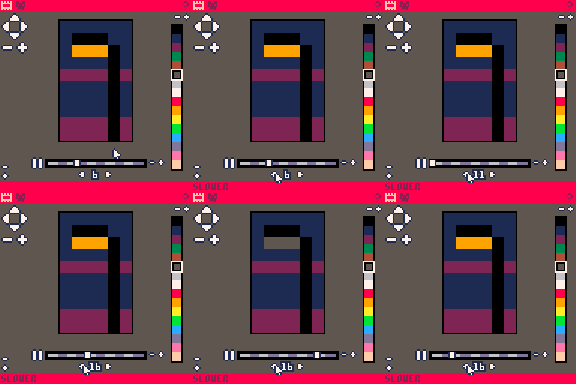
Introducing: Sprite Animator
SPRITE ANIMATOR is a tool for creating simple looped animations and exporting the resulting data to a sprite sheet. Here's a quick guide on how to get started...
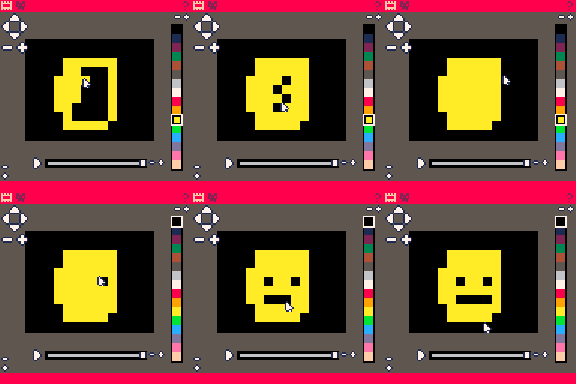
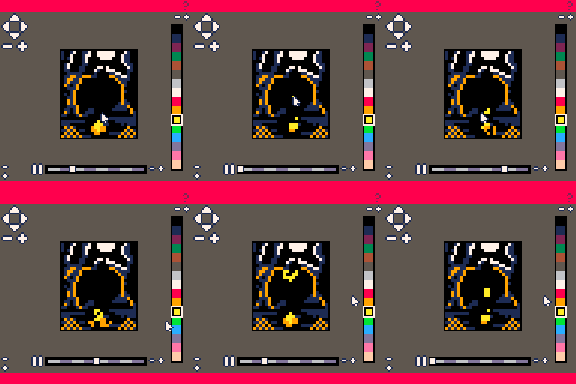
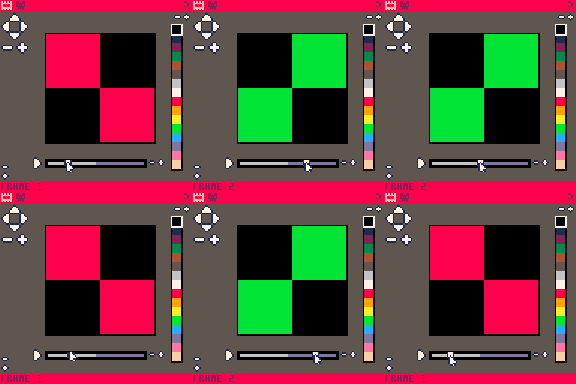
Draw the frames of your animation in the canvas. The canvas can be resized and navigated with the controls in the corners. Add and remove frames using the +/- near the track bar. You can even draw into an animation while it's playing!
 3 comments