


can someone tell me why this always fails?
it isn't garenteed to always reach 63,63 even through i floor it.
function main()
	domain=true

	while domain do
	 cls()
		spr(16,4,0,15,2)

		for i=0,8 do star() end
		yield()

	end
end

function star()
 dostar=true
 inst  =
 {
  sx=rnd(127),
  sy=127,
  ex=63,
  ey=63,
 }

	while dostar do
		local dx=flr(inst.sx)==flr(inst.ex)
		local dy=flr(inst.sy)==flr(inst.ey)
		rectfill(0,0,127,24,0)
		print(tostr(dx)..","..tostr(dy),0,0,7)
		if dx and dy then
			dostar=false
		else
		 pset (inst.sx,inst.sy,7)
		 print(flr(inst.sx).."/"..flr(inst.ex),0,8,7)
		 print(flr(inst.sy).."/"..flr(inst.ey),0,16,7)
			inst.sx+=(inst.ex-inst.sx)*mainstarspd
			inst.sy+=(inst.ey-inst.sy)*mainstarspd
		end
		yield()
	end
end |


 2 comments



Hello there!
I have been exploring Pico8 for over 2 years now trying to understand coding with let's say "some" progress.
But I'm stuck with Tables. I mean, I get the concept but there's something I haven't got to fully understand therefore I get mixed results.
So I created actors (player, enemy) as tables but I can't make them spawn several instances on screen. So far I have got to draw 5 enemies on stage (at random position) but they keep appearing all the time (where they should appear once), any light about what I'm doing wrong? here's the code:
--init
function _init()
--globals
wave=5
w=112
h=112
--player
pyr={
spt=1,
x=w/3,
y=h/3,
life=10,
spd=2,
flp=false,
idle=true,
}
enms={} --enemies
enm={ --single enemy
spt=10,
life=5,
spd=1,
flp=false,
idle=true,
draw=function()
spr(enm.spt,flr(rnd(w)),flr(rnd(h)))
end,
}
for a=1,wave do
add(enms,enm)
end
end
--draw
function _draw()
cls()
print(#enms,20,20,7) --checking created instances from enms table
foreach(enm,enm:draw())
end
I have read tutorials, videos and everything available but still I haven't figured it out yet :( Any help is much appreciated.
4 comments


A mod of celeste where you play as a Berry named Bereline.
I was bored.
Here's another mod that I didn't want to make a whole new post for. It is for a friend and I would not recommend playing it.:
Actually I take that back, don't play it.
 8 comments




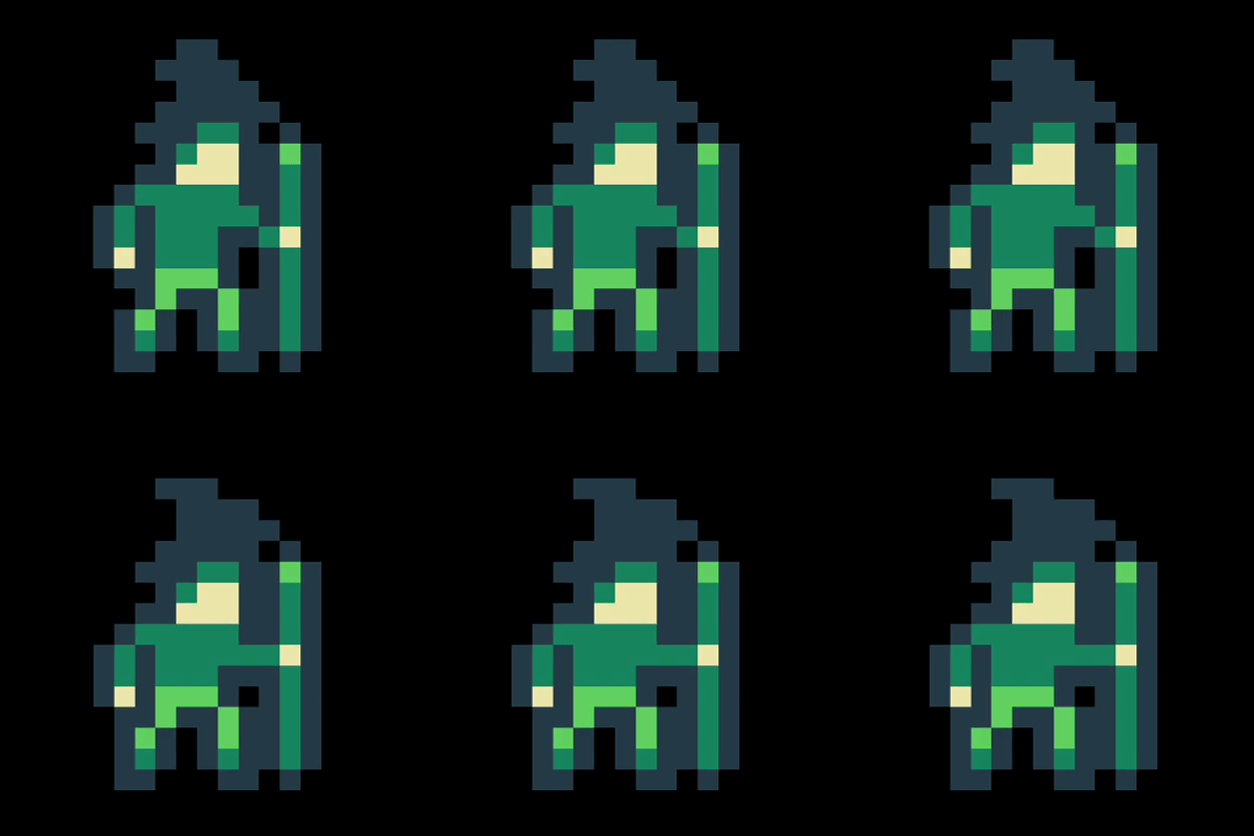
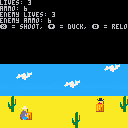
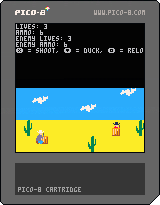
Howdy ya'll. Maybe someday I'll make a full Cowboy RPG but for now, I just made a cowboy combat system.
Ride on!
0 comments



Digging up old Pico-8 jam games that were only on itch.io. This one was made for the Meta Game Jam 2018.
All you have to do is just push the button. It should be easy, although it's been a long time I didn't do it myself, so who knows? For example, the mouse no longer worked and I had to quickly patch keyboard to control pointer. Just use arrow keys, X and C. Hope I didn't mess things up. Coding is strange: you let everything for a while and when you're back, it's like functions have started a life of their own and nothing works like it used to be. Oh well.
The game runs at 60 fps, which is a bit demanding for the web player. For a better experience it is recommended you run it on Pico-8 (download the p8.png or just enter "load #justpushthebutton") or download the game executables from https://elgregos.itch.io/just-push-the-button.
3 comments


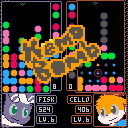
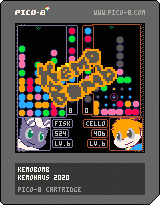
Puyo with a twist: an arcade adventure with over 30 levels, and a unique soundtrack composed by Cello!
If you happen to like the game enough, completing the story will unlock Prestige Mode, where the campaign can be played again with increased difficulty.
13 comments



.png)



COVID-19 is an infectious disease caused by severe acute respiratory syndrome!
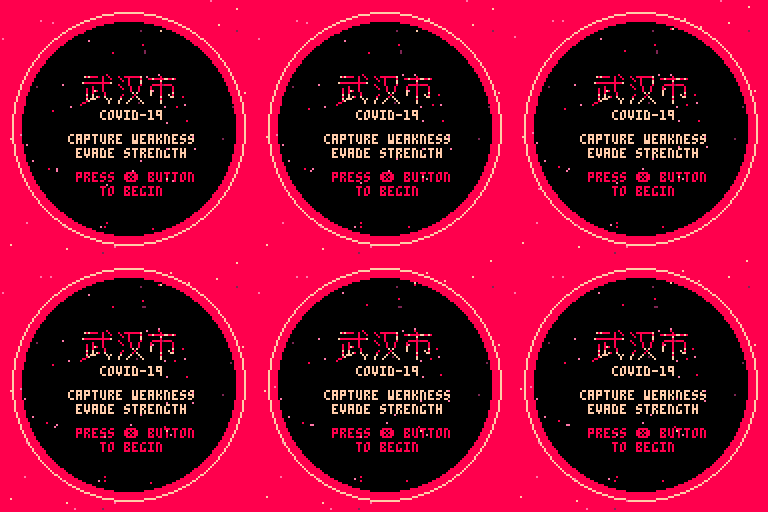
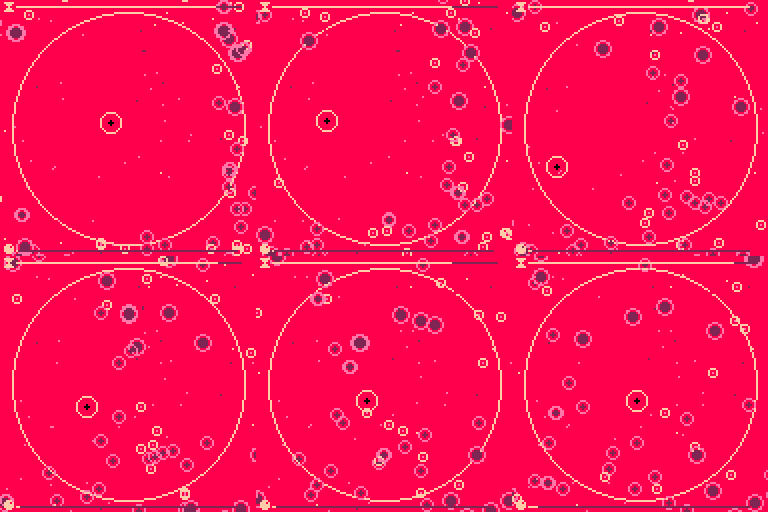
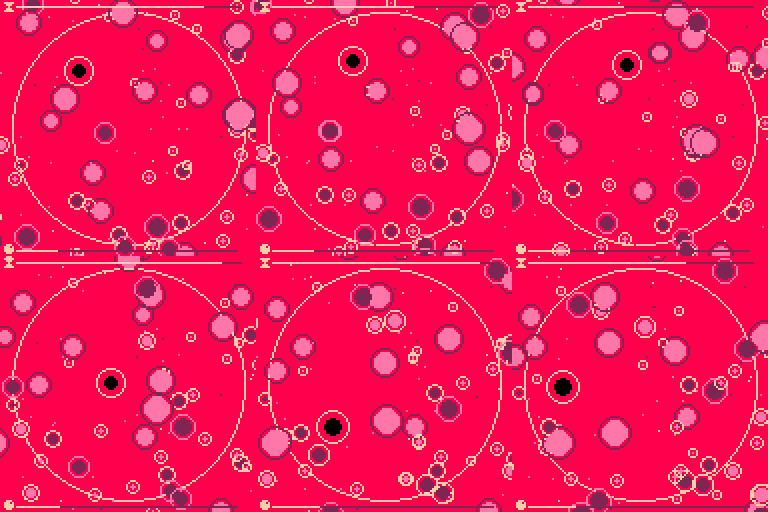
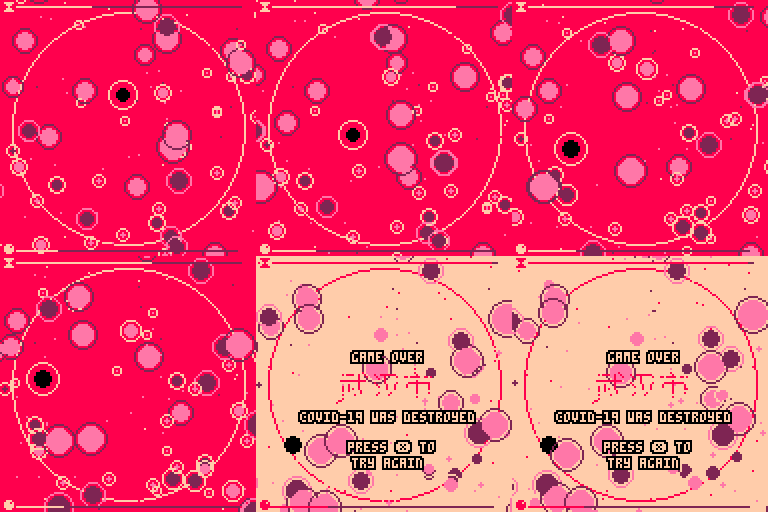
Those affected may develop a fever, dry cough, fatigue, and shortness of breath. A sore throat, runny nose or sneezing is less common. Cases can progress to pneumonia and multi-organ failure.
The infection is spread from one person to others via respiratory droplets produced from the airways, often during coughing or sneezing. Time from exposure to onset of symptoms is generally between 2 and 14 days, with an average of 5 days.
Those who suspect they carry the virus are recommended to wear a surgical face mask and seek medical advice by calling a doctor rather than visiting a clinic in person.
Wash your hands after playing!
 3 comments




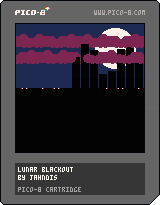
"Lunar Blackout"
279 characters
t,m,v,z,r,c,p=0,16,64,128,rectfill,circfill,pset::_::cls(1)c(99,24,20,7)r(0,v,z,z,0)for i=0,8 do x=z-i*9y=abs(sin(i*.11))r(x,v,x+7,v-y*44,0)for j=0,z do c((1+j%4)*t/9%z-i*5+j%63*m-z,m+y*4+j%2*m,6-y*2,2)end g,h=i*m-t%m,i*32+t%32p(g,v,7)p(h,v)p(g+1,v,8)p(h-1,v)end t+=1flip()goto _ |
0 comments
Stepped away from P8 for a while so I find myself a bit confused about the draw and update behavior.
I am trying to make a game where pieces fall and I am using cicfill to create these.
function build_pill(x,y,color,y2,color2)
	radius=2.2
	x2 = x - 3

	pill={circfill(x,y,radius,color),
				circfill(x2,y2,radius,color2)
		}
		add(pills,pill)

		return pill
end |
I call it in update:
function _update() cls() build_pill(30,30,5,30,9) end |
The cls() function keeps erasing my object. However when I remove the cls() function the screen doesnt look right either.
SO
When is the right place to put the cls() and still be able to draw my shapes?
Thanks!
2 comments

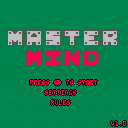
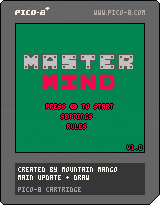
WARNING Brief strobe effect in intro. More optimized code and small sprite improvements. Finally got around to adding the menu and sounds. Almost all of the updates after this will be additions to the rules and settings pages.
 0 comments


A Touhou fangame demake! As far as I know this is the first Touhou demake on the BBS, so I'm claiming that trophy :)
Use X for shoot / accept and Z for bomb / cancel and arrow keys for movement.
This demake has the following features:
- 2 playable characters: Reimu Hakurai and Marisa Kirisame.
- 4 enemies with a total of 16 spellcards.
- 5 unique music tracks, which can be listened to in the Music Room.
- A rudimentary score system.
- A practice system, where each boss can be practiced against.
And the following mechanics:
- Slow, your character slows down whilst shooting. How much you slow down depends on your selected character (33% speed for Reimu, 50% for Marisa).
19 comments

.png)




Multicart is really a nice expansion feature, to offer content beyond the 32K boundary.
However, with reload not supporting BBS-hosted carts, large games are banned from BBS.
Is that something considered in the pico roadmap to bring back multicart games to the "official" forums?
Note that supporting more than a couple of data carts will require rework of the BBS file management.
- support for upload many files at once
- support for listing cart identifiers
- support for headless export of p8.png (limited to html/bin at time of writing)
- ability to assign same id pattern to many carts (ex: vracing_0... vracing_10)
Cheers
6 comments


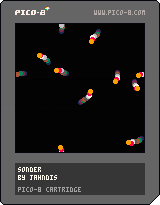
"Sonder"
276 characters
b,z,x,y,d,r,g=0,128,{},{},{},rnd,pget
cls(0)::_::for i=0,z do
for j=0,z do
c=g(i,j)
if(c>0)pset(i,j,c-1)
end
end
for i=1,9 do
if(b<9)b+=1x[i]=r(z)y[i]=r(z)d[i]=r(1)
circfill(x[i],y[i],2,9)x[i]+=cos(d[i])*r(3)y[i]+=sin(d[i])*r(3)d[i]+=r(.1)-.05x[i]%=z
y[i]%=z
end
flip()goto _ |
0 comments
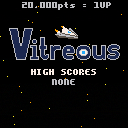
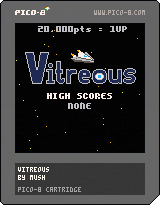
Vitreous is an arcade shoot-em-up made in PICO-8.
This game was created during a weekend game jam held by Warwick Game Design Society and LevelUp UK. The theme was "arcade", and games made for this jam will be showcased in an arcade to raise money for Special Effect.
The game jam's fundraising page can be found here.
Controls
Use the arrow keys and the Z or X keys to control the game.
Gameplay
Travel through all the zones to defeat the three bosses. Each loop through the game will get faster, so good luck. Collect 7 powerup objects to increase your weapon level. If you get hit, your weapon level will decrease by one. If you haven't got an upgrade to your weapon level, you will lose a life and need to restart the current zone. You will get an extra life for every 20,000 points you collect.
3 comments




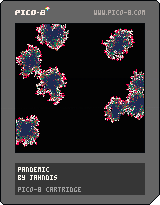
"Pandemic"
265 characters
z,g,s,r,f=128,pget,pset,rnd,flr cls(0) for i=1,9 do x=f(r(z))y=f(r(z)) s(x,y,8) end ::_:: for i=1,z do x=f(r(z))y=f(r(z)) c=g(x,y) a=g(x+1,y)+g(x-1,y)+g(x,y+1)+g(x,y-1) if(c>1)then s(x,y,c-1)elseif(c==1)then elseif(a>4 and r(a)>4)then s(x,y,8)end end flip() goto _ |
0 comments

This call, with only one arg after the string:
print("hello world", anything_even_a_table_or_function_or_nil)
|
Behaves oddly and in a way that is not documented in the manual. It renders the string at the cursor and then exits without updating the cursor. It doesn't seem to use the extra argument at all.
The only thing I can see this being useful for is a text countup display, as seen in oldschool memory tests during BIOS startup on PCs. I can't imagine anyone has ever actually used it this way, though.
It'd be far better if this case were treated as if the user wanted the text colored, but didn't want to specify x,y coordinates because they wanted it to work like a regular, scrolling print():
print("I'm blue, da ba dee, da ba die", 12)
|
10 comments



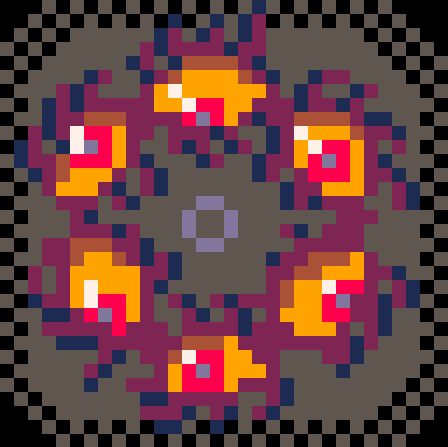
Hi all! I'm learning to use Lua as I make games, so this may have an easy answer. I just haven't figured it out yet:
edit:
I placed the actual cart here from a recommendation in the comments. I've placed every shape except for the cube shape somewhere besides the start of the file in the code (grid & photo are in spreadinit() and the rest can be found in the presets tab). The cube & grid show up fine, but everything else seems to be difficult to find for the program.
original post:
I'm currently making a game where there are several 3d objects you can peruse & rotate. I'm using the same function to display the objects as well as 3d grid to help me visualize where I should map everything--
4 comments
