Fixed a broken letter and cleaned up some old code!
Ver. 2.0.0
Now with full alphabet (minus P for pausing) support!
Thanks to dw817 for the valuable tip that made this version possible.
Ver. 1.0.0
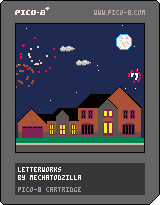
Long time Pico-8 enthusiast, first time uploader. This is a little typing game I put together to help my three-year-old get a sense of how the keyboard works.
You'll note right away that there aren't that many letters, just those used to get actual input for the system, and several have other inputs that will technically set them off, but kids don't know that!
This was a lot of fun to do and my son loved it. Well worth the time. Hope someone finds and enjoys!


 5 comments





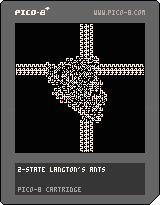
A very simple cart that shows the power of Langton's ant with 2 states :D
X changes the ruleset (at random), left and right clear the board with noise/just clear, up and down set the speed
Most rulesets are trivial, but sometimes you might find gold nuggets :)
5 comments


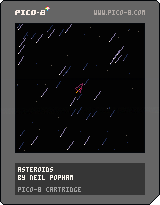
This was just a small idea I had that I wanted to see in the wild. I currently have no intention of developing it into a game.
However my tweet seems to have got a bit of attention so I thought I may as well post it here in case anyone wanted anything from it.
Up or Z to thrust, left and right to rotate.

 2 comments

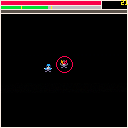
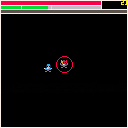




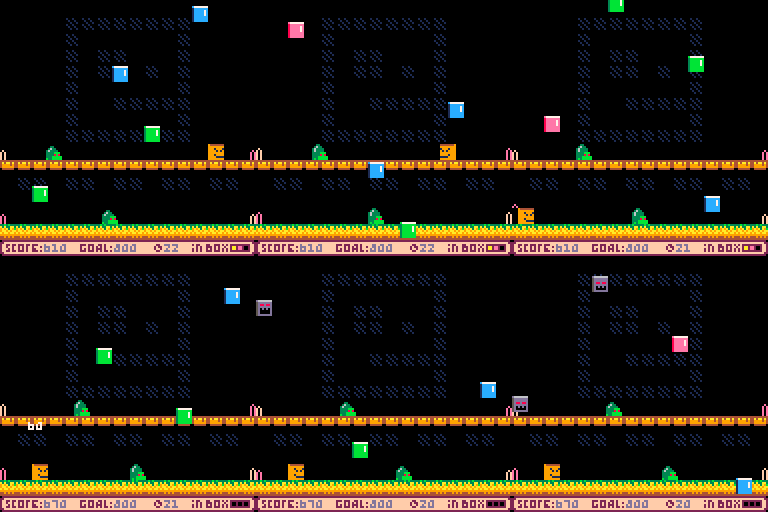
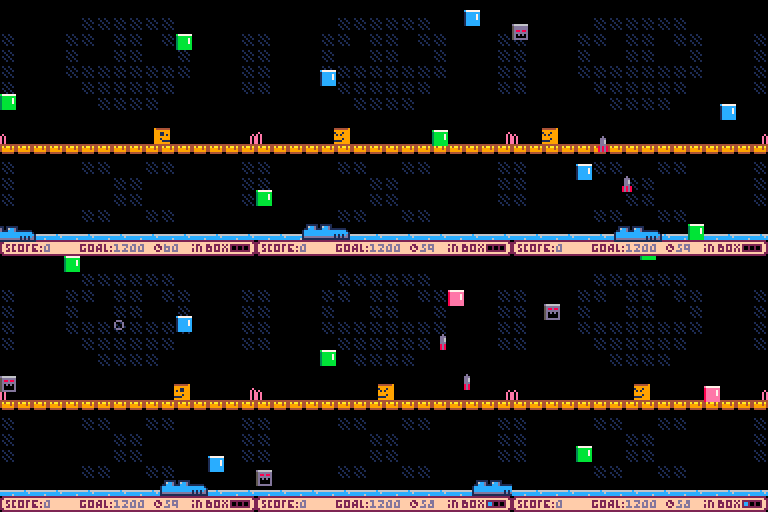
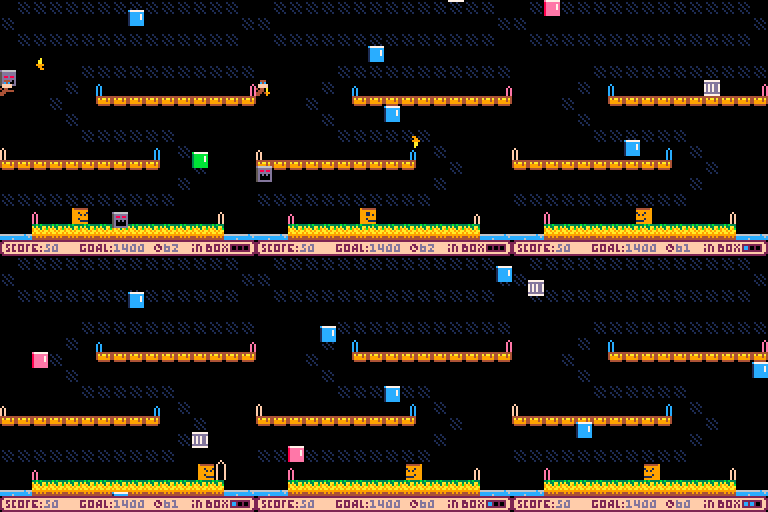
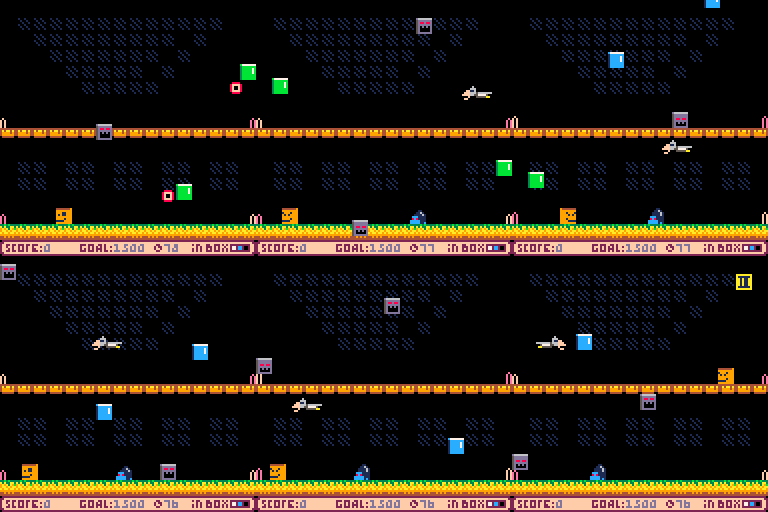
Hi, evryone! This is my first game. I novice in programming and I study it myself. So my code awful. Also sorry for my weird music and bad english)
Game includes 16 stages!
Ok, how to play.
It is small arcade like in 80s. We have our hero - mr. Box. It's ordinary carton box (but he can move and shooting with blocks). He have opened top (i think, this usually when boxes opened from top, right?). In my game blocks random fallen from the sky. We need try catch them on top our box (besides Evil Blocks). Then we get them into. But in box can be only three blocks (you can see what that blocks into box at right-bottom corner of screen). If all three blocks in box are same color, then triggered some magic... and they disappear, but instead we get some score points.
10 comments
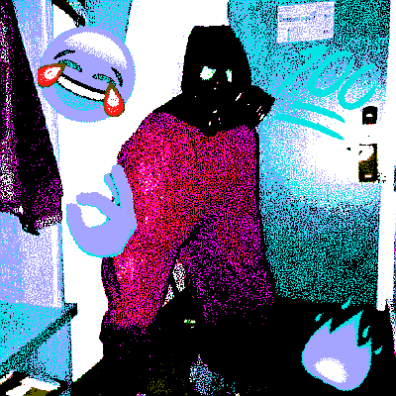




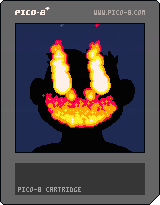
This is the title screen for an upcoming project, Made of Heat. The main character is a monkey.
If you get too spooked out by his hot grin, press (O)/Z to close his mouth.
2 comments
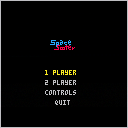
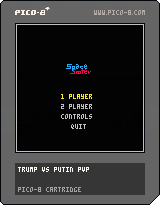
Space sooter v2
Little Fail with name
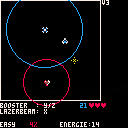
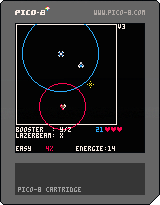
Newer Version of PvP with added bugged version of the "PvE"
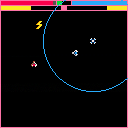
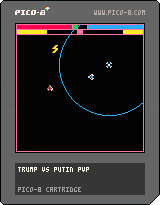
PvP 1.0
 3 comments


Alright. Sometimes to improve on something you have to redo the whole thing from scratch. That's what I did here and with workable results.
Now I know PICO is capable of more keystrokes than the simple Left, Right, Up, Down, (O), and (X).
But for purists who don't want to dabble with 2- or 3-player controls, there is this.
It's very good for what it does. It can read keystrokes, and by that I mean layered. You can be pressing 3-buttons down at a time and it will still recognize a unique 4th. It's that powerful. Let's go over it.
You have one string to get things going called, "KEYTYPE." It's a string and contains 6-characters which tell the state of reading for the keys in this order [Left, Right, Up, Down, (O), and (X). I.E:
2 comments



These things always get stuck in my socks when I go hiking.
I've been playing with a z-buffer 3D rendering implementation, which lends itself to recursive additive fractal structures.
My ultimate plan was a static landscape renderer, but this was an interesting (if sluggish) detour.
-Electric Gryphon
2 comments




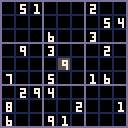
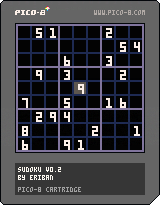
No points for originality here, but it's a fun programming exercise. I plan to port this to my Gamebuino device next.
v0.2
- Solved celebration
- "Reset" menu option
- "New puzzle" menu option
- Fancier graphics
v 0.1
The basic functionality is all there:
- Generation of random puzzles
- Ability to solve it
Still pending
- Final touches
Possibly:
- "Hint" menu option
- Difficulty indication
3 comments


It would be cool if the site owner made the site available in other languages, for example, Portuguese (even if translated by google translator), I'm Brazilian and I can say that the Brazilian market for indie games is extremely giant and here would be the perfect site (if translated) for developers to test their games. Well ... it's just a suggestion.
9 comments




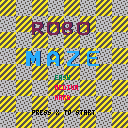
Become MZ1600, a robot trapped in a grueling and misty maze!
Use the arrow keys to move around and seek out keys and exits to advance.
Travel through 5 mazes on your path to directional mastery!
Please post your best time and find the hidden easter egg!
4 comments