





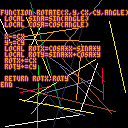
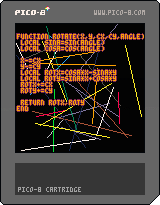
Just a simple little 2D-rotation example.
The function takes a 2D position (X,Y) and rotates it by ANGLE. CX,CY represents the center/pivot point.
The lines of code in the middle are the rotation matrix:
local rotx=cosa*x-sina*y local roty=sina*x+cosa*y |
This rotates a point around the origin. Before and after doing so, we offset our position by our center coordinate - this lets us rotate around any arbitrary pivot point.
For bonus points: When you're rotating lots of objects by the same angle (like a camera rotating, or a complex prop rotating), you can re-use your SINA and COSA values.


 3 comments



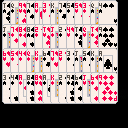
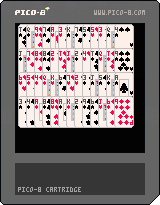
This is a playing cards library, spent quite a while on it.
It allows you to both store playing card data and render the data. Read the comments for usage.
2 comments

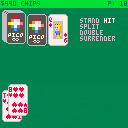
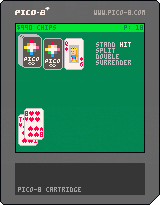
This is my Blackjack cart. I don't plan on doing much more with it, as I've moved onto other things for the time being. If anybody wants to finish it up or post fixes, I'll update it with credit :)
1 comment



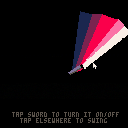
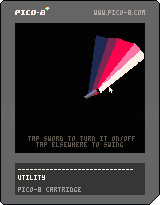
It's May the 4th, otherwise known as Star Wars Day - so I made a little something :).
Swing away, and may the gamedev force be with us all! :)
3 comments




You know that feeling when you only have 8x8 pixels to draw something, and it takes an hour to get it right?
Let's make that feeling worse by posting our sprite in this thread, without context, and then despair when none of the other users can figure out what it is.
I'll shamelessly start it off with this thing...
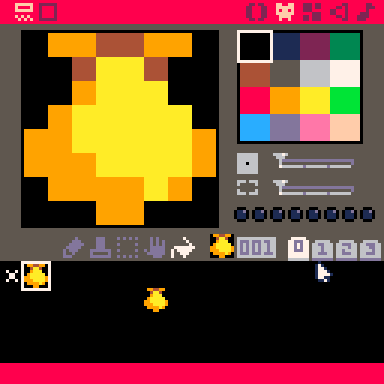
And no, it's not pikachu... :(
5 comments



Hey, first of all, excuse my poor photoshopping (Using Krita on Linux, terrible tool. No idea why I'm not using Gimp).
But anyways... What if, while in the code editor, you could hold down a key (maybe ALT?) and it would turn all tokens into coloured blobs. So you could instantly see where and how most of them are used up.
Something like this:
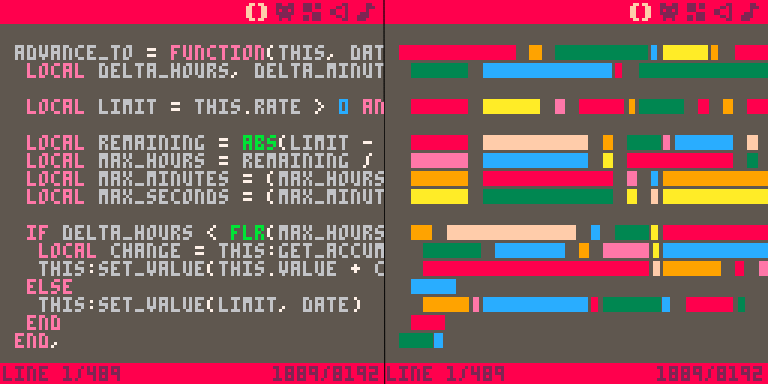
Additionally, maybe instead of being randomly coloured, certain tokens (such as keywords, variable names, separators, etc...) could have a dedicated colour to them.
Now, disclaimer... I don't actually know how the tokens work exactly, I just coloured in the tokens as I felt.
The token blocks themselves, should also look more like this, but in pico8 colour palette:

but I think the image gets the point across even with my terrible photoshopping.
1 comment


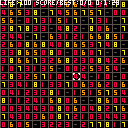
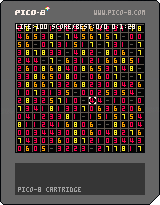
arrow:move
z:gather number from around.
This is 1st game I made.
I learned how difficult it is to make the game fun.
0 comments

NOW WITH EARS!
CROWD is multiplayer hide'n'seek'n'shoot'n'collect game for 2-4 players
controllers recommended
MERRY X-MAS after checking help
16 comments







Hey!
I want to find a way to run my code from other editors such as vim or atom. I havent found a solution to this yet.
I know I can run a cartridge from terminal by typing "pico8 -run mycart.p8" for example. The problem with this is that it boots up the whole console before booting the game.
Do anyone know a way to just boot the game in an already running pico-session? That would be awesome.
EDIT: I just got the idea. If you run load("mycart.p8") in your code the cart gets reloaded and run with the new code. Is it possible to use the gpio to send a command that triggers load("mycart.p8") within the code? For a computer that does not have real a gpio-header I guessing you would have to simulate gpio?
3 comments


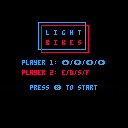

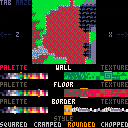
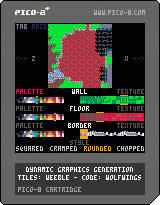
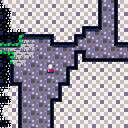
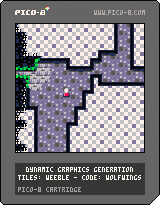
So this started on this thread by weeble but I ended up rather... running away with the code idea and overhauling it drastically.
While I've resumed working w/ Weeble on this in his original thread, I'm keeping this thread updated as well as I make changes.
V2.0 details
[hidden]
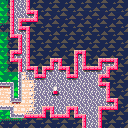
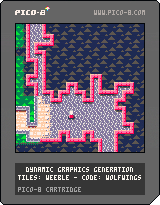
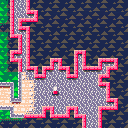
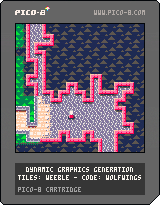
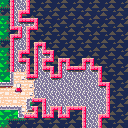
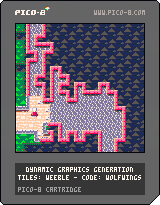
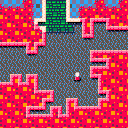
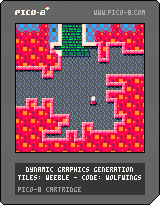
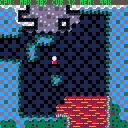
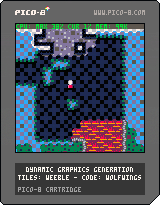
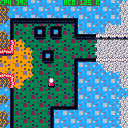
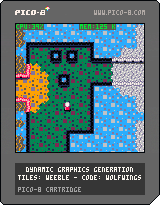
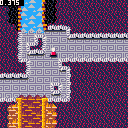
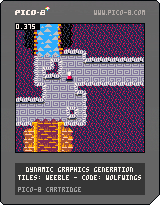
Also with V2.1 I've moved the various data tables needed outside of the sprite sheet, copied up from page 3 which is the one tiles are rendered into in-game, so all of the first two sprite pages are available for graphics as is the first two rows and change of page #2.
With V2.2 I've added the initial code for clipping regions, to avoid redrawing the entire screen every frame. This is a MASSIVE speedup, pushing CPU usage outside of screen-transition periods down to 5% CPU at 60fps in most cases. I'm working on a '16x16 bitfield' based solution that will instead re-render the screen in regions as small as 8x8 pixels per frame, allowing for multiple moving objects that way.
I've also cut the CPU used for baking the tile graphics in half from ~2.5 frames at 60fps to ~1.3 frames at 60fps with this release, while the token count and overall codesize has actually gone down.
Finally, the game picks a random room in the entire 16x16 grid to start you in, so you get different areas of the maze each time you restart the cart. So hit Ctrl+R a few times to see all the various biomes.
As a caveat I have removed the 'biome viewer' in this version for now, as I'm redesigning the interface to be a general-purpose editor for the maze itself, including setting biomes on the maze and editing individual biomes directly.
As of V2.3 I've integrated newer 'cavern generation' code that weeble came up with, to avoid blocking paths and allowing for much denser 'crazyness' to occur, as well as my 'context sensitive dithering' code which makes the transition tiles look much more alive and distinct now.
I'm working on some additional cavern smoothing functions to retain the 'crowded' feel without having quite so many dead side-passages at times, and adding a caching layer for the more expensive parts of the room-generation, to allow much of it to be generated in the background as you walk around a room to get to the next exit.
V2.4 adds a fourth unique room design for some biomes, one with much deeper, winding passages and a crowded feel.
V2.5 adds a MASSIVE speedup to the bake_tiles function by calculating the 'masked' tiles a full 32-bit row of 8 pixels at a time. So one fourth as many calculations in exchange for a bit of bit-shifting to load/save the values, but overall it's a HUGE win, including on token-count! Only 2814 tokens current! :D As a note, the masking colors are now 2/3, 4, 5, and 6/7, with values 0, 1, and all those above 7 MUST be avoided in the masks now.
As an interim release, V2.5-caching includes a further sped up tile-rendering codebase which is also moving some data from peek/poke memory to lua memory, taking up roughly 128k of the 1MB available with pre-rendering graphics tiles organized for faster rendering. This transition is freeing up enough speed that I am preparing to remove the 'biome' approach and allow direct per-maze-room assignment of walls, floors, and borders (including palettes) to simplify world painting. The trade-off is worlds will take ~768 bytes of sprite/map memory to store instead of ~512 bytes as they are now.
5 comments



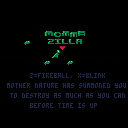
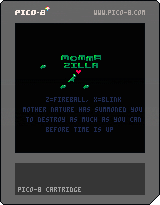
This is my entry for my first gamejam ever, ludum dare 38:
https://ldjam.com/events/ludum-dare/38/momma-zilla
Mother nature has sent Momma ZILLA and her kiddos to punish humanity.
Collect baby ZILLAS for help!
When a building is destroyed, you can eat the humans for health
Z is to fire
X is blink
Dodge missiles!
Avoid fire!
Buildings hinder your path!
Crush vehicles!
2 minutes to cause as much destruction as possible. Get the high score!
0 comments
increment_second = function(this) this.second = (this.second + 1) % 60 if this.second == 0 then this.minute = (this.minute + 1) % 60 if this.minute == 0 then this.hour = (this.hour + 1) % 24 if this.hour == 0 then this.day = this.day + 1 if this.day > days_in_a_month[this.month] or this.day > 29 and this.month == 2 and this.year % 4 == 0 then this.day = 1 this.month = (this.month % 12) + 1 if this.month == 1 then this.year += 1 end end end end end end |
I'm creating a tamagotchi kit, and since os.clock is no longer part of the API, I figured it'd be okay if the user would have to type his/her current time at every launch.
Currently at 1500 tokens, with a datetime input screen, an "are you sure this is correct?" screen, a class for stats/resources (ie. health, hunger, random_event_countdown, etc...), a class for date calculations, and plenty of overflow control for both classes.
Nearly done, but before I submit it, I'd like to inquire if there's a possible improvement to this eye sore of a function?
5 comments




Hi all,
In case anyone is interested...
[box=c2c3c7]AdventureJam returns for its third year of game development pandemonium as anyone with a computer, an idea, and an internet connection is invited to create an adventure game over the course of 14 days!
Whether you love point & click adventure, text adventure or exploring 3D environments, we want you to jump in and create a game that embodies the spirit of adventure, whatever that means for you! Adventure games have been around nearly as long as computers, and what began with words on a black screen has evolved into an amazing spectrum of gaming experiences. Let's celebrate the awesome legacy this genre has created with 14 days of pixels, puzzles, parody and pathos!
AdventureJam will begin May 5th at 9:00 PM EST, and end precisely 14 days later on May 19th 9:00 PM EST. The voting process will follow immediately after the jam concludes, and will last until June 16th at 9:00 PM EST.
So [b]GET LAMP... GET SWORD... and GET READY... for AdventureJam!
0 comments


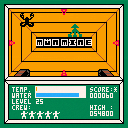
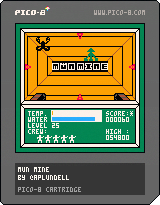
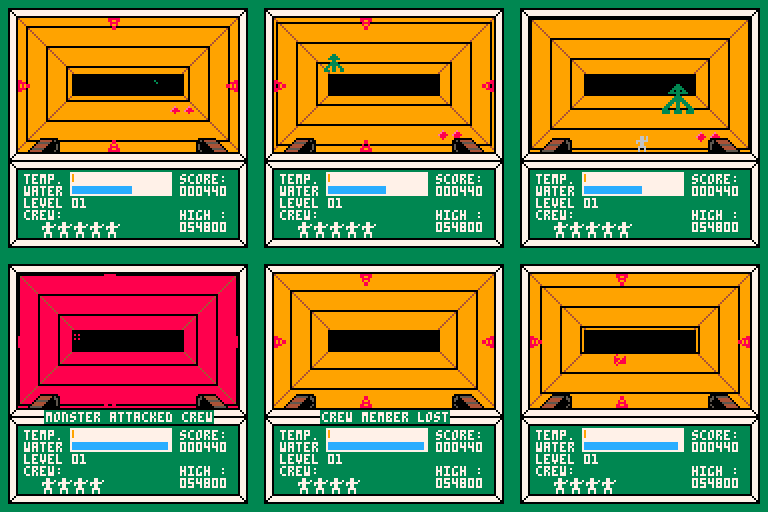
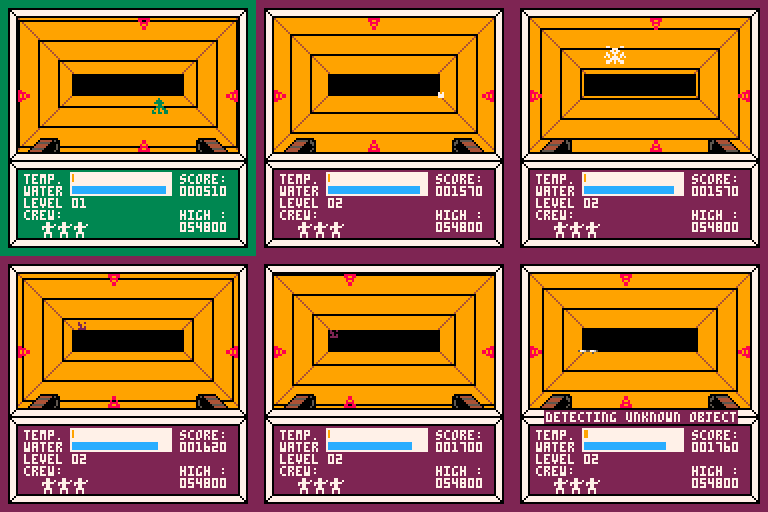
I decided that the first game I should make for this system would be an homage to the earliest game I have strong memories of playing : “Moon Mine“. Published in 1983, “Moon Mine” was available only on the TI-99/4a, Which means that nobody has ever heard of it. I had it though, and it was a blast. For years this was my favorite game.
So here’s my remake. Made from memory and by closely examining the old game manual I found in the basement.
The original classic was made by Rob F Hendren and John Phillips and I’ve always felt it didn’t get enough nostalgia love.
The instructions are in the system menu. Basically use the arrow keys to move the lasers. O to fire. X to beam down a crew-member to retrieve minerals and water samples.
 0 comments

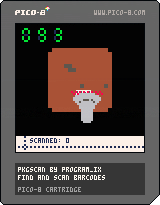
Controls
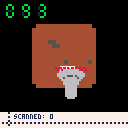
Z to start. Z to flip box over to next side. Arrows move the barcode scanner. X scans a barcode. Z to restart from the game over screen.
Objective
Scan as many barcodes as you can in the 90 seconds allotted. Be careful not to flip the boxes too fast, or you'll have to go all the way back around.
Commentary
This game has been on the back burner for ages. The inspiration was trying to simulate a cube/box that you could flip over in a semi-real way, but I spent ages messing with that and ultimately couldn't make it work. It was a classic case of solving a problem the game didn't need to be solved. I changed it so that the box always flipped over to the 'next' side, so you just needed to carefully press one button instead of imagining a real cube. It's not as cool, but it did allow this game to happen.
itch.io page: here
2 comments

made for BANANA JAM to be played on a DIY arcade machine (made from banana boxes) on RETROSPELSMÄSSAN 2017 at BANANPIREN. check out the jam entry here: https://catnip.itch.io/monoid
made by Ossian Borén (pod3x3) and Erik Svedäng ({Else.Heartbreak})
MONOID is a shooter with a polarity mechanic (Ikaruga, Fast Racing). You can only be hurt by projectiles the flashing projectiles, switch polarity to change them into powerups instead! you have a shared energy meter for both health and ammo.
you get 1 point per pickup and 10 points per enemy, but each pickup you get without getting it will add a multiplier of 1. while you have less than 20 energy that multiplier is doubled. have fun!
3 comments


How to add extra keys
observing a vertical shooter game PAT Shooter all the default player 1 keys (up, down, left right, z,x) were assigned I was trying to add more keys (for example 'A' for refill rockets).
btn(0),btn(1),btn(2),btn(3),btn(4),btn(5) -> all working as default player 1 keys but now I want to add
btn(6). Can anyone tell me how to do that
3 comments