


Hi everyone!
I am building a small pong clone and I would like the game to pause for 2 or 3 seconds whenever a player is scoring.
I saw that there are out there timer class but, since it was not easy for me to implement that, I wanted to ask if there is a simpler way to achieve this result.
Thanks!


 3 comments


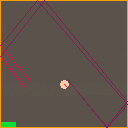
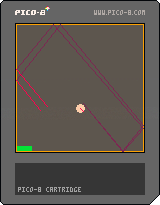
- This is a test to create some echo effect. Initially intended for a game I made (Into the Darkness).
- The echo simulation is very simple: a sound is played from a given source point in a given direction. The sound propagates at a given speed in this direction and with a given aperture. As it propagates, it is attenuated and reflects on the walls (ideal reflection) with a given absorption.
- All the parameters (initial position, direction, sound speed, aperture, attenuation, absorption) can be set before launching the simulation.
- Once the simulation launched, the source can then move and becomes a receiver. The sound echo can only be heard when the receiver is located at the front of the sound cone (red lines).
0 comments


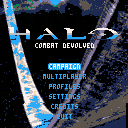
Final Project for the Computational Media 164, Professor Adam Smith, Winter 2017
#CMPM164w17
Controls:
Menu:
Up and Down to navigate
Z to choose
Game:
Up and Down to move forward and backward
Left and Right to turn
Z to jump
X to shoot
S to throw grenade
TAB to switch guns
E to enter Warthog
--Z to accelerate
--X to accelerate
Students/Developers:
Geoff Smith
Hiu-Chun Lo
Noah Davidson
Jonix Gabato-Telmo
Nima Bazofti
Nikolai Chen
Code Attribution/Special Thanks:
hungrybutterfly (PICO 8 BBS) - Wolfenstein 3D https://www.lexaloffle.com/bbs/?tid=28423
Zep - his specially made raycast demo cart
Adam Smith - for being a cool dude (and our professor)
4 comments





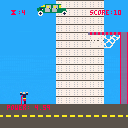

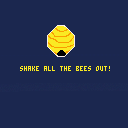
Challenge to make a Wario Ware-esque mini game. Use the left and right arrow keys to shake out all of the bees before time runs out!
0 comments
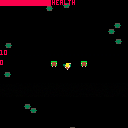
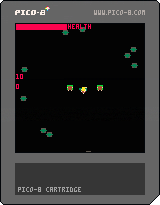
Protect the Hobbits from the Orcs as Legolas. Use left and right arrow keys to rotate, up to move, and press X to shoot arrows.
0 comments
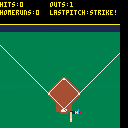
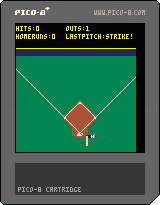

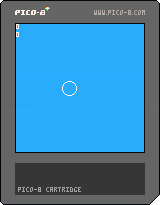
Slide prototype meant as an exercise on "game feel." Use arrow keys to move and X to dash!
0 comments
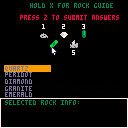
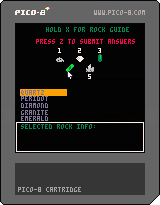
Use your mouse, arrow keys, and X button to uncover clues about these rocks and minerals in order to identify them!
0 comments

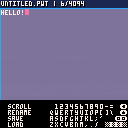
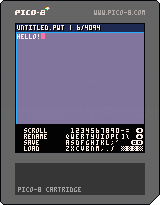
This is a text editing program because everyone loves to write text with a gamepad!
- Type using an amazing virtual keyboard!
- Save and load up to ~4k of text!
Instructions :
Navigate the virtual keyboard with D-Pad and press (O) key to press the highlighted key.
The (BACK) virtual keyboard key works as Backspace, allowing you to erase a letter
The (UP) virtual keyboard key works as Caps Lock, enabling use of !@#$%^&*()_+
The (OO) virtual keyboard key works as Return. Nuff said.
The long virtual keyboard key is Spacebar.
Pressing (X) on your physical gamepad switches you to the sidebar. Pressing it again allows you to go back to the virtual keyboard.
Selecting SCROLL allows you to scroll the text vertically and horisontally until you press (X).
While highlighted but not enabled, SCROLL allows you to move the text cursor left and right by pressing D-Pad left and right.
Selecting RENAME allows you to set the name of current document.
Selecting LOAD will search for and load the cartridge with the name of the current documment. Crash if none found, //TODO
Selecting SAVE will create a cartrige with the name of the current documment.
HOW SAVING WORKS :
The saving works by overwriting the map data in the ram with ASCII-like-encoded text data and storing it with cstore.
2 comments

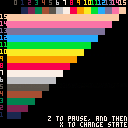
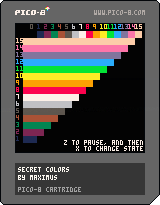
Heavily inspired by Aaron Bell's blog post.
No, the Pico 8 doesn't really have any secret colors, but by changing a pixel between two colors very fast, we can trick the eye into thinking that it is seeing another color.
Here is an approximation of how the effect should look on your screen:
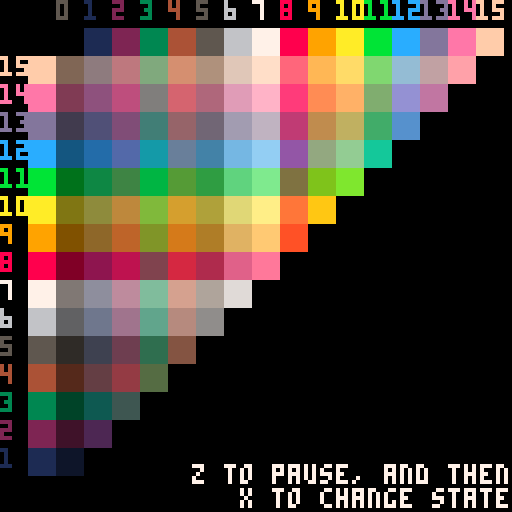
Of course a lot of the colors wouldn't work, because of flicker.
Technical Info:
This requires 60 fps mode and works best when not run in a browser. Additionally, since (i suspect) the frame timing varies a little, the effect may appear to stutter from time to time on 60hz monitors. Additionally additionally, only some color combinations work (the luminance of the two colors have to be close to each other) and even then the color can vary a little between monitors. [b]Not to mention that you would need to label your games with a seizure warning.
25 comments




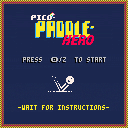
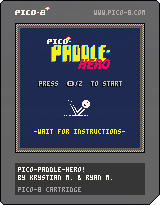
Current build includes brick types, a partially implemented powerup brick... getting close.
0 comments

we made a game and want to try it on our pocketchip but we're not sure where to place the .png.p8
7 comments





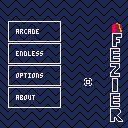
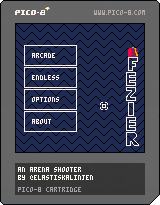
Fezier is an arena shooter were you control a fez wearing magican. Weild the power of magic and slay the damm blobs!
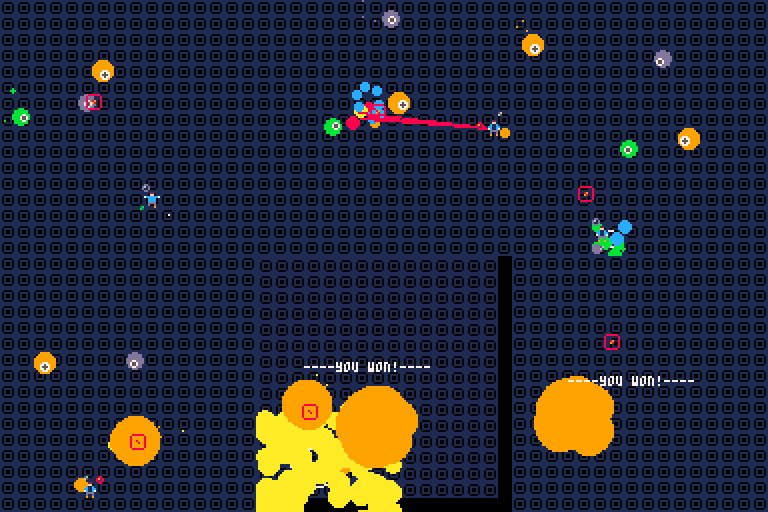
The magican is controlled with the mouse. He always tries to move towards the mouse position.
To shoot, just left click, the rest will be brought up in the game!
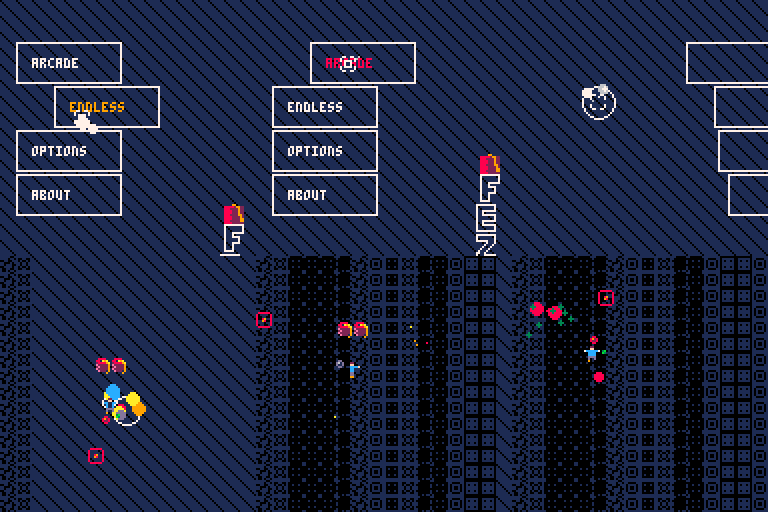
Updates
1.2
- Made shielding esier
- Add a marker when picking map
- Icons on every tab
- clean up endless mode tab
- Cracks on arcade mode
- Limit boost when standing still
- Harder last boss
- Save settings
1.1
- Blobs should not spawn on you
11 comments




Hi all!
I am building a small pong clone for fun and I have an issue when I press the button to enable pause.
Basically the pause is enabling / disabling itself really fast.
This happens if I use btn() and also if I use btnp()...
The source code is available here:
https://github.com/ltpitt/pico-8-pong
Can you please help?
Thanks and happy hacking :)
14 comments
Hi there fellow community!
Just wanted to ask whether there is an official PICO-8 mascot? Could it be Jelpi?
If not I think the community should probably decide on one since most platforms got their mascot.
23 comments
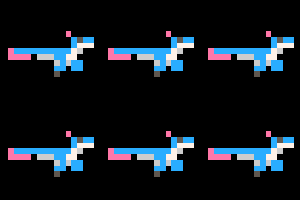







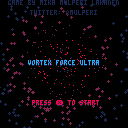
Space shooter idea where you can travel to next level thru a wormhole whenever you want. Still work in progress but I may be too lazy to finish it...
all comments welcome though :)
2 comments
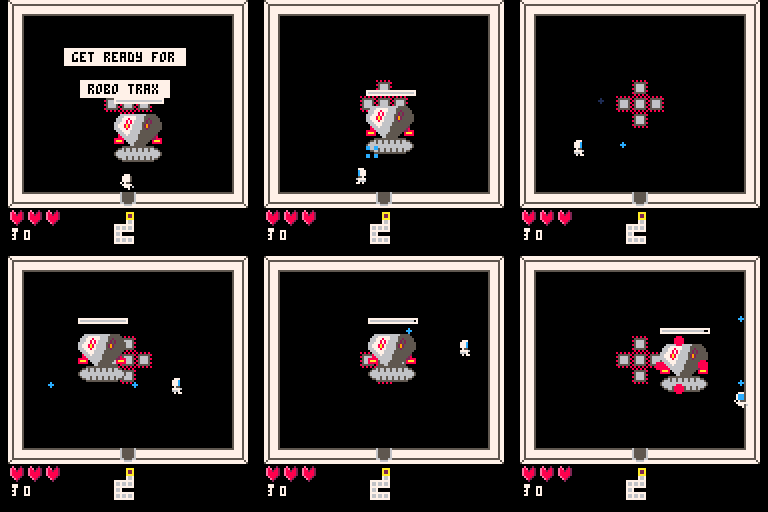
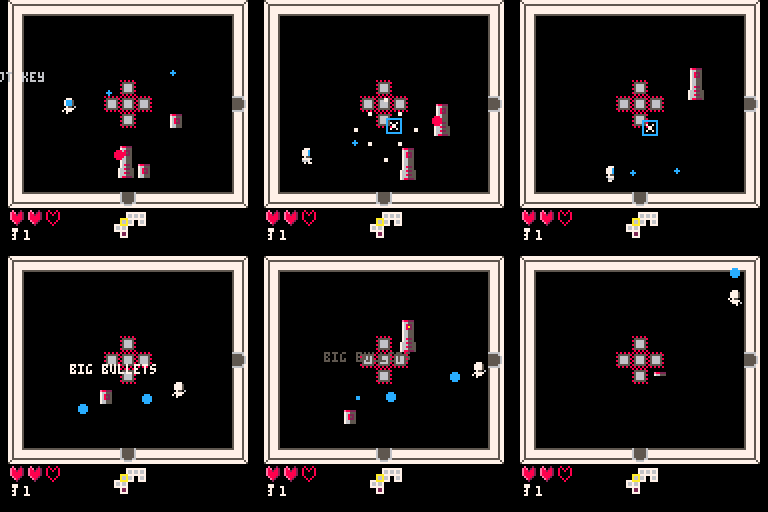
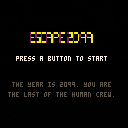
Escape 2099 is a procedurally generated twin stick arena shooter for one or two players.
The year is 2099, and humans have begun settling the stars with the use of generation ships and autonomous robot crews. It seems however your robot crew has other ideas...
Controls:
Standard D-PAD/direction keys to move, and the two buttons to change shooting direction. Hold them both to shoot down, and a single one to shoot left or right. It includes a control screen where you can easily invert the shooting buttons to avoid remapping with SDL on game pads and joysticks.
Survive and escape Deck 5 to win the game.
 4 comments