





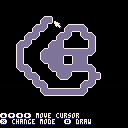
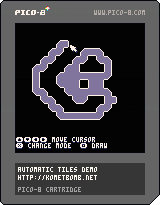
Here's a demo cart about how the map is built in Spaceman 8. Corner etc. tiles are picked depending on the placement of tiles.
Some words about it: http://kometbomb.net/2017/03/10/how-levels-are-generated-in-spaceman-8/


 0 comments
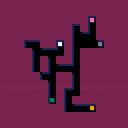
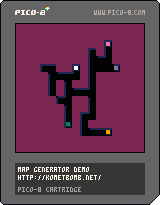
Here's a demo cart using the algorithm we used in Spaceman 8.
Some words about it: http://kometbomb.net/2017/03/10/how-levels-are-generated-in-spaceman-8/
2 comments



Background:
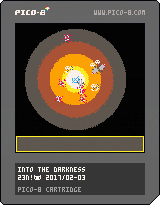
You're a monster. you have been eating humans for decades but they rarely come into your cave anymore nowadays.
It is time to get out and feast again!
Unfortunately, your only source of light is an unmovable glowing crystal at the center of your cave. Still you can draw a map of your exploration when you are near it.
But be careful, you're not that intelligent, and you can't remember where all the walls (especially noncontiguous ones) you found were if you venture too long far from the light and update your map.
One last thing, visiting humans -preys- may have left potions in the dark. But what are their effects?
About the game:
Procedural generation of the cave and potions. Size of the cave and size of the tunnels inside the cave depend on difficulty.
You can only update and look at the map when you are near the light. No time limit, no health, no score. Just find the exit !
Insects/small animals are just for fun, no effects on the game (for now).
Made for possible submission to Horror Funhouse Jam 2017.
Instructions:
Arrows: move (cave) / scroll (map)
Z: drink potion (cave)
X: switch potions or check map (near light) or back to cave (map)
Update:
- new crappy artwork. I guess I should ask my 4 years old daughter to design the monster, it would sure be better,
- corrected typos,
- new map colors.
0 comments

My first game in Pico 8.
PRESS Z to Start! :D
Profesor Rossa was an educational TV Program
in Chile. From the 80's and 90's.
The main chars were
Profesor Rossa
Don Carter
and Guru Guru
They used VHS tapes to see different videos
about animals and wild life.
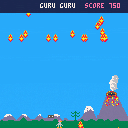
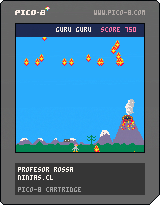
In this game you have to avoid dangerous lava
and retrieve VHS tapes.
A life every 500 points (and a little faster gameplay)
You can have the source code here :)
https://github.com/NinjasCL/rossa
 3 comments



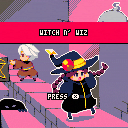
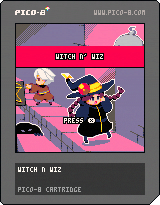
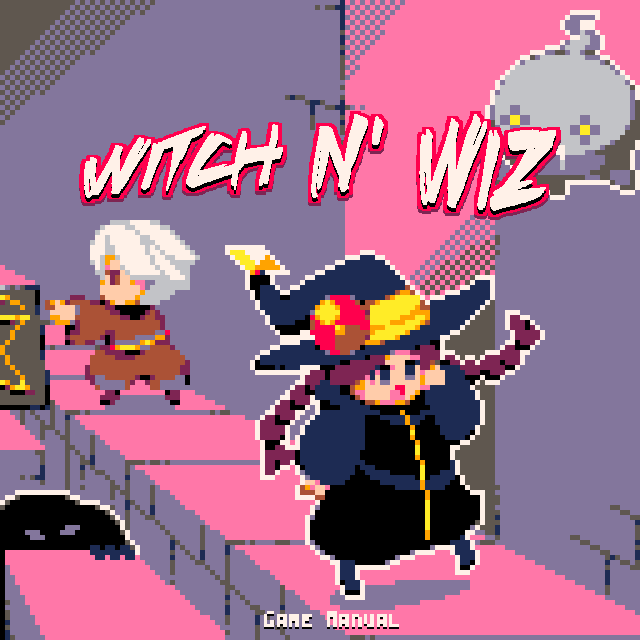
Art by: 9tk (https://www.lexaloffle.com/bbs/?uid=23566)
Code by: mhughson (https://www.lexaloffle.com/bbs/?uid=15406)
Sound by: gruber music (https://twitter.com/gruber_music)

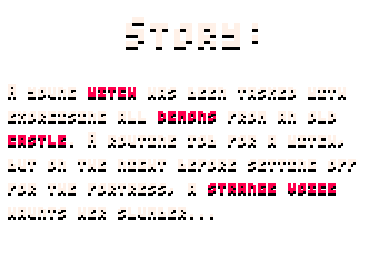
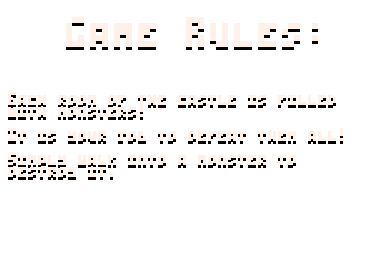
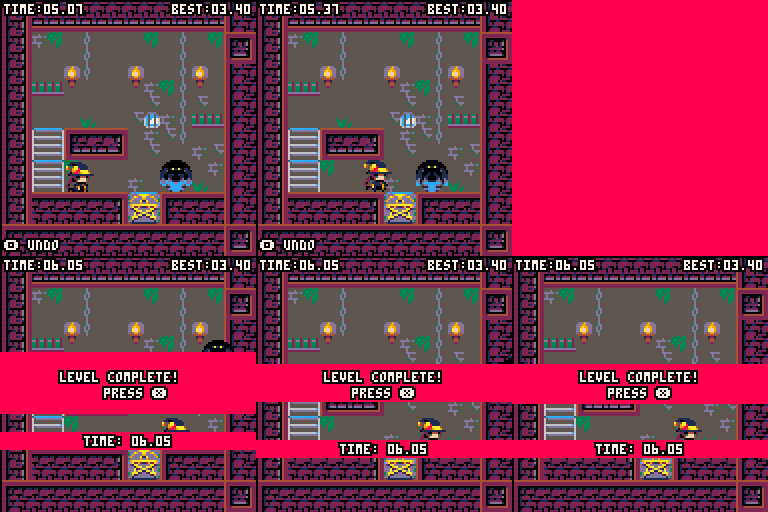
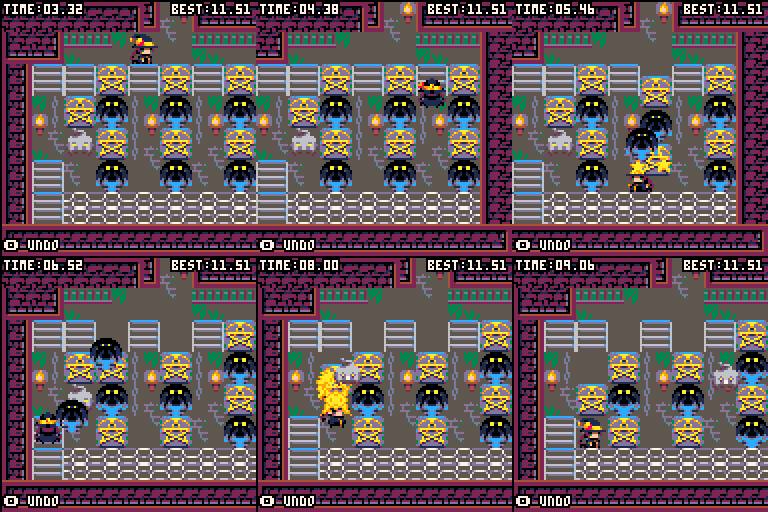
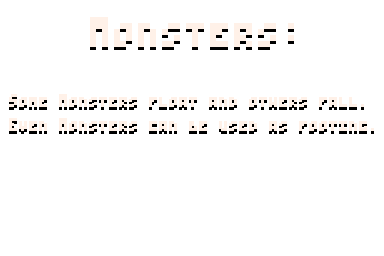
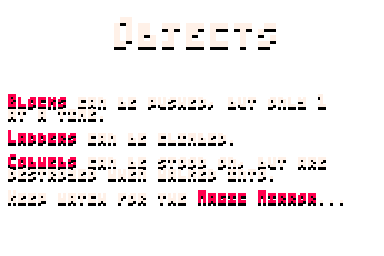
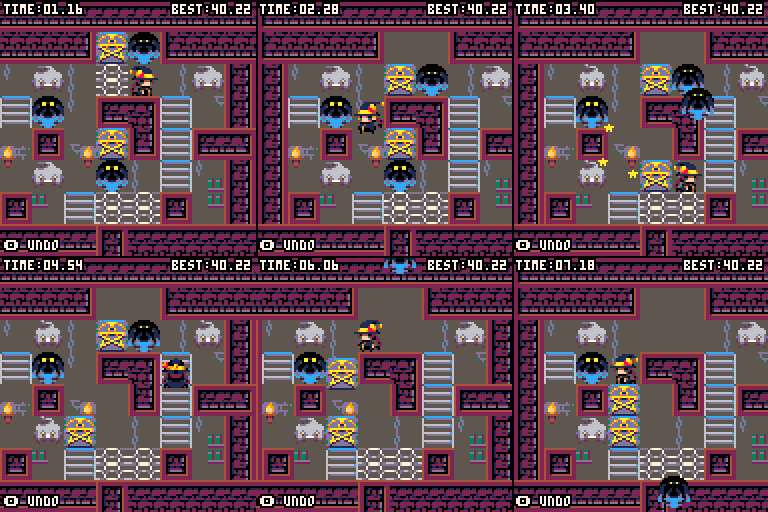
29 comments









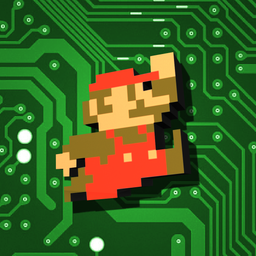


Update 15.03.2017:
- created itch.io page with gamepad support: https://sascha217.itch.io/smb
Update 12.03.2017:
- added one more level
- added new sound effects(thx to nico gueguen)
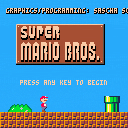
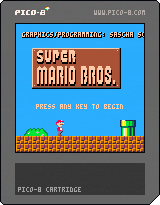
Is probably more a demake than a remake.
So far:
- 5 Levels
- all powerups
- 7 different enemy types
- moving platforms
- pipes
- simplified physics, due to token limit
- removed 'running across narrow pits', due to token limit
Do not know if cartridges is the correct category, but since I reached the token limit, this is almost finished.
Compressed code size is ~12kb, so I will probably add 4 more levels and hopefully some missing sound effects.
token limit is annoying, because the whole map memory is free and could be used for intro screens or more levels.
Here is the uncompessed source code:
https://mega.nz/#!fAkDnaYS!R6mrADTTTBr1_0QiZ7Uzg32CG4DnPwwVZhBMs4_fXa0
Can not be stored in pico-8, because it brokes the strings
51 comments





Greetings.
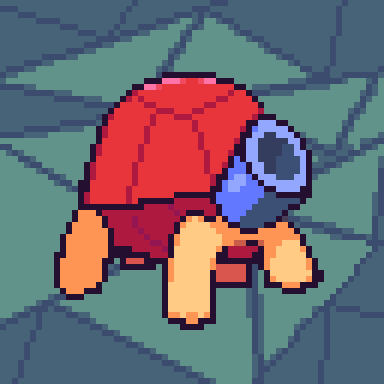
I have been working lately on an arcade-style game where the player controls a dragon who explores randomly-generated mazes that have treasure in the end. However, there are opponents, including a knight, that think that the dragon stole the treasure and pan on stopping. The idea is that, every stage, after the level number helps determine the size of the maze and the number of opponents, the opponents are randomly generated from 6 classes (excluding the knight, which is in every stage) that have their own way of patrolling and hunting the dragon.
I got stuck planning the logic here:
Unfinished Flowchart
More specifically, I don't know how to plan a route or walking plan for each opponent.
The source code is here, complete with not only the code itself, but also any notes that I had on how I plan the game to be run.
GitHub Project
2 comments
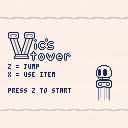
A game about a blob-thing called "Vic" who wants to climb a tower for some reason. Wrap around the screen the screen and collect powerups as you climb the endless tower. Also, all of the platforms are jump-through.
The powerups:
---Extra Vic: If you fall, the Extra Vic can send you to the top of the screen for a second chance.
---Rocket Shoes: The Rocket Shoes can send you flying really high. Useful for saving throws.
---Stopwatch: Stop the autoscroll for a few seconds.
Vic can only hold one powerup at a time, and collecting another one will replace whatever one he had before. They're activated with [x], and are consumed after use.
-
-
This is an old project of mine from 2005, which I previously submitted under the name Rogue Tower. I worked on it for a while, listening to feedback along the way, but I burned out eventually and lost my enthusiasm for the project. Although I did add to it now and then, I pretty much forgot about the project the rest of the time, focusing on other stuff.
8 comments








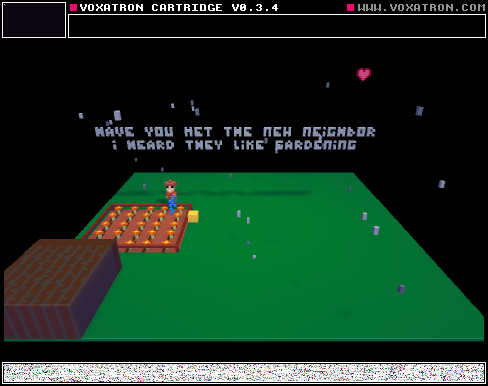
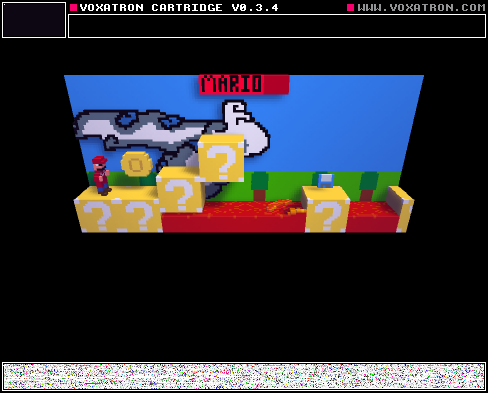
This is a tiny project I did for school. Is based on Of Mice and Men. Please don't hit me with the copyright stick.
Shout-out to DigitalMonkey, who I couldn't have finished this game without. He helped me start off using Voxtatron.
Also, special thanks to Zep, who made this amazing console, and PICO-8 along with it.
Enjoy!
1 comment



I've recently gotten a Nintendo Switch Pro Controller, and I connected it to my computer, and it works fairly well with pico-8. However, it's nearly impossible to input any sort of diagonal direction using the analog stick. Is there any way to make the activation area for the directions overlap more?
0 comments

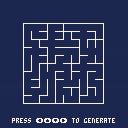
This a sample of the object LAB used to generate a labyrinth.
=> Random path merge

fr.wikipedia.org
0 comments

I can't figure out how to do it.
You know, I made my little raspberry pi and most of the time I would like to not have a keyboard hooked up to it. But how do I get into the pause menu from the joystick?
Thanks a lot!
Update. I built the controllermap program from libsdl but the configuration doesn't seem to be able to detect me pressing the left, and up, directions? So weird. I was hoping I could use that to map the start button to 'P' or something but pretty speculative. Any thoughts is that the right track? Every other button works already in PICO-8. Anyone else able to get into the pause menu with your joysticks how'd you do it? Thanks.
Resolution:
I could never get controllermap (or gamepad tool) to complete, but took its partial output and grafted in "lefty:a1," for the up/down that it would never detect. It comes out this way, works perfect including start = pause menu. Excellent!
[i]030000001008000001e5000010010000,EEEKit USB NES Controller,a:b0,b:b1,back:b8,start:b9,leftstick:a0,leftx:a0,lefty:a1,platform:Linux,
6 comments



I know I've been asking a lot of noob question lately, but where is the path for the alpha carts? I want to tkae some of the models out of one, but i can't see to find the carts. I'm using windows, but if you have it for mac and linux please post it for future reference.
1 comment
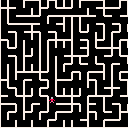
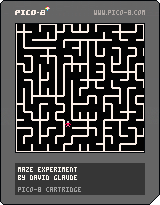
This is my first program for the Pico-8.
It is also my first piece of LUA code.
So far it is not really a game as there is no goal, no score, no nothing.
If you want to play, you can set your goal to reach the 4 corners of the maze (you start from the center).
Once you succeed, relaunch the game for another maze.
It is mostly a programming experiment in maze/labyrinth generation based on the book:
"Mazes for Programmers / Code Your Own Twisty Little Passages by Jamis Buck."
I did not reuse the code or data structure from the book as it is all in Ruby.
Only the algorithme description were reused, but still an interesting entry level programming book.
The game program does the following:
- Create an full of wall 32*32 maze
- Randomly carve a perfect maze without bias with the Aldous Broder algorithm (that is without bias but slow)
- Display the full maze on screen using my sprite based display function
- Wait for the C or X key
- Display a map based maze with a player in the center
- Let you travel the maze with the arrow key, scrolling as necessary the map keeping you in the center when possible
The code is more or less documented and the size of the maze can be modified in the code.
The maze carving algorithm can be switched to the binary tree algorithm.
I would love to have feedback on this to know in witch direction I should go for further evolution of this WIP
David Glaude
PS: This code was initially completely written on a Pocket C.H.I.P. (sometime with the help of a BT keyboard).
CHANGE LOG:
v01 = Initial release without cart image.
v0.1.1 = Updated with a cart image, no known code change.
1 comment
Dear all,
I have:
- a Pocket C.H.I.P. that came with Pico8.
- a C.H.I.P. Console kit that came with Pico8.
- a copy of Pico8 for Raspberry Pi that came with a #CodeTogether! action.
So all in all, I have 3 legal copies of Pico8, but it is unclear if I have a licence.
And if I have a licence, how can I claim it to download a Mac (or PC) version?
If I don't have a licence or those are system specific licence, then, am I suppose to acquire yet another one to be able to download the Mac/PC version?
Regards
2 comments

You know what would be handy?
sfx n [channel [offset] [end]]
where [end] is the last note to be played. I'm in a spot right now where I'm needing extra space for music, and it would be very useful if I could cram more than one sound effect into a single slot.
5 comments




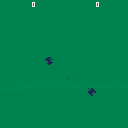
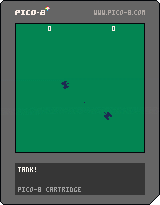
This is the first vaguely playable prototype of a remake/port of the tank mode in Atari Combat. At the moment, it simulates a standard match on "guided missile" setting (ie, you can turn your shots after they've fired).
Left and right rotate the tank, up and down move forward and back, button 1 fires. It is two player.
Still to do:
- playfield
- wall collision
- player collision
- sound
- possibly Tank Pong! mode? (shots bounce off walls)
I can't say it's terribly "fun" yet, but I'm posting it now because it's a good starter project, and because I wanted a backup somewhere. ;)
2 comments


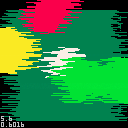
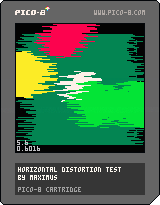
Press [Z] to start distortion, [X] to increase distortion amount.
A simple screen distortion effect using memcpy, using only 63 tokens.
Easy install, just copy the line below:
distort(amount) |
(replace amount with desired distortion amount) to the bottom of your _draw loop in an if condition to prevent it from being always on. For best effect, use a timer to turn it on and off.
Open the cartridge in editor for more details.
0 comments

Howdy folks, so after a bunch of hacking and some ruby help from @lemtzas, I have made a twitter bot that takes the body of a tweet, and then renders it as a gif and responds with it!
It's really finicky right now, but you know how quick projects like this are.
Here are some other tweets:
https://twitter.com/showmepico8/status/837863065332887552
https://twitter.com/showmepico8/status/837863424189218817
https://twitter.com/showmepico8/status/837862034058412032
https://twitter.com/showmepico8/status/837857942745534464
 3 comments


