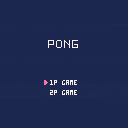
Arrow keys for bottom player and ESDF for top player when playing two player.
AI needs some work.


 0 comments



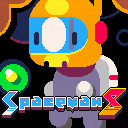
Here's our latest game we made as Tic Tac Toad. Please enjoy!
THE STORY SO FAR
Life has been tough on mining colony w4ge-514v3, but you are tougher. Don the helmet of Spaceman 8 and mine the labyrinthine busom of icy spacerocks for gems and haul them back to company collectors. The oxygen supply is scarce and depleting fast, so you have to keep your visits brief. Luckily, your trusty hummingbird-class jetpack is highly manouverable, and will get you to the exit quickly.
Use the hard-earned credits to upgrade your gear in the shop at the end of each day. How much can you earn in a week? Will you even survive or will greed get the best of you? Only one way to find out!
[b]CREDITS
48 comments











I made some external tools for PICO-8 on Windows.
- p8run.exe
p8run.exe sets the focus to PICO-8 and automatically presses Ctrl+R.
If PICO-8 is not running, the command of the argument is executed.
Download:p8run.zip (123KB)
- Tabreng8
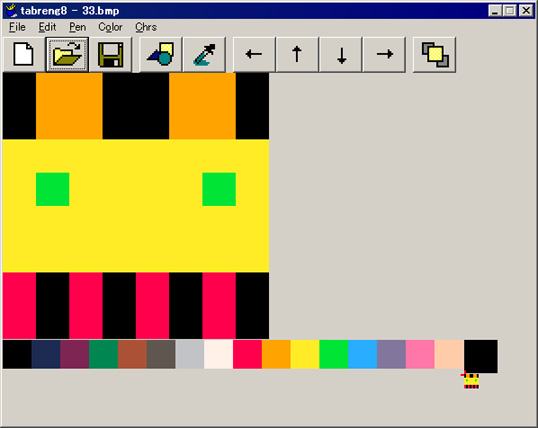
Tabreng8 is an external sprite editor. It is suitable for Windows tablet.
Download:tabreng8.zip (566KB)
4 comments



I just bought Voxatron and I haven't been able to do anything because of an issue; my up arrow key seems to be stuck down. I've tried unplugging my keyboard, so the problem has nothing to do with hardware. If there a fix for this? Thanks!
8 comments


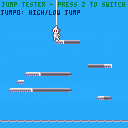
Updating this thread with a small jump tester.
I've been trying to choose which jump strategy works best and came up with this jump-code switcher!
Thanks to @ZackBellGames and @R4_Unit for helping me out with insights!
Old cartridge below:
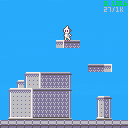
Alright boys and girls, starting a new project.
I've never completed a platformer before and this changes today!
I'll be streaming most of this development too on my twitch channel!
twitch.tv/ikolino
I'll update the thread when I'm streaming, and at the end of every stream with the updated cart.
:D
4 comments



You are all invited to the Tiny-TV Jam, a Pico-8 gamejam in which you'll have to make a tiny game for a tiny TV!
Here is the base cart:
 65 comments







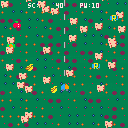
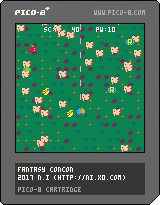
Fantasy Concon is a shoot 'em up game.
Control
Arrow key... move
Z... shot
When you touch enemies, PW decreases. When PW becomes 0, the game is over.
Bonus Item
P... recovers PW
S... speed up
R... reverse
Apple... 11 pts.
Banana... 8 pts.
Green capsule... gather
Have fun!
0 comments
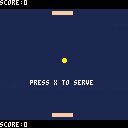
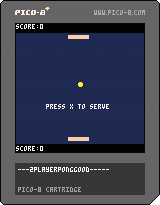
I need help - if you try hitting the ball with the sides of the paddle, it gets stuck inside the paddle and bounces around a bunch of times. How can I fix this so that it just bounces off of the side?
Arrow keys for bottom player, ESDF for top player.
2 comments


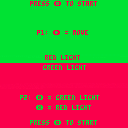
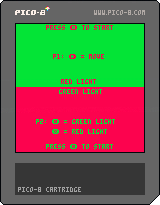
A Pico-8 recreation of a childhood favorite! Player 1 tries to make it to the end of the screen while player 2 tries to stop them. Player 2 wins if they can stop the other player 5 times but, player 1 wins if they make it just once!
0 comments
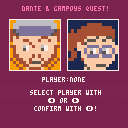
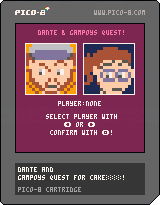
1st real thing i made in Pico 8 (except for little tests, but this is also a test D:)
just wanted to get the hang of setting hitboxes and stuff... just learning how to find out all these things myself :D
0 comments


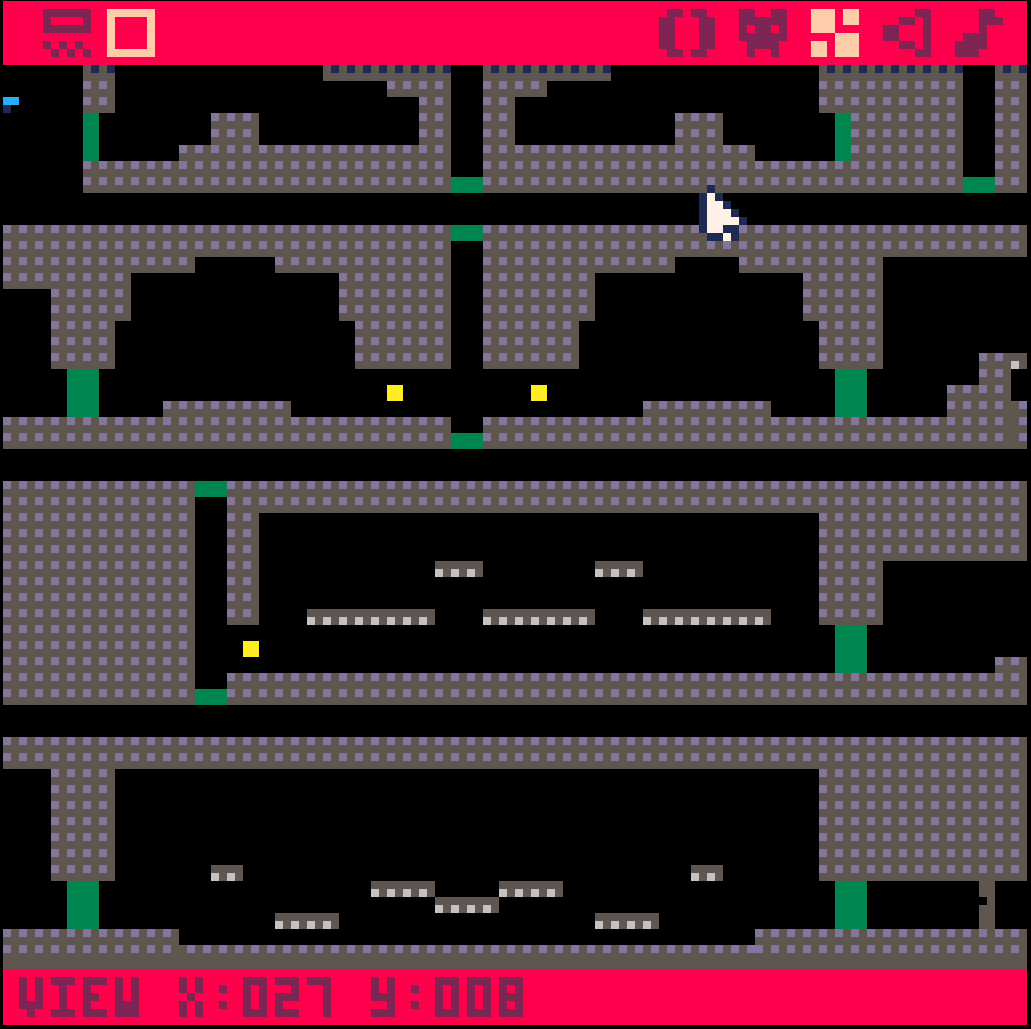
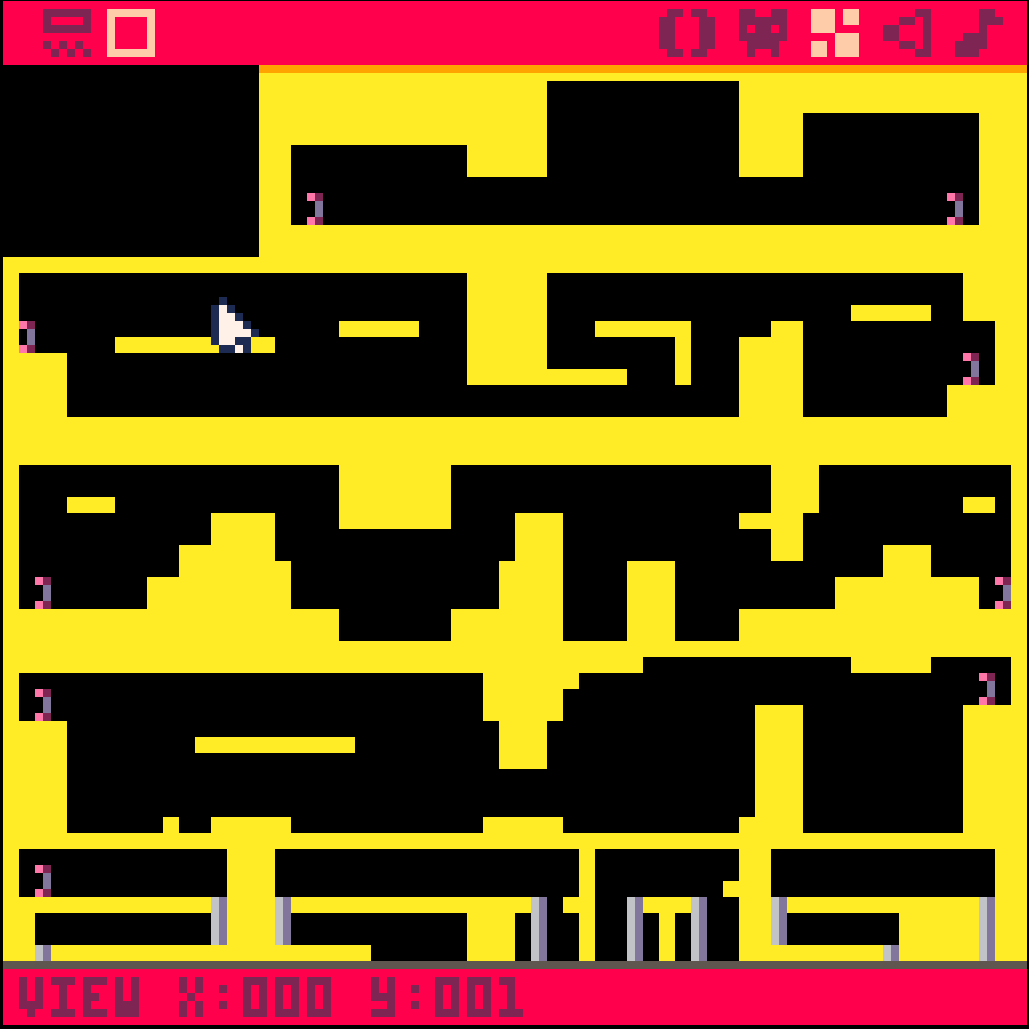
So, I'm going for some modular map usage, and in the interest of map management, I need to learn of a way to make "scroll cuts" and "jump cuts" between segments. For instance, the "Concert of the Damned" map is broken up into pathways that exit to the left and right, and the top and bottom. The "green blocks" indicate doorways that will jump the character into the next scene upon collision. But don't let the layout fool you! Since the map is modular, each of these scenes doesn't just connect to it's neighbor, they're designed to cross-script to one another. 200x on the other hand, scripts gameplay mechanics into the segments and warps between them, but I also need to preserve the scrolling within each scene, while not scrolling to the other scenes in visible range (perpindicularly). The screenshot for it shows horizontal corridors, but I have a section of vertical ones as well; so it's not just as simple as only scrolling on the X-axis.
What I need is a way to cut the scrolling at the ends of the screens, and jump-cut to another segment of the map; while preserving the scrolling in the segments themselves. Any code monkeys care to give me a little tutorial on that?
3 comments


Hi
I use a german keyboard layout and when I try to create the characters {,},[,],\,~ (all created with alt+ctrl) they doesn't appear in the editor or command line. I use v0.1.10c.
I know there are/were some problems with the different layouts, so has someone the same problem and can maybe offer a fix?
2 comments

So, I was looking at the manual (while I was working on a project), when I noticed the GPIO setup.
I just had the idea that if anyone owned 2 GPIO-capable devices, then couldn't that allow for networking? Sure, that does have a few issues:
- only 6 bits at a time (pCHIP has 6, but CHIP and RPI have 7)
- only 2 devices can be connected
But couldn't that work? Maybe Pong could work, as well as turn-based games.
If anyone has access to 2 of these devices, hopefully you can help me (I only have 1 RPI).
0 comments
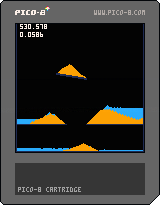
Simple sand and water simulation.
Controls:
Button 0 = Reset
Button 3 = Spawn water line
Button 4 = Spawn sand pixel
Button 5 = Spawn sand line
Could be optimized by removing static sand and water particles from the list + optimizing the update order.
Not really much of a game yet but is fun to play around with. Thinking of trying to make a puzzle game with this involving scales.
3 comments
So, I think that for anyone visiting the site, there could be a pop-up to help them out.
I think this would also fix the whole button issue, as everyone would know what the X and O buttons are.
0 comments

Gameplay:
You need to move both character into the gates.
blue character -> blue gate
violet character -> violet gate
Done during our lessons at our school in germany by me, Aizer, and JasminSky.
Programmer: Dominik Dotzauer (Aizer)
Artist: Barbara Beil (JasminSky)
0 comments
Hi,
I'm trying to have a sprite move in front of and behind other objects to simulate z-index ordering, but I'm not sure how to do this in PICO-8. I figured it would work something like if object_a.y > object_b.y, move behind that object.
I saw somewhere someone giving each object/sprite a "z" variable that would control what order things were drawn, but that wasn't for PICO-8 so I don't know if that could be recreated here.
After some searching, I see that this has been done in The Lair and Kick Wizards, but I'm very new to Lua/PICO-8 so I'm having a hard time finding how they're doing it. Any help is greatly appreciated.
The Lair: https://www.lexaloffle.com/bbs/?tid=4051
Kick Wizards: https://www.lexaloffle.com/bbs/?tid=27697
Thanks!
8 comments




Ok, I have Voxatron and Pico-8 in my updates, but when ever I click it, it just takes me back to the purchase page...im confused. How am I supposed to download it?!
0 comments

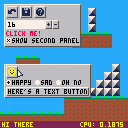
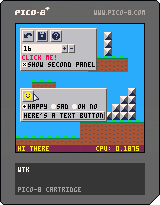
A simple WTK you can use for editors and such. Code and documentation here. The version there is probably newer than the one in this demo cart.
Mouse interaction only, except for text fields.
15 comments