






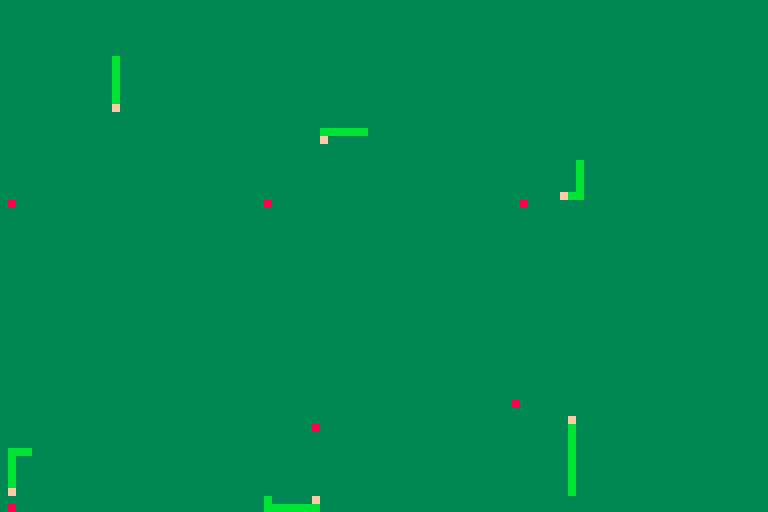
Will be a mix of "Metroid" and the classic cellphone game, "Snake". Not much there at the moment.


 1 comment




Hi,
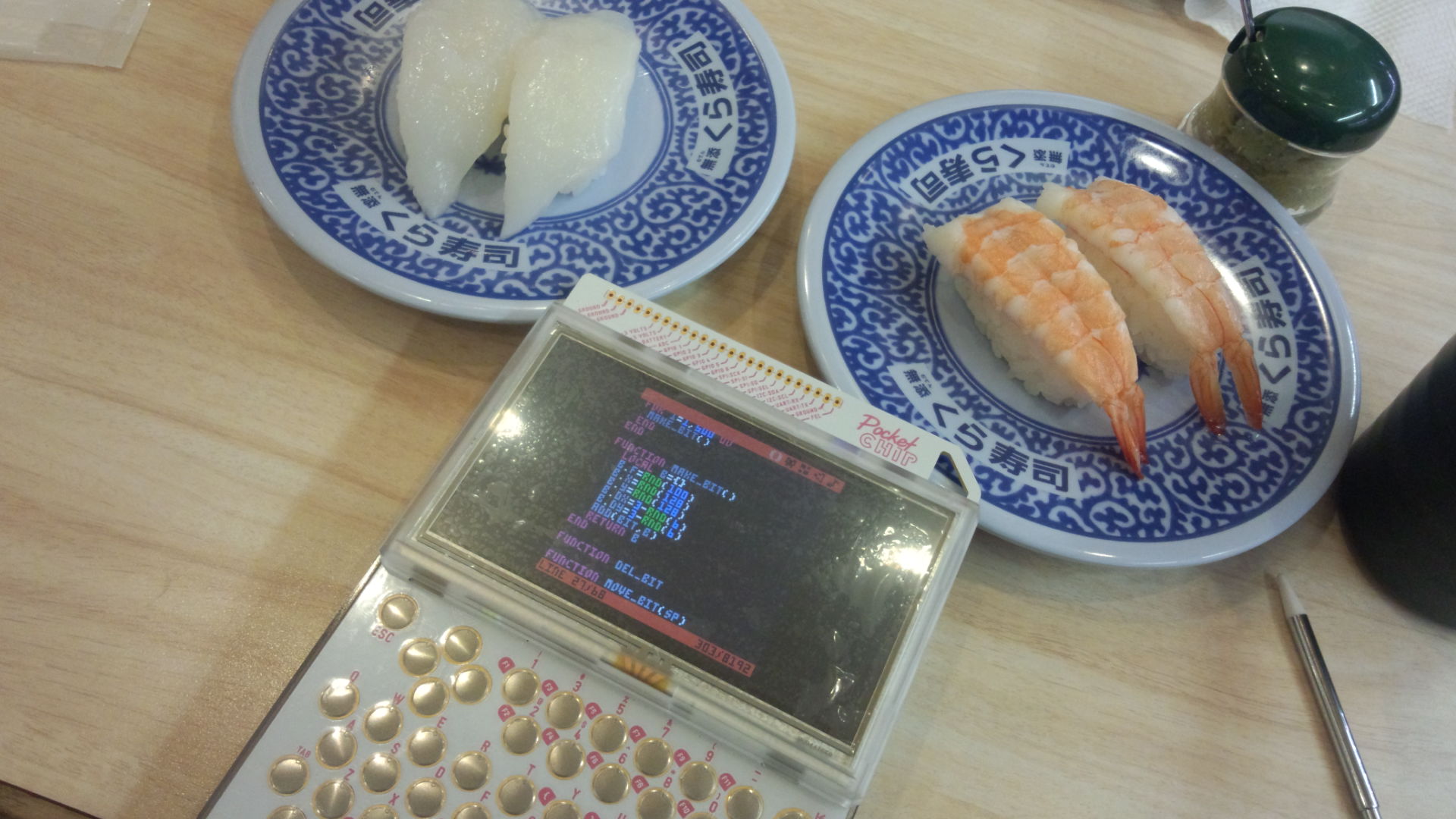
Pico-8 already works on Windows, Mac OS X, Linux and Raspberry, but are there any plans to release it on Android too? If so, any tablet with a physical keyboard (or even virtual keyboard?) would then make a marvelous take-it-anywhere game making platform! I already own a pocketCHIP but the screen's a bit small. I can totally see a 7" tablet being the perfect size: not too small, not too big. And, maybe with the help of a pen, the touchscreen might be precise enough to not need a mouse. Imagine how it would be nice to make games and play them anywhere... Any thought or info on this?
3 comments



Forgot to post this here the other day: PICO-8-Token-Optimizations
Lots of people working on larger projects (or more topically, the collab16 games) end up hitting the token limit, and people in the PICO-8 community have come up with plenty of handy tricks to deal with that. Some of them are common knowledge or pretty easy to figure out on your own, but others are a bit obscure, so I figured it'd be useful to compile a list of general purpose tricks and techniques for cutting down your tokens.
If you know of any handy tips that aren't listed or have any corrections/improvements, feel free to let me know or contribute to the repository!
7 comments



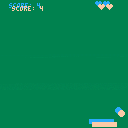
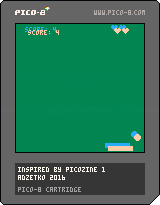
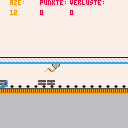
Of course this is based on the Picozine #1 tutorial, but I really customized it, and I think it's now interesting to play it.
Every 5 points you get a life.
If the ball hits the paddle at left, then it goes left,
and if the ball hits the paddle at right, then it goes right.
But you'll never be able to get it into a perfect vertical movement, so, no infinite score by doing absolutely nothing!
1 comment

PRESS C TO BLOW.
CTRL + R TO RESET (but you knew it).
Well I'm experimenting with sprites, animations, loops, in other words, with Pico-8.
It's fun and easy, really awesome.
Yay! First cart uploaded! /o/
4 comments


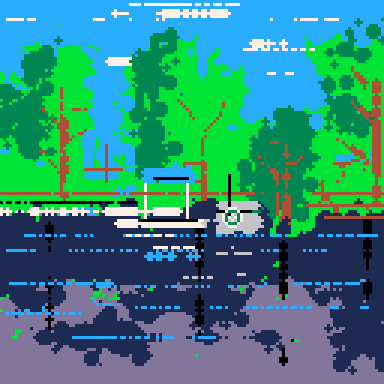
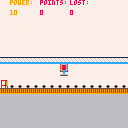

Proposing a DKC inspired cart, based mainly on the funner parts that DKC is known for. Priorities: Barrel Cannon sequences/mazes, mine cart levels, rocket barrel levels, maybe bird buddy / flying or fish buddy / swimming stages... and then maybe after all that, if there's space left... we can squeeze in some platforming.
Takers?
3 comments

Update (09-28-16)
- Set it to clear message if invalid swipe
My friend Chris has a great cellphone. It's touch-screen and he was showing me a feature I didn't know about called SWIPING. That is, you take your finger on the phone and drag it up, down, left, or right - quickly, and it registers as changing pages.
With the advent of PocketCHIP's -ahh- marvelous keyboard, I suspect users of the device will be more interested in carts that take advantage of its touch-screen technology.
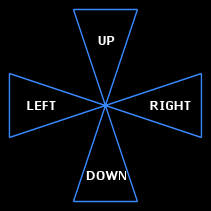
I thought about it for a second, determined you needed to have some tight triangles for movement and am seeking that. Here is a picture of what my code is looking for:
 2 comments

Yep, some more casual observations by dw817.
Just a suggestion for the FORUM. Can add a NEXT or PREVIOUS when reading BBS messages to go to the next or previous initial BBS message that was written.
Signature lines for the forum anyone ?
Errors (or problems) I found:
local a,b,c -- accepted
local a=3,b,c -- accepted (This method is listed in LUA help)
local a=3,b=2,c -- error
local a,b,c=3 -- read wrong, number stored in "a"
Loading code currently includes loading any spaces that might be inadvertently added to the end of a line.
Suggest in loading they be truncated, I.E.:
One line could read:
"cls() " -- and have 2-spaces on the end. This is saved when the source is saved.
Loading a code could truncate this:
"cls()"
Or even in the EDITOR, automatically truncate leading spaces as they are not needed.
While they don't count in TOKENS, they =DO= count in source code bytes used of the available 65536.
Since the code editor's top-left-hand corner of the screen is blank, it could include information including the name of the last saved file. This would be useful when working with two-different PICO files that are open in two PICO editors so you don't confused as to which is which.
Suggest that anything between --
0 comments


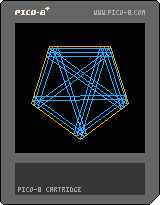
Inspired by ProjectEuler #202, this is a geometry toy that shows how a laser will bounce of the mirrored sides of a regular polygon
Left/Right - adjust starting angle
Up/Down - increase/decrease the number of sides
CC0
1 comment

This HTML5 program is mosaic processing in the palette of the PICO-8.
High-speed processing in the local processing.
http://www6.plala.or.jp/TimeTripper/html5/pico8.html
 2 comments
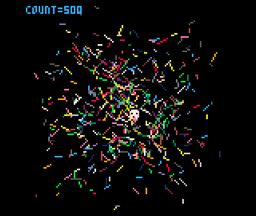
First time of the PICO-8 program at PocketCHIP
particle calculations using Lua of table
https://www.lexaloffle.com/bbs/?tid=27751
 0 comments
This is the first program in the PICO-8 of PocketCHIP.
Move the cursor keys
Decrease in the x key
Increase in the z key
1 comment


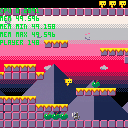
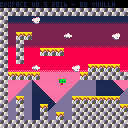
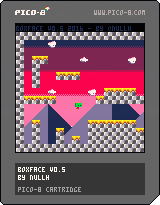
CONTROLS
Left/right - move left and right (original!)
Z - do a jumping
Been working to create a simple framework for a platformer. No ideas of gameplay yet, but I'm happy with the look and feel of it.
Massive thanks to mhughson for his Micro Platformer to get me started.
7 comments


A while back, joshmillard posted Pico Jr, a fantasy-console-within-a-fantasy-console based on these specs:
"- 48*48 pixel four-tone greyscale graphics (so, colors 0, 5, 6, and 7 in the PICO 8 palette)
- 2 channel sound
- dpad and one button (other button could be reserved for meta-game/menu stuff)
- 1 page of sprite sheet
- standard sprite size of 6x6 pixels
- dodgy slow-refresh LCD screen (could simulate this by checking screen buffer every frame and only allowing pixels to move one shade of grey toward whatever the target is)"
I extended Josh's prototype by overwriting most of the Pico-8 functions with wrappers that enforce the Pico Jr limits. For example, if you use pget(12,5), it will give you the value of pixel 12,5 on the Pico Jr screen instead of the Pico-8 screen. It will also give you a color from the Pico Jr palette of {0,1,2,3} instead of the actual Pico-8 values of {0,5,6,7}.
Some functions have been disabled entirely, for example:
- No map support in Pico Jr
- No direct memory access (poke, peek, memcpy, etc.). Sorry tweet-jammers.
- No custom menus
- No cart data (for the time being)
If you try to use any of the disabled functions, like memcpy() or map(), your code will crash with a syntax error.
Other limitations to be aware of:
- I have hardly tested this at all. It's probably full of bugs.
- Put your code into the usual _init(), _update() and _draw() functions. Bare loops won't render correctly. (Sorry again, tweet-jammers.)
- Keep your code between the "your code below" / "your code above" blocks.
- Avoid using function or variable names that begin with two underscores (__). That's how all of the backend functions are named, and if you use that pattern yourself, you might end up overwriting something important.
- I didn't build in Josh's suggestion of 6x6 sprites. All the sprite functions are still based on standard 8x8 sprites.
Here's Josh's original Jump Guy, updated for the new dev kit.
14 comments







Hey everybody!
I downloaded Pico-8 a little while ago because while I've developed some games in the past - they've all been with programs that didn't require any coding on my part (like Twine). But I've really wanted to start working on what I've always wanted to make: a basic exploration-based platformer. I've never really worked with code in my life and I've looked up several tutorials, but I haven't found anything yet on how to make a game like this and I'm really struggling with getting started on this (coding is a lot more intimidating than I thought even though Pico-8 simplifies things by a huge margin).
Basically what I'm asking is - where do I get started to make a basic 2D platformer ala Super Mario? Thank you so much to anyone in advance who has any helpful advice or comments. If I ever get my passion project made I'll be sure to share it with everyone here :-)
2 comments


