





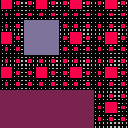
Photosensitivity warning: blinky as all fuck.
This is a hacky little Sierpinksi Carpet fractal implementation, with oscillating zooming and panning and random color changing, with a hacky shot at a Shepard Tone for the soundtrack.
Controls:
- A sense of control over the universe is illusory.


 2 comments



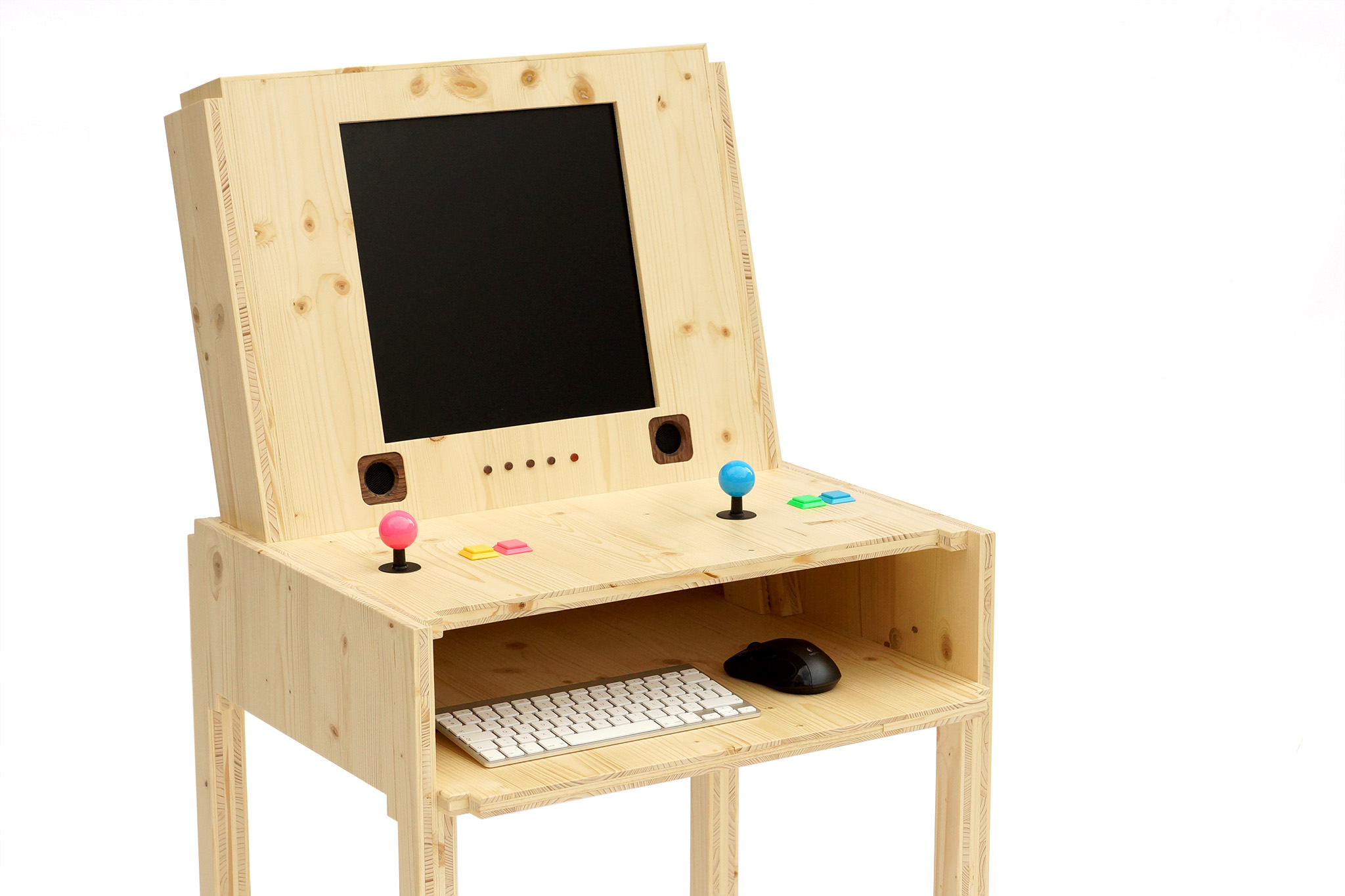
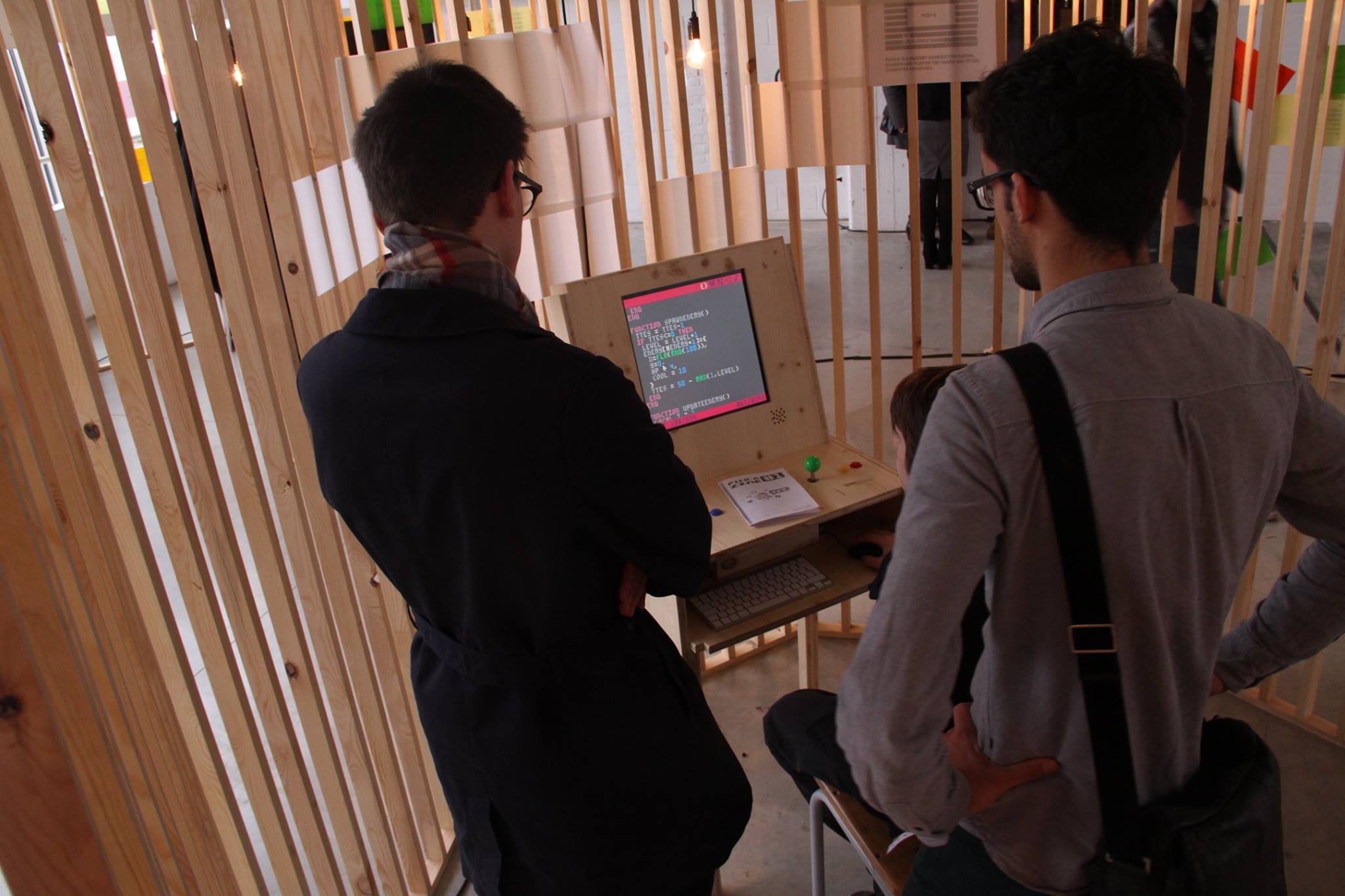
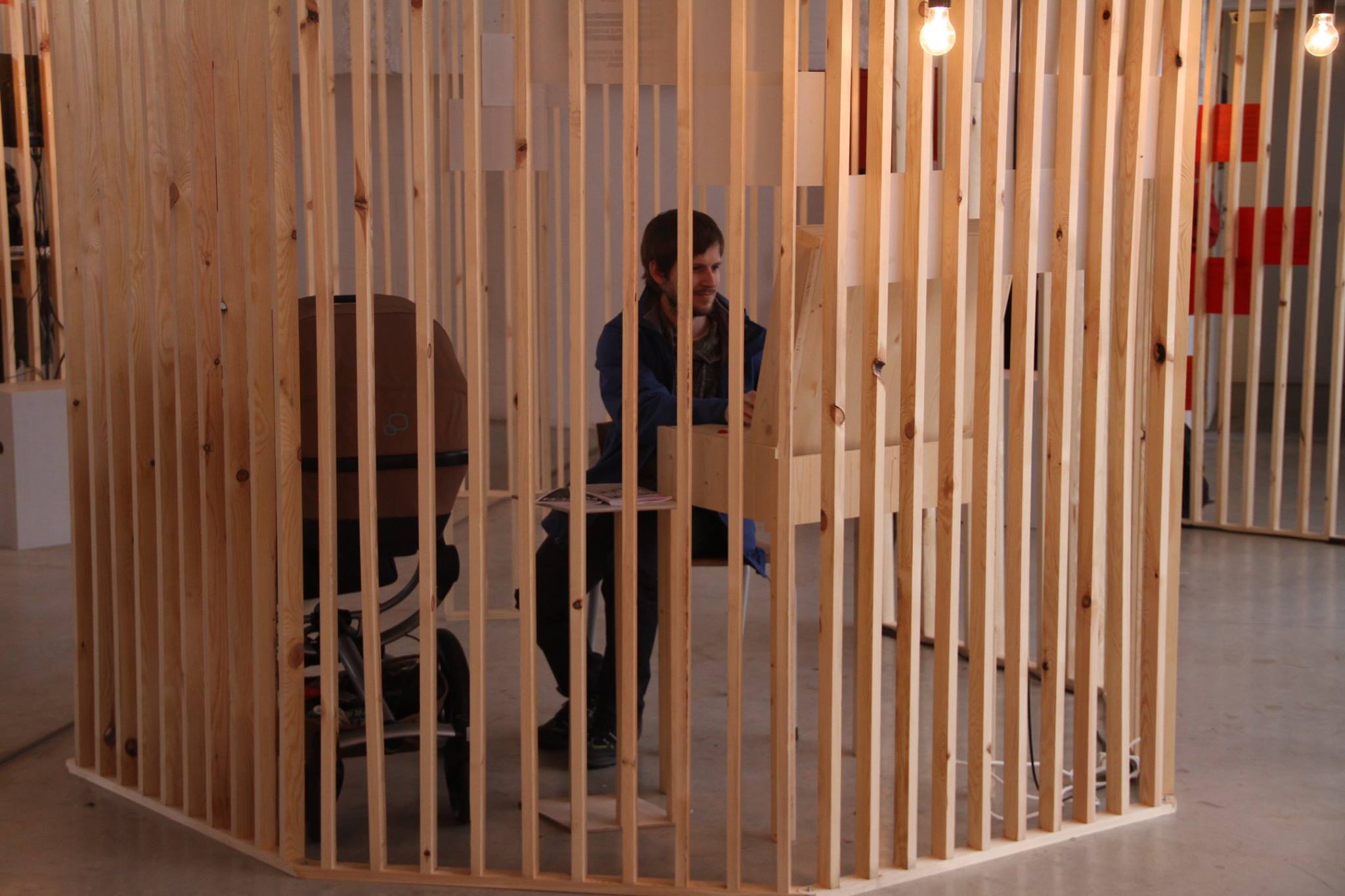
In the last few weeks we made a PICO-8 arcade for the Screenshake 2016 festival.
In our design we wanted to combine the comfort of playing the games using classic arcade controls with the ability for festival visitors to develop games as well. We also printed out some fanzines.
The arcade as shown at the festival:
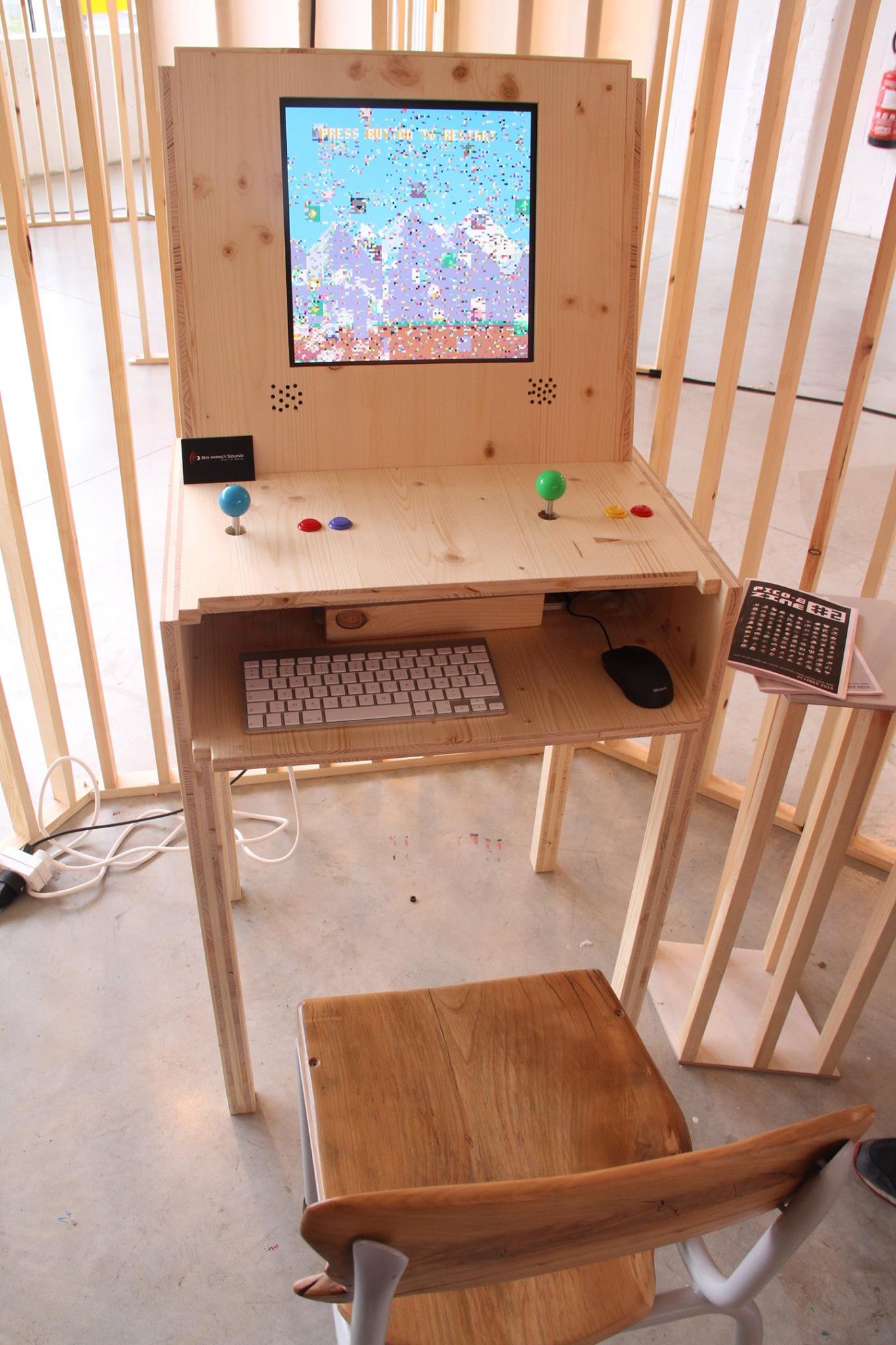
Butterfly Demo Vine:
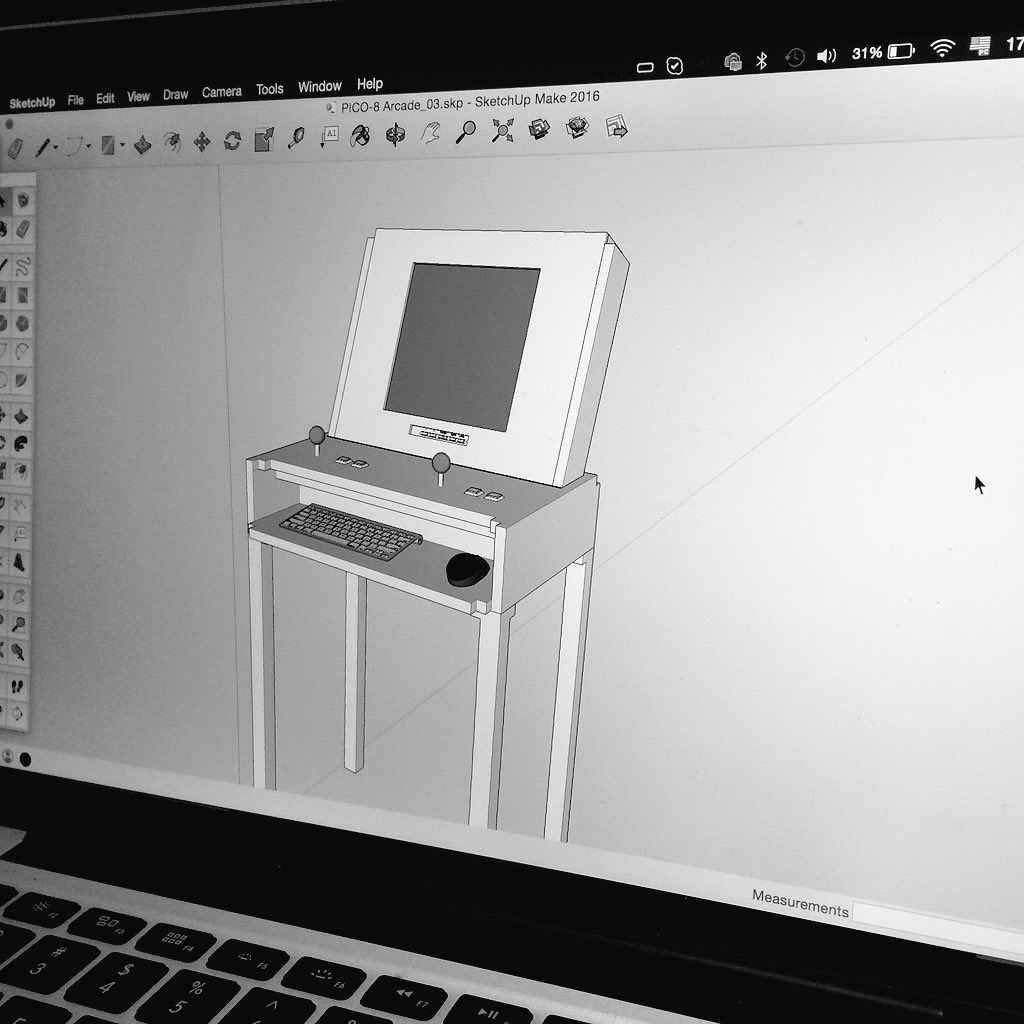
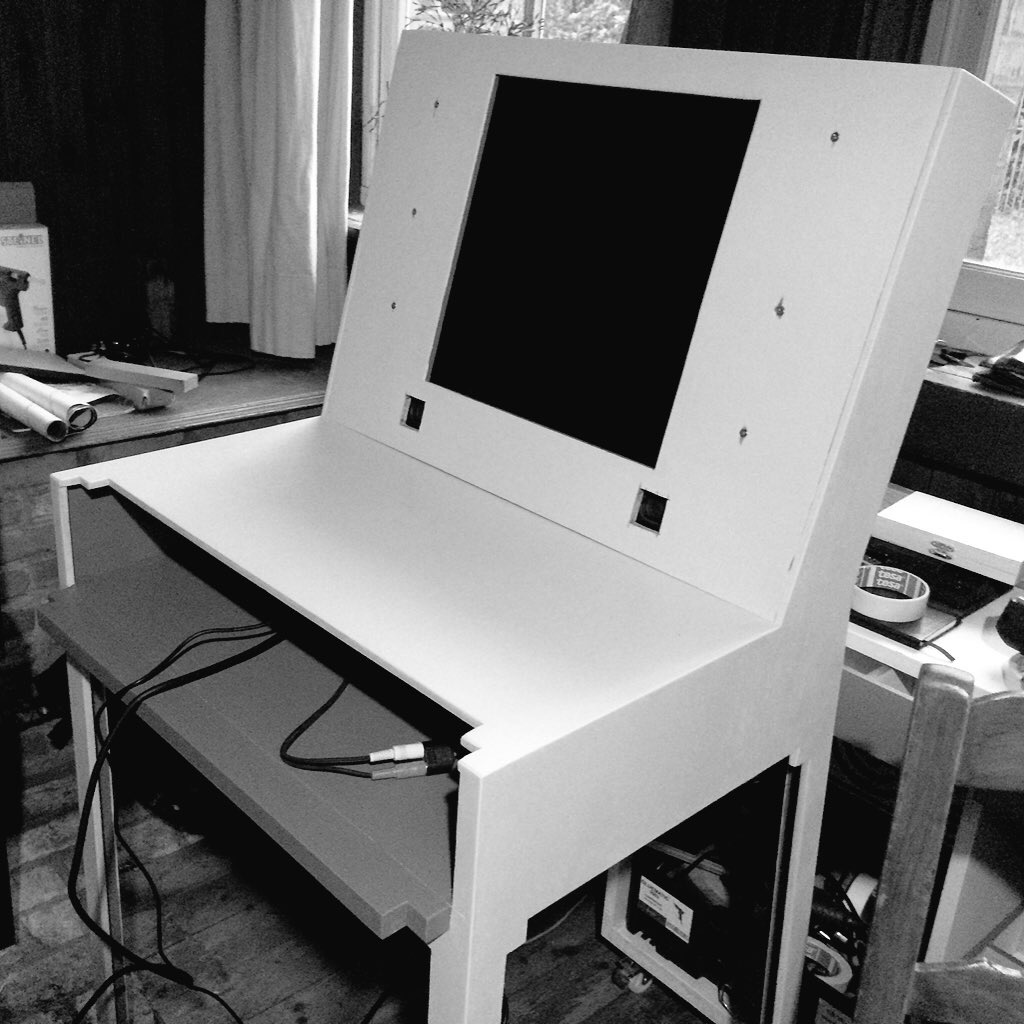
The design in SketchUp and the first prototype:
7 comments



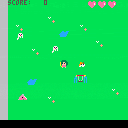
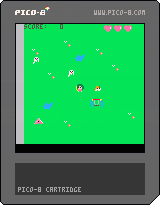
girl like a dog
dog like a ball
ghost like a girl
girl dislike a ghost
ghost dislike a dog
arrow key >> move cursor
z key >> throw ball
2 comments

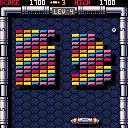
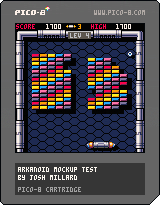
The beginnings of an Arkanoid clone, based on a nice pixel art mockup by @DavitMasia.
Controls:
- left/right: move paddle
- z: start; release ball
- up: SECRET CHEATER LEVEL SKIP
Details:
This first version has the basic game loop -- break tiles with the ball, clearing the board will move to the next level -- but is missing just about everything else so far. No powerups, no enemies, no actual endgame (if you beat the last level, current #7, it just loops back to #1), no proper title screen, etc. Musical bits are dredged up from childhood memory and so are probably not spot on.
I hope to keep cracking away at it, get more of that added, but if anyone wants to have a go at doing so themselves they're welcome to it as well.
8 comments







Hi folks,
I've been wanting to make a handheld Pico-8 console, powered by a Raspberry Pi. I hadn't realised that the Raspi version wasn't available yet, but I thought I'd see if I could get it working anyway.
A company called Eltechs makes a product called Exagear Desktop which allows you to run x86 binaries on an ARM host - apparently it's about four times as fast as QEMU. I bought a license (which are only about £8 at the moment), but sadly it doesn't work because it seems Exagear Desktop doesn't support SDL :-P
I'll continue tinkering, but I suspect this route is a dead end until Eltechs adds OpenGL support.
0 comments

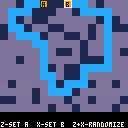
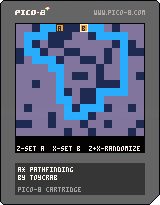
I finally got A* pathfinding working. I know it's already been done in PICO-8 but it was a good learning exercise. Now I hope to use it in a little point-and-click adventure.
Arrow keys: Move cursor
Z: Set the starting point
X: Set the goal
Z and X: Generate a random level
0 comments


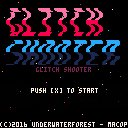






Hello!
I am just getting started with Pico-8. I want to do a Pico-8 game jam with design students at my university. To learn some good practices, I want to look at some code of larger games (creative commons, thank you!). It works in the Pico-8 code editor.
But if I cannot open the .p8.png in any external code editor. I tried Brackets and Sublime Text, both are "smart" enough to just show the png images.
I removed the .png and let the file end with .p8. Then Brackets refuses to open it, because it is not UTF-8. Sublime Text opens it, but shows only unreadable HEX codes. Are there Mac OS users around who know a way to do it?
Another problem: The file ending with .p8 does not load in Pico-8 any more, "could not load".
What is going wrong here? Does it matter that I downloaded the .p8.png from the BBS?
Any help would be greatly appreciated!
3 comments

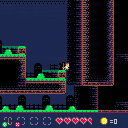
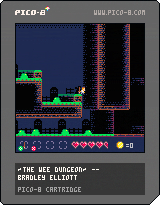
A game about impractical architecture.
I wanted to see if I could make big levels by randomly connecting 16x16 tile chunks. If I can manage to optimize this thing a little bit, I'd like to add more items, monsters and map bits and consider adding local co-op (that would be pushing it, token-wise).
There are a few collision issues that might cause game-breaking failures.
In any event, I learned a ton. I'd love to hear what you guys think of it!
Quick Update: I removed some of the background clutter. It felt way too busy.
P1
z - attack
x - shield (if you have one)
left and right - move
up - jump
down - enter open doors
P2
w - attack
q - shield (if you have one)
s and f - move
e - jump
d - enter open doors
----v0.8.0-----
-skeletons now have shields
-skeletons will now stop, attack and block instead of just running around
-added red slimes that are slightly tougher for some variety
----v0.8.5----
-I've improved the collisions (still needs work!), so hopefully the player can't escape in ways they're not meant to.
-if item drops do manage to fly out of the map, they're destroyed instead of crashing the game
-player now only lunges forward during an attack if they are also defending (shield out)
-player continues to face the enemy if they are knocked back
-I reorganized a lot of the code and managed to shrink my token use from 7933 to 7018, so I've got more room to build new stuff. Still considering local 2player co-op
-Boom. The Pico-8 is rad.
----v0.8.6----
-I've added some new equipment
-fixed the player shield
-added code to start thinking about local co-op, but I'll have to consider some kind of new HUD to show both players equipment and health. If you want to mess with the early implementation, uncomment the init_object(player, 24, 112) functions on lines 742 and 754
----v0.9.5----
-tons of new stuff!
-still tweaking the collision detection against objects!
-local co-op!
-10 new map chunks!
-including new graveyard areas!
-some new equipment!
-exclamation points!
Unless any crazy bugs pop up that I just have to fix, I'll probably fill up the space I've saved for equipment, update the HUD and Death screens to work with 2 players and call this thing completed.
----v1.0.0----
-I think The Wee Dungeon now contains everything I'd hoped to implement. Time for a new project!
----v1.2.0----
-Maybe I lied about being done. Been thinking about the game and how much more I can squeeze into it
-hitpoints are shown on attacks
-there's now a progression to item drops, so you don't pick up weaker equipment
-spikes don't kill you immediately anymore if you have equipment (otherwise they do)
-added a few enemies
-probably created a few more bugs, we'll see!
----v1.2.2----
-inching ever closer to the token limit, i fixed the kickback that happens when you're touched by a monster.
After looking through one more time, I'm calling the Wee Dungeon done!
----v1.2.3----
revised the unfair trap room.
--Thanks as always for looking! Any and all feedback is most appreciated.
37 comments





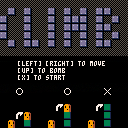
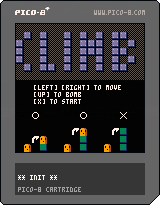
My first PICO-8 game.
You avoid a block, and climb the goal.
[Left] [Right] to move.
[Up] to use Bomb.
6 comments

.gif)


It would be handy if the map editor gave the value (probably sprite index) of the current cell down in the status bar where it shows X:002 Y:015.
3 comments
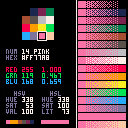
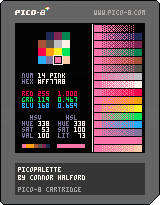
A simple tool to make playing around with the PICO-8 palette easier.
Arrow keys to change selection, Z or X or to pause/unpause the fade animation.
Fade charts and function by @cap_colors
1 comment





This weekend (20th, 21st) I'll be at Tokyo Demo Fest 2016, giving a short PICO-8 seminar at 3pm on Sunday, and also making a wee demo for the Wild compo (also in PICO-8, naturally). If you're in Tokyo, come along! The venue is larger than last year -- 3331 Arts Chiyoda, which is around 8 minutes walk from Akihabara station. You can find the registration page and more information here.
Here's a 4k demo from last year (it won the combined pc section):
6 comments

Hey, just thought I'd post this code in case anyone else finds it useful.
If you need a few extra sfx slots in your pico8 cart and can spare the code, here's a little thing that will load a sound into RAM. It takes a table of 168 4-bit values in the .p8 sfx format, and writes out a 68-byte sfx block into one of the sfx slots in memory.
It's a complete test program, tweak, adjust and reuse to your liking.
-- unpack a hex string into a
-- table of numbers.
function unhex(s,n)
 n = n or 2
 local t = {}
 for i = 1, #s, n do
  add(t, ('0x' ..
   sub(s, i, i+n-1)) + 0)
 end
 return t
end

-- unpack a data string
-- including two sounds
-- taken out of a p8 file.
sfxdata = unhex(
   '010800003c6751f473234731347'
.. '3006253c615006253c6050c6150'
.. '00000c615000000000000000000'
.. '000000000000000000000000000'
.. '000000000000000000000000000'
.. '000000000000000000000000000'
.. '000000010300003c63515073182'
.. '701f271232711c2711827113271'
.. '0e2710021124300243002430024'
.. '300243002430024300243002430'
.. '024300243002430024300243002'
.. '430024300243002430024300243'
.. '002430024300', 1)

-- load a new sound into sfx
-- memory at runtime.
--
-- arguments:
-- d = dest sfx slot 0 .. 63
-- s = source sfx number in
--     sfxdata table, 0-based
--     index. each sound is 168
--     values of the table.
-- note: sfxdata must exist as
--       a global or upvalue.
function loadsfx(d, s)
 local t = sfxdata
 d = 0x3200 + 68 * d
 s *= 168
 for i = 0, 3 do
  poke(d + 64 + i, t[s + i * 2 + 1] * 16 + t[s + i * 2 + 2])
 end
 for i = 0, 31 do
  local a = d + i * 2
  local b = s + i * 5 + 9
  poke(a, (t[b] * 16 + t[b + 1]) % 64 + t[b + 2] * 64)
  poke(a + 1, band(t[b + 2], 4) / 4 + t[b + 3] % 8 * 2 + t[b + 4] * 16)
 end
end

-- load sound 0 from sfxdata
-- into the sfx ram at slot #2.
loadsfx(2, 0)
-- play sfx slot 2.
sfx(2)

-- loop forever so we get
-- to hear the sound play.
while true do flip() end
|
1 comment



I just finished this micro game to send to my wife as an interactive Valentine's day card.
It is a little rough around the edges, but I don't have more time to work on it right now. There might be a update before today ends, or not.
2 comments




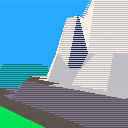
Here is the first pass at the Pico-8 Flight Simulator in filled and shaded 3D.
Explore an expansive, mountainous world and avoid crashing.
(Simulation might be a stretch, as nothing about the aircraft physics is actually modeled... but you have to start somewhere.)
Controls:
Left / Right Arrow: Turn
Up / Down Arrow: Increase / Decrease Pitch
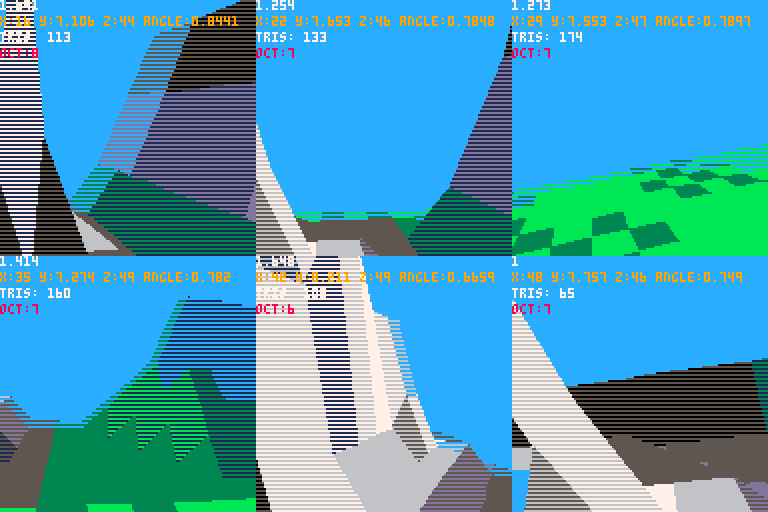
I was feeling down about the frame rate, but then I looked at videos of flight simulators from the late 80's and early 90's and that made me feel better :-D.
Changes:
--Fixed movement bug
Next tasks:
--Cockpit graphics
--More varied terrain
--Some sort of goal (perhaps travel from airport to airport and land... like a real flight sim...)
-Electric Gryphon
16 comments




I'm trying to make a string with a certain combination of characters which is causing compiler errors. I want to make a string with the following characters:
pstvx14.,?/="+ |
With the escape character for the quote mark, it should be:
str="pstvx14.,?/=\"+" |
If you copy just that line into PICO-8 and try and run it, you'll get the following error:
syntax error line 1 <eof> <name> expected near ',' |
If you delete the . then the , then the ? you'll get a different error each time (unexpected symbol, syntax error). If you then delete the / it's fine, so the following string is ok:
str="pstvx14=\"+" |
Different combinations of punctuation will give varying errors. It seems like this is a parser error?
There's also a highlighting error when you have a string containing just the backslash character:
str="\\" --this should be grey not blue --the blue stops here:" grey |
1 comment
I've made a series of fonts for the PICO-8. Each font uses as few sprites and as little code as possible. An 'LS' version of a font uses Less Sprites at the expense of longer code.
TinyText: a lowercase font meant for use alongside the uppercase system font. Each character is just 3x4 pixels and aligns to the bottom of the system font, meaning lines of text are still 5 pixels tall and 3-pixel monospaced. The whole font uses just 5 sprites. Can fit 21 lines of text on-screen (the same as the system font).
TinyTextLS: the same font as TinyText but with just 4 sprites!
MiniText: a prettier lowercase font also meant for use alongside the uppercase system font. Character size varies and can hang below the writing line, meaning lines of text are now 7 pixels tall (but are still 3-pixel monospaced). The code is a bit longer, but the font still only uses 5 sprites. Can fit 16 lines of text on-screen.
MiniTextLS: the same font as MiniText but with just 3 sprites! [deprecated, see LRP's Mini]
15 comments


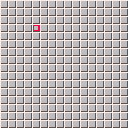
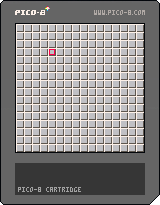
Lack of mouse controls should be no obstacle. Use arrow keys to navigate.
Plan:
- cursor range limits
- mine counter
- flag marker
- number tiles
- more mines
- game over
- code size optimization
1 comment