Previously, clicking on the play link on the forum went to a new page, and I was able to play those cartridges.
Now, clicking on the play link opens a black box, and I can't play.
Currently, the control-shift-J debugging console shows:
pico8.js "preload time: 61 ms" pico8.js:8:23 ">codo_init" pico8.js:7:485 "platform: Emscripten" pico8.js:7:485 "codo_system_init" pico8.js:7:485 "codo_reset_timer" pico8.js:7:485 "codo_gui_init" pico8.js:7:485 "codo_keys_init" pico8.js:7:485 "codo_text_init" pico8.js:7:485 "codo_video_init" pico8.js:7:485 "codo_mouse_init" pico8.js:7:485 "codo_joystick_init" pico8.js:7:485 "<ok" pico8.js:7:485 "codo_set_screen 580 420 8 100codo_fopen_vdisk pico8.dat (rb)" pico8.js:7:485 "codo_fopen pico8.dat (rb) opened" pico8.js:7:485 "codo_load_pod: pico8.dat failed " pico8.js:7:485 "couldn't load gfx1.pod" pico8.js:7:485 "exit(0) called" pico8.js:7:485 Use of getPreventDefault() is deprecated. Use defaultPrevented instead. bbs console.trace(): init.c2f64d23c4cf69134b807820c0019b241a772cd4.js:477 e() init.c2f64d23c4cf69134b807820c0019b241a772cd4.js:477 a.parseJSON() init.c2f64d23c4cf69134b807820c0019b241a772cd4.js:487 Sc() init.c2f64d23c4cf69134b807820c0019b241a772cd4.js:56 y() init.c2f64d23c4cf69134b807820c0019b241a772cd4.js:339 .send/b() init.c2f64d23c4cf69134b807820c0019b241a772cd4.js:365 |


 6 comments




Is it just me, or the web player is not working after the update? When I click on "Play" on the cart on the web I only see a black screen and nothing happens... Happens on two Macs, under Safari and Chrome.
6 comments




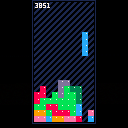
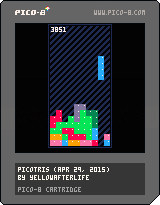
A pretty standard Tetris example.
Scoring, colors, soft drops, wallkicks.
Contains some comments on the process.
No audio as I have not figured that out so far.
0 comments
For my Pebble Dash game im using the sprite editor to actually make levels (I then use peek() to get the data and construct the map).
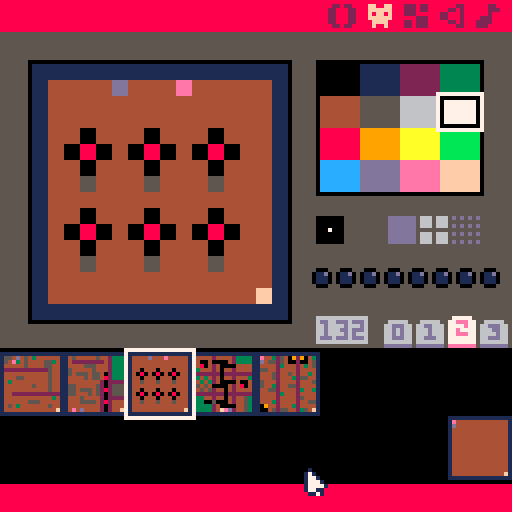
I thought about using those sprites as map previews in the game.
I had the map displayed properly using spr(), but thought it was to small and wanted to scale them up a little bit using sspr(). So I'm rescaling the proper 16x16 area from the sprite sheet to 32x32 on the screen.
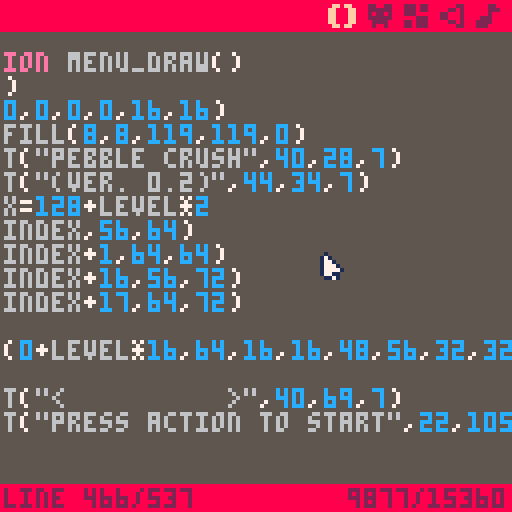
But some "artifacts" appeared.
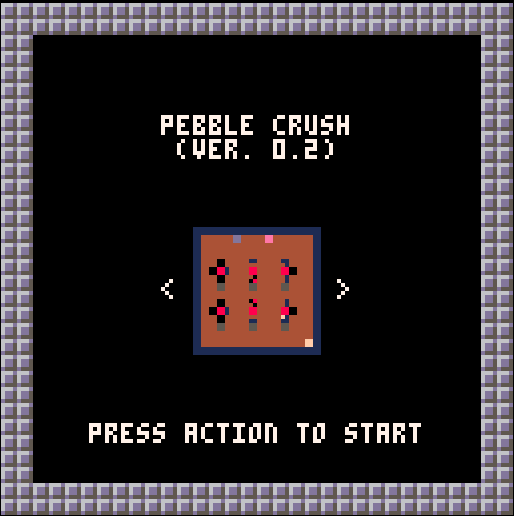
I thought the "engine" would use nearest neighbour? And nothing should change much since it's a simple 2x upscale? If that's not the case, is there any way around it?
3 comments


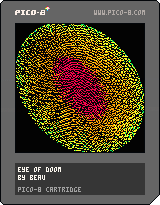
First time playing with Pico-8.
Was messing with drawing pixels (best feature) and next thing you know I opened a doom rift
3 comments


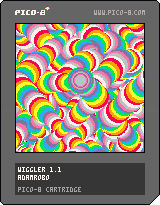
~~~~~~~~~~~~~~~~~~~~~~~~~~~~~~~~~~~~~~~~~~~~~~~~~~~~~~~~~~~~~~~~~~~~~~~~~~~~~~~~~~ ~~~~~~~~~~~~~~~~~~~~~~~~~~~~~~~~~~~~~~~~~~~~~~~~~~~~~~~~~~~~~~~~~~~~~~~~~~~~~~~~~~ ~~~~~~~~~~~~~~~~~~[b]update: now you can squiggle while you wiggle[/b]~~~~~~~~~~~~~~~~~~~ ~~~~~~~~~~~~~~~~~~~~~~~~~~~~~~~~~~~~~~~~~~~~~~~~~~~~~~~~~~~~~~~~~~~~~~~~~~~~~~~~~~ ~~~~~~~~~~~~~~~~~~~~~~~~~~~~~~~~~~~~~~~~~~~~~~~~~~~~~~~~~~~~~~~~~~~~~~~~~~~~~~~~~~ ~~~~~~~~~~~~~~~~~~~~~ arrow keys // move ~~~~~~~~~~~~~~~~~~~~~~ ~~~~~~~~~~~~~~~~~~~~~ x // start squigglin' ~~~~~~~~~~~~~~~~~~~~~~ ~~~~~~~~~~~~~~~~~~~~~ z // stop + enjoy the wiggle ~~~~~~~~~~~~~~~~~~~~~~ ~~~~~~~~~~~~~~~~~~~~~~~~~~~~~~~~~~~~~~~~~~~~~~~~~~~~~~~~~~~~~~~~~~~~~~~~~~~~~~~~~~ ~~~~~~~~~~~~~~~~~~~~~~~~~~~~~~~~~~~~~~~~~~~~~~~~~~~~~~~~~~~~~~~~~~~~~~~~~~~~~~~~~~ ~~~~~~~~~~~~~~~~~~~~~~~~~~~~~~~~[i]keep on wigglin'[/i]~~~~~~~~~~~~~~~~~~~~~~~~~~~~~~~~~~ ~~~~~~~~~~~~~~~~~~~~~~~~~~~~~~~~~~~~~~~~~~~~~~~~~~~~~~~~~~~~~~~~~~~~~~~~~~~~~~~~~~ ~~~~~~~~~~~~~~~~~~~~~~~~~~~~~~~~~~~~~~~~~~~~~~~~~~~~~~~~~~~~~~~~~~~~~~~~~~~~~~~~~~ |
1 comment

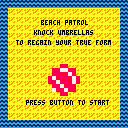
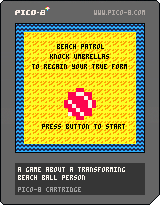
This is my first PICO-8 game, the one I have been working on in a sideways sort of way ever since trying out the thing for the first time a week and a bit ago. You play as a transforming beach ball person, who must rid their beach of pesky sunbathers to properly enjoy the glorious island day. Cursors move, Z/X will start the game or restart after the end.
It's super silly and I won't be at all upset if you mute the music.
4 comments





Is there a square root function somewhere in pico-8?
The lua sqrt doesn't seem to work, and there is no mention of such function in the docs either.
Or is there an easy way to calculate a unit vector?
8 comments



In no particular order:
- "local", "return", "repeat", "until", "goto", "break", are not highlighted as keywords.
– Lua' block comments (--[[ text --]]) are supported but not highlighted accordingly.
– Underscore "_" is in the "symbol group" (white) while it shouldn't be. - Dot "." is not in the "symbol group" while it should be.
- Consider highlighting strings in the same colour as numbers (currently highlighted as "identifiers").
- Consider highlighting built-in function and constant names in a distinct colour (e.g. peach).
– If it is not overly technically challenging, consider disabling the cursor flashing when the pico-8 window is not in focus.
~ Not about the code editor itself, but in the context of the quite so limited window width and existing shortcuts, it could be worth to look into adding a "func" alias to the "function" keyword. (update: no longer needed for size concerns, only for use with editor)
– Quickly tapping Up,End or Down,End causes the editor to shift the cursor position by two lines instead of placing it at the end of the previous/next line.
– Consider permitting insertion of semicolons via the editor. Lua manual suggests the use of semicolons for some constructions to avoid the parser from accidentally "gluing" multiple unrelated statements together.
4 comments




I noticed that using
pal(x, 0) |
draws x as black instead of transparent.
Is there a way to remap a color to transparent?
is the above supposed to and just broken?
5 comments


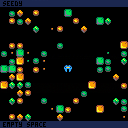
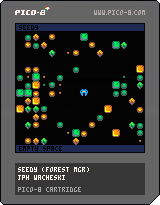
full sized map 128x64, with step-time movement,.
not much to do yet, Z randomizes the forest, . X triggers a sound for testing.
if you move over a seed (smallest objects) the GUI text shows what you are effecting,.
context sensitive controls to be added,. . Take Seed, Drop Seed, Eat Seed,. etc.
should lead to some map manipulation style gameplay eventually.., forest management?
more to come,.
0 comments
I'm trying to port Write Fight for playing on a cocktail cabinet (players at opposite ends of a face-up screen). So one of the things I want to do is write text & HUD elements oriented to the player who collected it. Is there a function, such as camera(), where I could flip/rotate all draw calls until reset?
I'm doing work-arounds in the meantime, but I thought I'd throw out the question.
Thanks.
0 comments
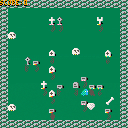
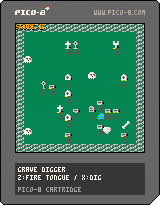
A little game about a chameleon that digs up graves.
Controls: movement : up/down/left/right fire tongue : z dig : x |
 2 comments


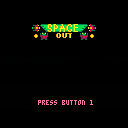
Little test space game, might flesh it out a bit more, loving pico-8!
Update : 29 April 2015
Added a bit of game flow like title screen and stuff.
Enemies move towards you.
You can die.
Score!
Konami Morning Music
TODO
Add a star field
scrolling
generate levels on seeds
enemy motherships spawn enemies?
momentum based ship movement?
Who knows! Just kinda going with ideas when i get a little tinker time.
3 comments


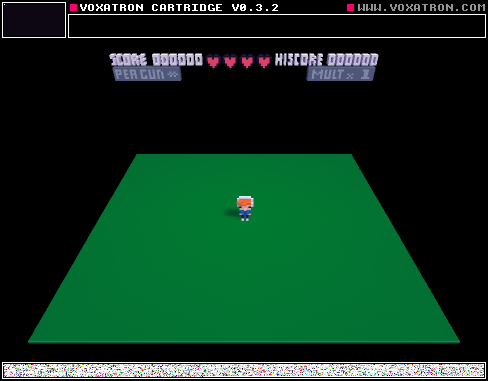
I was playing some of the cartridges last night on my TV, running Chrome on Android 4.4 on the Tronsmart Orion R28 hardware (RK3288 chip),. I had a XBOX 360 USB wired gamepad plugged in. The controllers Left Analog stick AND the D-pad functioned well,. however the only button that worked was the Back button would go back a web page ending the game. It would be great if the action buttons could be mapped as well,. since the browser supports fullscreen and the games play well.
I just tried the 360 controler on my win7 PC and running on Chrome I get no gamepad support,. however running the actual Pico-8 I get movement with the Left Analog Stick and the Action Buttons are mapped and work,. however the D-pad does not work,.
10 comments