




I'm wanting to get full keyboard and mouse input for my games, but I can't seem to find anything on it in the pico-8 forums or in the pico-8 help itself. It would be awesome if someone could help!


 3 comments






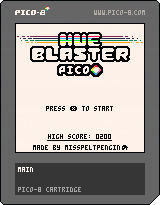
demake of the modern classic hue blaster
https://misspeltpengin.itch.io/hue-blaster
version 1.1:
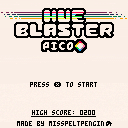
control type mouse:
.
scroll wheel: change color
left click: shoot
arrow keys: move
.
.
control type controller:
.
x: change color
z: shoot
d-pad: move
.
.
enemy details:
.
circle:
.
health: 2
speed: moderate
.
.
triangle:
.
health: 2
speed: fast
.
.
square:
.
health: 4
speed: slow
.
.
.
4 comments





I'm a newbie programmer trying to make a game with pico 8 education! input is welcome!
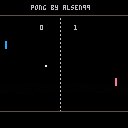
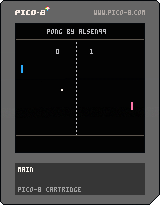
Player 1 movement: D-pad
Player 2 movement: ESDF
Player 1 bot toggle : Z, X
Player 2 bot toggle : Tab, Q
Reset: ctrl + r
Score 11 first to win!
Now playable on mobile browser! (Single Player Only)
 4 comments


I notice mapdraw(), the deprecated name for map() got removed from jelpi.p8 at some point, but it's still being used in cast.p8.
Also, I see band() in jelpi.p8 when we want people using the & operator instead.
Maybe set up a script to grep the demos for the known-deprecated functions and just add new patterns whenever something is deprecated, then run the script before the each publish?
0 comments

Hi,
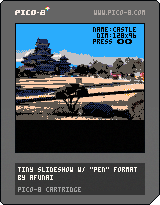
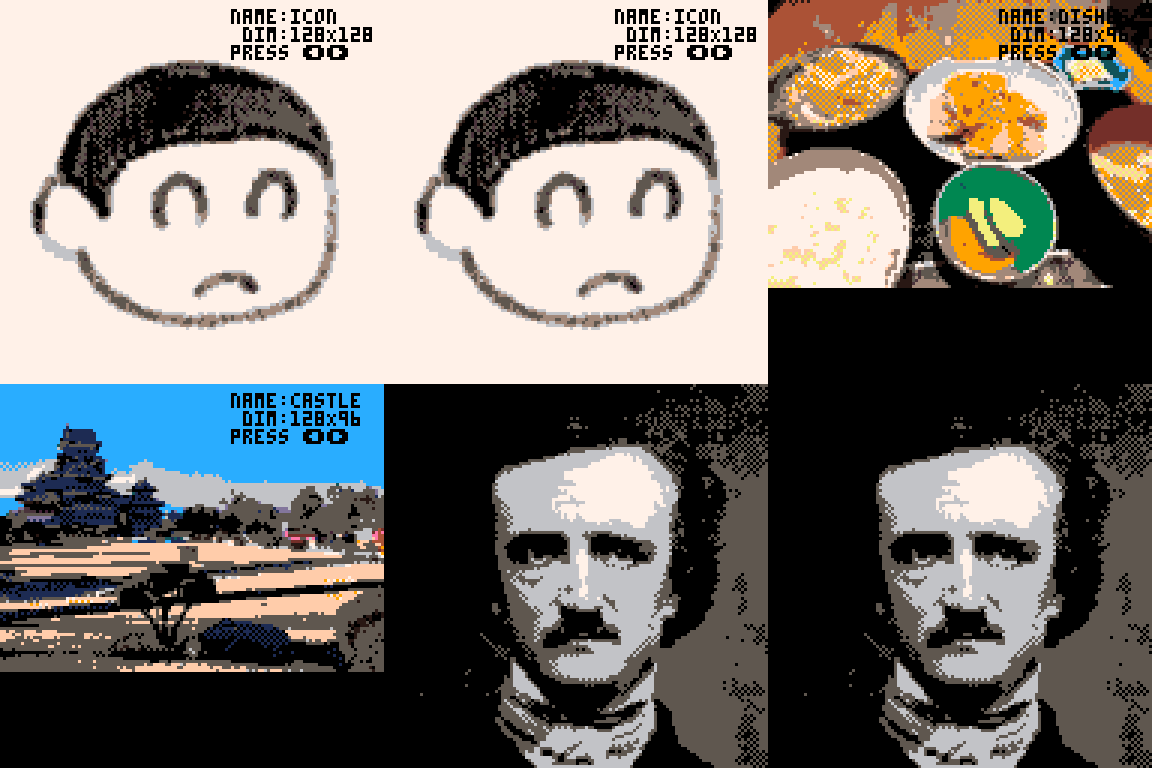
Further enhancements to the compression format (10-20% smaller, especially in photos), and about 2x faster image rendering.
I made the repositories public, pls give them a try :)
The encoder: https://github.com/afunai/pen_encoder
The decoder: https://github.com/afunai/pen_decoder
The slideshow: https://github.com/afunai/pen_decoder/tree/slideshow
 0 comments

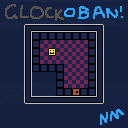
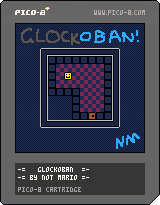




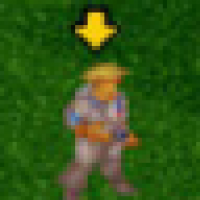





UPDATE
1.03
- fixed fragile mob[2] pupper-target read
- dropped dead 'move' global write
- merged 2 dup pathing loops into stepto()
- shared dijkstra map (calcdist_cached)
- stripped debug strings
1.02
- Added PUPS FOUND display to OPTIONS MENU.
This keeps track of consecutive PUPPERs rescued and is reset when you LOSE. It is saved after each WIN, so you can close the game on the TITLE SCREEN, before starting another run, and continue your streak later. This will reset if you quit out during a run. - Tuned down Levels 7 to 10 slightly.
- PUPPER now is deactivated if they step on a ZAPPER.
5 comments


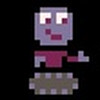
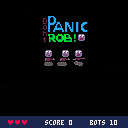
How to Play
Catch the brightly coloured baby robots to reveal the hidden green button and press it to get to the next level whilst avoiding the rogue robots. The game will ease you in gently but fair warning, the later levels are old school 80's tough!
Don't Panic Rob is a homage to the single screen platformers of the early home computer days and modern classics like Donut Dodo, Darkula and AnnaLynn. The original version was uploaded to Itch as part of the Cre8 jam. This is version 2 which fixed bugs, edited controls and added some extra polish.
This is a game where you die a lot, but want one more go until you complete all 7 levels!
Controls
⬅️ Left ➡️ Right
❎ Jump
You use boost or drop pads to move onto different platforms
❎ Boost Jump when on a jump pad
🅾️ or ⬇️ Drop when on a drop pad
 2 comments


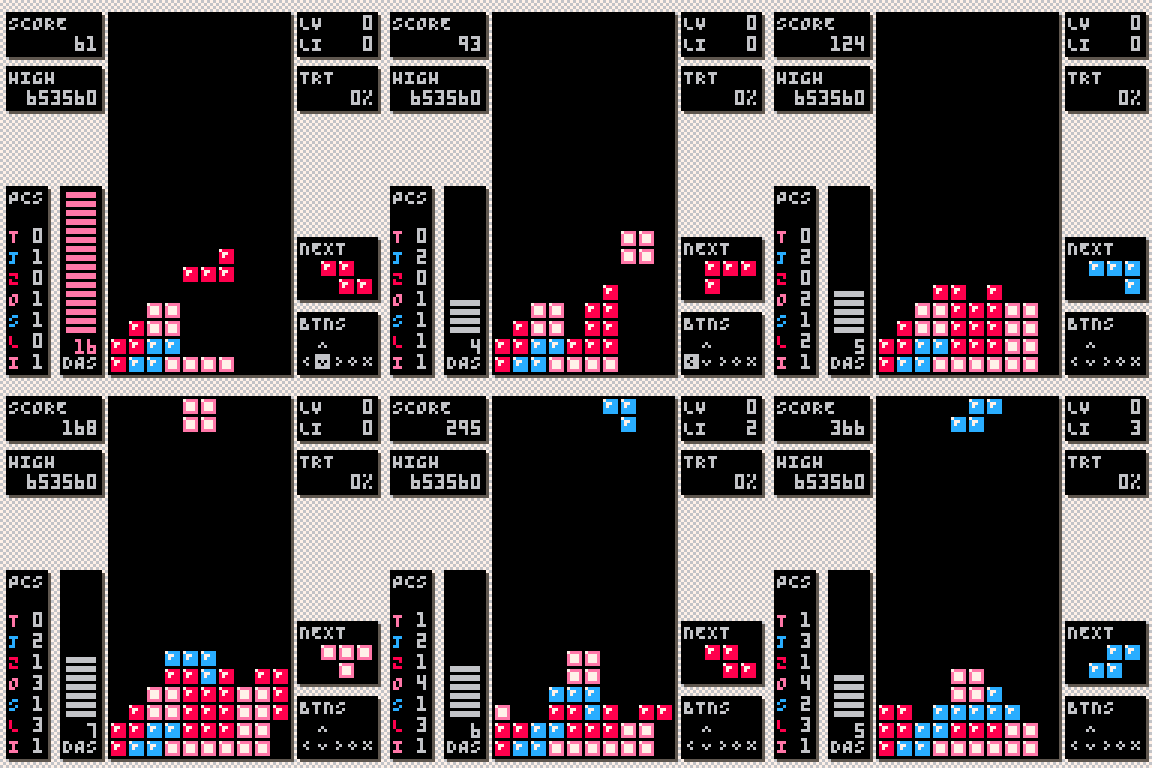
Classic Picotris
A (mostly) accurate NES Tetris clone
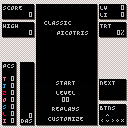
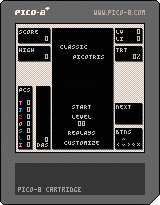
Features:
- NES Tetris scoring, speed, DAS behavior, blocks rotation and spawn.
- On screen DAS gauge.
- Four different themes to choose from.
- A "Customize" screen with some gui options, like showing/hiding the DAS gauge and stats.
- Fully working replay system: after each game a "replay.txt" file is created, simply drag&drop that file into the replay menu to load it. Alternatively, a replay string is copied to your system's clipboard for quick sharing. A Ctrl+V on the replays menu will load the replay currently in your clipboard.
 28 comments





It's snek
You can change the colour of snek to your favourite pico-8 colour <3
Unless your favourite pico-8 colour is colour 0 because then snek would be invisible =[
 0 comments
.p8)



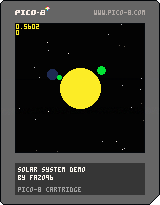
Hi, I was seeing if it was possible to build a fake 3D solar system model and I think it came out pretty well so I decided to post it.
I saw some other carts with nice procedurally generated or handmade planets, spherical distortion, etc, but I haven't seen any pseudo-3D planets actually orbiting around.
The cart will randomly generate a solar system, and the controls are just the arrow keys to rotate the camera (with left and right) or zoom with forward and back.
There's no actual 3D rendering being done, it's just using sin/cos to make the circles rotate with a slanted oval pattern and at each loop around the sun, a variable is flipped and then the list sorted so that they are drawn in order.
0 comments

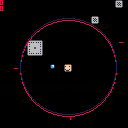
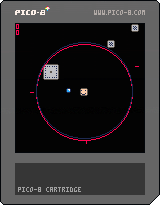
Info:
This can be used and is intended to be used as a top-down game template. What this is for is so you can make a top-down game without having to worry about shooting or movement making sense.
To use, just download the cartridge and edit away! some starting sprites are included, as well as some functions to display ranges and landing point of shots.
0 comments


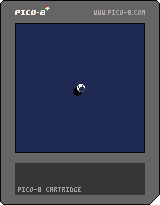
Press Z/O to scream.
Changes:
- Fixed sound still playing after releasing the scream button
- Added a shadow under the blob
Old version:

 0 comments

Hello
i have purchased Pico 8, clicked the e-mail, logged in to humble but there is no Key showing up. On lexaloffle is also no "Product" or key in my Account.
Where can i find my key?!
9 comments


I've started to dip my toe into thinking about token minimization. Now I write most of my code in Emacs' pico8-mode, which I love since it presents the code in the same font as pico-8 so I don't feel I've strayed too far.
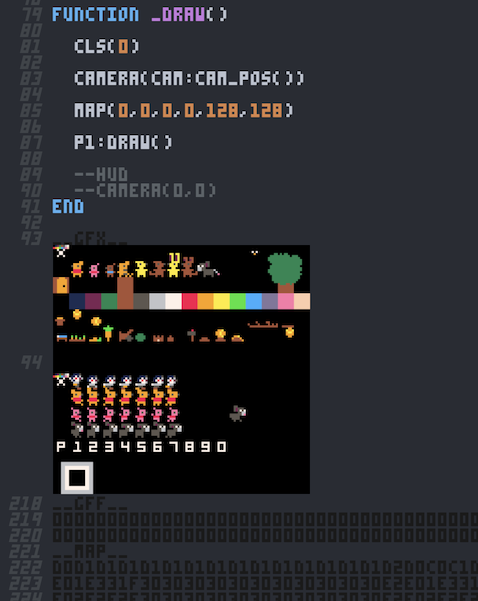
But I've been aching for a way to count tokens outside of pico8's editor. I found the p8tool which can do that and more, so I wrote this elisp function to make it accessible for me within Emacs.
(defun pico8-token-count (beginning end)
    "Calculate the number of pico-8 tokens in the file or region."
    (interactive "r")
    (let ((path (if (use-region-p)
                  (let ((temp-file (make-temp-file "token-count-" nil ".p8")))
                      (write-region "pico-8 cartridge // http://www.pico-8.com\nversion 5\n__lua__\n" nil temp-file)
                      (write-region beginning end temp-file t)

[ [size=16][color=#ffaabb] [ Continue Reading.. ] [/color][/size] ](/bbs/?pid=136058#p) |
1 comment