






Use the arrow keys for your movement.
Press the X key to fire phasers.
Press Z to fire quantum torpedoes full spread. You start with a single spread of torpedoes, as you gain more Dilithium Crystals  , your quantum torpedo attack increases in power!
Sometimes the Borg will also drop shield recharge cells !


 20 comments



Space Raid
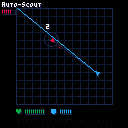
[Oct 22, 2024]: Finally brought to parity with the itch.io version.
You've successfully infiltrated a key enemy base; steal their equipment and destroy them from inside!
Controls
Arrows - Move
Z / C - Fire
X - Retarget
Update log on the itch.io page
17 comments








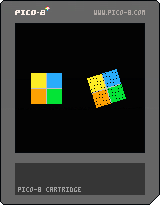
I'm trying to rotate a sprite from the sprite sheet, and I think I'm semi successful.
The problem I have been noticing is that when the sprite is turning it will have holes in the drawing, no matter which sprite it is. I think what is happening is that it's rounding of the coordinates to the closest, and this sometimes draws two pixels on top of each other. At least that's what I think is happening.
In what way do you typically solve this? Draw a color in the blanks that is a close match, or like a background color?
Can you cleverly ensure that pixels never get's drawn on top of each other?
3 comments


Hi,
Playing with custom fonts, I found that the \n escape sequence cannot be followed by an a in the string (probably an issue also with 0-9 and a-f). This doesn't occur in the default font mode (works as expected)...
poke(0x5600,8,8,8,0,0) -- setup 8x8 font -- Char 97 'a' poke(0x5600+(8* 97), 12,108,99,3,48,54,198,192) -- Works with "\n a" ?"\014 a\n a" -- Missing character with "\na" ?"\014 a\na" |
Possible bug: \na shouldn't be treated as an escape code for custom fonts (just \n).
0 comments

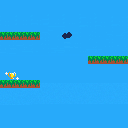
This is my first attempt at a real game, and it is still a work in progress.
Tell me what you think about it!
0 comments

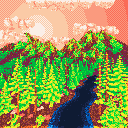
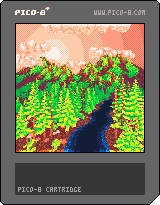
here's my entry for pico1k 2022!
it's a 3D point-cloud renderer with SSAO - takes a minute or two to prepare the scene (may help to imagine a soothing voice saying stuff like "now we're going to add some happy-little-clouds"), then once it's done generating, it draws one "shimmery" image forever.
if you'd like to use this renderer to draw your own 3D scene (maybe for pico1k, maybe just for fun!), this thread has some info about how to use it:
[tweet]
in short, you tell it to draw a ton of 3D points (no triangles!), it uses a z-buffer (no sorting!), and allows four independent color-ramps (SSAO can darken a color, but never moves it into a different four-color group)
2 comments

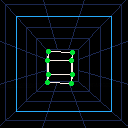
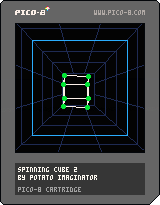


This is a little tool to convert a big ol' list of strings into the PICO-8 map.
This has some very specific usage cases, and there's probably a better way somehow, but heres an example of when you might use it:
Imagine you are making a big parkour game, with lots of fairly big levels. You can't possibly hold all of them in the PICO-8's map together. So you use this tool to load in a new map on demand.
In this case, you may want to use this.
Here's the cart:

controls:
arrow keys to move camera position
X/C etc to change to map 2
3 comments


Attention!
Pilots needed urgently!
The star Mimiar imploded, and shattered a dwarf planet that was orbiting it.
Ginormous asteroids are now hurtling towards Thrawn, the home of millions of unsuspecting people.
We must destroy the asteroids before it is too late!
Buttons
X – Use power up.
Z – Build energy, release to fire.
Arrow keys – Movement.
How to play
Steer your ship across the screen, making sure to dodge the asteroids. Tap Z to fire a small bullet or
press and hold to build up energy. Collect the power ups that float across the screen, because they can
be very helpful. Press X to use them.
Your ship's energy meter is displayed in the top left corner. (Bottom
1 comment


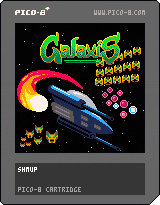
GALAXIS
A simple shmup reminiscent of the arcade era.
Galaxis was made using the Lazy Devs Shmup Tutorial on YouTube
Galaxis is also being submitted to the Lazy Devs Basic Shmup Jam on itch.io. Please check out all the other awesome submissions! Downloadable versions of many of the submissions are available over there.
Who the ♥♥♥♥ is ALF?
Controls
2 comments

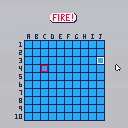
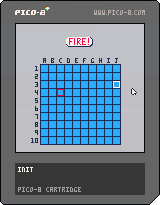
Hello, I'm looking for a way to draw 100 sprites on the screen at the same time. All sprites will have different coordinates. I don't want to write 100 times spr(), so I"m looking for another way. I wanted to use a loop, but from what I've noticed so far, the pico 8 has performance issues after that. Does anyone have any idea what to do with it?
6 comments


Playing terra on the bus, I discovered there's no apparent way to copy something on bbs in the mobile. It would be very cool if maybe we had a button to copy the message put on the copy area. It can help to save your progress and etc. The inverse is also a needed thing, pasting into the game.
0 comments


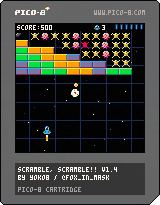
Scramble, Scramble!!
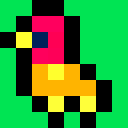
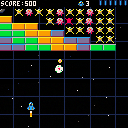
The Gear Empire has invaded your star system. Pilot the Blue Raptor to defeat 15 waves of enemies by shooting them down with bullets or by crushing them with your Iron Egg!
This game is a shoot-em-up with a breakout/"Arkanoid" twist!
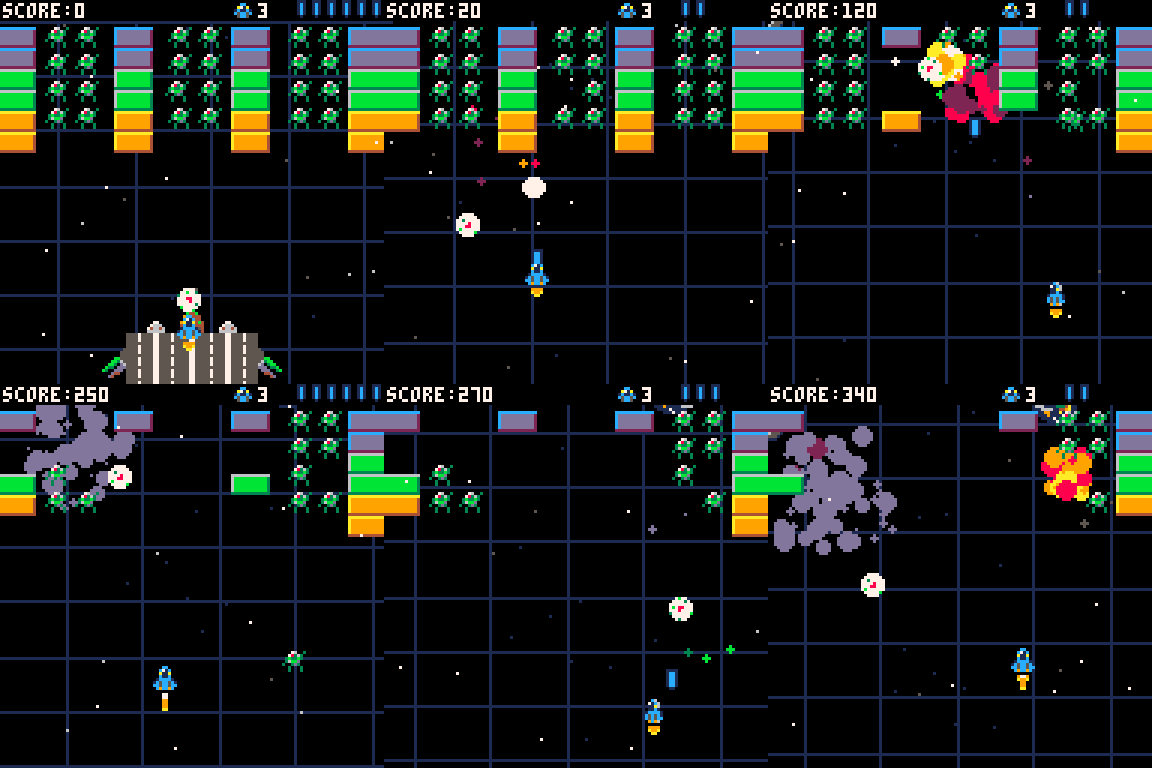
Controls:
- Arrow Keys to move
- Press X to shoot bullets
- Release X to reload bullets
- Press Z to throw the Iron Egg
Tips:
- Shoot the Iron Egg with bullets to make the Egg bounce back up and destroy your enemies!
- The Iron Egg will bounce off the player ship!
- The "Heart" shape in the center of the Iron Egg will tell you what diagonal direction the egg is moving
4 comments



Hi all!
This was created following the LazyDevs Shmup tutorial that you can find at this link:
https://www.youtube.com/playlist?list=PLea8cjCua_P3Sfq4XJqNVbd1vsWnh7LZd
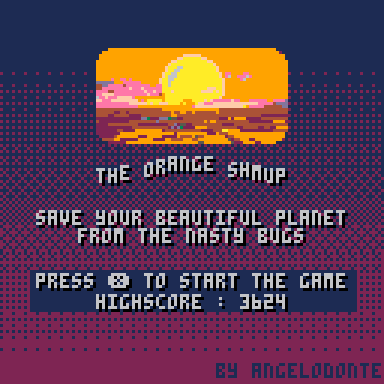
The Orange planet has been invaded by huge insects and you must fight back!
The fate of our land depends on you...
Blue bullets can be cancelled by destroying the enemies, don't shoot to activate the vacuum cleaner and get more points!
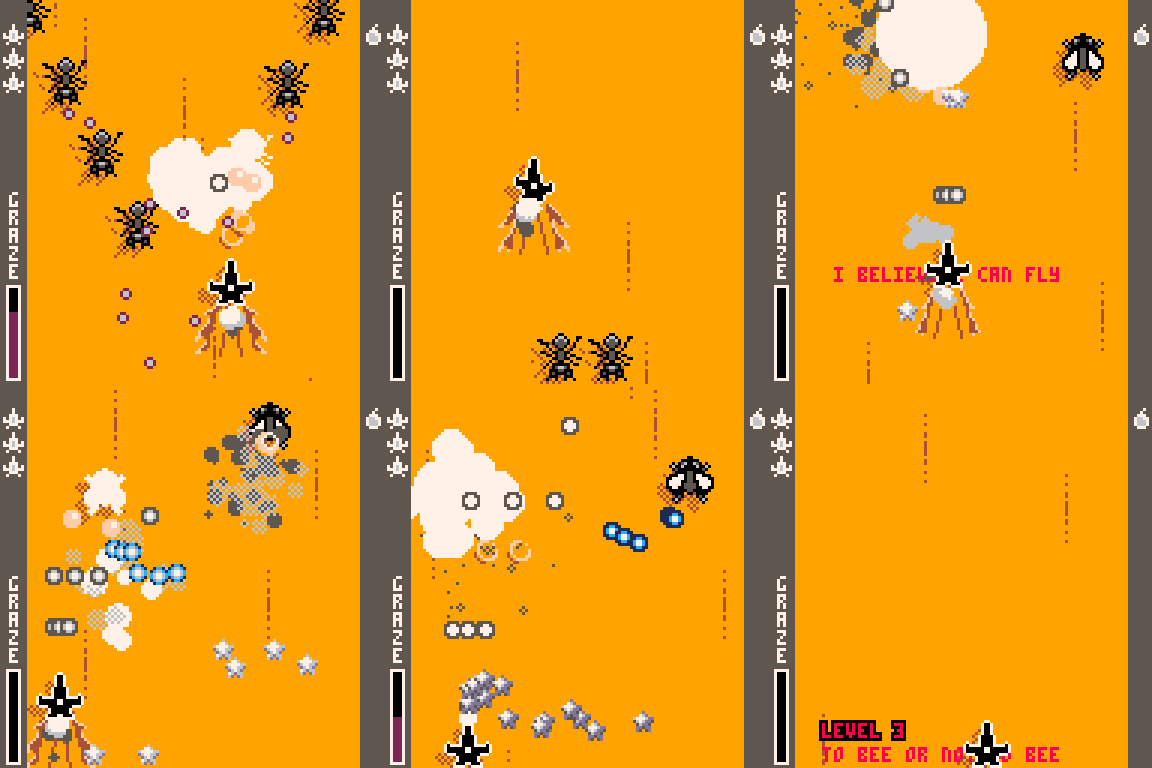
Graze the bullets to increase the score multiplier and get an incredible amount of points!!!
Over 9000!
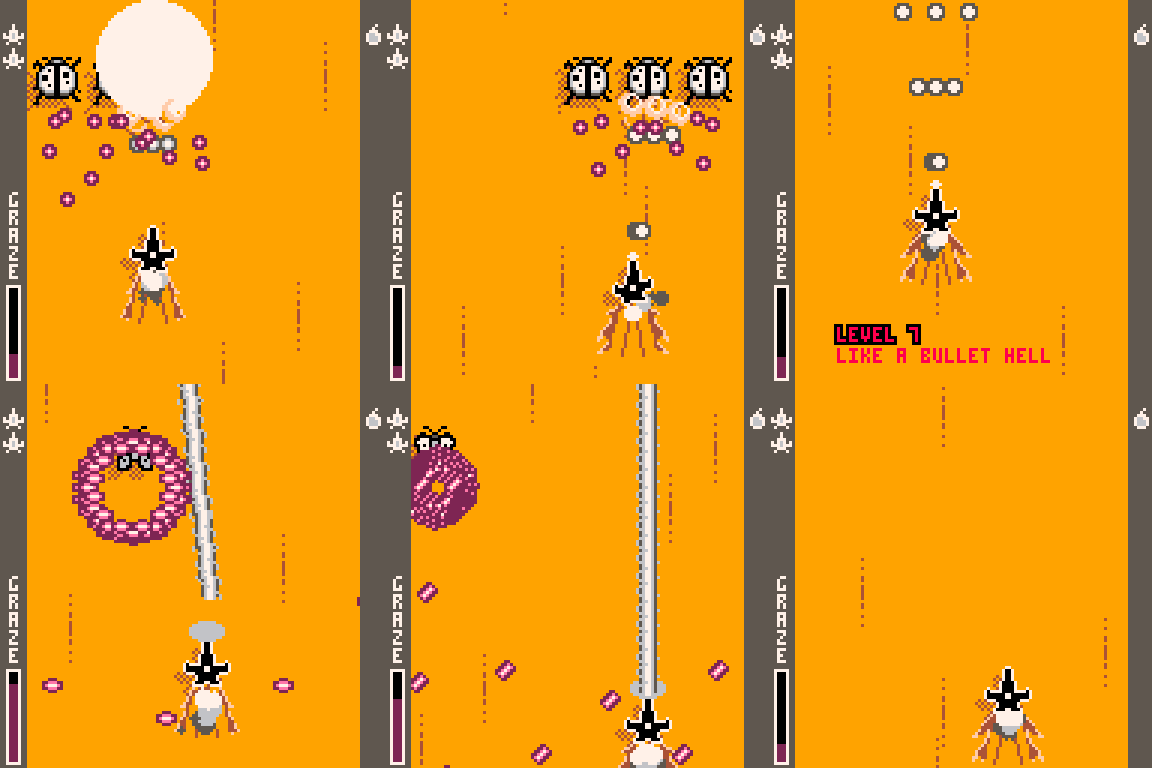
It's like a bullet hell!
3 comments

This is my first bare-bones game engine. There are a lot of directions I could take with this, but I think a speed running focused game would work best. I am open to any/all feedback!
1 comment
Hello.
The other day I was working in a very primitive language that did not have random numbers but could move an object - randomly.
Determined it could be done I wrote a routine that has an object start at the left of the screen.
Above that is a wall all the way across, below is blank, then another wall all the way across.
Looking a little like this:
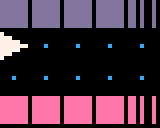
|
[40x32] |
The purple above is the top solid line, the pink below is the bottom solid line, the dots are transparent, and the triangle facing to the right is our object.
OK so for me to build a random number generator, let's say I wanted it a number from 0-31, so there would be 31-horizontal wall tiles, above and below, the arrow.
4 comments

Hello.
As I continue to work on my Pico-8 code I am now becoming painfully aware that there is no Breeze ability in Pico-8 if you code conventionally.
Let me explain.
In many programming languages I have written in to them functions to handle the breeze variable.
In it, if it is zero or undefined, nothing happens.
However, if it is >0 then a check is made to see if that key is being held. If it is then the program will run as fast as possible.
In Pico-8 I have it so if you hold down ❎ then the program will breeze on through the rest until breeze=0 is set.
To create breeze I wrote THIS function in place of flip().
function flp()
  if btn(breeze-1)==false then
    flip()
  end
end
|
Where breeze equals the value to check for the following. LEFT=1, RIGHT=2, UP=3, DOWN=4, 🅾️=5, and ❎=6
In this if you have a long set of instructions or logo or what have you, you can hold or tap the ❎ key and it will breeze right on through them at maximum speed.
0 comments

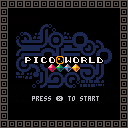
Hi everyone! I'd like to share my very first PICO-8 game, Picoworld! It's a cart for
simulating artificial life (ALife)! Spawn different particles, define their interaction rules, and
see them come to life! It's a good environment for observing emergent phenomenon and play around
with some simple ALife rules.
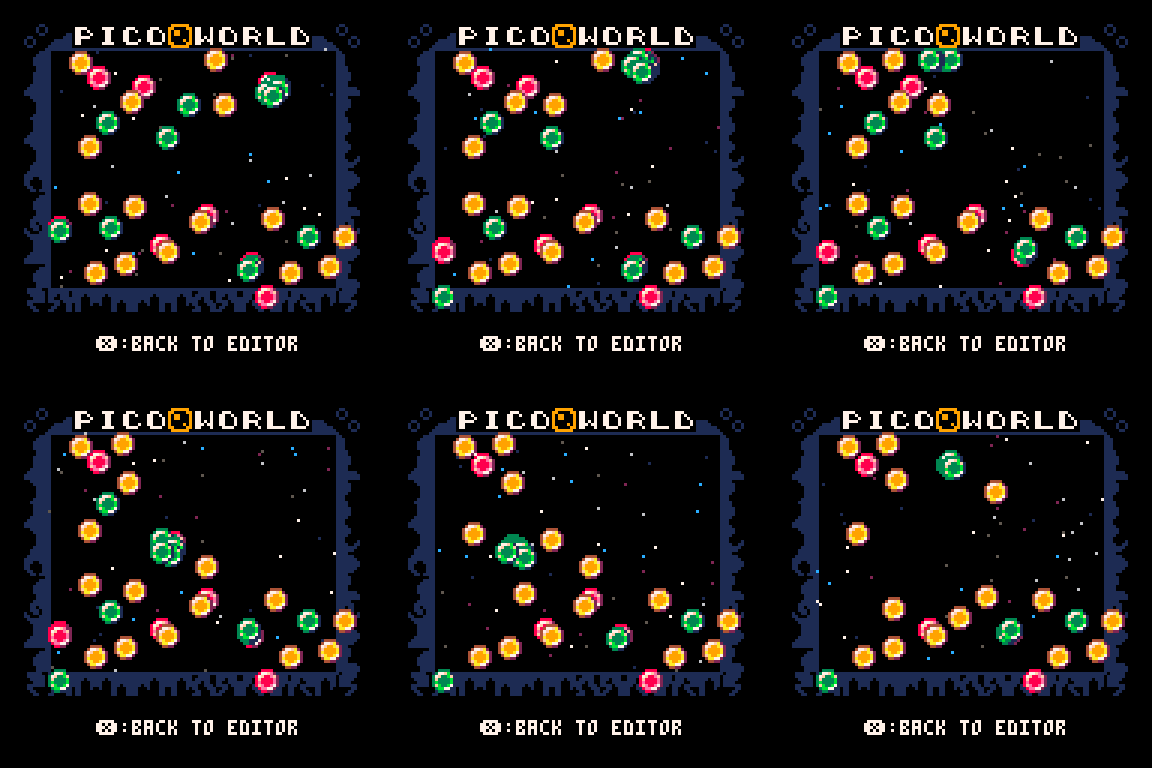
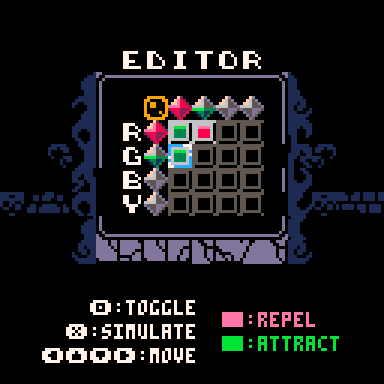
You can check out more detailed instructions in the itch.io page.
If you discovered interesting patterns, feel free to comment and attach a GIF below.
3 comments

Hello! This is my first pico8 game. You can play a vs tetris game, a vs puyo puyo game, or a vs swap game (changing the game every 30 seconds)!
Both games are implemented close to their respective standards (Tetris guideline and Puyo Puyo Tsuu rules). The swap garbage is a 1 line-to-4 nuisance puyos conversion.
Desired future features:
- mini-display between the boards in swap mode, showing your other game board
- swap combos (piece in other game continues to fall while you play, if it completes a line/set, it does so and starts a buffed combo on your current game)
- better sound effects
- music
2 comments