





Hi,
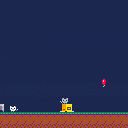
I'm trying to put together the physics of a classic platform game in Pico-8. I want to achieve something that behaves like Super Mario Bros.
I have coded a jump system where when the player presses jump, the character rises by a set number of pixels each frame, with that number decreasing every frame, so the character slows down as he gets to the top of his jump. This works well, but I run into problems when I try to implement a variable jump. Like Mario, I'd like my character's jump height to depend on how long the jump button is held down. I did achieve this simply by cancelling the vertical climb when the button is released, but this means that the jump doesn't slow to a halt unless the button is held long enough to see the full jump.
I suspect I'm going about the whole thing in the wrong way and wondered if someone can tell me how the guys at Nintendo did it with Mario. I'm sure there are lots of ways of achieving something similar, but I'd like to know how it was achieved on the NES if possible as I'm as interested in the technique as I am in the end result.
Some Googling suggests that the best method to use is by setting up forces acting on the character. Is this how it would have been accomplished back in the 1980s?
Thanks for any help! :)
Andy


 6 comments


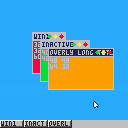
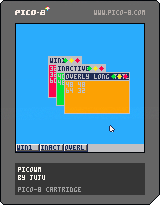
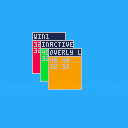
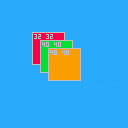
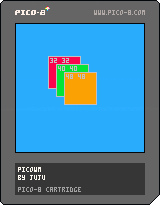
Quick thing I made with the, ahem, undocumented mouse feature, dunno if it's been done before, but here's my take on a stacking window manager I coded in, like, less than an hour?
- You can drag and drop windows
- Active window goes on front
- Each window has its own update/draw function, clip'd and camera'd to the window
I wanted to post this before going to sleep, but here's what's probably next:
- Resizing windows
- Title bars
- Input to the active window
- Task bar and desktop icons
Well, hope you like it. It's pretty much a multitasking OS in PICO-8 we have here.
P.S.: Since it uses the undocumented mouse feature, it may or may not work on anything other than the desktop version. You've been warned.
16 comments









I've been running through threads trying to find box physics but most of what I find is physics for circles/balls, it seems.
Anybody have a good lead on a physics engine-like thing for squares that I could try to figure out?
My next game idea involves boxes falling to the ground but they need to pile up (and then the player needs to be able to walk/jump on top of them).
I could have the boxes always land on a flat side but thought it would be cooler if they tumble into place and fill in space likes a box would in the real world. Seems like something doable in P8 but I have zero idea on how to start that from scratch, so I need something to get me started.
1 comment


I was dabbling in Npp & ended up making this. It's made navigating through source code much simpler for me, I figured others might find it useful too.
Example from one of Zep's compression carts (whose nested functions caused no end of trouble for my puny regex-fu):
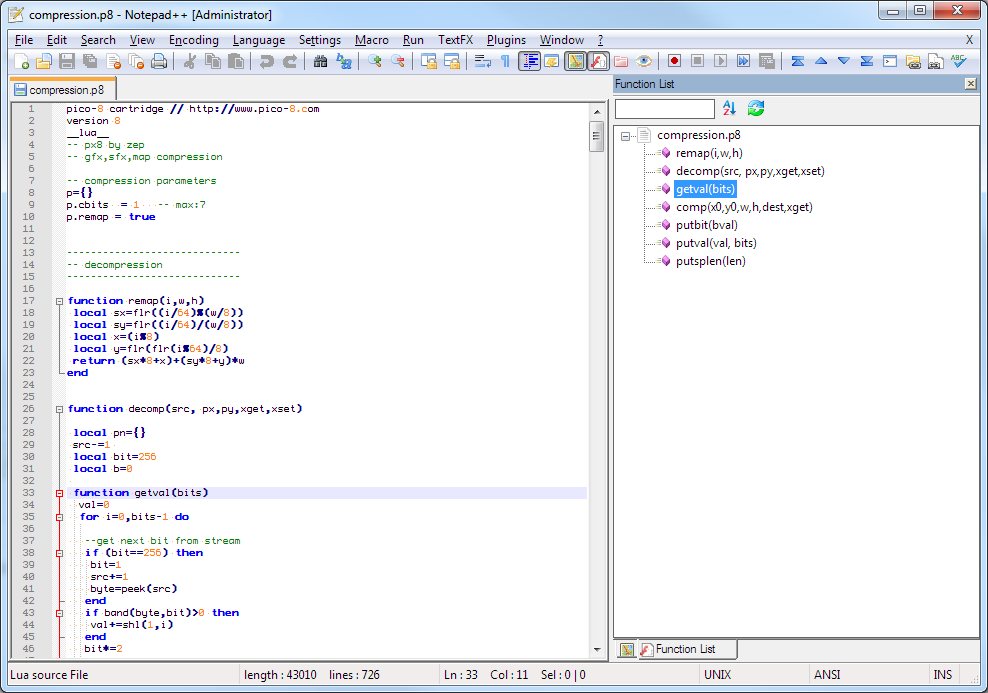
NB, it requires you to edit Notepad's config files, so maybe make a backup first in case something goes wrong.
Link: Github Gist
3 comments





Hi,
I've made two games in pico-8 until now and because pico-8 is meant to be both a fantasy game system and a development environnement, I wanted to make sure that my code could be read inside the pico-8 editor.
The problem I came across is that lua is highly verbose. That means that writing a simple if else statement takes almost all of the screen width. Since pico-8 already include some shorthands such as += or -=, I though we could have some more to reduce the number of characters used in code. This could be useful for future twitter jam eventually.
so I've read a bit of the lua doc to know which keywords and which tokens are already used:
--used keywords
and       break     do        else      elseif    end
false     for       function  goto      if        in
local     nil       not       or        repeat    return
then      true      until     while

--used tokens
+     -     *     /     %     ^     #
&     ~     |     <<    >>    //
==    ~=    <=    >=    <     >     =
(     )     {     }     [     ]     ::
;     :     ,     .     ..    ...

--token added by pico-8
+=    -=    *=    /=    %=    !=     ?
|
9 comments



re: Reload/Run/Restart cart: Ctrl+R
Not sure if this is a reported bug, or just something I'm doing wrong, but it appears that CTRL-R is not "Reloading" the file, but rather re-running the current one in memory. (Handy if you use an external editor)
I'm using "pico-8_0.1.8_i386.zip" on a linux system.
1 comment







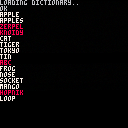
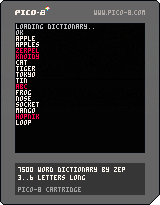
Here's a 7500 word dictionary cart for making word games and whatnot. It contains the most common 3-6 letter words according to wiktionary.com, including proper names. The loader is 264 tokens, and the data is 11317, stored over the full map (including shared gfx), plus the last 44 SFX. So there are just 128 sprites and 20 SFX spare. The 5 most common and 10 least common words on the list are:
THE AND THAT WAS HIS RADIUM BAWL LINTEL WAFER WELTER AUNTY OPTICS SIKH LIL BARB |
Technical details..
The data is generated using a convoluted toolchain process, that I'll post later on if I find time to organize it into something useful.
The compression works by enumerating every possible word in order of word size first, and then alphabetical order. So, A is 0, B is 1, AA is 26, and so on. This means that to store the whole dictionary, only the distances between each word's index is needed. There are many clusters of close words (e.g the distance between CAN and CAP is only 2), so the distances are sorted into range categories depending on how many bits are needed to store each range. Repeated categories are common and so can be encoded with a single bit -- otherwise a 3-bit value is used to store the category for each distance. The encoding utility greedy-searches sets of 5 category bit-lengths and a roman cypher to try to optimize the encoded size, which saved around 1k compared with hand-optimizing the parameter set.
4 comments



Got a nice surprise tonight when some friends linked me to PC Gamer where they highlighted BuzzKill and High Climb in their "Free Games of the Week" blog. Very cool...and very cool that folks everywhere are noticing Pico-8 development.
PC Gamer article:
http://www.pcgamer.com/free-games-of-the-week/
Play BuzzKill
https://www.lexaloffle.com/bbs/?tid=3877
Play High Climb
https://www.lexaloffle.com/bbs/?tid=3950
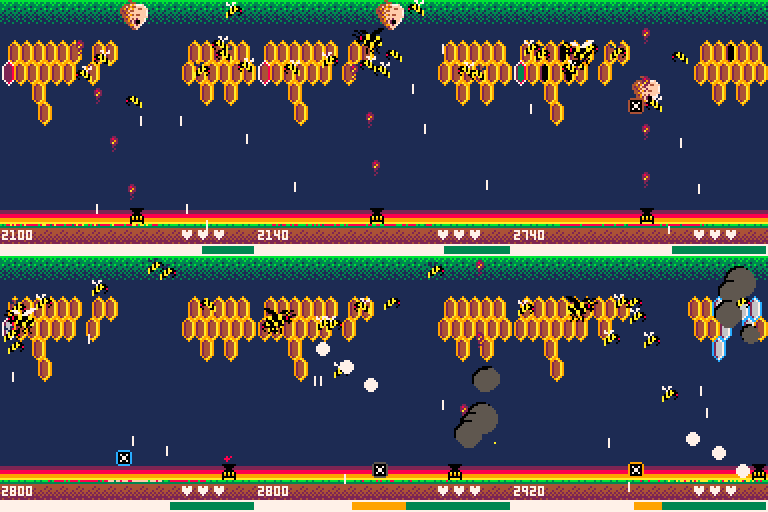

Needless to say, it's the last thing I expected to see for my game...but pretty happy to see it get some attention. And for that I need to thank everyone here for their support in making Pico-8 fun to learn and share.
0 comments

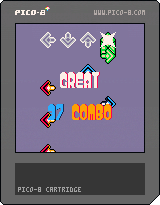
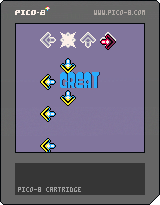
Controls
arrows: validate the notes
O + up/down: adjust the synchronization offset
X + up/down: adjust the hi-speed
O + X: hide/show debug
0.2
Small update here :
- Optimizing the rendering by caching arrows gradients in the spritesheet
- Added long notes
- Added combo counter
- Notes pattern is defined by a multiline string (much like a stepfile)
0.1

 11 comments






I created a custom launcher for my Gnome desktops (running Fedora 23/24 and Ubuntu Gnome 14.04), but I can't get it to launch in the SPLORE mode.
The .desktop file I added to ~/.local/share/applications looks like:
[Desktop Entry] Encoding=UTF-8 Value=1.0 Type=Application Name=PICO-8 GenericName=PICO-8 Comment=PICO-8 Icon=/home/username/Games/pico-8/lexaloffle-pico8.png Exec="/home/username/Games/pico-8/pico8" Categories=Game; Path=/home/username/Games/pico-8/ |
If I change the Exec line to include the -splore option, like this:
Exec="/home/username/Games/pico-8/pico8 -splore" |
it doesn't work at all.
Any ideas?
2 comments




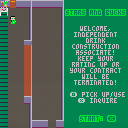
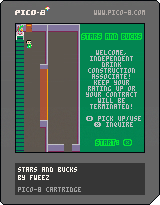
Stars and Bucks: A fairly stressful little game of memory. Make coffee drinks from the ingredients the baristabot sends down the conveyor belt, and hope your customers rate you high enough to keep your job! "Enjoy" playing.
This is my first PICO-8 game, so, the code is pretty rough. The gameplay is somewhat intentionally stressful and un-fun -- it's simulating a job, after all.
5 comments
There's no "PICO-8: Support" entry in the forum drop-down menu in the 'New Thread' editor.
3 comments
Is it possible to link multiple .p8 file together so that I can create a single level in one file and then save a few variables, then load the next .p8 file to create a second level?
6 comments