





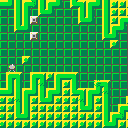
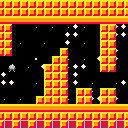
The game isn't done, but I'll be working on it slowly but surely.
Use up/down to move your ship. Use Z or C to start the game or restart after crashing.
Speaking of which, the point of the game is to not crash.
This game mostly started as a demo sort of thing, but I'll make it more like a game as it goes on.
Current features: parallax map-based scrolling (Single or double map), palette trickery, a spinning spaceship, automatically generated levels/obstacles
Planned features: music, more levels, and enemies.
Changelog:
V0.5- initial
V0.7- Automatically generated levels/obstacles added


 4 comments


How much time do I have in _update()? Does the PICO-8 throttle the CPU at all, or do I have the native CPU's full processing power to execute LUA script on a single core?
This is an interesting question because my approach to solving problems changes entirely; given that it's a memory constrained environment with possibly a lot of CPU, I would avoid caching solutions to computable problems.
Can someone explain if the PICO-8 has any CPU limitations?
I am not asking how fast _update() ticks. I am investigating how many instructions I can fit in 30hz.
7 comments


The Verge did a quick review of PocketCHIP and while most of it seems to focus on the complexity of Linux as an OS, they do talk about Pico-8. But it's less about Pico-8 as a platform and more so just talking about how using it on the PocketCHIP is quite difficult and unfun. Although, if the buttons are really that "clicky" then I can see how some games will be difficult-ish.
http://www.theverge.com/circuitbreaker/2016/7/19/12227806/pocketchip-review-portable-linux-computer
But I'm not buying it...I'm stoked to get my PocketCHIP and pretty much plan to use it as a Pico-8 handheld device only. I know it's a full Linux PC and that's cool but P8 is primary function for me, everything else secondary. We'll see but I can also tell that I've spent a lot more than $50 on crappier products (or even just for dinner this week).
And hey...Hug Arena pic! Woot!
23 comments







How to get index of which pattern is currently playing in music?
Not talking about sfx.
4 comments


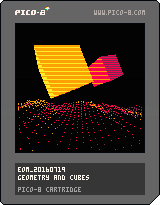





Movement
I learned how to move an "object"/"pixels" around the screen while working through the Pico-8 Zine paddle game example. It seems to work well and I was quickly able to move the paddle back and forth. Very satisfying.
While looking at the source of other games I noticed they used a pretty similar approach. One thing they did use that seems more segmented is to use Tables to create key/value pairs for attributes of an object.
Coming from web development this looks suspiciously like an object...
The Hero
In this case I created a hero table and set some starting attributes:
-- hero
hero = {}
hero.x = 58
hero.y = 100
hero.sprite = 0
|
So the hero will use sprite 0 and start at x 58 and y 100 which is the lower middle of the screen.
[h2][b]move_hero()
3 comments


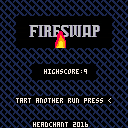
My first Pico-8 game submission is a matching game inspired by ToA, PAD, 10000000, ymbab etc. I really love Pico-8 and hope to make a lot more games in the future. Let me know how you like it and if you run into any issues :)
3 comments


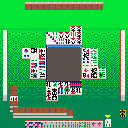
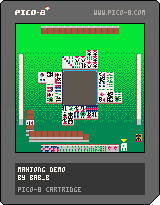
update 2: so i guess the bare skeleton of the flow of gameplay is implemented. right now the three opponent players just discard a tile at random after they draw. you might as well do that too, since I haven't yet begun the process of implementing any of the actual rules of mahjong. (I'm sitting at 3309/8192 tokens right now, but my code is pretty messy.)
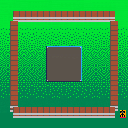
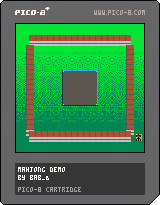
[b]update:
8 comments

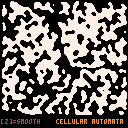
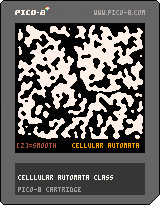
Hellou,
I think this is a very useful for everyone, who want create procedural maps.
Press Z key few times for smooth 'caves'.
EDIT: example is now as class.
How to:
... cave = TCellular:New() cave:Generate(128,116,0.6,4,5,5) ... function DrawMap() for xm=1,cave._w do for ym=1,cave._h do if (cave:Map(xm,ym)==0) pset(xm,ym,0) if (cave:Map(xm,ym)==1) pset(xm,ym,7) end end end ... |
1 comment

Hi, I've been looking through the Pico-8 manual, and found this:
| The bottom half of the spritesheet and bottom half of the map occupy the same memory. |
What uses can this have? I can't really think of anything personally but there must be some.
3 comments



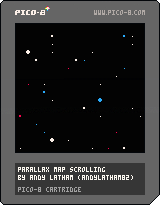
I made this bit of code for creating a parallax effect for side-scrolling games. It uses three layers of infinitely repeating maps. I've set it up so that all the code is in a self-contained section that can be copied and pasted below your own code, with just an initialise, update and draw function needing to be called from the respective functions in your game.
More complete instructions can be found in the header of the code.
I hope somebody finds it useful!
:)
3 comments

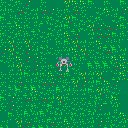
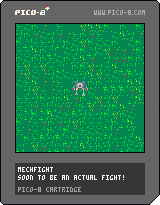
This is a little mech game. Its heavily inspired by one of my all time favorite old DOS games: BattleTech: The Crescent Hawk's Inception
It's little more than a proof of concept at this point, but I have big plans for it. I suck at sprite design so that's going to be my biggest hold up in getting this finished. The sound design is going to be interesting whenever I get around to it, too.
Thanks to @otemoto_stinger and his Grand Prix game I was finally able to get the background to move with each step. I also cribbed what little enemy code i have in this game from him as well.
0 comments

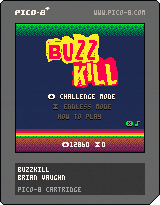
BuzzKill is a classic arcade style shooter. Stop the onslaught of killer bees using your smoke and fireballs.
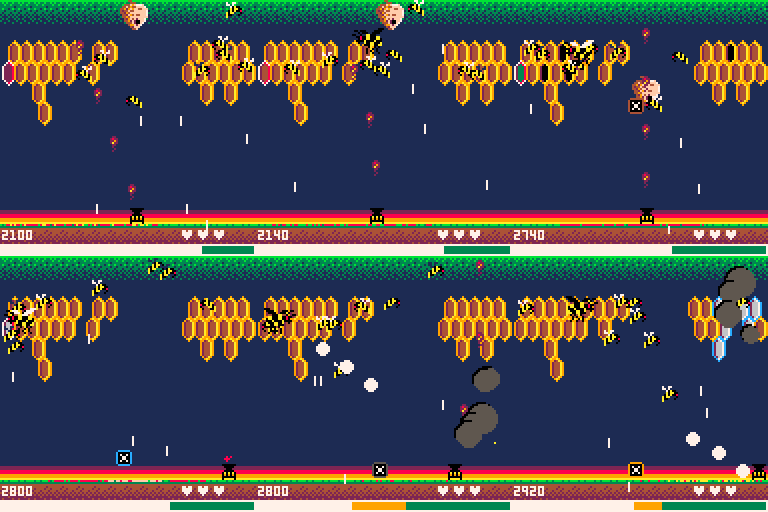
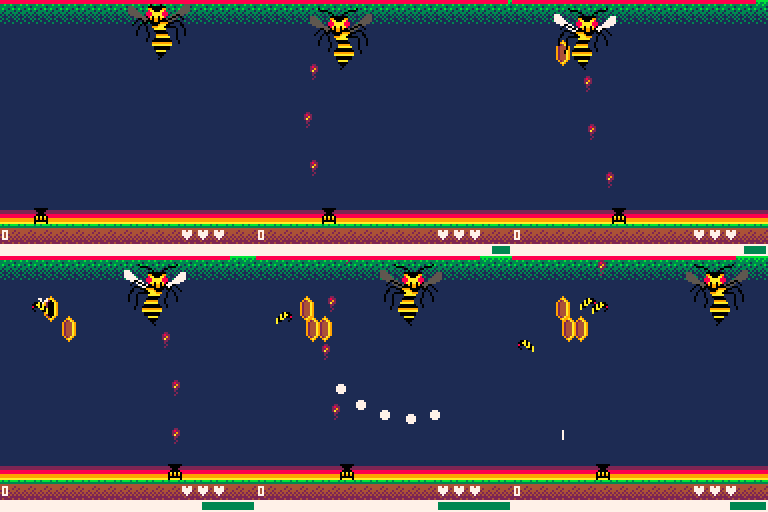
Features
- 10 levels of tough, bee-killing action
- High score saving
- Unlockable endless mode
Controls
- Arrows move left/right
- Z shoots fireballs
- X blows smoke
Gameplay
You must clear all bees, hives and honeycombs to advance levels.
Attacking uses power. The more power you have, the faster your shots. Stop firing to regenerate power. Keep an eye on your power meter.
Blow smoke to freeze honeycombs, slow bees and block shots. You can only shoot honeycombs when they're frozen.
33 comments





I often browse the pico-8 forums on my mobile. On my phone (Samsung S4), I have to squint like a maniac because the contents of the pages are not rescaled by the browser, which they would be if the following viewport meta was on each page:
<meta name="viewport" content="width=device-width, initial-scale=1, maximum-scale=1, user-scalable=no" /> |
Can the person responsible for these forums (and web site in general) add that so that I can go back to "squintless" reading. :)
Cheers
Alex
2 comments
Anyone know of any Pico-8 merchandise available for sale?
I want a Pico-8 logo sticker for my car. Also saw a P8 logo shirt on twitter, wasn't sure if that's official or just a one-off some dude made.
21 comments



Discovery, or The Future is in the Past
For a few months I've been chewing on the idea of developing a 8 bit style game to run on Raspberry Pi alongside old ROMS from major game developers. I was thinking the idea was original, but after some reflection I realize I must have picked it up somewhere...
I ordered a C.H.I.P (well okay a couple of them) back in like November and read up on the PocketCHIP about the same time. While reading about PocketCHIP I read, and probably even watched some videos, about the Pico-8 fantasy console. I think that was my first exposure to Pico-8.
This is when I think I internalized the idea of a "brand new" pixelated "game engine" for developing games that run on low end hardware.
I am so glad that Zep and Lexaloffle did the hard work and developed such a cool platform for others to play in.
[h2]Learning Pico-8 Development
2 comments


Hi,
I'm a bit of a beginner where programming is concerned, but I'm trying to work out how best to create an infinite scrolling background for a side-scrolling shooter game.
I figured that the way to achieve this would be to make a screen full of sprites and move them to the left, deleting them once they are off the screen and replacing them with new sprites on the right. I have managed to achieve this, but I don't think the performance is that great. It doesn't feel very smooth.
Am I doing it the right way? Is there a better way?
Thanks for any help you guys can give!
--tile scrolling

function _init()
	tile_h={} --horizontal tile strip

	--spawn 16 tiles in strip
	for i=0,16 do
		spawn_tile(i*8,0)
	end
end

function _update()
	foreach(tile_h,update_tile)
end

function _draw()
	cls()
	for i=0,16 do
		foreach(tile_h,draw_tile)
	end
end

function update_tile(t)
	t.x-=1 --move tile to left

	--if tile off edge of screen
	if t.x<-8 then
		del(tile_h,t) --delete tile

		--add new tile to right
		spawn_tile(16*8,0)
	end
end

function spawn_tile(x,y)
	local t={}
	t.x=x
	t.y=y
	add(tile_h,t)
end

function draw_tile(t)
	--draw 16 tiles vertically
	for i=0,16 do
		spr(1,t.x,t.y+i*8)
	end
end
|
5 comments
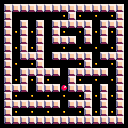
It's my first PICO-8 cartridge uploaded here.
Move with arrow keys and press Z to regenerate.
I've used Prim's algorithm for this. Some common patterns are visible which I don't know how to fix.
This might be buggy, if you're unable to collect all pills please let me know and comment about it because I was a little confused when I coded this.
0 comments