



Update v0.9
added ability to pickup pizzas
picking up pizzas add 1 to score
added rocks
picking up rocks remove 1 from lives
added spawning mechanism for pizzas and rocks
added sin movement for pizzas and rocks
*added timer -- currently not counting down
added flame and smoke when moving
added downwards force to rocket
added static Boss and Minions
animated Boss health bar



 9 comments





I mentioned this issue a while ago, but it seems zep didn't see it. The color of the cursor is too similar to the background color of the editor, and makes it very hard for colorblind people such as myself to see where it actually is.
9 comments






I'm getting back into Pico programming and wanted to do some demoscene effects to warm me up like simple sinewave text. Have trouble with math behind it though.
I want to do first as simple bopping up/down sprite that uses sine behind it. I want to be able to control its amplitude (defined as y offset in pixels from the baseline) and frequency (speed). For now I have formula that goes somewhere like:
basey+Sin(upoffset+(t*speed))
where upoffset is mentioned amplitude control defined as max possible deviation from baseline, whether positive or negative, t is time elapsed since start (needed so it will actually bop instead of staying in place) and speed is, well, speed.
Unfortunately speed is somewhat coupled with amp control so when I try to increase speed at which things go, it gets too high/low and vice versa - changing amplitude changes speed at which things go.
Any help? This is best I could come up with and at the rate I'm pulling my hair right now, I estimate to go blind in 36 minutes, 43 seconds and 234 milliseconds.
No need for sample code, the formula will do.
3 comments


Not sure if this is a known bug, but I could not find it mentioned anywhere.
There may be a bug related to playing the same sfx on 2 channels simultaneously. I have the sound looping on channel 1, but it stops playing on that channel when I start/stop the same sound on channel 2. It may be that stopping the sound on channel 2 is also stopping it on channel 1, I'm not sure.
I'm running pico-8 (v.0.1.5) under linux.
Has anyone else encountered this before?
Thx,
2 comments


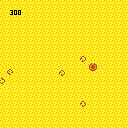
This game's really simple and pretty silly. A cowboy is assailed on all sides by tumbleweeds. Endless, rolling tumbleweeds. The cowboy must use their comically oversized bullets to destroy the tumbleweeds before they are overwhelmed.
Arrows move, Z fires.
In a shocking display of modesty, this game was inspired by my own tweet: https://twitter.com/PROGRAM_IX/status/706624643826847744
3 comments


UPDATE: Since I created this I've updated the script to apply all transforms with Python by default. The JavaScript method of shuffling elements is enabled only if 1) you lack the dependencies required by Python or 2) you specifically flag the program to use JavaScript. The advantage of doing it all with Python is that you don't have to wait until page content loads to see a responsive layout - it's already there. I've also created a comparison of the responsive and default web player layouts. And check out the README to see what Python packages you'll need to do the full HTML transform in Python.
~original post~
The default webplayer page format that gets exported from PICO-8 is great, but not quite excellent, since it only provides one display resolution. I decided to work with the structure and style a bit (using flexbox styles and media breakpoints) to make the canvas render at 290px, 580px, or 1160px wide based on what real estate is available. Also, the buttons collapse into multiple rows once the display gets small enough.
I came up with this.
3 comments
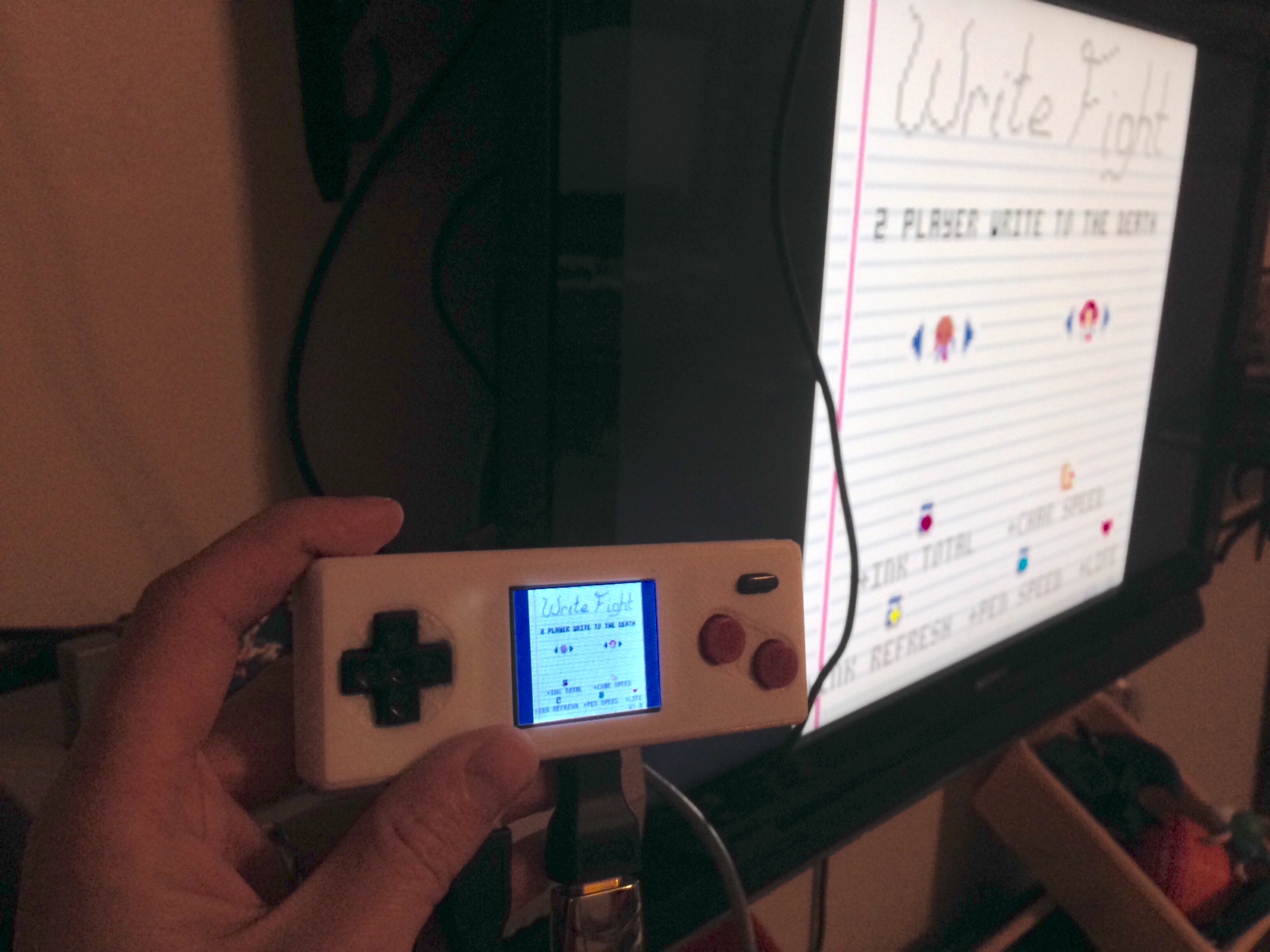
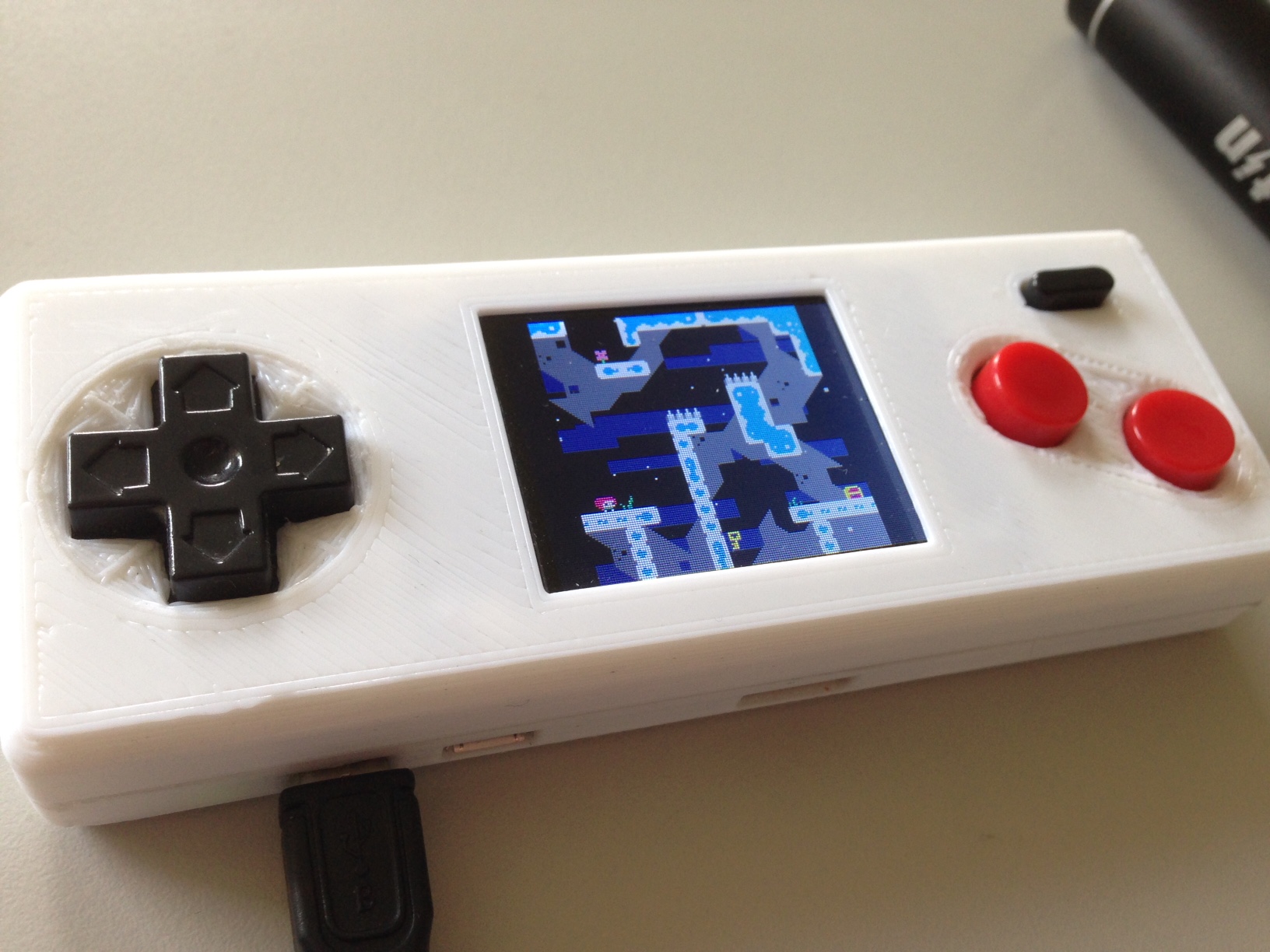
I've been working on a handheld for playing PICO-8. It uses a Raspberry Pi Zero, and an Adafruit 1.8" screen for displaying. The screen size is 160x128, so PICO-8 fits perfectly (alright, centered). The buttons and button PCB are robbed from a USB NES controller I had. The case is 3D printed to fit the parts (very tightly). Total size of the unit is 120x45x20mm.
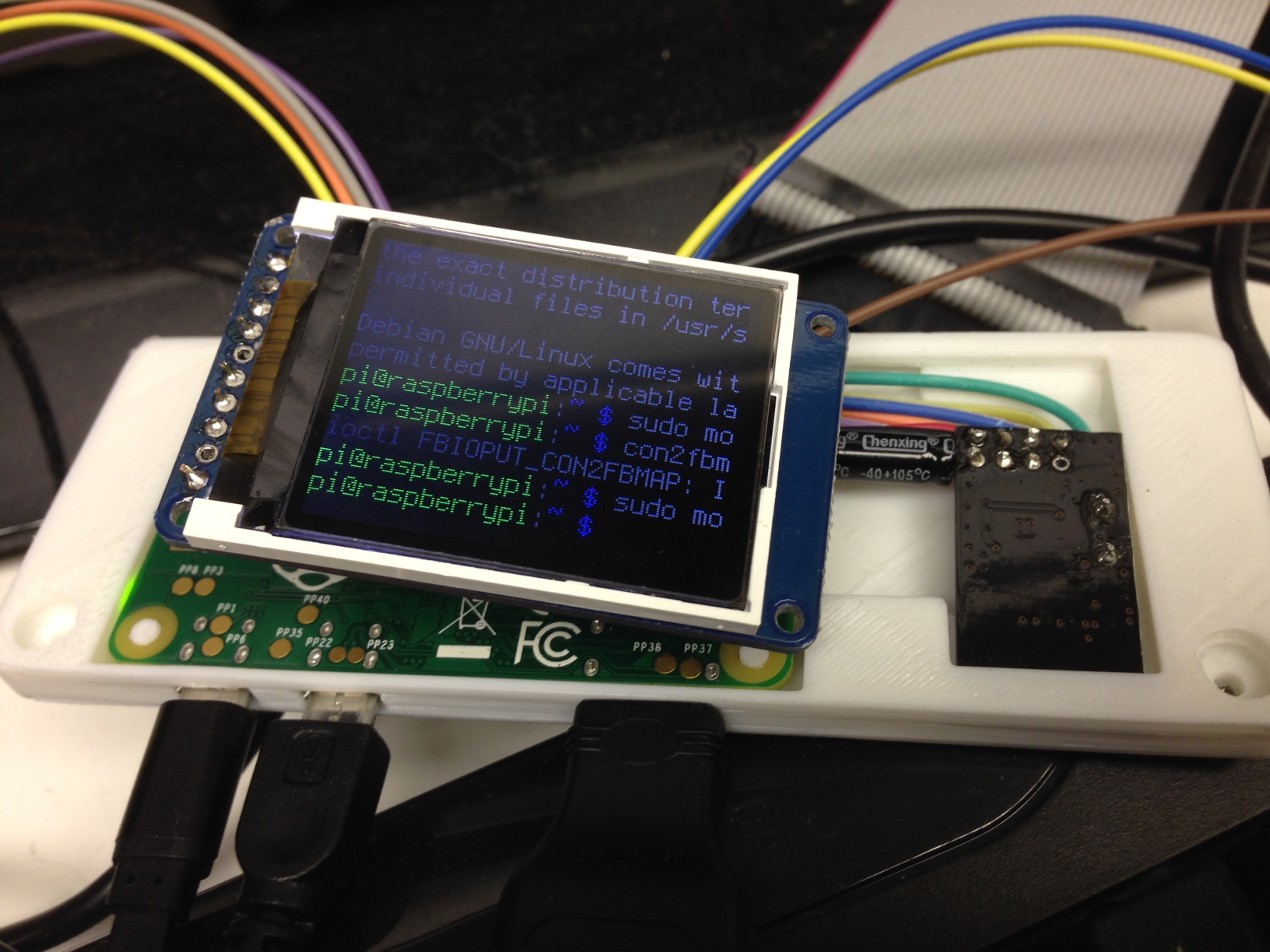
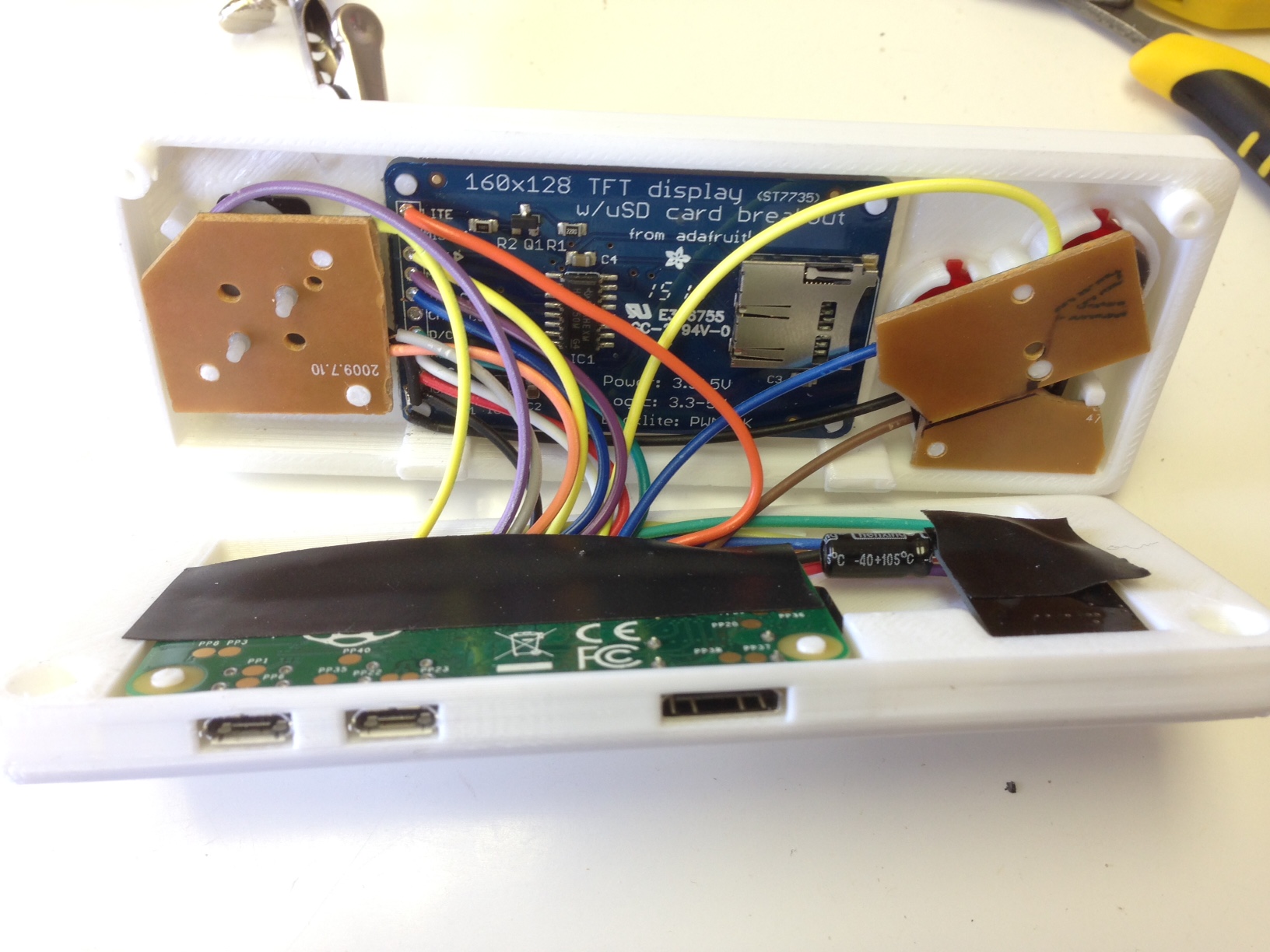
The screen mirrors the output of the HDMI, so you can play with either the TV or built in screen. Currently, it has no internal battery, but I'd like to find a good lipo battery to add. In the meantime, I just connect a USB power stick.
20 comments


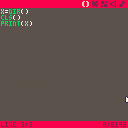
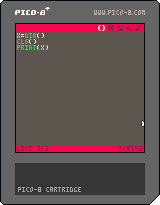
Zep, I think I have found a bug but I don't know whether you would agree.
First, here's what happens when I type the "dir" in the console:
> dir
directory: /test/
dirtest.p8
dirtest.p8.png
Which is what I expected, only this cart is saved. Here's the code entered into the editor to reproduce this bug:
x=dir()
cls()
print(x)
and the result is it prints (on a clear screen) the following:
nil
dirtest.p8
dirtest.p8.png
I suppose the value of x is nil because dir() doesn't return anything. And I suppose the dir contents are printed after because the threading model is weird.
2 comments
So after completing the (very helpful) Squash/Pong tutorial in the first pico-8 zine, I decided to go about setting up a class-based object-oriented framework for implementing the same game - one where relevant data is contained within an object, and the object has callable methods that let the object act on its own data rather than other members reaching in and changing values. The _update() and _draw() functions in turn just call _update() and _draw() methods contained inside game objects.
Here's what I came up with: http://hastebin.com/agasogijet.lua
The code at the top is mine, and the section at the bottom contains the original code (more or less, I made a couple of changes).
It's good if you follow the tutorial from the zine (https://sectordub.itch.io/pico-8-fanzine-1), but if you don't, you should be able to paste the code into the pico-8 editor and run it. The health meter sprites won't show up, and you won't get any sound, but everything else will work.
10 comments


PICO-8 0.1.5:
I get "OUT OF MEMORY" errors for intensive games when I load them locally (ubuntu Linux 15.04).
The same carts work fine in my browser.
Examples are:
-3D Racing Game WIP https://www.lexaloffle.com/bbs/?tid=2740
-Pico Flight Simulator https://www.lexaloffle.com/bbs/?tid=3063
Thanks
0 comments

I posted this PICO-8 theme + syntax coloring file for Sublime Text 2 if anybody wants! The syntax highlighting supports PICO-8 Lua code including the PICO-8 library functions. The color scheme uses the PICO-8 palette, and gets pretty close to the look of the editor.
Finally, for an extra touch, I included a settings file to use an unofficial TTF Font by RhythmLynx, reduce the font size, disable anti-aliasing, increase line padding, and force indentation to be a single space like in native PICO-8. (Uses a font size of 7.5, but a font size of 3.5 seems to be a 1x scale font, for those who want extremely hi-res views of their code)

You can get it here!
5 comments










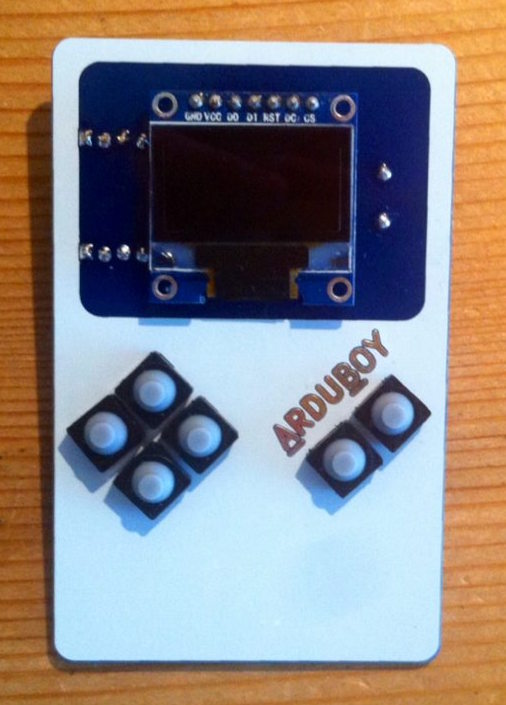
As I've already discussed with some people on Slack, we are making a portable console prototype which will support PICO-8 games:
https://hackaday.io/project/10207-gamegirl-the-retro-console-done-right
I'm doing this with the developer of Lakka and he is currently adapting the picolove implementation to run on this console. As we use RetroArch under the hood, that means this PICO-8 loader could potentially be available on a lot of hardware (Raspberry Pi, ODROID, Android, etc.)
As our screen is 320x240 we think of giving the user the option of running PICO-8 games at either 128x128 or 256x240 with neighbor interpolation.
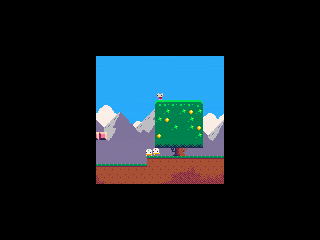
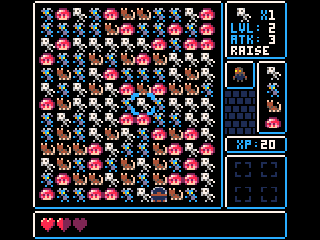
What do you think?
8 comments




I'm unable to get PICO-8 0.1.5 running on 64bit Windows 10 pro with the latest updates installed.
Program icon just quickly flashes on the task bar, but the console doesn't appear.
The machine itself is a Lenovo X200 and it has Intel's GPU.
Log file contains the following:
codo_init
  platform: Windows
  codo_system_init
  codo_reset_timer
  codo_gui_init
  codo_keys_init
  codo_text_init
  codo_video_init
  codo_mouse_init
  codo_joystick_init
  codo_joystick_init
    found 0 joystick(s)
  ok
ok
codo_set_screen 580 540 8 100
|
10 comments


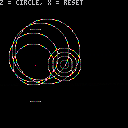
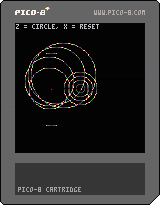

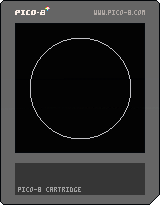

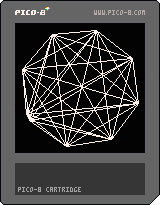
A quick idea I had for a background effect. Honestly it's taking me longer to post this than it did to write, but maybe someone will get some use out of it. =)
Also apparently "K5" is too short for a title on this forum, and fails posting. Fun times.
3 comments

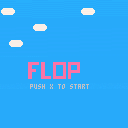



Started work on a game based loosely on "jumpman" called "HighSteal".
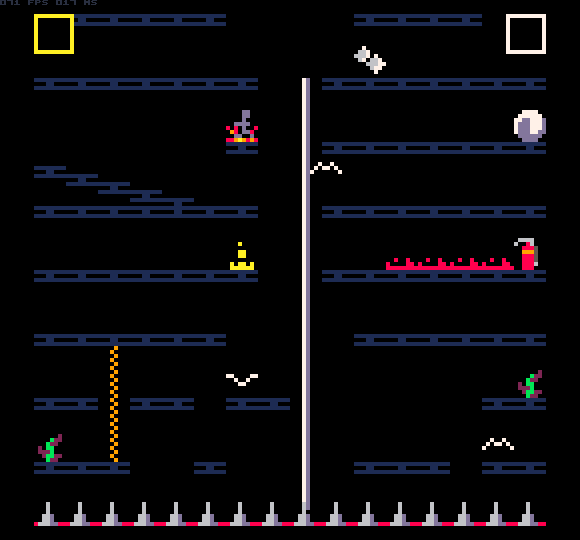
I should be done in a few days... ok, maybe a week or so.
So far it is coming along really well. My original though was to create a 2-player game, and if there was time and space, add a single player mode.
I was so glad today when I upgraded to the latest pico-8 and found the code char limit had been doubled!!! Thank you!!!
So I am now working on the single player mode, and I think it will work out well.
1 comment


This is an Test.
Controls:
Arrow LEFT/RIGHT : Move
Arrow UP : Jump
Jump again in air : Double-Jump
1 comment


