





I posted this PICO-8 theme + syntax coloring file for Sublime Text 2 if anybody wants! The syntax highlighting supports PICO-8 Lua code including the PICO-8 library functions. The color scheme uses the PICO-8 palette, and gets pretty close to the look of the editor.
Finally, for an extra touch, I included a settings file to use an unofficial TTF Font by RhythmLynx, reduce the font size, disable anti-aliasing, increase line padding, and force indentation to be a single space like in native PICO-8. (Uses a font size of 7.5, but a font size of 3.5 seems to be a 1x scale font, for those who want extremely hi-res views of their code)

You can get it here!


 5 comments












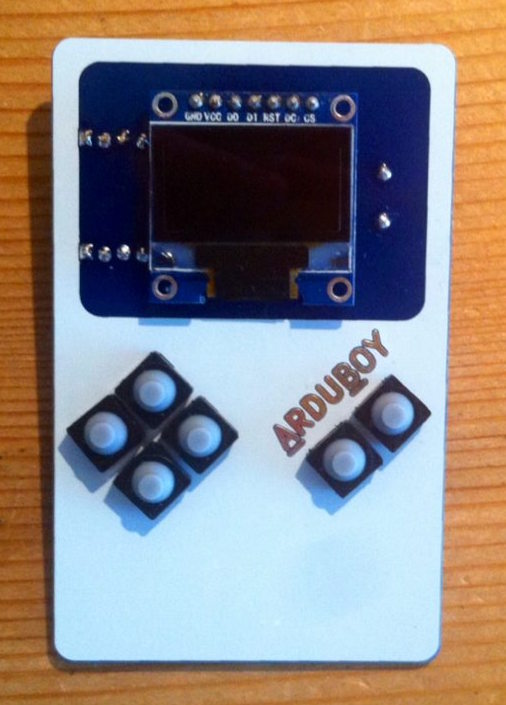
As I've already discussed with some people on Slack, we are making a portable console prototype which will support PICO-8 games:
https://hackaday.io/project/10207-gamegirl-the-retro-console-done-right
I'm doing this with the developer of Lakka and he is currently adapting the picolove implementation to run on this console. As we use RetroArch under the hood, that means this PICO-8 loader could potentially be available on a lot of hardware (Raspberry Pi, ODROID, Android, etc.)
As our screen is 320x240 we think of giving the user the option of running PICO-8 games at either 128x128 or 256x240 with neighbor interpolation.
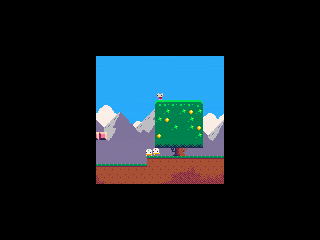
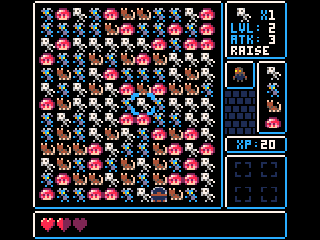
What do you think?
8 comments






I'm unable to get PICO-8 0.1.5 running on 64bit Windows 10 pro with the latest updates installed.
Program icon just quickly flashes on the task bar, but the console doesn't appear.
The machine itself is a Lenovo X200 and it has Intel's GPU.
Log file contains the following:
codo_init
  platform: Windows
  codo_system_init
  codo_reset_timer
  codo_gui_init
  codo_keys_init
  codo_text_init
  codo_video_init
  codo_mouse_init
  codo_joystick_init
  codo_joystick_init
    found 0 joystick(s)
  ok
ok
codo_set_screen 580 540 8 100
|
10 comments



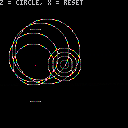


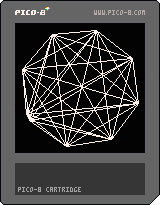
A quick idea I had for a background effect. Honestly it's taking me longer to post this than it did to write, but maybe someone will get some use out of it. =)
Also apparently "K5" is too short for a title on this forum, and fails posting. Fun times.
3 comments







Started work on a game based loosely on "jumpman" called "HighSteal".
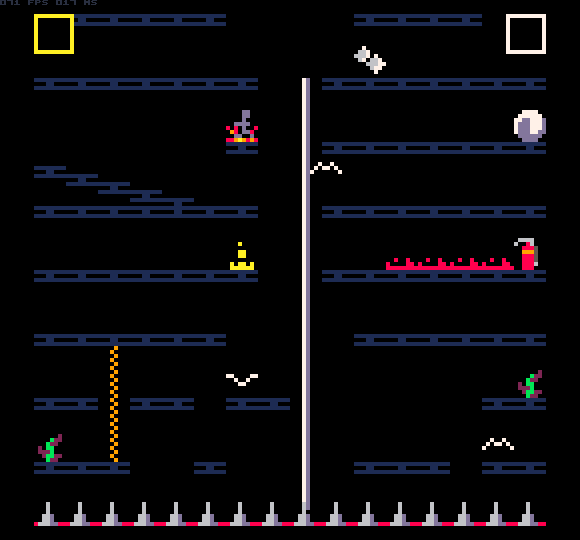
I should be done in a few days... ok, maybe a week or so.
So far it is coming along really well. My original though was to create a 2-player game, and if there was time and space, add a single player mode.
I was so glad today when I upgraded to the latest pico-8 and found the code char limit had been doubled!!! Thank you!!!
So I am now working on the single player mode, and I think it will work out well.
1 comment


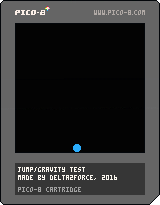
This is an Test.
Controls:
Arrow LEFT/RIGHT : Move
Arrow UP : Jump
Jump again in air : Double-Jump
1 comment




Are you a PICO-8 tinkerer, but haven't been able to see a game to completion? Are your pixel art skills strong, but your code could use help, or vise versa? Do you just simply prefer to work as a team instead of solo?
Come join Picocity, a Slack team oriented towards working together to create finished works for PICO-8.
While I will proudly say there is no better resource for sharing carts and tips than these official forums, what I was really missing was an environment to motivate me to create finished experiences, not just tech demos or code snippets. Picocity came to be with the hopes that aspiring builders can help hold each other up and see carts through to completion.
Create an account and join us at picocity.slack.com
(Please note, this is not in competition or poaching from Neko250's team, you can, and should, participate in both! Picocity started on Twitter, and I only recently realized I probably should mention it here on the forums also.)
4 comments



There is something I been trying to figure out how to make and it's been eluding me.
i am trying to make an ammo dispenser that activates on once ammo pack has been collected. So you grab a pack
it delays for some time, then spawn another pack and so on. Should be simple to do, but so far I am not having any luck with it.
Thx all
6 comments



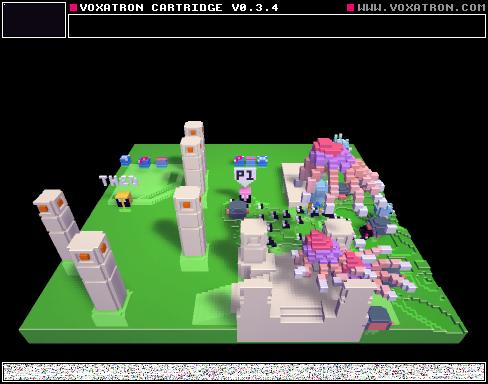
This game is fun although JJ is been swarmed by monsters on the right side so it's pretty unfair.
0 comments
Hi,
the documentation states:
reload dest_addr source_addr len [filename] Same as memcpy, but copies from cart rom |
But if I read this from another cartridge, only 0 bytes are read into the current memory. Is this part of the documentation outdated or am I doing something wrong? Code would be simply:
reload(1024,0x4300,10,"tor_carttest.p8") peek(1024) |
while there is an empty function inside of the other cartridge...
3 comments


Is there anyway to create a folder in pico-8 then have that folder accessible on multiple devices using google drive? I am on at least three different computers a day and can work little by little on stuff and id love to have that option. Thanks for your time.
9 comments



A demake of MT-32 music tracks from Ultima VII, half-assedly arranged for pico8's 4-channel synth. This started out as a way to practice transcribing music by ear, but in the end I cheated and used the original MIDIs as a reference.
It currently includes only the diegetic music from the game, i.e. music that plays from instruments in the game world. I may try to squeeze in one of the longer themes from the game as well, though the cart is kinda tight for sfx space.
9 comments





I'm surprised there doesn't seem to be a way to permanently write bytes to the memory and save it with the cart, so you can make your own efficient level storage format. That memory only becomes available to write to at run time - then any changes you make are reset.
My idea would be to have a level data format for a game that only shows one screen at a time (no scrolling) and has a stream of data that is - sprite cluster index (eg. 1 could be a group of trees, 2 could be a house) and an X Y position on screen.
I could kind of store the "level data" in the code by actually specifying screen positions but this is incredibly wasteful - each character is worth one byte, and I'd need several bytes just to set one position. Eg. "X = 54" is 6 bytes and I could store that in 1.
Am I incorrect - is there some way to store a sequence of bytes on the cartridge? (Besides the tiny "Persistent cart data")
5 comments

In my game, having 5 sprites makes the game slower, in a strange way where every second frame is 1.9 CPU and every first frame is 1.0 CPU. This makes the game laggy - and things that should toggle on and off each frame appear to flash randomly due to every second frame being longer.
Adding 5 more sprites keeps the game at a steady 1.0 CPU! It runs perfectly smooth!
Is this a known issue?
2 comments

Sometimes, we want to be able to play animations in reverse. This is the advanced animation function with a reverse option. In this case, the foliage grows, stays for 5 seconds before shrinking away (playing the "grow" animation in reverse), disappears for 10 seconds, then repeats.
0 comments

