


I was wondering how long it would take me to build a partial version of PONG and I was kind of amazed that nobody really built a PONG for Pico-8 up to now. It misses a number of features but I created at in a few hours while listening to some conference talks at Eurucamp 2015 and I will hopefully give a lightning talk on PICO-8 tomorrow.


 0 comments

One thing that would be super handy for development in Pico-8 is an "assert" function which throws an error when a condition isn't met and can optionally print something in response, like the standard lua one.
eg.
assert(x != 0,"this shouldn't happen")
Another nice thing would be a way to write output to a console. you can do this with print, but it usually gets overwritten immediately and lost in the event you need to check up on some history.
log("frame: "..frame.." x is "..x)
also showing a full backtrace on error rather than only the head of the stack would be super helpful.
0 comments


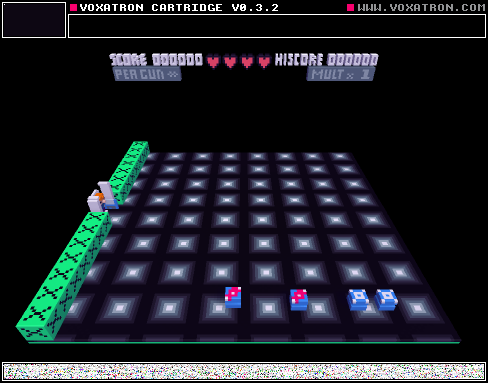


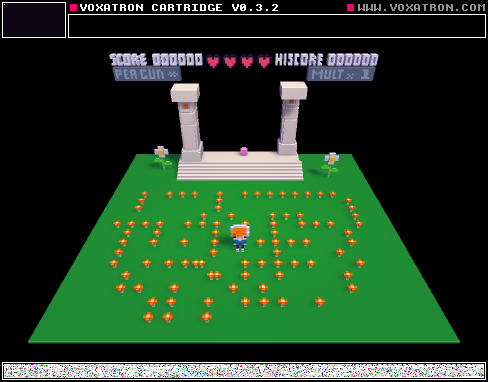


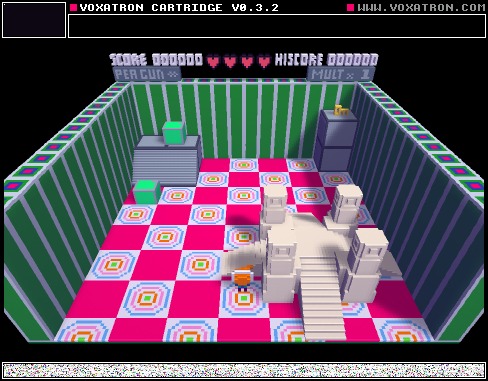
The first level is a puzzle, followed by 4 combat levels and a boss battle. Play at your own risk.
0 comments


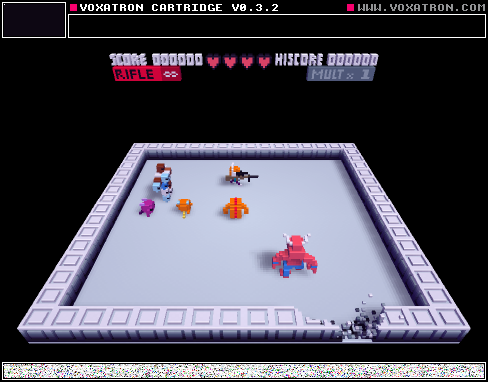


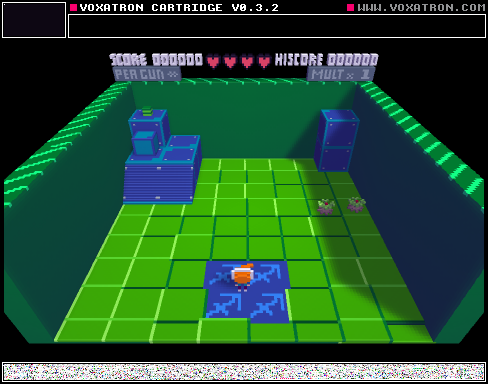
YEP. the day has come when weeds have taken over alterania. ENTER: the random. good morning, and get to work! make it to the end, and think outside the box!
0 comments




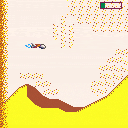
A game about flying a damaged ornithopter through a sand storm on Arrakis. 3 levels of windy action! Fake speech synthesis!
Instructions:
Reach the end of each map without crashing into the dunes below or being overtaken by the following sandstorm.
Controls:
left: tilt thopter upward (less speed, more lift)
right: tilt thopter downward (more speed, less lift)
x: fire jet (more speed, fuel recovers over time)
z: air brake (cuts speed, gain a little altitude)
About the game
This is my second PICO-8 game, following on the Dune theme of Shai Hulud; I wanted to make a little flying game about surviving the sand storms of Arrakis as an excuse to experiment with flight model stuff, screen scrolling, and collision detection. I did that stuff and also played with a few other goofy "what if" ideas, and so the code is in places a mess of hacks, which I'm trying to embrace as an okay way to go with experimental P8 games.
7 comments



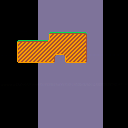
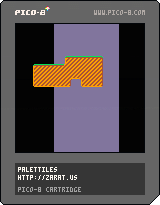
One set of tiles that can become six by a mere palette change.
Press arrows or Z/X to change the palette.
3 comments


Hi, I was wondering how to interpret the output from the stat function.
I created this simple program and run it:
function _update()
end

function _draw()
	cls()
	draw_debug()
end

_min_mem = 9999
_max_mem = 0

function draw_debug()
	if (true) then
		local _cpu = stat(1)
		local _mem = stat(0)
		local _cpu_c = 6
		local _mem_c = 6

		if (_mem < _min_mem) _min_mem = _mem
		if (_mem > _max_mem) _max_mem = _mem

		if (_cpu > 0.8) _cpu_c = 8
		if (_mem > 250) _mem_c = 8

		print("cpu ".._cpu,0,8,_cpu_c)
		print("mem ".._mem,0,16,_mem_c)
		print("mem min ".._min_mem,0,24,6)
		print("mem max ".._max_mem,0,32,6)
	end
end
|
This program runs for a while counting memory up and down (garbage collection from switching between editor and game mode?) and freezes on a fixed number from 20 to 45 after a while.
In my game I reach somethling like mem min = 94 and mem max = 268 and it continually fluctuates up and down. In the manual it states that this is a number in the [b]0..255
2 comments

Notice the program's characters are smaller than 15360 but the compressed version is bigger, and so saving fails
Note also that "saved test3.p8" is a lie
 3 comments
It'd be awesome to be able to save/load state in your game like old console games.
Maybe a small per/game buffer we can read from/write to.
Or a virtual memory card type device we can access.
7 comments

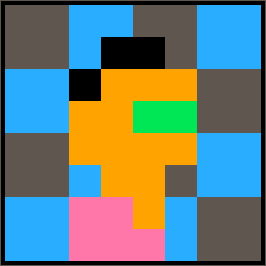


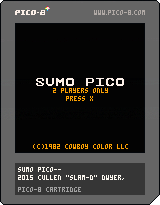
First cart! Made this demake of our jam game, Sumo Puckii for some practice! It's 2-player only, so I recommend both gamepads and some friends <3
Mwuah <3 kisses
3 comments


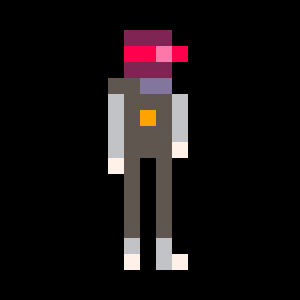
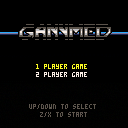
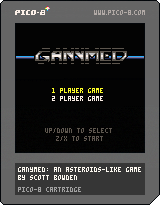
An asteroids-like game for PICO 8.
Controls:
UP: thrust
LEFT/RIGHT: rotate
Z: shoot
X: blast (area attack radiating from ship; uses energy)
Don't get hit by the asteroids; shoot the asteroids for points. Big ones split into medium, medium ones sometimes split, small ones never do.
Each player starts with 3 lives, and also has a "power" gauge. The longer you stay alive, the higher the gauge goes. When it passes certain points, you automatically upgrade (upgrades: more bullets, longer distance bullets, multi-shot). When you die, it resets. The secondary attack ("blast") uses up 1 "tick" of energy (3 ticks per upgrade), so you can choose to use it to save yourself and rack up points, but it will slow down your upgrade path.
At this point, probably all that I'm going to polish on this is sfx and maybe some graphical tweaks.
[b]Original Post
13 comments

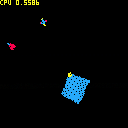
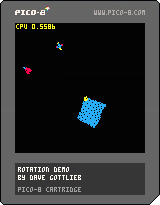
I got to wondering whether you could rotate a sprite in PICO-8. Of course this facility is not provided, but it should be achievable, I thought.
How this works: 3 rotating objects. Arrows move the green cursor among them, and Z or X to toggle each object on or off.
The rotations are slightly ugly, but I think accurate. Smoothing could probably make them look better, but maybe not at reasonable cost. I don't know! Rotating the large sprite is CPU-intensive (and ugly!). I think for small objects this could be used in a game.
Issues:
- Sprites are rotated about their top left corner. I think this is needed to guarantee that atan2 is one-to-one. But it would be better to rotate around an arbitrary center!
- I forgot what the other issues are.
12 comments





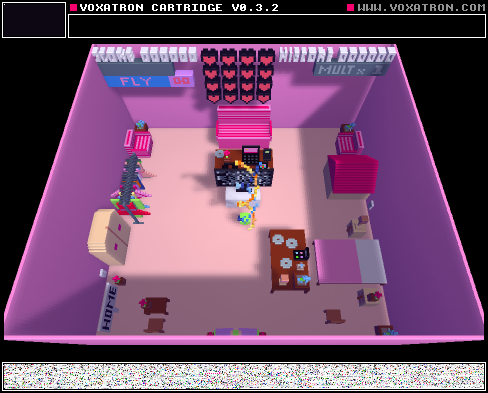
just lettin u know press x 2 shoot and space bar 2 fly(yes fly) and c 2 fall. u also have 1000 hearts.Enjoy!
0 comments
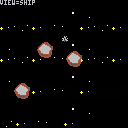
ADDED (7/31): Fixed some missing interactions; elastic collisions apply to the ship; re-did overlay; you can switch views; gravity calc is dropped at high distances.
Press 'Z' to switch views among ship and planetoids. Current view is displayed in overlay.
ADDED (7/31): Only detect collisions for nearby objects (fixes integer overflow issue).
ADDED (7/31): Elastic collisions (for planetoids), sound and music.
I've implemented perfectly elastic collisions between the planetoids. (I haven't done collisions for the ship, yet, partly because it's easier to detect collisions for circles.)
When two planetoids collide, a crashing sound plays and the planets exchange some energy and momentum (details). I'm pretty sure the math is accurate -- at least, the collisions look reasonably accurate. As with gravity, however, the math involved can involve large numbers and integer overflow could be a problem -- I don't know whether it actually does cause issues in the conditions I've built. (EDIT: I think it does. In particular, collision detection uses distance. But, because of integer overflow and sqrt, distances over ~181 roll back to 0. So very distant objects constantly collide with each other and go crazy. This makes the system less stable than it should be. A solution would be to only check collisions for nearby objects, using some cheap and safe heuristic (e.g. Manhattan distance).)
15 comments
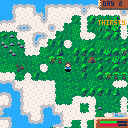
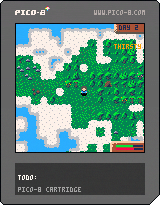
Update:
Finally fixed the map issue from changes in Pico8 and fixed the 10 minute game freeze bug.
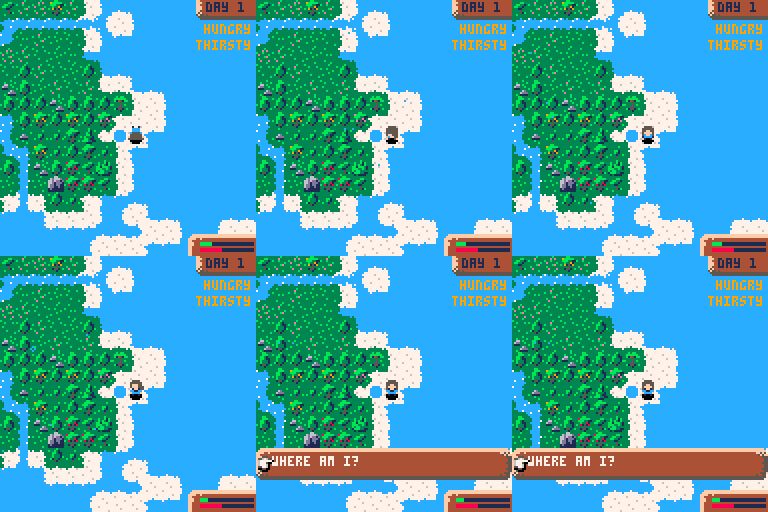
Some dialog stuff and fixed a bunch of bugs, cabins now work and there are caves you can rest in.
How to survive your first day:
- When you wash up you're nearly dead, hungry, tired, and exhausted.
- Your health will drop if any statuses (hungry,tired,exhausted,cold) are in the red.
- Resting while your statuses are ok will restore health
- Quickly drink some water from your flask. (x -> items -> flask -> drink)
- Find some fruit/berries and pick them then eat them.
- Salvage wood from your boat, and chop down another tree and get the logs
- Build a shelter, eat, drink and rest, stay warm
- After this, focus on finding freshwater (it has white sparkles) so you can drink and fill your flask
- Then try and find some stone and build a cabin which will replenish your stamina fully
- Build bridges to new areas
Features:
- Day night cycle
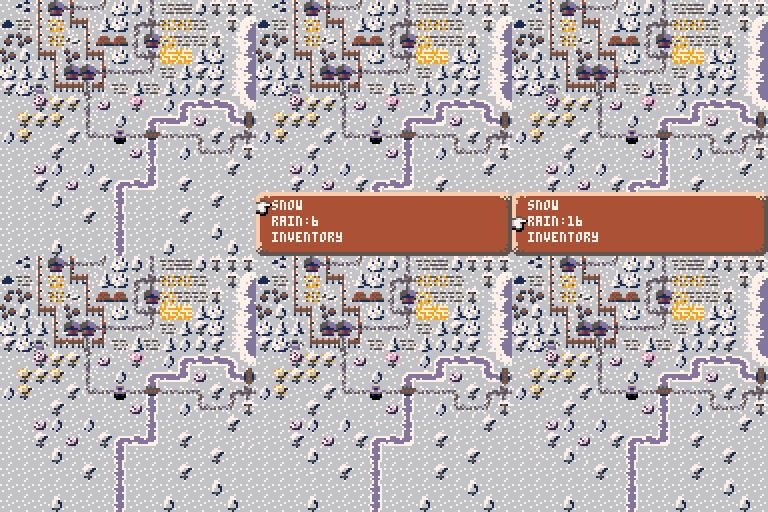
- Weather
- Temperature (it's colder at night and when it's raining, stay warm in your shelter/cottage)
- Simple menu system
- Procedurally generated world
- Bridge building
- Building wells that fill with water when it rains
- Plants grows overnight while you're resting
- In progress
- Farms and farming
Plans
- Fishing minigame
- Wild animals and fences to keep safe
- Disallow some stuff at night to incentivise you to work during the day
I suspect code size optimisation will be quite critical =\
 78 comments



