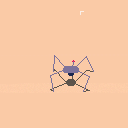
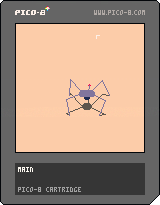
I'm trying to make a tentacle using sin().
I want the base (the top circle) to be static, and the wiggle of the tentacle to get stronger until it reaches the tip (the bottom circle).
So far I have only achieved a pendulum
I'm not that good with math so I'm not sure about how to do it
here's my code
function _init() length=20 x=64 y=40 end function _draw() cls() for i=0,length do circfill(x+sin(time())*i,y+i*4,length-i,14) end end |


 2 comments


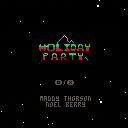
Here's a little mod I made of Celeste Classic for Christmas. It's a sequel to the last mod I made. I hope you like it :)
2 comments

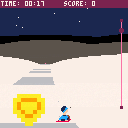
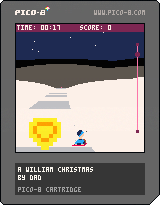


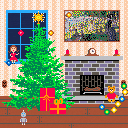
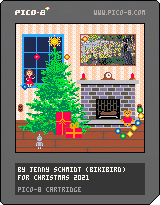
This is the story of a hard working Christmas elf. I was never told their name. I call them Blinky. They had one last task to complete late one Christmas Eve: String some lights, plug them in, and connect them to the finial atop the tree. Easy for a smart elf like Blinky. Too bad they never finished that electrician's course...
Game Play
Connect the loose bulbs by touching them with the exposed wire from the light string. Loose bulbs are always safe, but if the string is connected to power and you touch the string to itself, some of the bulbs will explode. Electricity is powerful, but dangerous. Be careful with it.
There are three possible endings and eleven achievements to earn.
2 comments



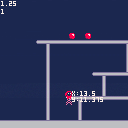

Made for Jame Gam Christmas Edition - 2021
This is my first, complete game!!
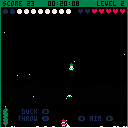
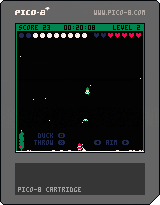
I would've like to have done music but ran out of time. I joined with only 2 days to go and it was a mad dash to finish. I can think of many things that I can do better next time (the code is really wonky. What a great learning experience! I welcome all comments and criticisms!
Thanks for playing!
2 comments




SANTA'S DRONES
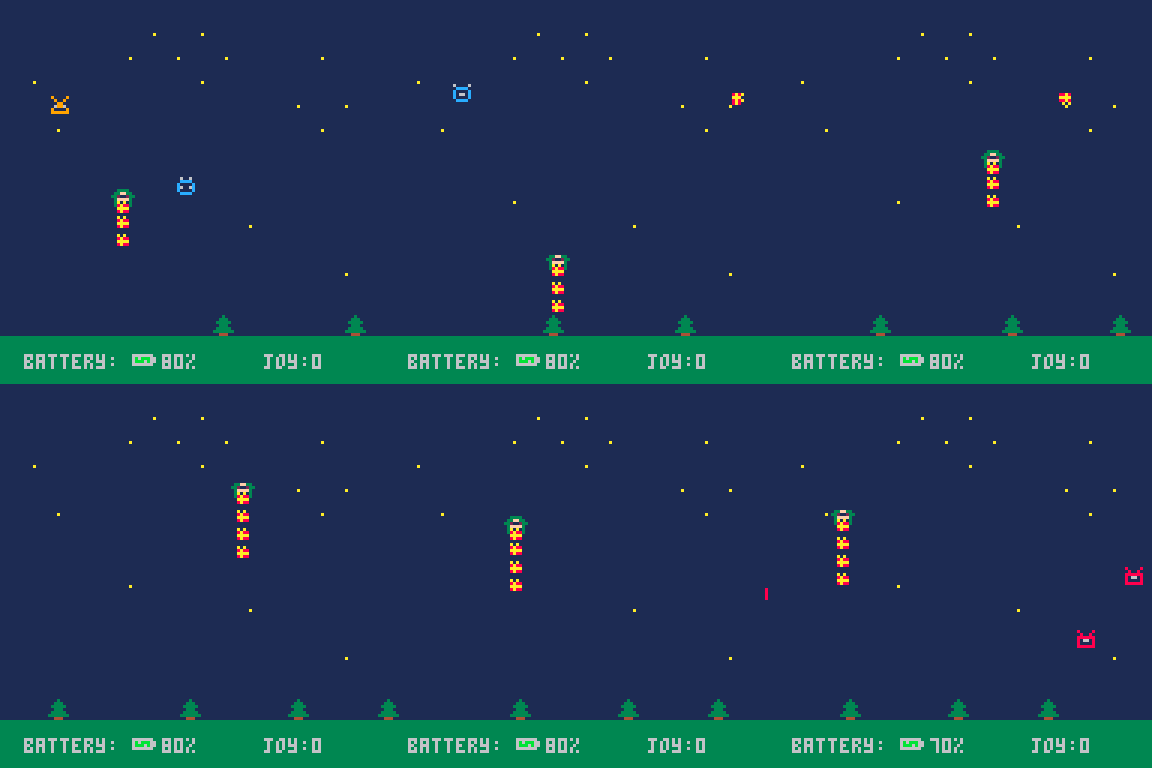
Have you ever wondered why you never received that Christmas present you always wanted? Maybe Santa Claus needs an updgrade to keep up with the demographic expansion of the last years. That old magic sled won't be able to carry all the presents anymore, so some lost packet is inevitable at some point! Become a Santa's drone to deliver all the lost presents in order to save Christmas and bring back the Joy to the world!
-> I believe Christmas is much more that receiving a present, btw xD
New in v.4!
- New skins added to the game: Mario and Zelda are coming to town!
- Some skins have a custom present sprite
Screenshots
 0 comments



I'm unable to paste gfx into the bbs anymore. The ones I have in one of my cartridges are broken as well.

|
[8x8] |
5 comments









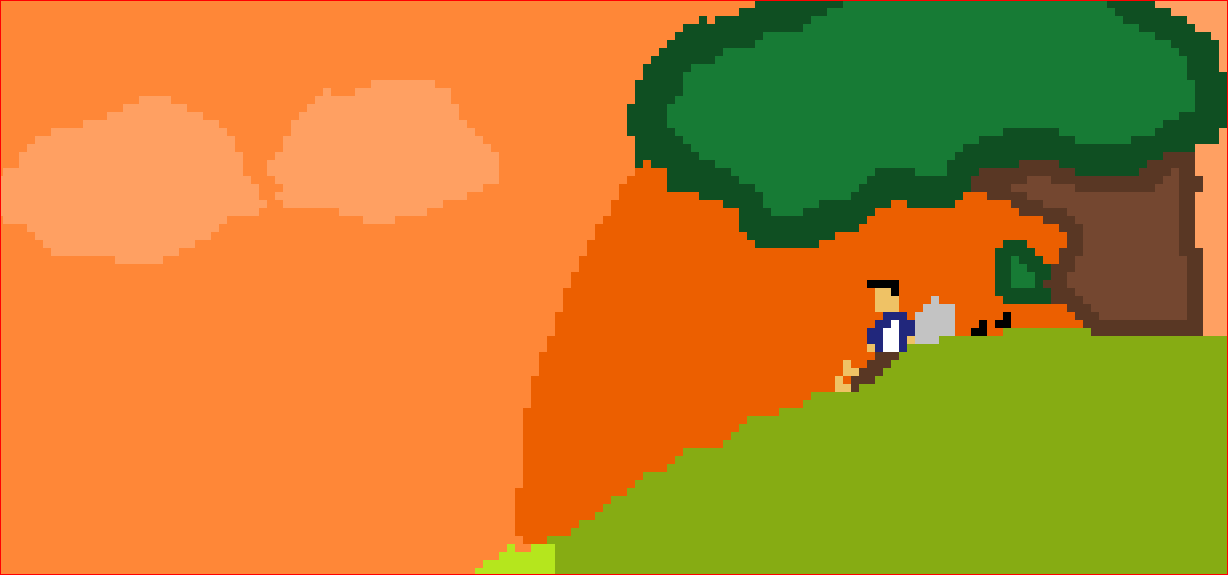
This is my first game, Ive been learning to make stuff in pico8, it's really fun and versatile- so here's a small chill game...
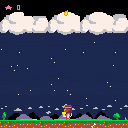
 0 comments
Edit (30th Dec 2021):
I have tested this further, and it happens only when the laptop is running on battery power. On mains power, the Pico-8 window continues to draw new frames.
I have looked through the power and sleep options and power plan settings and (other than telling the screen to never turn off) do not see anything that stands out as relevant.
Original post below.
Workaround: Minimise and restore Pico-8.
Issue:
I recently set my laptop to turn the screen off when it wasn't in use for a couple of minutes.
When the screen comes back on, Pico-8 appears frozen. The first couple of times this happened I thought Pico-8 had crashed, but then I realised I could minimise and restore it to get it to start refreshing its screen again.
As this can look like a crash, it's probably something that should be fixed if possible.
I'm presuming there's a missed screen event handler, but if it's a more complex issue, and if it's any help tracking this down: I'm running pico-8 0.2.4, on a Windows 10 machine. It's a Dell laptop with an i3 processor.
0 comments
Probably more an undocumented (as far as I know) or unexpected behaviour / feature, rather than a bug, but in case it is a bug, I'm posting it in the bug forum. This is something that people who are constructing long audio strings (>31 or 32 notes) with P8SCII should be aware of.
The point at which characters begin to be printed seems to vary; for me it's somewhere around the 40th character, which is likely around the 32nd of the notes in the string. (I feel it should be consistent in this - that always after the 32nd note plays it should drop back to printing text, but unless my tests or count are off this doesn't seem to be the case.)
The behaviour likely exists because the sfx playback is written for 32 note sfx lengths. For those who haven't read about the audio P8SCII: "If an sfx index is not specified, a non-active sfx between 60..63 is selected automatically. To fill the SFX with data before playback, the following commands can then be appended." Pico-8 manual
3 comments




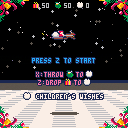
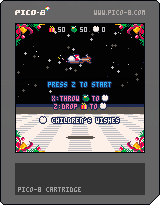
It is my short-time-making challenge.
I spent two nights making this cart.
You, Santa, make children's wishes come true.
Merry Christmas!
2 comments


.png)
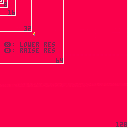
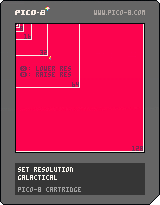
PICO-8's resolution can easily be lowered to 64x64 with:
poke(0x5f2c,3)
but it's always bothered me that you can't set the resolution to other factors of 128. So, I made this function that allows you to scale up whatever is currently drawn to the screen to any factor of 128 excluding 1 (2, 4, 8, 16, 32, 64, 128). The performance for 64x64 is pretty awful, so you're better off using poke(0x5f2c,3) if that's the resolution you're after. The others perform fairly well, with 32x32 using about <12% CPU and everything below it using <3%. One advantage of using this function is that after scaling down the currently drawn screen, you're free to draw over top it in full resolution, as demonstrated by the CPU performance text. I'm sure the performance can be improved somehow. I think this may be possible using memset, but I don't understand how to apply it to this case, or if it would even improve performance. If anyone has any optimizations, feel free to reply and I'll update the cart. Hope someone finds this useful!
3 comments