This is a feature request, and I hope not a lightly dismissed one.
Having tried out some games that keep track of your personal high-score, would it be possible to have a future PICO save not just a unique file but a SHARED online file. Perhaps no bigger than 256-bytes per cart ?
In this, people could play a game, post their high score. And afterwards - see EVERYONE else's high score for who played the same video game written by the same author so they have something to compete over.
This would open up all kinds of interesting new things including MORPG, MUDS, and 2- or more simultaneous player games.
cartdata("rockets_romance")
sharedno=wget(0)
|
So let's say two people are playing the game at the same time.
The moment wget() or wset() is activated, it retrieves that value from Online.
To prevent a bottleneck, if the system is 'busy' with someone else reading or writing an Online value, it waits until it can have a turn to read or post a value.
And it also uses a method of timeout for everyone else so few to zero bottlenecks would ever be reached. Possibly a 1-second delay to read the same Online value more than once by the same person (which should only occur if you reboot the game).


 5 comments



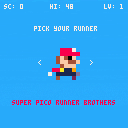
Improved collision detection with enemies- now uses standard bounding rect (as opposed to a single pixel check)
Super PICO Runner Brothers allows you to play as four familiar characters and complete a single stage runner competing for a high score. Complete the level, gain points, and repeat at faster speeds.
This started as a quick experiment with PICO-8, thanks to the fanzine, second edition where you'll see the art I used for the game characters.
Press left and right arrows to select your character, and Z or the fire button to start. Then when playing using left and run to speed up and slow down, and either up or fire to jump. Hold for longer jumps.
Good luck, I've only made it half-way through level 2 myself, but I expect it should be reasonable to make it through well into level 3 or 4 where the speeds probably become prohibitive beyond that.
11 comments


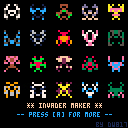
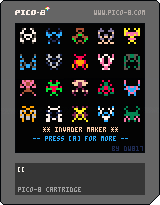
Invader Maker
i originally wrote this for blitzmax back in jan of 2016.
The principle is the same:
[1] Generate 9-16 dots in a 4x8 field. (4-across cause it's mirrored when plotted later)
[2] Ensure all dots touch each other. (no stray dots)
[3] Mirror the field horizontally. (pixels 5, 6, 7, and 8)
[4] Then pick 2-random colors to paint it with. (no same colors)
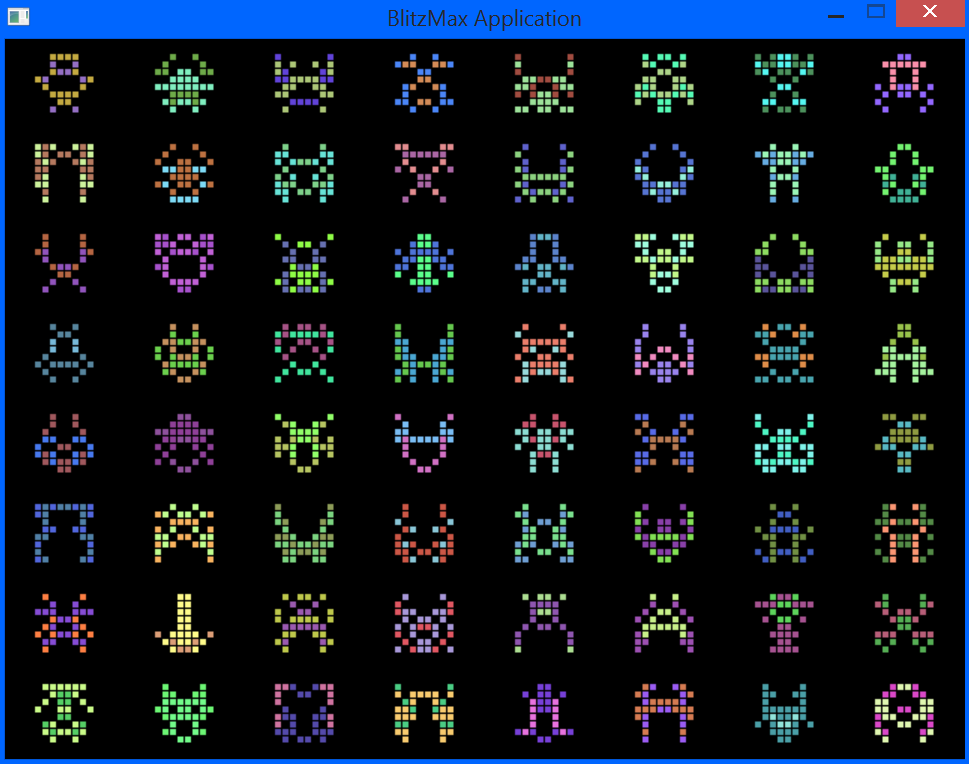
Here is how it looks in BlitzMAX. Since the screen is a little over 1200 pixels across, you can get some nice detail, including a single pixel separation per bigger pixel to make it stand out better.
 6 comments


Or perhaps ... that should be Co-Creationism ? :)
I've come across this helpful site with 2 curious pages:
https://neko250.github.io/pico8-api/#coroutines
While these commands are listed in PICO help as part of updates, no information is given as to what they do or how to use them.
The other curious bit from there is a POKE chart. I tried poking numbers into these and plotting sprites and text afterwards in an attempt to get double-size pixels; they all appear at normal size.
https://neko250.github.io/pico8-api/#peekpoke
A fully working example program for either of these would be immensely helpful.
One more thing, perhaps a little simpler. Is there a way to retrieve the current X & Y of where the text cursor is currently in a cart (Prior to PRINT()) ?
2 comments


Is there a way to post a cart to the forum directly from the pico-8 console (instead of having to create the png then exit to a web browser to post it)?
If not, I'd like to make this a feature request, since doing this process on the pocket chip is tedious.
1 comment

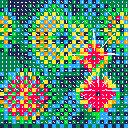
Another thing I've been working on, a 2D fluid dynamics in PICO-8 using vector field.
Probably could use some optimisation. Press and hold button to add pressure at random point.
0 comments

When loading PICO-8 on Windows 7, when the logged on user is not a local admin, I get this error:
| Problem signature: Problem Event Name: APPCRASH Application Name: pico8.exe Application Version: 0.0.0.0 Application Timestamp: 00000021 Fault Module Name: SDL2.dll Fault Module Version: 2.0.2.0 Fault Module Timestamp: 531a9ec1 Exception Code: c0000005 Exception Offset: 000c2eee OS Version: 6.1.7601.2.1.0.256.4 Locale ID: 2057 Additional Information 1: 0a9e Additional Information 2: 0a9e372d3b4ad19135b953a78882e789 Additional Information 3: 0a9e Additional Information 4: 0a9e372d3b4ad19135b953a78882e789 Read our privacy statement online: If the online privacy statement is not available, please read our privacy statement offline: |
Any idea? When you load the program does it need write access to somewhere, and if so, where?
5 comments

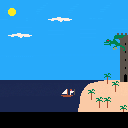


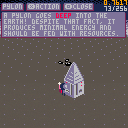
Just a simple work in progress of what could at one point become an exploration/building game with little pip robots!
--changelog--
rev1: added basic ui for information on elements.
rev0: simple movement.
3 comments

Hey all, I've made a little PICO-8 introductory tutorial for the company I work for. I used my PocketCHIP to create the "game" in the tutorial :)
http://tongullman.blogspot.jp/2016/10/pico-8-introductory-tutorial.html
2 comments


[**could not embed: -]
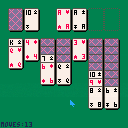
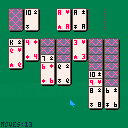
Solitaire (Klondike)
Use a mouse
Left button picks and drops cards
Right button pans the board a bit to show long piles of cards
5 comments

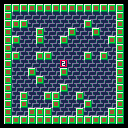
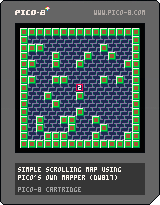
As some of you new to PICO might be asking. How can I make a smooth-scrolling map ?
The solution ? To use PICO's own MSET() to plot tiles into your map space and MAP() to draw it all out.
Check the code carefully though ! PICO apparently cannot by default smoothly scroll a map one pixel at a time so I am plotting the map using a modulos of 8 steps to count as one tile for pixel-perfect movement.
Hit the (Z) key to change from the 1st room to the 2nd.
A center digit will tell you which page you are on.
When you get to the end, before you hit a key to return to the prompt, hit CTRL-R right there to run it again.
10 comments


I am working on my first serious endeavor (something like flappy bird mixed with side scrolling shooter boss fights) and would appreciate some help regarding the scrolling maps.
The idea is that the map is divided into several 16x16 tile sections (one whole screen) and that these sections would scroll at a constant rate as you attempt to avoid obstacles. I wanted the scrolling obstacle sections to be randomized for replayability.
i.e. Your character starts in section Z. As it starts to scroll across the screen, section X follows it. Section Y follows section X, etc. for N iterations. At which point, a boss battle takes place.
Has anyone attempted something like this before? Are there any examples of games that could be useful?
Thanks in advance.
10 comments


This really does feel like the old days. Where you would turn on a BBC Micro, C64 or MS-DOS computer and then get stuck in.
When I saw the program does peeks and pokes I nearly wept. Out of nostalgic joy and flashbacks to getting the C64 to bloody do what I wanted it to lol.
I love the little pixel editor. Reminds me of SEUCK in the way it works. And the Wave editor is like something I used on the Amiga.
Bravo!
0 comments

The Core for Deadline-Demoparty, Berlin 2016
The first demo I ( @Nodepond) made together with @gruber_music.
Demo was released at the deadline-party in Berlin an made the 3rd-place at the combined newschool demo category. Pico-8 is still not a single category in the demoscene yet, but more and more people hear about pico-8.
https://demozoo.org/productions/163764/
 1 comment
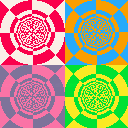
I've started playing with PICO-8 yesterday, and wanted to level up my skills by creating this simple demo.
It's based on the old demoscene approach of building LUTs (look up tables) for angle and depth of each pixel, and then using the values as texture coordinates.
If you want to learn more about the effect, my friend Ben has a great writeup on it:
3 comments


Could be me been tired. But I don't get why my character is falling through the map.
I thought I had done some basic collision detection, after following some tutorials. However it doesn't seem to work and my character simply falls straight through the map.
--player variables
p1=
{
		--initial sprite start
		--point and velocities
		x=64,
		y=24,
		vx=0,
		vy=0,

		isgrounded=false,

		grav=0.2,
}

function _update()

--left and right movement
p1.dx=0
if btn(0) then --left
		p1.dx=-2
end

if btn(1) then --right
		p1.dx+=2
end

p1.x+=p1.dx

--gravity
p1.vy+=p1.grav

p1.y+=p1.vy

local v=mget((p1.x+4)/8,(p1.y+8)/8)

p1.isgrounded=false

if p1.vy>=0 then
		--look for a solid tile
		if fget(v,0) then
			--place p1 on top of tile
			p1.y = flr((p1.y)/8)*8
			--halt velocity
			p1.dy = 0
			--allow jumping again
			p1.isgrounded=true
		end
end

end

function _draw()
cls()

map(0,0,0,0,128,128)
spr(48,p1.x,p1.y)
end
|
13 comments


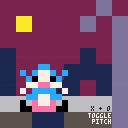
I've got no programming knowledge.
Just mucking around.
[UPDATED: Pitch toggle and new tones]
3 comments
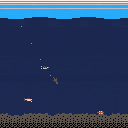
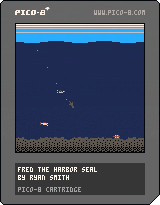
Just a game I made to learn pico 8.
In game help shows the controls. Once you begin a dive, you can't stop or change course. Dive while moving to go to the bottom. Dive while floating to go about halfway down. Game ends once you eat about 50 fish and then your score is shown.
Eat fish!
6 comments