





Hi,
A soon as I got Pico-8, I wanted to remake one of the Amstrad CPC games I played most in my teens: Who Dares Wins 2. Of course there will be differences from the original, but here are the things I liked most and would like to keep:
- Fixed screens (no scrolling). It gave a bit the feel of a puzzle game, with each screen having its own gameplay. And once a screen was cleaned, it was suddenly calm, with a bit of imagination you could almost hear birds chirping and you had time to explore as if there was something to do... which was not the case. But that might change.
- The ability to enter buildings. Well, it was more ruins than building. And it didn't quite look as if the dev planned that. Plus, again, there was not much to do, but that may change too.
- Then come the outposts! Frantic action! Mass murder! Be a hero!
- Saving some friends from execution. After all, we're the good guys.
- Launching grenades and picking ammos


 0 comments




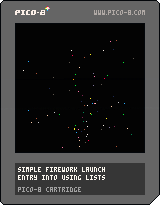
Particle theory, the ability of creating particles in a programing language and then deleting them from a list, is a pretty new concept for me.
http://natureofcode.com/book/chapter-4-particle-systems/
I'm more apt to creating an array of a fixed size of elements I need and then using zero (0) for X or something to flag particles that do not appear.
However, PICO does support LISTS, which enables you to create all kinds of data constructs and store them literally like trays at a cafeteria.
Adding an item to the list is easy. Instead of keeping track of the last place where you inserted an item, just use the ADD() command with your parameters and sub-class variable definitions.
When you are done with it, instead of changing one of the numbers to zero, you can literally DELETE the whole sub-class set and it and your list is that much shorter and faster to run.
You can do this by using the DEL() command.
To keep track of them all, you use the function "IN ALL()" I.E.: [b]FOR I IN ALL(BIT)
1 comment

Hi
Just bought Pico 8 today. Really impressed with it and reminds me of the days I would code on my C64.
However when I switch from full screen it crashes. Not reason given. Just a crash message.
I am running Windows 10.
3 comments


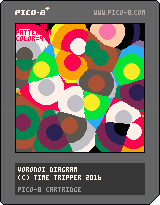
Voronoi diagram program
change the color and pattern with the cursor keys.
Decrease in the x key
Increase in the z key
3 comments


Hi. I'd really like to build some games for Pico-8, maybe Love2D as well, but I'm hopeless at coming up with an idea for a game and It doesn't interest me to just make some kind of clone. I'd be very happy to let someone else do the art and game concept and I could concentrate on the coding. Would that interest anybody here?
I want to make something genuinely fun to play and polished with nice presentation and spot-on controls.
I could also handle music - I'm not experienced in making chip-tunes but I know how to write and arrange music.
29 comments








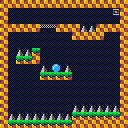
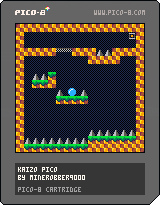


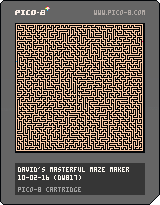
There are all kinds of maze generating algorithms out there. This one of mine uses a pretty simple premise.
[1] Choose a random spot on the map
[2] If not first time, must be connected to existing corridor
[3] Choose a random direction to go (up, down, left, right)
[4] Is it "free" there ?
[5] Yes, cut a line from original to this place.
[6] No ? Try a different direction ?
[7] No directions are good ? We are completely stuck ? Exit here and GOTO [1]
[8] Line was cut, if not complete with maze, GOTO [3]
[9] Completed maze ? Mark entrance and exit and loop forever.
Written in only a little over 200-tokens, this is compact maze making code indeed. Oh, and if you check it carefully, you will see that it guarantees only ONE way through. No way to reach the exit from two-different paths at all.
Press CTRL-R to make a new different maze each time.
Source code gives option to show maze being carefully drawn.
0 comments

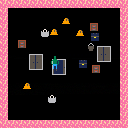
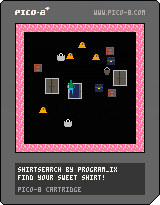
A very short game put together in about three hours over a couple of days. Finding your best shirt can be tough with all these receptacles around the place.
I ended up putting a lot of time into the boilerplate of this game, going beyond my usual 3-state if-else block and adding a table of functions for updating and drawing, ordered by state. Also worked on an SSPR-based entity model. Not bad, I think.
INSTRUCTIONS:
Find your sweetest shirt! It's in there somewhere! Arrows move, Z opens a potential shirt receptacle.
4 comments



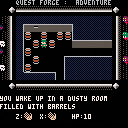
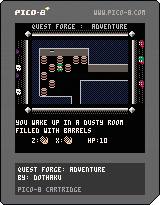
To become a knight, Nils must first defeat the fierce dragon demon.
But on his quest he was caught off guard and captured by goblins.
Stripped from all his equipment, Nils must now escape from the situation and regather the
strength and supplies he needs to complete his quest.
Controls:
Z: Left Hand
X: Right Hand
Arrows: Movement
Arrows in combination with Hand button: Use
Arrows in equipment mode: Switch equipment
Hold down a Hand button and press a direction to use the item in that hand.
Hold down a Hand button for a longer period to switch to equip mode. (A white box appears around hand icon).
4 comments



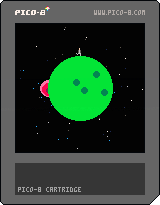


Two-dimensional Turing machine with a very simple set of rules but complex emergent behavior.
20 lines of code.
1 comment


Hi,
I'm learning at coding so i have tons of questions... so i will use this thread to try to find help. Thanks in advance!
I'm trying to make a new game and i need that a 1-block 8x8 sprite moves tracing a circular path.
Any help?
Thanks & sorry for my bad english
11 comments



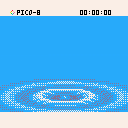
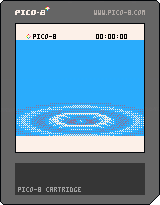
So this is a vaguely Dreamcast system menu-ish raster-based demo thingy with waves coming out of the center, slightly rising and falling and eventually disappearing in the background. Thought the end result looked nice enough to share with you all.
3 comments


I am new to Pico-8 so apologies if I'm missing something...
I'm writing a game using the _UPDATE() and _DRAW() functions which scrolls vertically a pixel at a time. It scrolls smoothly most of the time but every now and then it seems to 'stutter' briefly. Note that the sound/music isn't affected.
I have tried it on 3 systems and the problem is apparent on all of them, to some degree. From best to worst:
Mac i5
Raspberry Pi (1) B
PocketChip
I have used STAT(1) to find out CPU usage, and it never goes above 0.38 (on the Mac and Pi at least, I think slightly higher on PocketChip), so I would not expect frames to be dropped. I've put the STAT(1) at the very end of the _DRAW() function - is that the right thing to do?
I've noticed slowdown (particularly on PocketChip) on other carts too, but couldn't say what the CPU usage is.
Similar thread: https://www.lexaloffle.com/bbs/?tid=4089
Any advice appreciated!
10 comments


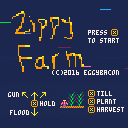
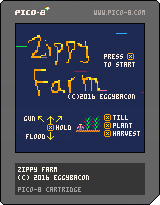
ZIPPY FARM
by EggyBacon
I decided to move out of the city and become a farmer.
How hard can it be, right?
Good thing I'm a fast learner, because each season only lasts 12 seconds.
I'll be rolling in fabulous crops in no time.
What the...WHERE DID ALL THESE CROWS COME FROM?
WHY ARE MICE CHEWING UP MY FIELD?!
4 comments



I did a small patch to SDL2 that should fix using the custom glyphs in 0.1.9, so until 0.1.9b is released this should suffice
This also fixes getting a ding/beep sound when trying to use the custom glyphs, the version of SDL2 that ships with PICO-8 is too old
Changed:
https://gamax92.keybase.pub/CustomSDL2.zip
No idea if this change adds in any issues but I've not been able to see any.
7 comments





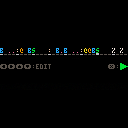
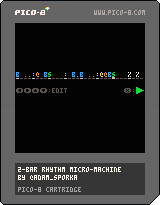
Here are two approaches to a micro rhythm machine: Programmable Sequencer (specify the rhythm, then play it) and a Real-time Sequencer (push the keys at the right time to record a rhythm).
PROGRAMMABLE SEQUENCER
Left/Right: Move cursor
Up/Down: Specify which instrument will play
X: Play/Stop
Update 2017-04-25: Better feedback during editing.
REAL-TIME SEQUENCER
A really simple beat machine with real-time performance recording and playback on a two-bar loop. The metronome can't be switched off and the tempo can't be set. And the playback can't be paused/restarted. Also, only one drum can sound at a time. Still fun!!
The latency between image and audio is kinda hindering its feasibility, especially when run in a browser. Sequencers as music makers in PICO-8 are perhaps better approach, e.g. 4-beat by 4mat. Anyway, step editing would be cool though and I'll add it later (and some fancier graphics along with that).
3 comments

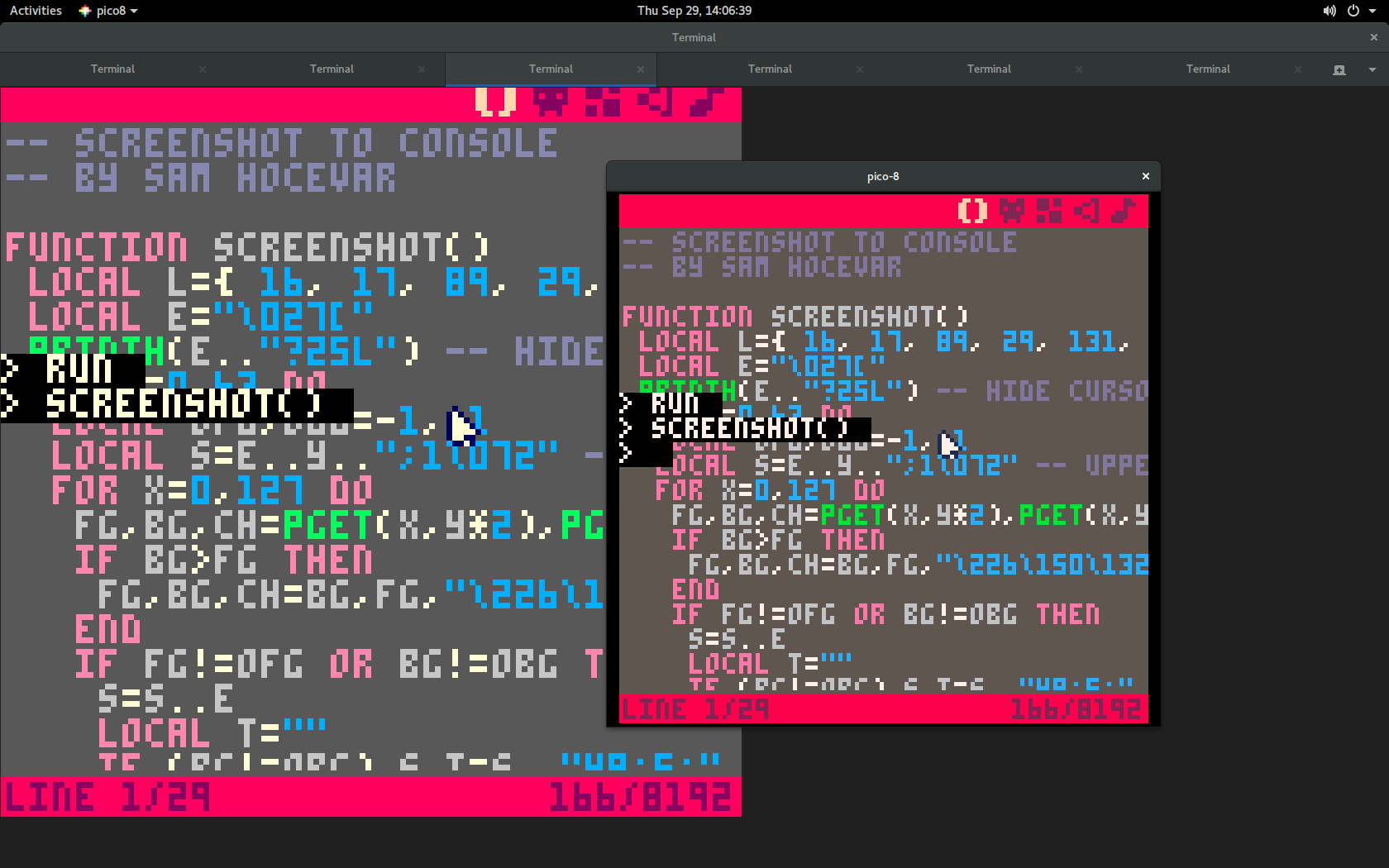
This function abuses Unicode and ANSI color codes to output a screenshot of the current screen to a text terminal such as xterm. You can record the PICO-8 rendering and replay it using “cat”! You can run PICO-8 over ssh! You can be anything you want.
I also set up a telnet service demonstrating the feature:
telnet lol.pm 12345Here is how it looks like; this is PICO-8 (small window) launched from GNOME Terminal (large window) just after screenshot() was called:
And here is the code:
pico-8 cartridge // http://www.pico-8.com
version 8
__lua__
-- screenshot to console
-- by sam hocevar

function screenshot()
 local l={ 16, 17, 89, 29, 131, 240, 251, 230, 197, 214, 220, 47, 39, 103, 211, 223 }
 local e="\027["
 printh(e.."?25l") -- hide cursor
 for y=0,63 do
  local ofg,obg=-1,-1
  local s=e..(y+1)..";1\072" -- uppercase h
  for x=0,127 do
   fg,bg,ch=pget(x,y*2),pget(x,y*2+1),"\226\150\128"
   if bg>fg then
    fg,bg,ch=bg,fg,"\226\150\132"
   end
   if fg!=ofg or bg!=obg then
    s=s..e
    local t=""
    if (bg!=obg) s,t=s.."48;5;"..l[bg+1],";"
    if (fg!=ofg) s=s..t.."38;5;"..l[fg+1]
    s=s.."m"
   end
   s=s..ch
   ofg,obg=fg,bg
  end
  printh(s..e.."0m"..e.."\075") -- uppercase k
 end
 printh(e.."?25h") -- show cursor
end
|
The terminal must be UTF-8 and 256-color aware, so this will probably work in most Linux and OS X terminals. On Windows I could test it successfully with the MSYS2 terminal.
2 comments


