



Two-dimensional Turing machine with a very simple set of rules but complex emergent behavior.
20 lines of code.


 1 comment




Hi,
I'm learning at coding so i have tons of questions... so i will use this thread to try to find help. Thanks in advance!
I'm trying to make a new game and i need that a 1-block 8x8 sprite moves tracing a circular path.
Any help?
Thanks & sorry for my bad english
11 comments



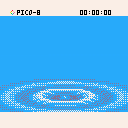
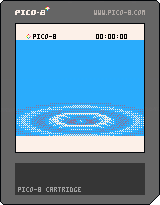
So this is a vaguely Dreamcast system menu-ish raster-based demo thingy with waves coming out of the center, slightly rising and falling and eventually disappearing in the background. Thought the end result looked nice enough to share with you all.
3 comments


I am new to Pico-8 so apologies if I'm missing something...
I'm writing a game using the _UPDATE() and _DRAW() functions which scrolls vertically a pixel at a time. It scrolls smoothly most of the time but every now and then it seems to 'stutter' briefly. Note that the sound/music isn't affected.
I have tried it on 3 systems and the problem is apparent on all of them, to some degree. From best to worst:
Mac i5
Raspberry Pi (1) B
PocketChip
I have used STAT(1) to find out CPU usage, and it never goes above 0.38 (on the Mac and Pi at least, I think slightly higher on PocketChip), so I would not expect frames to be dropped. I've put the STAT(1) at the very end of the _DRAW() function - is that the right thing to do?
I've noticed slowdown (particularly on PocketChip) on other carts too, but couldn't say what the CPU usage is.
Similar thread: https://www.lexaloffle.com/bbs/?tid=4089
Any advice appreciated!
10 comments


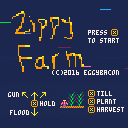
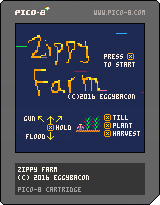
ZIPPY FARM
by EggyBacon
I decided to move out of the city and become a farmer.
How hard can it be, right?
Good thing I'm a fast learner, because each season only lasts 12 seconds.
I'll be rolling in fabulous crops in no time.
What the...WHERE DID ALL THESE CROWS COME FROM?
WHY ARE MICE CHEWING UP MY FIELD?!
4 comments



I did a small patch to SDL2 that should fix using the custom glyphs in 0.1.9, so until 0.1.9b is released this should suffice
This also fixes getting a ding/beep sound when trying to use the custom glyphs, the version of SDL2 that ships with PICO-8 is too old
Changed:
https://gamax92.keybase.pub/CustomSDL2.zip
No idea if this change adds in any issues but I've not been able to see any.
7 comments






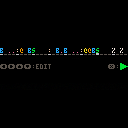
Here are two approaches to a micro rhythm machine: Programmable Sequencer (specify the rhythm, then play it) and a Real-time Sequencer (push the keys at the right time to record a rhythm).
PROGRAMMABLE SEQUENCER
Left/Right: Move cursor
Up/Down: Specify which instrument will play
X: Play/Stop
Update 2017-04-25: Better feedback during editing.
REAL-TIME SEQUENCER
A really simple beat machine with real-time performance recording and playback on a two-bar loop. The metronome can't be switched off and the tempo can't be set. And the playback can't be paused/restarted. Also, only one drum can sound at a time. Still fun!!
The latency between image and audio is kinda hindering its feasibility, especially when run in a browser. Sequencers as music makers in PICO-8 are perhaps better approach, e.g. 4-beat by 4mat. Anyway, step editing would be cool though and I'll add it later (and some fancier graphics along with that).
3 comments

This function abuses Unicode and ANSI color codes to output a screenshot of the current screen to a text terminal such as xterm. You can record the PICO-8 rendering and replay it using “cat”! You can run PICO-8 over ssh! You can be anything you want.
I also set up a telnet service demonstrating the feature:
telnet lol.pm 12345Here is how it looks like; this is PICO-8 (small window) launched from GNOME Terminal (large window) just after screenshot() was called:
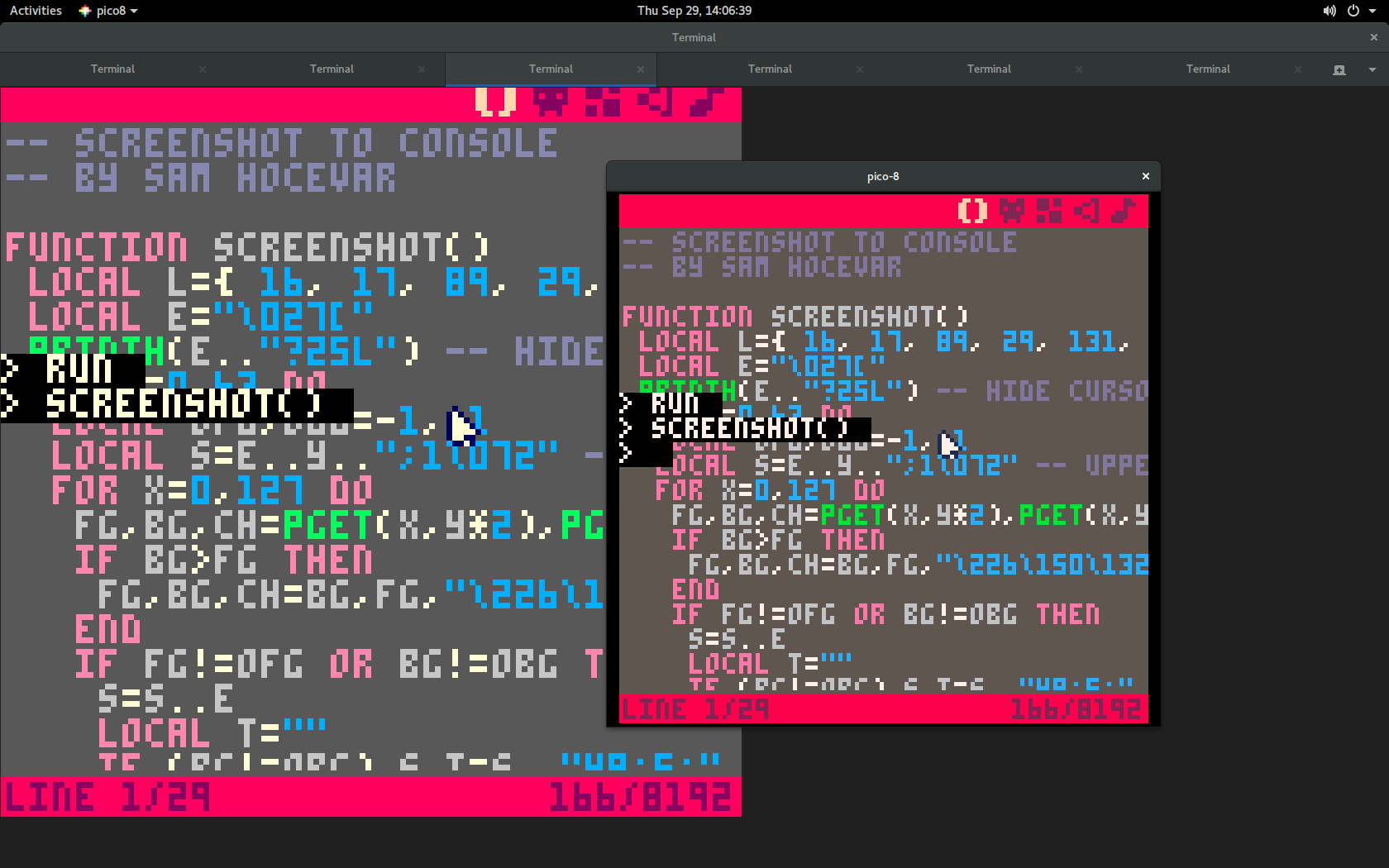
And here is the code:
pico-8 cartridge // http://www.pico-8.com
version 8
__lua__
-- screenshot to console
-- by sam hocevar

function screenshot()
 local l={ 16, 17, 89, 29, 131, 240, 251, 230, 197, 214, 220, 47, 39, 103, 211, 223 }
 local e="\027["
 printh(e.."?25l") -- hide cursor
 for y=0,63 do
  local ofg,obg=-1,-1
  local s=e..(y+1)..";1\072" -- uppercase h
  for x=0,127 do
   fg,bg,ch=pget(x,y*2),pget(x,y*2+1),"\226\150\128"
   if bg>fg then
    fg,bg,ch=bg,fg,"\226\150\132"
   end
   if fg!=ofg or bg!=obg then
    s=s..e
    local t=""
    if (bg!=obg) s,t=s.."48;5;"..l[bg+1],";"
    if (fg!=ofg) s=s..t.."38;5;"..l[fg+1]
    s=s.."m"
   end
   s=s..ch
   ofg,obg=fg,bg
  end
  printh(s..e.."0m"..e.."\075") -- uppercase k
 end
 printh(e.."?25h") -- show cursor
end
|
The terminal must be UTF-8 and 256-color aware, so this will probably work in most Linux and OS X terminals. On Windows I could test it successfully with the MSYS2 terminal.
2 comments


This is a 3D test program.
Rotation with the cursor keys (Z, Y)
Z, X key zoom
To retrieve data from a sprite sheet.
Sprite data is converted by the "PICO-8 Palette Mosaic"
PICO-8 Palette Mosaic
http://www6.plala.or.jp/TimeTripper/html5/pico8.htmln
2 comments



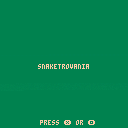
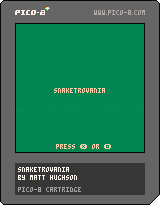
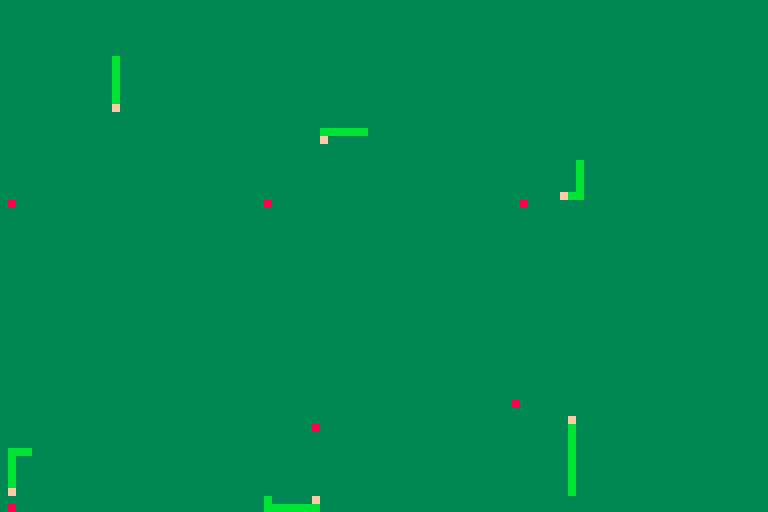
Will be a mix of "Metroid" and the classic cellphone game, "Snake". Not much there at the moment.
 1 comment


Hi,
Pico-8 already works on Windows, Mac OS X, Linux and Raspberry, but are there any plans to release it on Android too? If so, any tablet with a physical keyboard (or even virtual keyboard?) would then make a marvelous take-it-anywhere game making platform! I already own a pocketCHIP but the screen's a bit small. I can totally see a 7" tablet being the perfect size: not too small, not too big. And, maybe with the help of a pen, the touchscreen might be precise enough to not need a mouse. Imagine how it would be nice to make games and play them anywhere... Any thought or info on this?
3 comments



Forgot to post this here the other day: PICO-8-Token-Optimizations
Lots of people working on larger projects (or more topically, the collab16 games) end up hitting the token limit, and people in the PICO-8 community have come up with plenty of handy tricks to deal with that. Some of them are common knowledge or pretty easy to figure out on your own, but others are a bit obscure, so I figured it'd be useful to compile a list of general purpose tricks and techniques for cutting down your tokens.
If you know of any handy tips that aren't listed or have any corrections/improvements, feel free to let me know or contribute to the repository!
7 comments


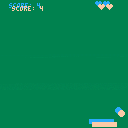
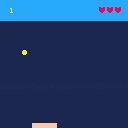
Of course this is based on the Picozine #1 tutorial, but I really customized it, and I think it's now interesting to play it.
Every 5 points you get a life.
If the ball hits the paddle at left, then it goes left,
and if the ball hits the paddle at right, then it goes right.
But you'll never be able to get it into a perfect vertical movement, so, no infinite score by doing absolutely nothing!
1 comment

PRESS C TO BLOW.
CTRL + R TO RESET (but you knew it).
Well I'm experimenting with sprites, animations, loops, in other words, with Pico-8.
It's fun and easy, really awesome.
Yay! First cart uploaded! /o/
4 comments


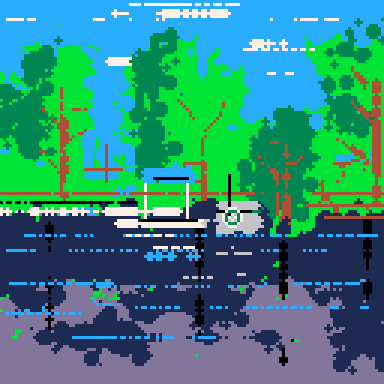

Proposing a DKC inspired cart, based mainly on the funner parts that DKC is known for. Priorities: Barrel Cannon sequences/mazes, mine cart levels, rocket barrel levels, maybe bird buddy / flying or fish buddy / swimming stages... and then maybe after all that, if there's space left... we can squeeze in some platforming.
Takers?
3 comments

