





Hi, I've been looking through the Pico-8 manual, and found this:
| The bottom half of the spritesheet and bottom half of the map occupy the same memory. |
What uses can this have? I can't really think of anything personally but there must be some.


 3 comments




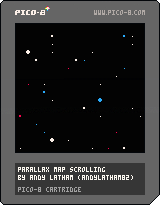
I made this bit of code for creating a parallax effect for side-scrolling games. It uses three layers of infinitely repeating maps. I've set it up so that all the code is in a self-contained section that can be copied and pasted below your own code, with just an initialise, update and draw function needing to be called from the respective functions in your game.
More complete instructions can be found in the header of the code.
I hope somebody finds it useful!
:)
3 comments


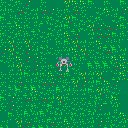
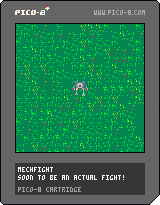
This is a little mech game. Its heavily inspired by one of my all time favorite old DOS games: BattleTech: The Crescent Hawk's Inception
It's little more than a proof of concept at this point, but I have big plans for it. I suck at sprite design so that's going to be my biggest hold up in getting this finished. The sound design is going to be interesting whenever I get around to it, too.
Thanks to @otemoto_stinger and his Grand Prix game I was finally able to get the background to move with each step. I also cribbed what little enemy code i have in this game from him as well.
0 comments


BuzzKill is a classic arcade style shooter. Stop the onslaught of killer bees using your smoke and fireballs.
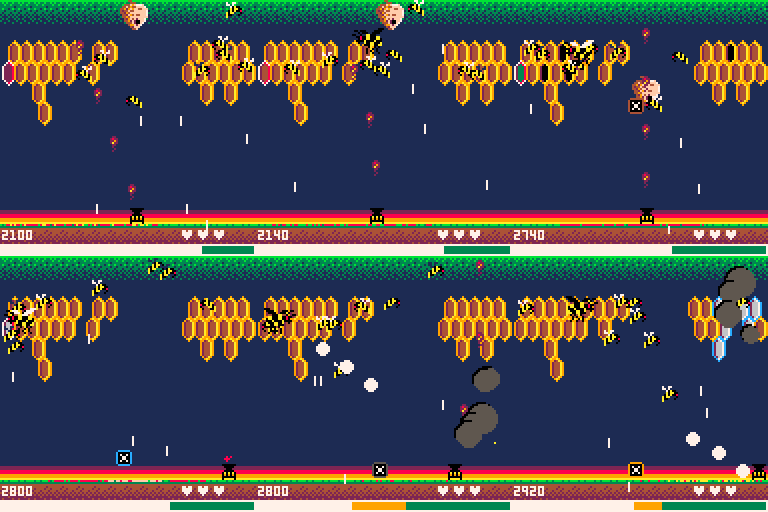
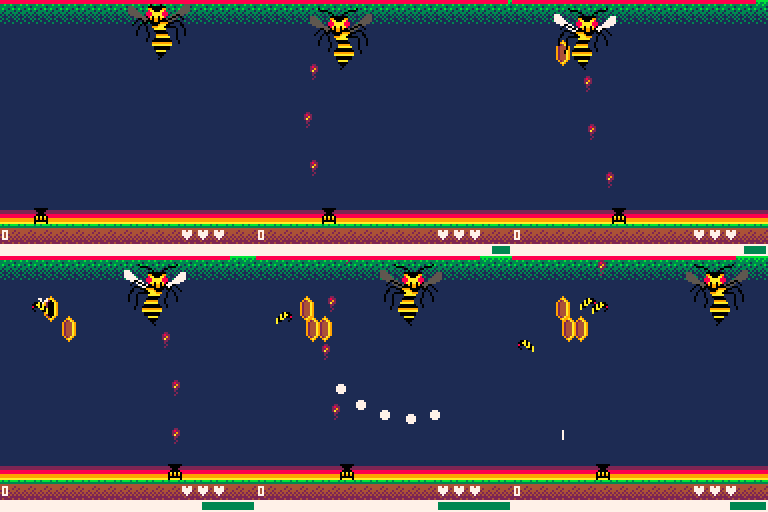
Features
- 10 levels of tough, bee-killing action
- High score saving
- Unlockable endless mode
Controls
- Arrows move left/right
- Z shoots fireballs
- X blows smoke
Gameplay
You must clear all bees, hives and honeycombs to advance levels.
Attacking uses power. The more power you have, the faster your shots. Stop firing to regenerate power. Keep an eye on your power meter.
Blow smoke to freeze honeycombs, slow bees and block shots. You can only shoot honeycombs when they're frozen.
33 comments






I often browse the pico-8 forums on my mobile. On my phone (Samsung S4), I have to squint like a maniac because the contents of the pages are not rescaled by the browser, which they would be if the following viewport meta was on each page:
<meta name="viewport" content="width=device-width, initial-scale=1, maximum-scale=1, user-scalable=no" /> |
Can the person responsible for these forums (and web site in general) add that so that I can go back to "squintless" reading. :)
Cheers
Alex
2 comments

Anyone know of any Pico-8 merchandise available for sale?
I want a Pico-8 logo sticker for my car. Also saw a P8 logo shirt on twitter, wasn't sure if that's official or just a one-off some dude made.
21 comments






Discovery, or The Future is in the Past
For a few months I've been chewing on the idea of developing a 8 bit style game to run on Raspberry Pi alongside old ROMS from major game developers. I was thinking the idea was original, but after some reflection I realize I must have picked it up somewhere...
I ordered a C.H.I.P (well okay a couple of them) back in like November and read up on the PocketCHIP about the same time. While reading about PocketCHIP I read, and probably even watched some videos, about the Pico-8 fantasy console. I think that was my first exposure to Pico-8.
This is when I think I internalized the idea of a "brand new" pixelated "game engine" for developing games that run on low end hardware.
I am so glad that Zep and Lexaloffle did the hard work and developed such a cool platform for others to play in.
[h2]Learning Pico-8 Development
2 comments


Hi,
I'm a bit of a beginner where programming is concerned, but I'm trying to work out how best to create an infinite scrolling background for a side-scrolling shooter game.
I figured that the way to achieve this would be to make a screen full of sprites and move them to the left, deleting them once they are off the screen and replacing them with new sprites on the right. I have managed to achieve this, but I don't think the performance is that great. It doesn't feel very smooth.
Am I doing it the right way? Is there a better way?
Thanks for any help you guys can give!
--tile scrolling

function _init()
	tile_h={} --horizontal tile strip

	--spawn 16 tiles in strip
	for i=0,16 do
		spawn_tile(i*8,0)
	end
end

function _update()
	foreach(tile_h,update_tile)
end

function _draw()
	cls()
	for i=0,16 do
		foreach(tile_h,draw_tile)
	end
end

function update_tile(t)
	t.x-=1 --move tile to left

	--if tile off edge of screen
	if t.x<-8 then
		del(tile_h,t) --delete tile

		--add new tile to right
		spawn_tile(16*8,0)
	end
end

function spawn_tile(x,y)
	local t={}
	t.x=x
	t.y=y
	add(tile_h,t)
end

function draw_tile(t)
	--draw 16 tiles vertically
	for i=0,16 do
		spr(1,t.x,t.y+i*8)
	end
end
|
5 comments

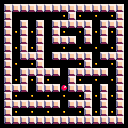
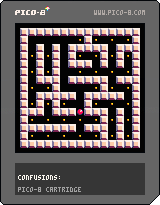
It's my first PICO-8 cartridge uploaded here.
Move with arrow keys and press Z to regenerate.
I've used Prim's algorithm for this. Some common patterns are visible which I don't know how to fix.
This might be buggy, if you're unable to collect all pills please let me know and comment about it because I was a little confused when I coded this.
0 comments

Hello!
First, let me say how impressed I am with the things I've seen from the PICO community so far. It blows my mind how far you guys have already pushed this 'console' and I am super excited to get familiar with PICO and contribute.
I am currently using 1.8, and I'm in Ubuntu in crouton on my Chromebook. When I start PICO, it opens up in fullscreen, which is sort of an issue for me. I would really love to be able to unfocus from the window and resize it smaller, so that I can have some documentation and code on-screen, but I don't know how, or even if such a thing is possible. Has anyone also run into this?
Thanks in advance!
8 comments




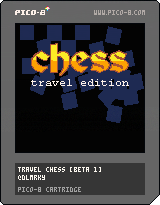
Early beta for Travel Chess.
It replicates the little magnetic chess games I used to play with my brother in the back of the car on long journeys... (which I lost every time).
Todo: [table]
[tr][td][b]
3 comments


i'm just going to go over this cause i can't find this game anymore. i found this game on new games , i downloaded tried to play nothing eventful happened in the game. so then i thought this game could use so much more color, it ended with me breaking the game. if you made this im sorry cause i ruined your game didn't mean to but i just found it to be kinda fascinating how now its about making the screen perfect :)
0 comments
Hello all.
I'm a fairly new enthousiast Pico-8 user. I realy love the vibe that the Pico-8 community produces.
Plugging into that vibe I'm mentaly transported back to the late 80's and early 90's when i was fumbeling around using my MSX home computers. And trying to get the damn machines do what i wanted using MSX basic "code"
Currently if i'm playing a pico-8 games I'm playing them using a Xbox 360 gamepad. But it just doesn't feel right.
So i orderd some USB NES pads.
Then it came to me, on the MSX I played everyting using my (in the Netherlands famoust) "The Arcade 2" joysticks.

Look at that princess.
If Pico-8 would be a real (non virtual/fantasy) system what whould the default imput method be.
A controller (NES/Sega Master System like) or a joystick (MSX/atari/ C=64, Amiga) like?
1 comment


(1st Pico-8 game)This is mostly for myself, but you are welcome to watch this develop.
Rough summary:
You are a tiger who craves human flesh. Eat as many people as possible without being shot by a hunter or starving to death.
Ideally, this would consist of a fair size overworld, or overworlds, which contains a multitude of prey. The number of hunters increases as you kill more, but you can hide in bushes/shadows.
Other features might be added once the game is playable.
0 comments

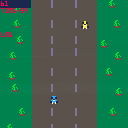
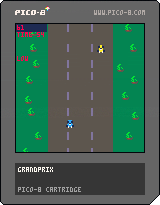

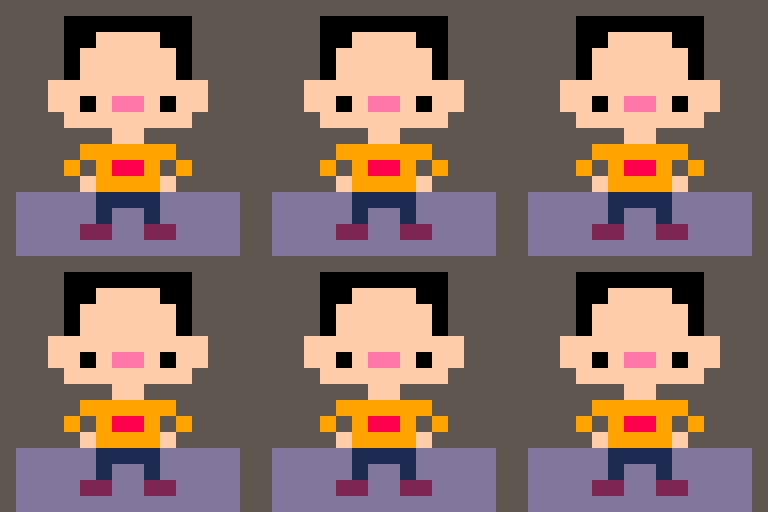
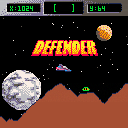
Here is a cartridge I was working on and forgot about. It's a happy surprise that it is more or less working!
4 comments


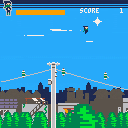




I might answer my own question here, but I want to take music from one cart and add it to my cart.
From what I've read, I need to copy the sfx and music sections of Cart A and paste it into Cart B. Easy enough, however, I've already made sound effects for Cart B. Am I correct in expecting that my sounds will get overwritten when I paste in Cart A effects?
Any nice way to import music without clobbering my own sound effects so I don't have to remake them? They're not great or anything, but making sounds is easily the most tedious thing in Pico8 and I'd hate to spend all the time to try and churn them out again.
Or maybe my game just won't have music...always an option...
2 comments
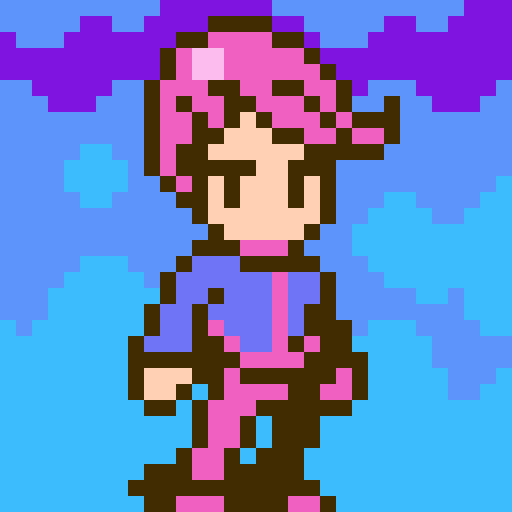


Hi guys,
The Lair is almost ready for public consumption, but I'd like to playtest it for a while as a closed beta, to ferret out bugs and improve the gameplay as much as possible. This is how it looks like right now:

If you're interested in playing the game and helping out, drop me a line at [email protected] and I'll fire you back a link :)
0 comments
