





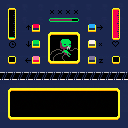
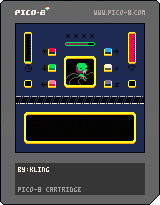
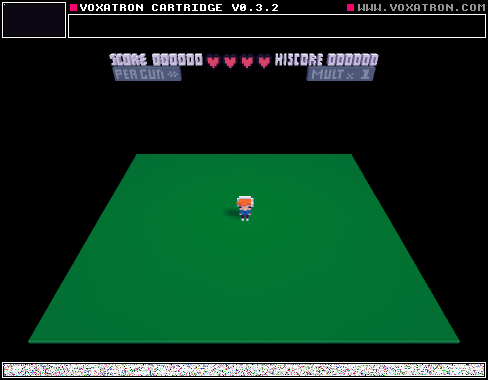
to put it simply, this is somehow a fnaf clone, its a stress management game, here is how it works:
your objective is to keep the being alive until the green bar (time) fills up.
there is a purple bar in the middle which will decrease with time
press x to fill it
press the button required on the bottom of the screen the number of times necessary
the being will lose life if:
you press a button that is not required or press it more than its required
you take too long to press the required buttons and they build up
you press x and any other button at the same time (you can press the other buttons at once, however)
you let the purple bar get empty
the being recovers if:
*you press the required buttons, the required number of times.


 2 comments





Hello all!
For some reason CD command not working for me anymore. All other commands working normally.
All was working day before, nothing changed on my PC, and now i get only "CD: Failed". Tried with or without admin rights, reinstalled to non-system hdd, same.
win 8.1 x64
Is it me doing something wrong or problem with pico8?
Screenshot: https://www.dropbox.com/s/v2fha85r7cnnrnp/2015-05-07%2000.36.45.png?dl=0
5 comments




Neil (nknauth here in this forum) had this awesome idea to use my image importer to create custom covers for cartridges.
I myself wondered if one could use a cartridge cover other than a screenshot, but my best idea was “Probably at some point I should ask zep if he can enable using some other images. Maybe. Someday.” :)
But neil's idea is actually working. Needs a small amount of hacking though: simply loading an image, taking a screenshot, loading an another cartridge, and saving that cartridge by hand just produces a gray square on the cart instead of the image.
BUT using this code in the image loader works:
function _update()
if (btnp(4)) then
load(“road”)
end
if (btnp(5)) then
save(“road.png”)
end
end
function _draw()
cls()
sspr(0,0,127,127,0,0)
end
So the steps are:
- Create an “image cartridge” with the code above, but replacing “road” for the target cartridge name.
- Import the cover picture into this “image cartridge” by using the image importer from my previous post, or simply just drawing directly in Pico-8
0 comments


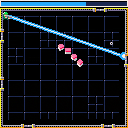
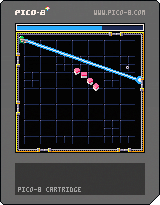
Hello this is the third and probably my last entry for More Is Better Jam. ( I have to leave until next week)
This one is still unfinished, I wanted to add a progression system with powerup unlocks.
As a result the late levels are quite difficult since you will have to play them without the powerups.
Instructions :
- Save the 32 Files left on your computer by fighting viruses waves with your sweet laser beam and shiny green armor
- The laser beam always target the grey ring
- You can't move the ring, it moves by itself and will probably do it in the direction you dont want it to.
- Your laser beam consume energy : no energy = no laser beam
- Refill your energy by approaching the ring. It works only if you dont fire.
19 comments




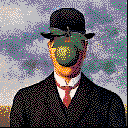
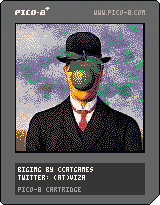
After writing a small image converter for pomppo's 1-bit sprites I hacked together a color image "importer".
It reads a 128x128, 16 color image, and spits out something you can paste in a p8 file, in the gfx section.
The cartridge here just displays it.
I don't know if there is any point in doing this... a "fullscreen" 128x128 image takes up Pico-8's all gfx memory, so after that there are no more room for any sprites...
One use case would be importing a sprite sheet, so an artist can work in his/her favorite editor program, or something.
Anyway here is it.
It is a (really-really-really hacky) Processing program.
Just change the image name, run the sketch, and the data is copied to the clipboard (or if not, you can copy it from the console window).
Paste it over the gfx data in the p8 cartrigde file, and the sprites will be replaced by your picture.
import java.awt.;
import java.awt.event.;
import java.awt.datatransfer.;
import javax.swing.;
import java.io.*;
PImage img, dimg;
HashMap<Integer, String> converter;
void setup() {
img = loadImage("sonofman.png");
size(img.width, img.height);
dimg = createImage(img.width, img.height, RGB);
dimg.copy(img, 0, 0, img.width, img.height, 0, 0, img.width, img.height);
converter = new HashMap<Integer, String>();
converter.put(0xFE000000, "0");
converter.put(0xFE1C2A52, "1");
converter.put(0xFE7D2452, "2");
converter.put(0xFE008650, "3");
converter.put(0xFEAA5135, "4");
converter.put(0xFE5E564E, "5");
converter.put(0xFEC1C2C6, "6");
converter.put(0xFEFEF0E7, "7");
converter.put(0xFEFE004C, "8");
converter.put(0xFEFEA200, "9");
converter.put(0xFEFEFE26, "a");
converter.put(0xFE00E655, "b");
converter.put(0xFE28ACFE, "c");
converter.put(0xFE82759B, "d");
converter.put(0xFEFE76A7, "e");
converter.put(0xFEFECBA9, "f");
mousePressed();
}
void draw() {
image(dimg, 0, 0);
}
void mousePressed() {
String simg = "";
int counter = 0;
dimg.loadPixels();
for (int i = 0; i<dimg.pixels.length; i++) {
Integer s = dimg.pixels
0 comments

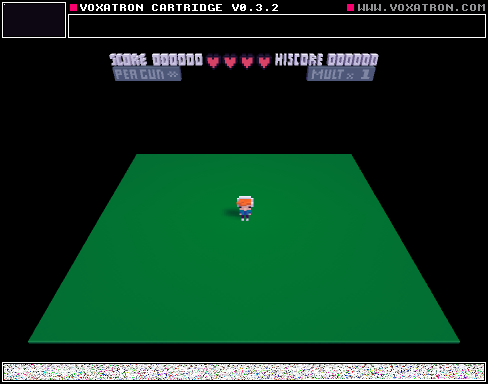


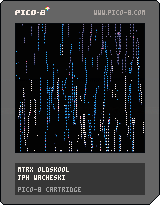
a little coded demo,. .
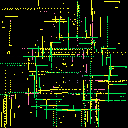
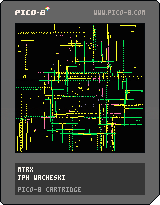
no controls at all,. an endless running painting with noise.
go fullscreen and enjoy ;)
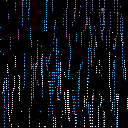
added; mtrx_os (old skool) for that traditional feeling,. always falling downward.
 5 comments


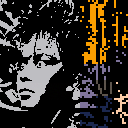
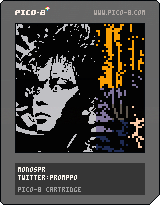
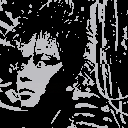
I wanted to see if using the sprite drawing functions would be any faster than using lines and rectfills, so I made a single reference sprite containing all the 2x2 pixel configurations and used that to draw the image. There's really no noticeable change in performance, but now I can change the reference sprite into random garbage and get weird distorted mosaic effects. Press X to check them out!
Also added some comments to my code, fixed a bug that caused the background color to extend one horizontal pixel too far, and added the option of drawing the image's background color as transparent if a negative number is given as the function's background color argument.
 2 comments


Howdy!
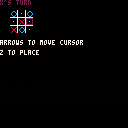
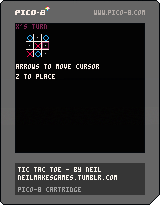
First game here, the most dead-simple Tic-Tac-Toe game I could make.
This is my first time writing Lua, so if anyone would like to give feedback on the code, I'd love to hear it.
3 comments

Select some text starting from the right and continue to select it all the way to the left until you hit the screen. I guess it's not really a bug it's just really annoying when you accidentally select too much and end up selecting the entire document
i clicked on the tick mark and didn't realise it would mark it as resolved. it isn't actually resolved! sorry
1 comment


[Adding this myself as I'm now using this forum as a bug-tracker :)]
When trying to comment on a cartridge that is still running in the same page, cursor key and space bar presses are ignored.
Work-around until fixed: close the cart before commenting.
For testing:

 2 comments


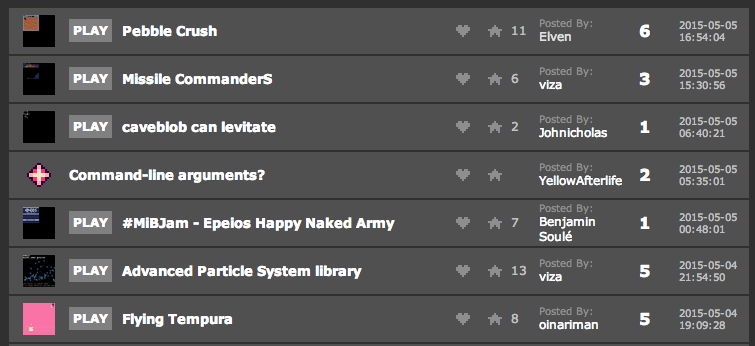
Is it just me, or the miniatures are broken? Two bottom ones are fine, while the rest take only 1/4 of their preview images.
 3 comments

It would make sense if dragging a .p8/.p8.png onto pico-8 ("pico8 file_path") would cause it to cd to the containing directory, load the cart, and run it. In particular, this would allow to associate pico-8 with the .p8 format and/or start it from external applications (e.g. to use Notepad++/Sublime Text for editing code and have a key to launch pico-8 with the current file loaded).
1 comment
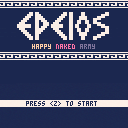
Instructions :
- Lead your army to the trojan horse
- Use the 4x Hades's portal to make your army jump between worlds.
- Build a path avoiding frogs and dangers
- Your army respawn is unlimited but your max size is 24
Control :
- arrow keys : control your portal
- <z> key : switch between the 4x portals
4 comments


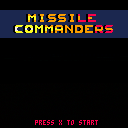
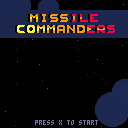
Two player Missile Commander clone. You can also play it in single player (just ignore the second cursor), but it will be harder.
Not quite finished, but playable.
Player 1 keys: Cursors + Z,X or N,M to launch missile from left/right silos
Player 2 keys: SDFE + tab,Q or shift, A to launch missile from left/right silos
In every level, you must survive 20 enemy missiles. At every new level, they got faster and faster...
For every 300 points you got two new missiles (one for the left, and one for the right silo).
How many levels can you survive?
(There is a bug, and sometimes the level won't completes... I'll fix it later.)
 3 comments

Elevated by RGBA and TBC is pretty awesome: http://www.pouet.net/prod.php?which=52938
One of the cool things (among the many very, very, cool things) is the lights in the sky which match / mimic / are simultaneous with certain notes in the music.
In order to have a similar effect, I think I would have to understand how/where the state of the tracker is stored in the RAM?
Anyone have any hints?
6 comments
