


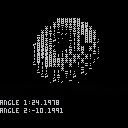
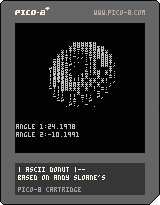
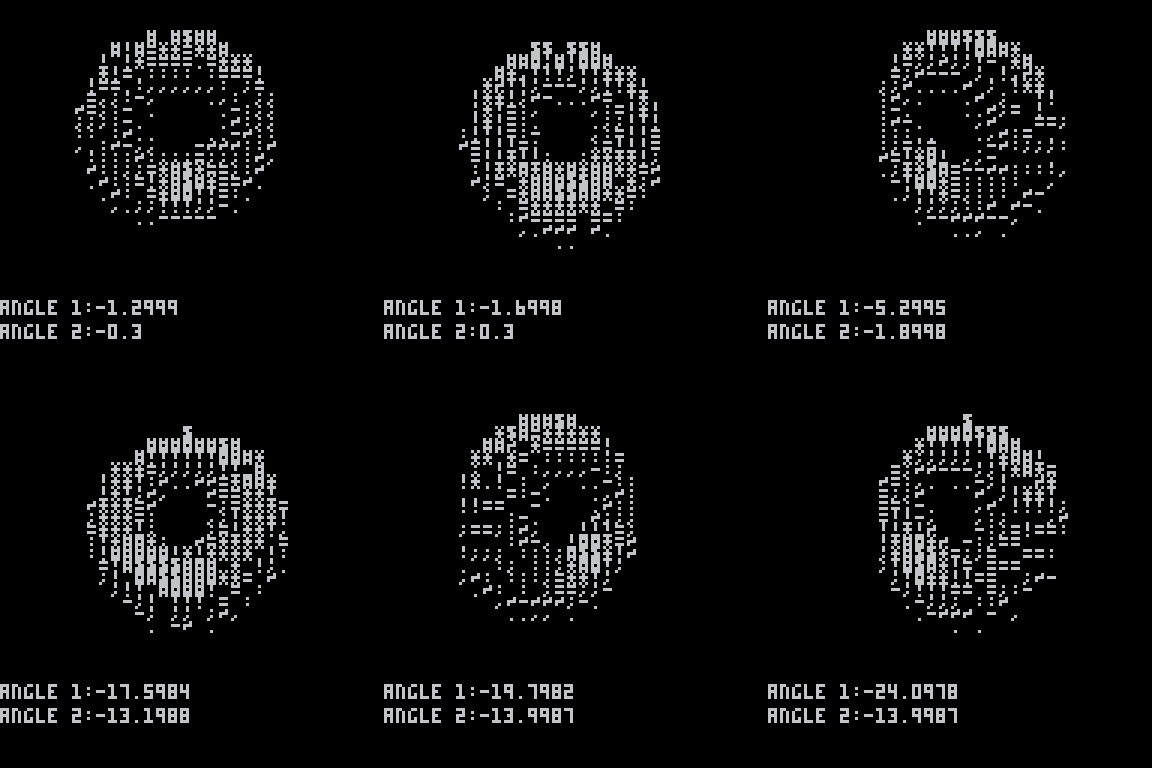
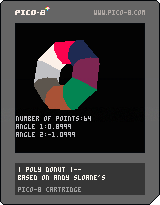
The code Is basically just a recreation of Andy Sloane's donut.c code just made to work in pico8. I'm still not great when it comes to coding especially 3D rendering, so I'm sure there are tons of stuff that I could have done to make this code run a lot faster. Feel free to comment if there are any problems or improvents that could be made.


 2 comments


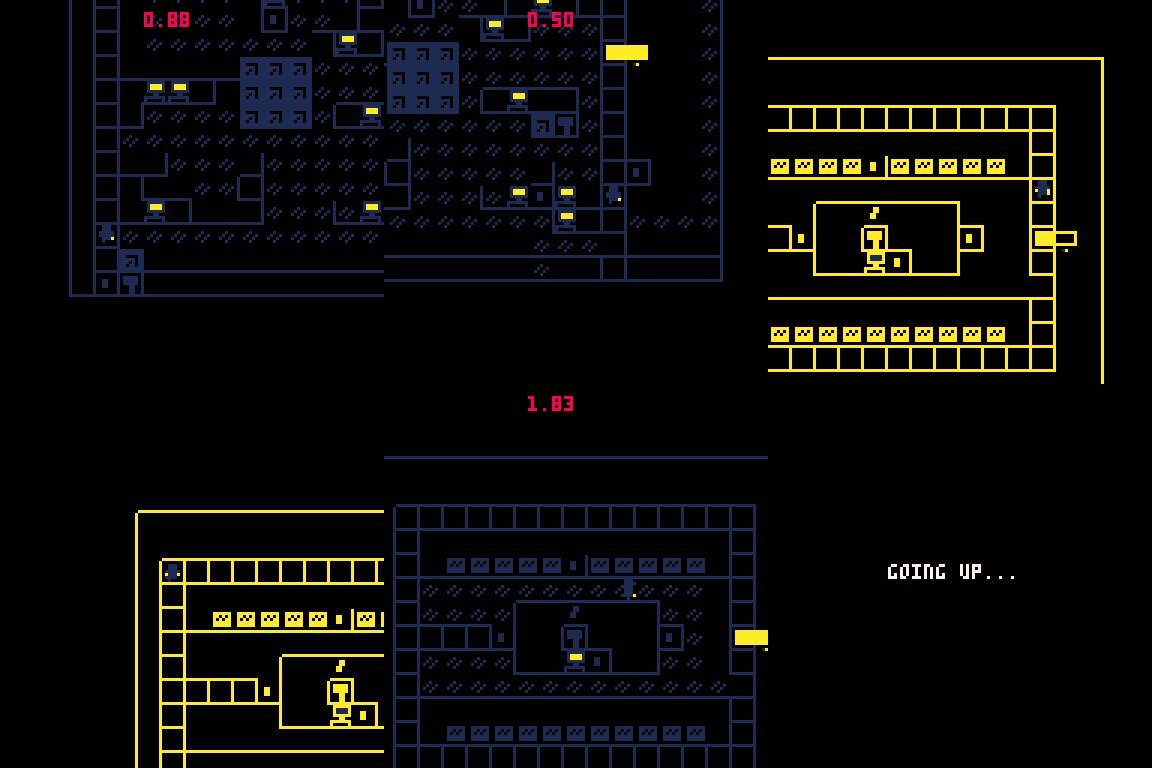
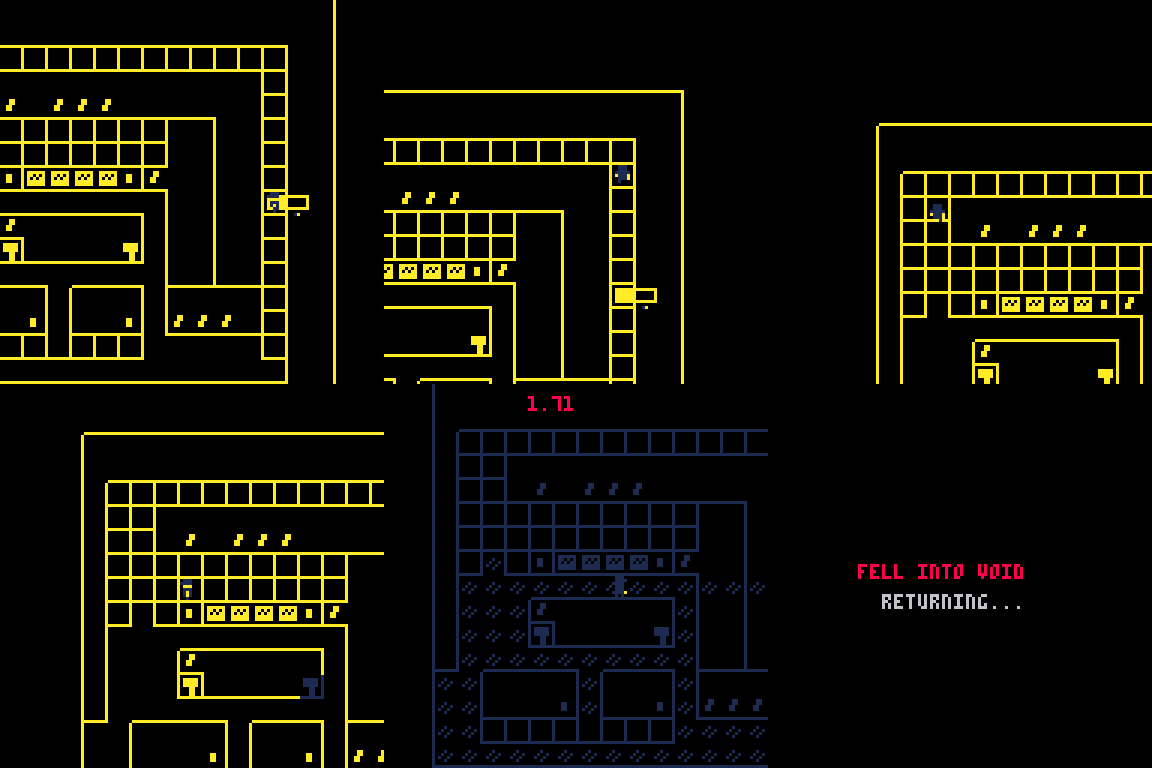
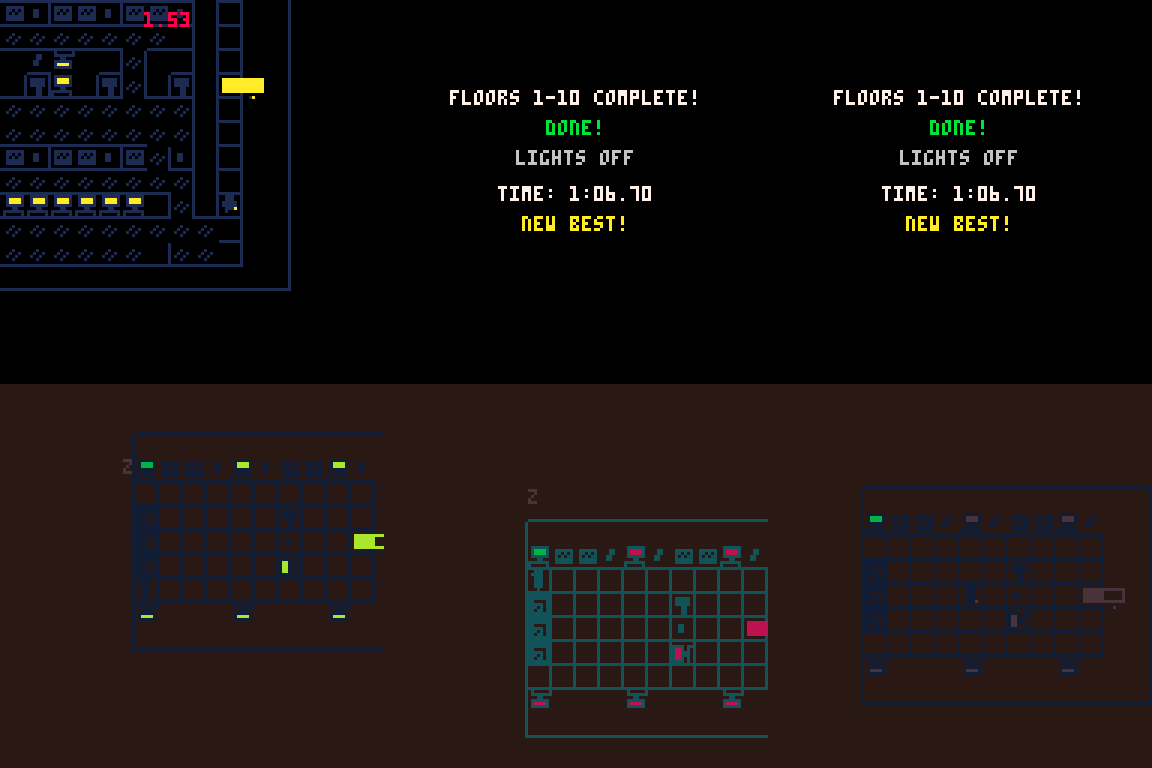
Controls
Use the Arrow keys to move.
Z= select/activate
X =menu
Rules
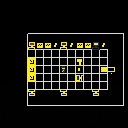
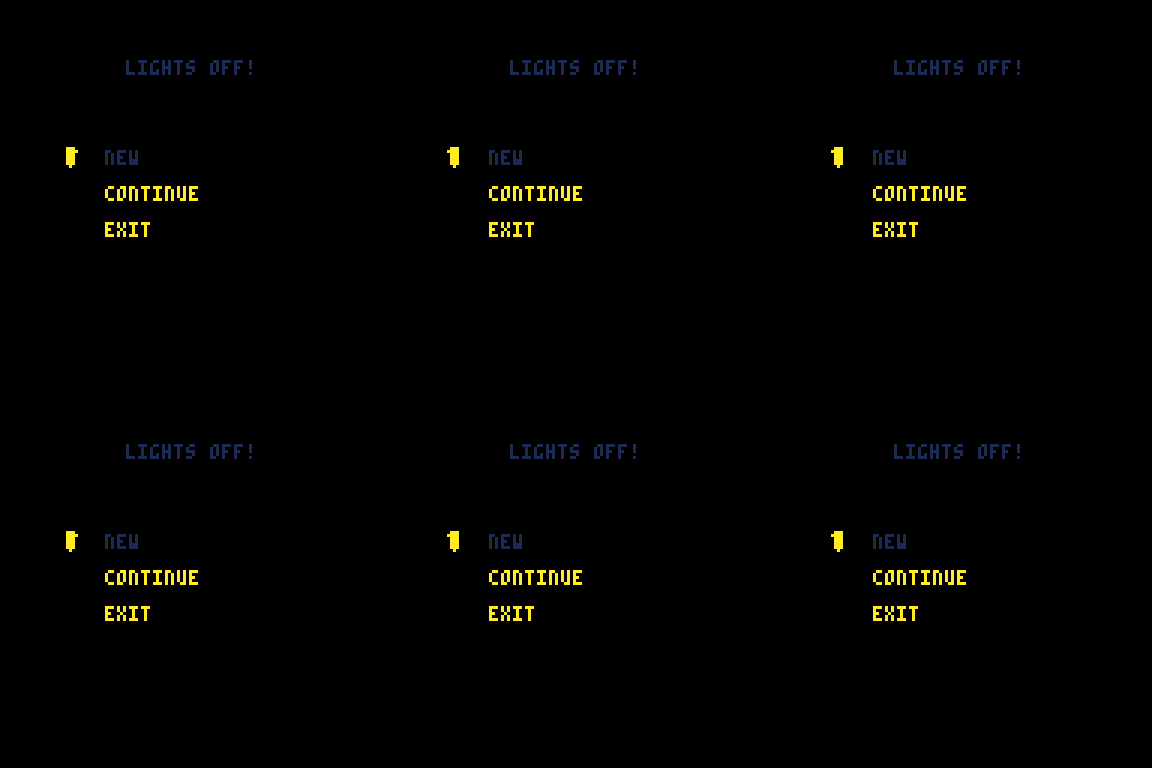
Turn off or on all the lights and get to the elevator as fast as you can. 15 floors, As you beat the game computers will unlock in the lobby for you to use. Dark mode and Hard mode computers make the game harder. Moving on void tiles will kill you as will running into some walls so be careful when the lights are out. You can complete floor 10 in lights off mode in under a minutes if you are quick. Good luck.
Dev
Don't read if you dislike AI. better skip this one.
0 comments

EPILEPSY WARNING
This game features scene transitions that may trigger epilepsy, 90s pokemon style. Please proceed with caution
My offering to the froggy overlords...
Controls
Arrow Keys to move Boingo
X to fire
Help boingo find his lady friend, and defeat enemies along the way
1 comment







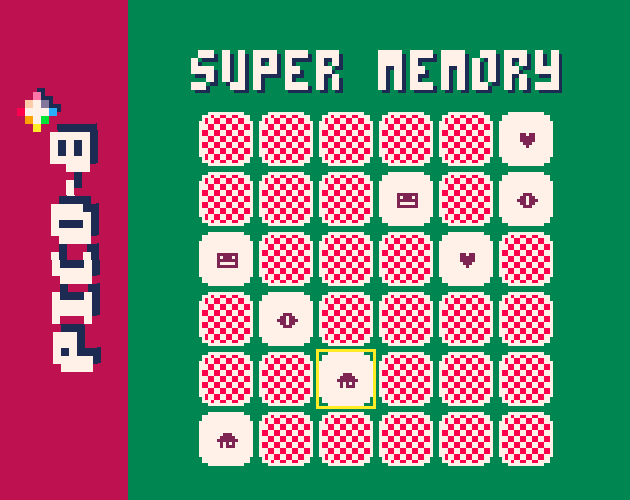
An entry to pico 1k-jam 2025. Little memory game, test your memory or compete with a friend matching all pairs in the minimum number of tries.
Controls: Cursor + z/x
Both players share controls, active player is identified by cursor color (p1 yellow, p2 orange)
CHANGELOG:
- Cursor wraps vertically and horizontally
- Selecting cards has one color, correct pairs have another. That gives visual cue that you matched a pair correctly
4 comments



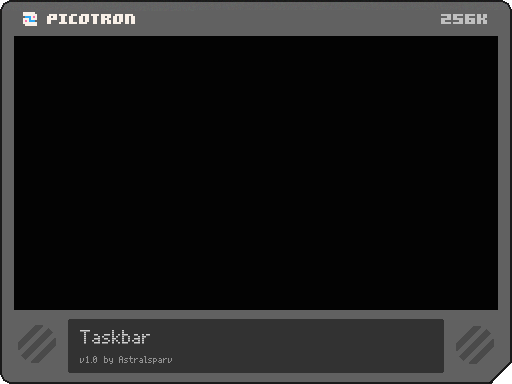
This is my first ever BBS Post
It's a taskbar with a start menu where you can customise the apps in start menu and taskbar seperately, colours, sprites, widgets etc.
Lets you put any file, folders and cartridges into it and it will take their icon based on Picotron's file system (the file sprites are loaded into memory from the system files)
Does not work on the web and does not work unsandboxed as of it's use of system files </3
load #taskbar -u
0 comments


What is stopping an official wasm port for development from being made? Sure we can get exports to wasm but port development to other systems and evolving oses is going to require hoops. Android hasn't happened but a containerized web version might solve that if there is some way to export p8s and lua.
0 comments



HI.
This is a simple puzzle game. Just remove all block on the table. Clicking on blocks will activate its effects.
Edit: New version
- small table: remove useless space
- removed confusing levels
Future updates
- more levels
5 comments








The 5th annual PICO-8 1K Jam (#Pico1k) has now started! 🥳
🌐 https://itch.io/jam/pico-1k-2025
You have until the end of September to make cool things in PICO-8 (or Picotron)
...by using only 1K (1024) Compressed Bytes of code 🗜️
No using of built-in Gfx, Map or Sound data (or external files)
ALL content must be created using code submitted.
It can be a:
🕹️ Game
🎞️ Demo (Animated or Interactive)
🛠️ Tool or Utility
...whatever you can fit within 1KB, basically!
It's a relaxed, non-competitive jam, running for a whole month.
Please refer to the PICO-1K 2025 Jam page for Rules, FAQ & Resources & more info.
15 comments







Pico Ninja
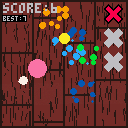
A demake of Fruit Ninja!
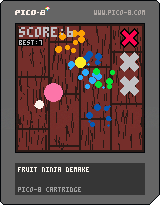
How to play
Press Mouse 1 (left click, or just tap on touchscreen) and slide the little white ball around, to slice the "fruits" before they fall out of sight. Nothing groundbreaking.
Hit detection is a bit wonky; since the game is limited to 60fps, a collision may not register if you slice too fast. I've tried to remedy this by making the fruit check if the pixel at its center is white and thus is colliding with the cursor/trail. It remains jank.
Out of kindness to your ears, I have not tried to create music/sound effects.
Enjoy!
1 comment


A visual tool to explore files
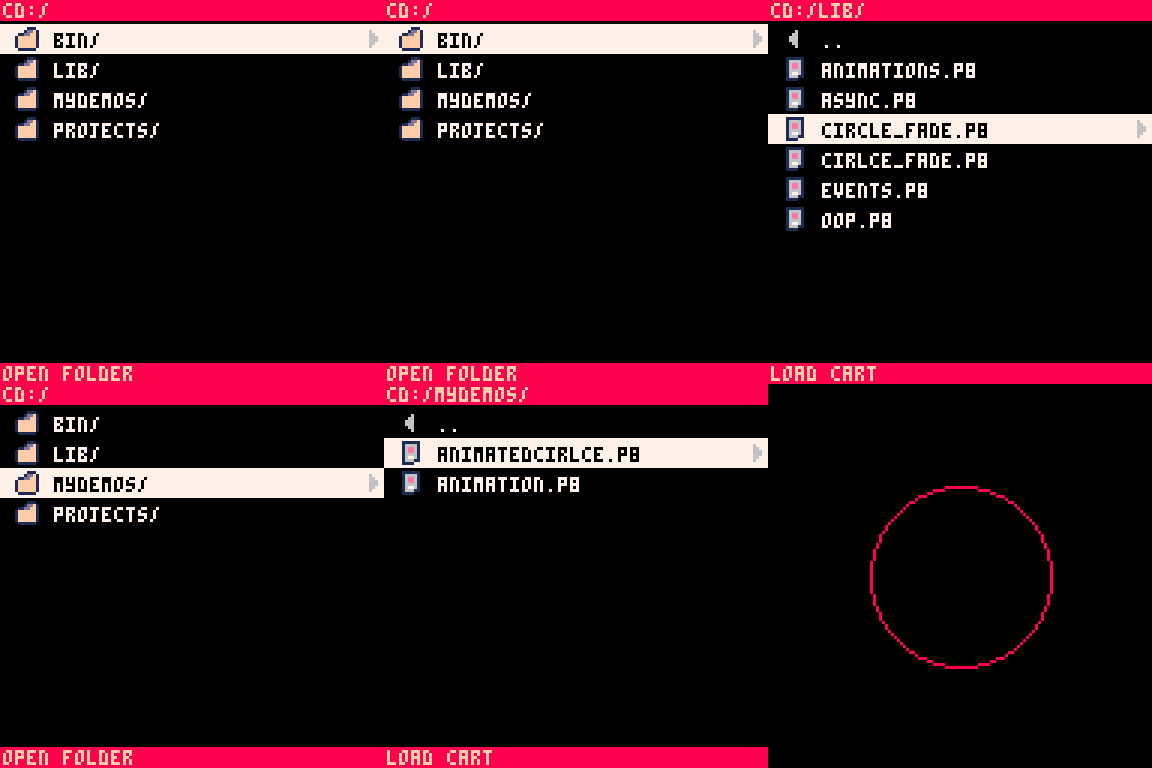
gui_fm is a really simple file manager for Pico-8.
Use it to explore all folders and files saved on your Pico.
You can enter folders and load saved carts directly from it.
You can even use it to create new folders. Kinda...
To use
load #gui_fm save **filename** run |
Won't work if run directly from the BBS, as sandboxed carts don't have access to the file system.
Choose your input method
Use both controller inputs 🎮 or mouse 🖱.
You can switch input method in the pause menu.
Launch saved carts with a single click...
...and go back to the file manager using the pause menu.
Create new folders
gui_fm streamlines the mkdir command.
Select the option to create a new folder and give it a name.
The console command for creating the folder will be copied to the clipboard.
Create new text files
You can use gui_fm to create new text file as .p8l (.txt won't show up in the file manager).
It's not particularly useful, since they are empty, but you can do it.
Limitations
While it is possible to create new folders and text files, I still don't have a solution for renaming and deleting folders and files.
I'll keep exploring new ideas on how to reach these goals, like the suggestion from @ChazBCook.
If you have any idea on how to make it possible, share it in the comments.
CHANGELOG
1.0:
- Initial release
1.1:
- Added scrolling
- Added mouse controls
- Added menu items:
Open folder in host os,
Go back to root folder,
Change input method - Added breadcrumb to launched cartridges. Go back to gui_fm using the pause menu
- Added warning page if runned in sandbox mode
1.2:
- Added functionality to create new folders
1.3:
- Added functionality to create new text files (.p8l)
12 comments





Hi all ,
im at my first attempt to code on picotron and im trying to code a demo in old Amiga Style . I really
need a help for the Music , im not good on doing that =)
so , im asking if is there anyone that are interested to write the music :)
Thanks for your time !
3 comments



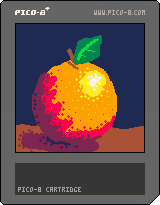
Hi y'all!
This is the third version of Pico Pad!! (I made a version 2 but didn't release it lol)
It's not totally finished, but I'm very happy with it now and I think it's about 90% done.
If I release version 4, it'll be the last one.
Controls
- 🅾️ to delete the last stroke (not a general undo)
- ❎ to toggle the gui
- ⬆️ and ⬇️ to change the brush size
- ⬅️ and ➡️ to cycle the current tool
Tools:
- Pencil: draws lines
- Bucket: fills background or changes color of a line
- Pull/Front: moves the targeted stroke to the top
- Push/Back: moves the targeted stroke to the bottom
- Eraser: deletes the targeted stroke
0 comments


For optimal viewing experience, view the code in the PICO-8 font.
(297 chars)
-- love as a construct

   cls();    j=32.5
  ;for x=0  ,▤,.5do
  line(x+j  ,x,x,x+j
  ,14.5+x%1)end;poke
  (0x5f2c,5)memcpy(0
   ,3<<13,⧗)::♥::
   c=cos(t());cls()
   if(c>0)pal(15,8)
   ;sspr(0,0,48,128
    ,64,j,-abs(c)*
      48,128,1);
       ;flip();
        pal();
         goto
          ♥
|
2 comments


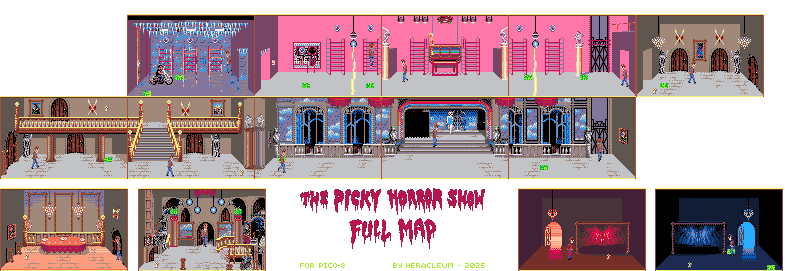
Fear not, it's not an horror game... au contraire, it's sexy

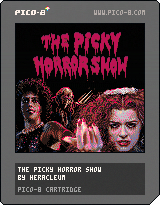
Full Map:
Controls:
⬆️⬇️⬅️➡️ Move with arrow keys
⭕️ [Z or C] Action: interact with objects
❎ [X or V] Attract others' attention
⬆️+⭕️ Place a piece while facing the flashing box (De-medusa)
[P or Enter] Pause Menu and options...
Gameplay:
Collect all the green flashing components to rebuild the De-Medusa device and bring your petrified partner back to life so you can leave the castle in time before the Time Warp!
A couple of crazed characters will try to kill you (specifically RiffRaff and Eddie) others will simply undress you, run away and drop your clothes (blue icon) somewhere. While in this... 'vulnerable' state you can't do much (collect pieces, keys, push buttons, open doors) well a couple things maybe... but you better to find those clothes to proceed with your adventure.
14 comments




Controls in Spotytron
- Up / Down arrows: Navigate albums or tracks (scroll is automatic)
- Left arrow: Return to album selection from track mode
- Button O: Enter album / Play selected track
- Button X: Stop music
Where to Place POD Files
To use your albums in Spotytron, place all .pod files in this folder:
/appdata/albums
Spotytron will automatically detect them and show them in the album list.
Overview
The encodepod() function is a simple utility for creating a music POD file in Picotron.
It takes one or more SFX files, encodes them into POD-compatible binaries, and packages them into an album with multiple tracks.
How It Works
-
Fetch SFX files: The function fetches SFX files from
/desktop/. -
Encode to POD binary: Each SFX userdata is converted into a POD binary using the
pod()function. -
Define album structure:
sfx_files: List of encoded SFX binaries used in the album.tracks: Table of tracks, each containing:name: Track namesfx_file: Number referencing the SFX usedpattern: Starting pattern number
-
Define metadata: Metadata includes
albumname andartist. - Save the POD: The album and metadata are saved into
/appdata/<AlbumName>.podusing thestore()function.
Example Code
function encodepod()
	local sfx_pod1 = fetch("/desktop/sfx1.sfx")
	local sfx_bin1 = pod(sfx_pod1) -- encode the userdata into POD binary

	local sfx_pod2 = fetch("/desktop/sfx2.sfx")
	local sfx_bin2 = pod(sfx_pod2)

	local album = {
		sfx_files = { sfx_bin1, sfx_bin2 },
		tracks = {
			{ name = "Intro", sfx_file = 1, pattern = 0 },
			{ name = "Theme principal", sfx_file = 2, pattern = 10 },
			{ name = "Outro", sfx_file = 1, pattern = 20 },
		}
	}

	local meta = {
		album = "Test Album",
		artist = "Me",
	}

store("/appdata/test_album.pod", album, meta) |
0 comments
.png)
Hello! Me again.
I've been working on a large project, and have recently run into an "out of memory" bug... that only happens if I'm running the cart from the IDE. Even if I exit the program at the very first line, I can't run it with CTRL+R without getting an "out of memory." But, (if I remove that line of course) I can run the program from the desktop, by manually clicking on it and running.
Are my files too big? What's going on?
I would happily share the cart, by the way, but I'm not sure if I can for legal reasons. It's a demake of Balatro and it's far enough along that I don't know if I should risk it.
EDIT: After going along with this for about 10 lines of code, this no longer works, and it pulls an "out of memory" constantly. Checking stat(0) reveals I'm only using a few hundred KiB (when I remove a few dozen lines of code at random to get it to run, nothing essential or large though
1 comment

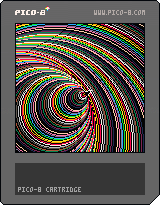
fly around
change direction
speed up (Z) and slow down (X)
bounce of the edge (you are in a cube)
create a bubble everywhere you go
1 comment
