





tl;dr: use left-mouse to play, this is a free demo, the full game is on itch. have fun!

Make Ten Deluxe is an expansion pack that builds on the original Make Ten, featuring 35+ variant modes. Some modes modify the rules slightly in ways that significantly change the flavor of the game, some modes are particularly puzzley situations for you to solve, and some modes are too strange and specific to describe.
There's something for everybody to love: each of the game's dozens of modes were carefully chosen to be interesting, surprising, or otherwise delightful.


 0 comments

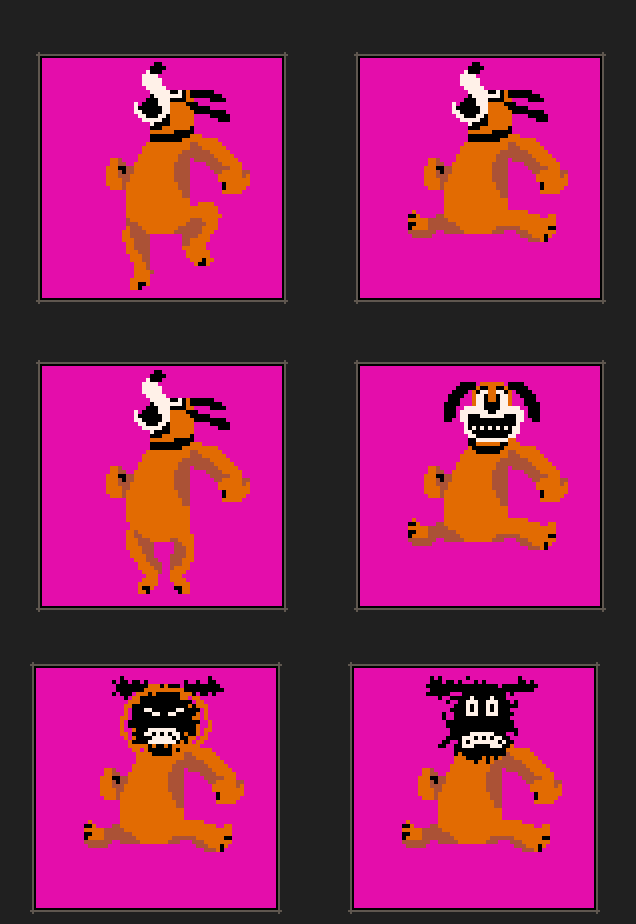

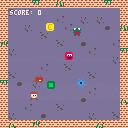
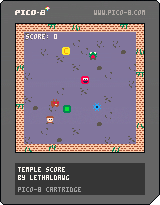
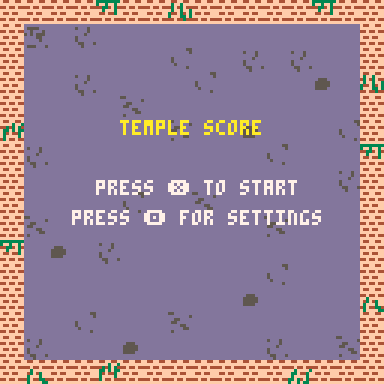
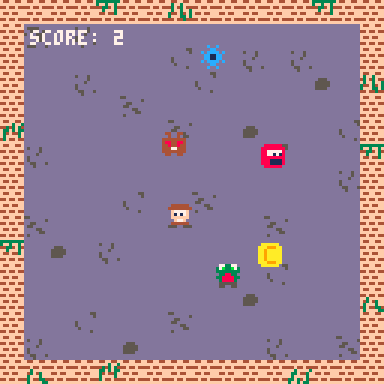
This is my first ever game created. It is a simple highscore game in which you must avoid enemies, use power ups to help avoid enemies and collect coins to increase your score.
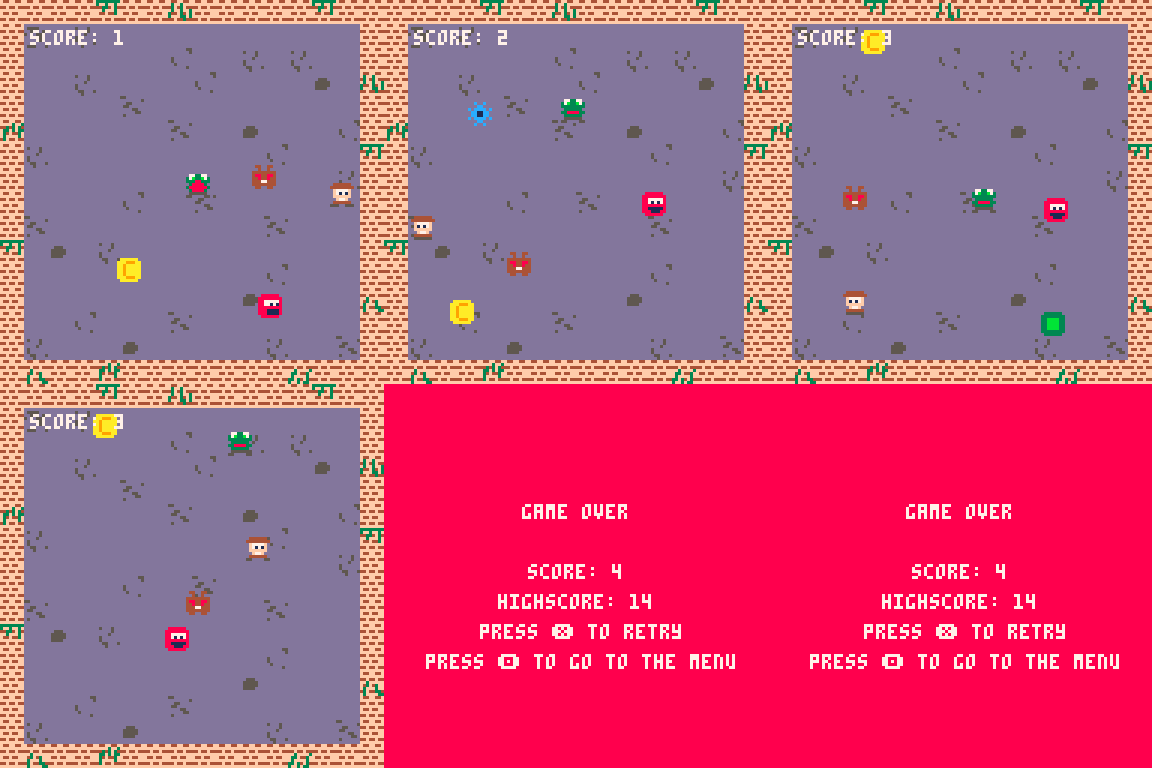
Controls
- Move around with arrow keys or dpad
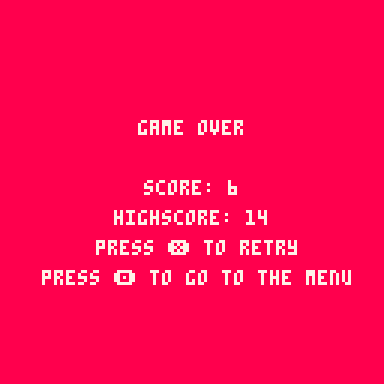
- Start the game and retry with X on keyboard or controller
- Use C or O on controller to interact further with the game
Enemies
Slime - Picks a target on the map and goes to it

Goblin(Looks more like a Frog) - Works in the same way as the slime but moves much faster
2 comments



Pico-8 has on-screen controls when playing an .html game on iPad
but Picotron does not.
Am I missing something or is that feature yet to come?
Thanks
0 comments
Version 1.1
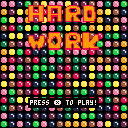
The goal of the game is to clear the screen of all the balls by forming lines—diagonal, horizontal, or vertical. You can swap two adjacent balls by pressing O.
Enjoy !
2 comments


Pix - Color all Pixels
This is my first ever game in any engine that I publish. It's still a WIP and I would love to collect some feedback and also suggestion for improvements or additions.
It's heavily inspired by coloring pixels game that are commonly available on steam and other devices.
When you are in the "draw mode" you can select different modes, holding X and O and then choose something with up and down arrow.
You can also save your progress per Image, with the menu (Enter) and hit Save. This will store the progress with cstore although I don't know if it works here in the browser on BBS but I guess I will find out soon :D
Tipp: You can hold X while moving the cursor. Also dont worry, already correctly painted pixels are set in stone and can't be drawn over with with a wrong color.
Have fun!

|
[8x8] |
4 comments

If any font is printed with a height greater than 31 on the OS X version of Picotron, Picotron crashes. To replicate: poke(0x4002,32) instantly crashes the terminal.
poke(0x5602,32) -- no crash yet
print("\014this will crash") -- crashes |
This does not affect the Windows version.
0 comments
Hi there.
I would like to make a suggestion to @zep: I would love if there was a public or private (developer key based for instance) API allowing to list all the carts with their associated meta data: stars, submit date, last thread update, tags, etc. to allow 3rd party pages to propose alternative ways to discover them.
I would love to be able to surface easily the latest new "hot" games when I come back to PICO8 every six months or to order them by popularity, just to find some gems I've never encountered yet.
I used to look at the picotracker website a user made long time ago, but it is now dead (and it had very limited features).
It could be achieved by scrapping the website but it's not respectful, not elegant and a pain to develop.
To avoid abuses, the API could do something like caching the result of the query once per day and return that?
I hope this feature request will get some attention :) ♥.
4 comments




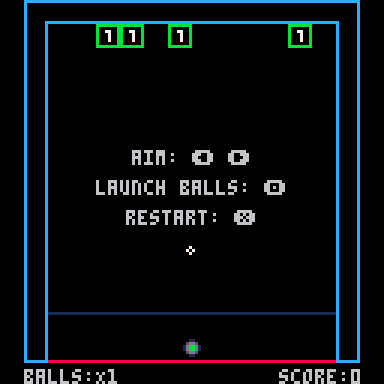
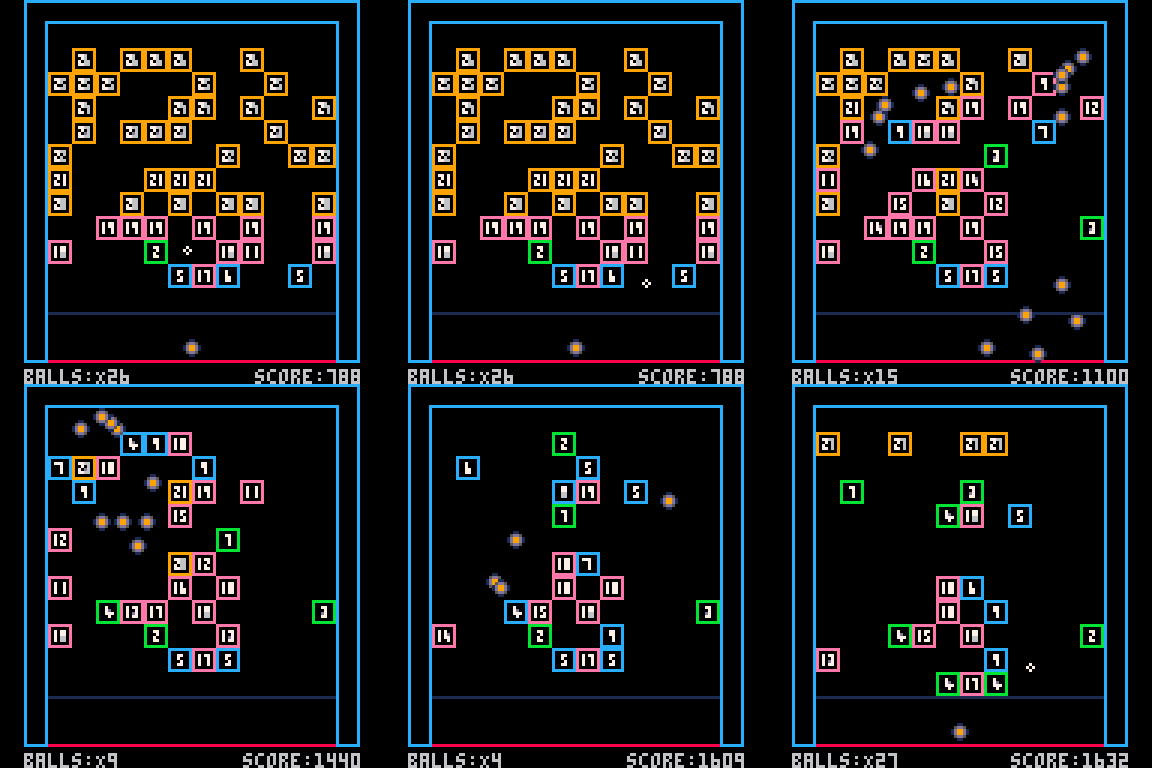
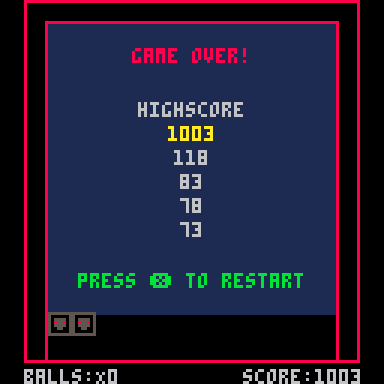
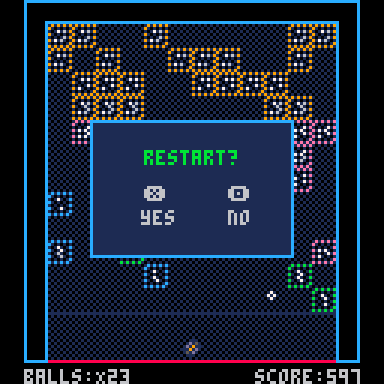
Game Overview
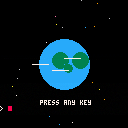
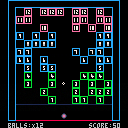
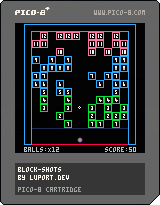
"Block Shots" is a Pico-8 game similar to a block breaker or brick breaker style game where players shoot balls to break blocks. The game features:
- Blocks with numerical values that decrease when hit
- Balls that bounce off walls and blocks
- A launcher mechanism with directional aiming
- Progressively advancing blocks that create increasing difficulty
- Score tracking based on block hits
- Highscore
Controls
- ⬅️ ➡️: Adjust aim angle
- 🅾️: Fire/release balls
- ❎: Restart
Core Mechanics
Launcher System
- Player aims using left/right buttons to adjust angle
- Balls are released in sequence with a timer delay
- The launcher has a visual aim indicator
Ball Physics
- Balls bounce off walls and solid objects
- Ball speed and direction are determined by launch angle
- Balls are removed when hitting the kill zone (bottom of screen)
- Ball colors dynamically change based on the highest block value
Block System
- Blocks have numerical values that decrease when hit
- Blocks are removed when their value reaches zero
- New lines of blocks are added at the top after each round
- Blocks advance downward after each round
- Game ends if blocks reach the bottom deadline
Level Progression
- New rows of blocks are added with increasing difficulty
- Block count per row is randomized within min/max constraints
- Block positions within a row are randomized
- More balls are provided as levels increase
Technical Implementation
- Uses a tile-based collision system with flag checking
- Tracks game elements (balls, blocks) in tables
- Uses sprite-based rendering with dynamic sprite selection
- Implements simple physics for ball movement and bouncing
- Handles collision detection between balls, walls and blocks
20 comments






Hi!
I'm looking for a fellow game creator hobbyist to collaborate in making a game. I've been coding games for about six years using various technologies and for dirrerent platforms, such as the Commodore 64, NES, Pygame and Pico-8. I can handle programming pretty well, but I'm especially looking for some assistance in creating the graphics and in game design.
I want to make an adventure game with some storyline. I haven't decided yet if it would be an action game like Zelda or a Final Fantasy style RPG. I can usually manage drawing background art for my games, but where I need most help is in designing and drawing character art: player, enemies and bosses.
I'm a big fan of classic games and I always tend to copy their mechanics, but I'd like to create something new. So if you've got an idea for a game in mind, let me know and we'll chat about it and plan it together!
1 comment


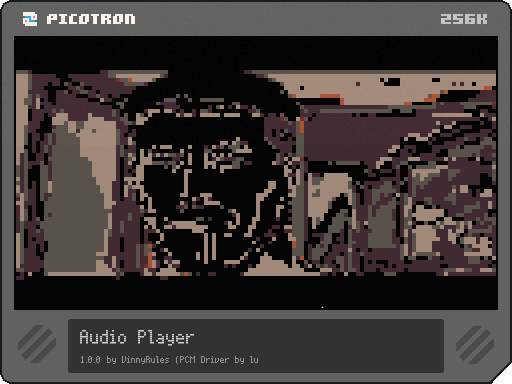
It plays raw, headerless unsigned 8-bit PCM @ 44100Hz!
For technical info, see here:
https://www.lexaloffle.com/bbs/?tid=149091
USAGE: audio /full/path/to/file
This will play any .raw audio file exported by Audacity when exported as Raw (headerless) unsigned 8-bit PCM (stereo) at 44100 Hz.
0 comments


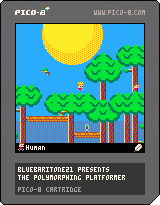
This is my first Pico-8 game.
Story
The four tribes of Dogs, Ducks, Slimes, and Humans are hosting a compitition! Find the statue of each one and go to the big sky island for a prize!
Features
- Play as one of four unique characters, each with their own physics
- Optionally grab the poly-bandanna, which lets you transform into the enemies you encounter (without it, attacks knock out the enemies)
- A big world with unique areas
Controls
O: Jump
X: Attack
D-pad: Move
Credits
Many thanks to Nerdy Teachers for their platformer engine and some textures (especially the humans, dirt, and grass)
6 comments


The font lil.font has bugged characters from 16 to 26. All of the pixels that should be there are indeed present in the userdata; however, their width adjustment nibbles are not set and so they appear cut off:

print(chr(26)) --Yen symbol is cut poke(0x4008, 34, 34, 34, 34, 34, 3) --fix nibbles print(chr(26)) --Yen symbol is whole again! |
1 comment






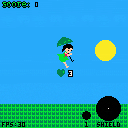
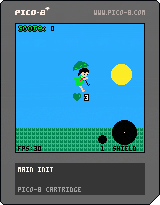
The people of earth are too busy with new developments in technology, like ai. They have forgotten how to touch grass. But how can they touch Grass if there is no grass to touch? Help save the people of earth by planting more grass!
Gameplay :
- Dodge the obstacles and throw while throwing seeds.
- The Pollen you collect from the thrown seeds increases your score.
- Throwing seeds increases fills the "seedometer". When the seedometer is full, the player generates a shield to protect themselves from obstacles.
- Increase your score to grow the tree in the main menu!
- Game over when the player's HP reaches 0.
Controls :
- Press arrow keys to move
- X button to throw seeds
- Z + any arrow key to perform dash
Made for Clear Skies Game Jam 2025
Made by QCrimson and Krump
0 comments
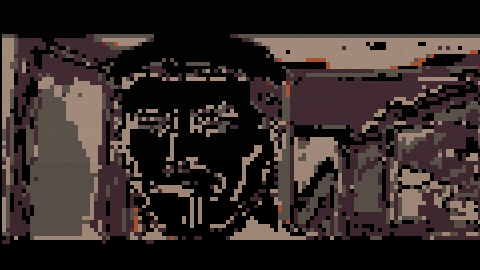
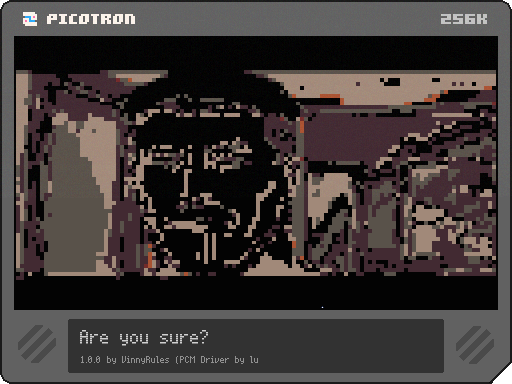
Hello! I whipped up this stupid meme in about an hour..
So let me tell you how it works!
Audio
So, I used @luchak 's Picotron PCM Driver: https://www.lexaloffle.com/bbs/?tid=141655
It uses Unsigned 8bit PCM @ 44100KHz, so I used audacity to export my normal audio file as a Raw (headerless) 8bit Unsigned PCM Audio file at 44100KHz.
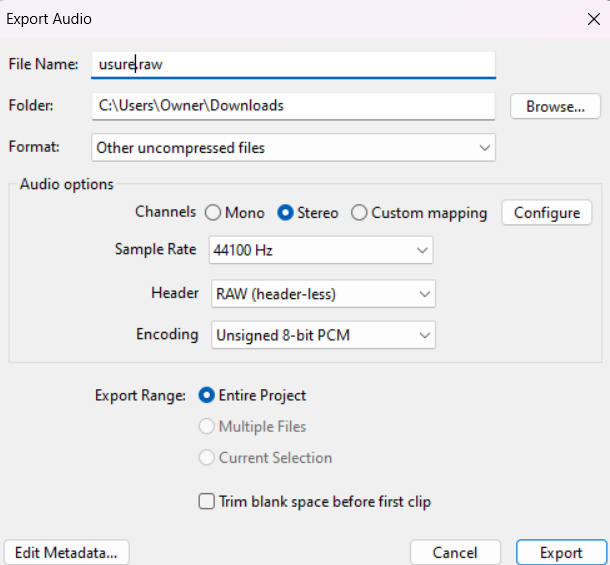
I then dropped that into my cart, and that's that.
As for playback, here is my code:
include "pcm.lua"

audioraw = nil
sample = 1 -- Index in terms of frames (left and right samples)

function get_audio(n_samples)
	local sound_left = userdata('f64', n_samples)

[ [size=16][color=#ffaabb] [ Continue Reading.. ] [/color][/size] ](/bbs/?pid=167276#p) |
3 comments


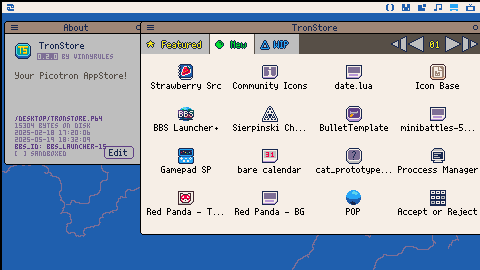
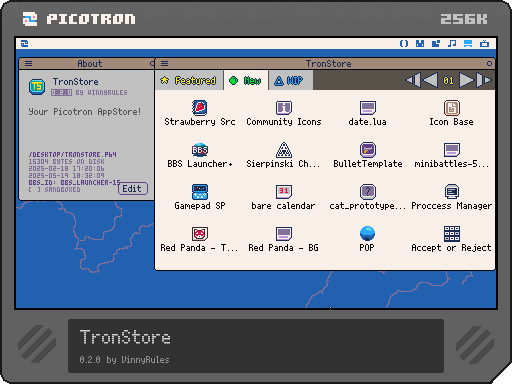
Hello! Welcome to TronStore!
Its a small appstore I just made for Picotron.
It loads carts from bbs:// and displays them somewhat neatly.
You can run apps sandboxed without installing, or you can install them!
When you install an app, it installs it to /appdata/TronStore
The code is a bit jank, but if you'd like to improve upon this code, go right ahead!
You can browse sandboxed / on web, but installation and running only works when TronStore is installed.
Also, it's pretty slow, since it fetches every BBS entry in the current tab, so it won't redraw whenever its loading bbs entries.
7 comments
.png)


