


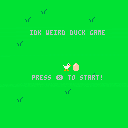
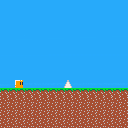
Hello! Just started using PICO-8 as a somewhat beginner programmer so I decided to make a small one screen game of my roommate's pet pigeon.
Hope I will get better with time!


 3 comments






While creating a program that uses Lua tables, I found it troublesome to check values, so I created this.
It is convenient to save it with a name such as dprt.lua and use it by including it.
--If you no longer need the debug display, you can disable it all together
--by changing DEBUG_FLG to false.
--Also, if you want to display it on the host, set DEBUG_TO_HOST to true
DEBUG_FLG = true
DEBUG_TO_HOST = true

function dprt(v)
	local function dbg(v)
		local buf, t, i = "", type(v), 0
		if t == "table" then
			buf = "table{"
			for i in pairs(v) do
				if v[i] != nil then
					buf = string.format("%s \n\t%s: %s", buf, i,dbg(v[i]))
				end
			end
			buf = string.format("%s \n},", buf)
		elseif t == "userdata" then
			buf = "userdata{"
			for i=0,#v-1 do
				buf = string.format("%s %s: %s", buf, i, dbg(v[i]))
			end
			buf = string.format("%s \n},", buf)
		elseif t == "number" then

[ [size=16][color=#ffaabb] [ Continue Reading.. ] [/color][/size] ](/bbs/?pid=160665#p) |
0 comments

- item 1
Inicializar o tabuleiro vazio (8x8)
tabuleiro = criar_tabuleiro(8, 8)
Gerar as primeiras 3 peças
pecas = gerar_pecas_iniciais()
Variáveis de controle
pontuacao = 0
fim_do_jogo = False
- item 2
def criartabuleiro(linhas, colunas):
return [[' ' for in range(colunas)] for _ in range(linhas)]
def exibir_tabuleiro(tabuleiro):
colunas = 'ABCDEFGH'
for i, linha in enumerate(tabuleiro):
print(f"{colunas[i]} " + " ".join(linha))
print()
-
item 3
def gerar_pecas_iniciais():
pecas_possiveis = [
[(0, 0), (0, 1), (0, 2)], # Linha reta
[(0, 0), (1, 0), (2, 0)], # Linha reta vertical
[(0, 0), (1, 0), (1, 1)], # L
[(0, 0), (0, 1), (1, 1)] # T
]
return [random.choice(pecaspossiveis) for in range(3)] - item 4
def posicionar_peca(tabuleiro, peca, linha, coluna):
if not verificar_espaco(tabuleiro, peca, linha, coluna):
0 comments
- item 1
Inicializar o tabuleiro vazio (8x8)
tabuleiro = criar_tabuleiro(8, 8)
Gerar as primeiras 3 peças
pecas = gerar_pecas_iniciais()
Variáveis de controle
pontuacao = 0
fim_do_jogo = False
-
item 2
def criartabuleiro(linhas, colunas):
return [[' ' for in range(colunas)] for _ in range(linhas)] -
item 3
def gerar_pecas_iniciais():Definir os formatos das peças (por exemplo, L, T, quadrado, linha)
pecas_possiveis = [
[(0, 0), (0, 1), (0, 2)], # Linha reta
[(0, 0), (1, 0), (2, 0)], # Linha reta vertical
[(0, 0), (1, 0), (1, 1)], # L
[(0, 0), (0, 1), (1, 1)] # T
]
return [random.choice(pecaspossiveis) for in range(3)] - item 4
def posicionar_peca(tabuleiro, peca, linha, coluna):
for (dx, dy) in peca:
if tabuleiro[linha + dx][coluna + dy] != ' ':
return False # A peça não pode ser colocada aqui (colisão)
0 comments



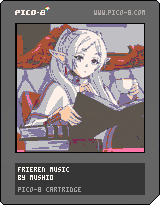
<br/>
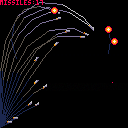
My try on the first bit of the opening music of the anime: Frieren: Beyond Journey's End -- YOASOBI - 勇者.

 0 comments





Side Quest 2 is broken down into 4 requests from the same villager. You first come across this Side Quest in "Lesson 6: Print to the Screen" and are encouraged to revisit it after learning how to use variables in "Lesson 7: Variables & Data Types". You are free to submit both examples under this post, but you should make it clear whether you made them with or without variables.
2-1
"Hi, I have a clothing store and I need a sign that shows people our fabric color options. Can you print the numbers 1 through 15 but in those exact colors for me?"
2-2
"I also do custom jobs where I can design someone's name into the fabric. Can you give me some ideas by printing your name, one letter at a time, in a really cool pattern?"
7 comments





Hello everyone,
Here's my first upload to the BBS ever, it's a simple rewrite of the ls.lua util. I've always preferred using ls -al (that is usually aliased as ll) in my unix terminals and because the muscle memory is too strong, I've just remade it quickly in Picotron.
Let me know if you have any issue. I also wanted to add the 'rwx' info just as a joke, but it crowded the output a bit too much.
Just copy this code in 'll.lua' in '/appdata/system/util'
function lpad(nb, str)
	local nb_to_add = nb - #str
	local result = ""
	for k=0,nb_to_add do
		result = result.." "
	end
	return result..str
end

cd(env().path)

local path0 = env().argv[1] or "."
path = fullpath(path0)

if (not path) then
	print("could not resolve path "..tostr(path0))
	exit(0)
end

local res=ls(path)

if (not res) then
	print("could not find path "..tostr(res))
	exit(0)
end

[ [size=16][color=#ffaabb] [ Continue Reading.. ] [/color][/size] ](/bbs/?pid=160609#p) |
0 comments

I'm trying to do a simple state machine but I'm doing something wrong in the assign.
I wanna assign "running" if a button is pushed from a list of values.
player = {
	lives = 3,
	current_state,
	list_states = {"running","jumping","falling"}
}

function _update()
	if btnp(❎) then
		player.current_state = player.list_states["running"]
	end
end

function _draw()
	cls(1)
	print(player.current_state)
end |
This doesn't work:
player.current_state = player.list_states["running"]
This works but its not very useful because I don't see in the code which state I'm assigning:
player.current_state = player.list_states[1]
This also works, but I think it's also not very useful because the usefulness of the state machine is assigning a concrete value from a set of predefined values to avoid mistakes.
player.current_state = "running"
How can i do it? Or whats the usual approach to make states machines?
Thank you!
3 comments


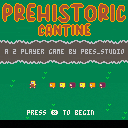
Prehistoric Cantine - A 2 player coop game.
This is prehistory.
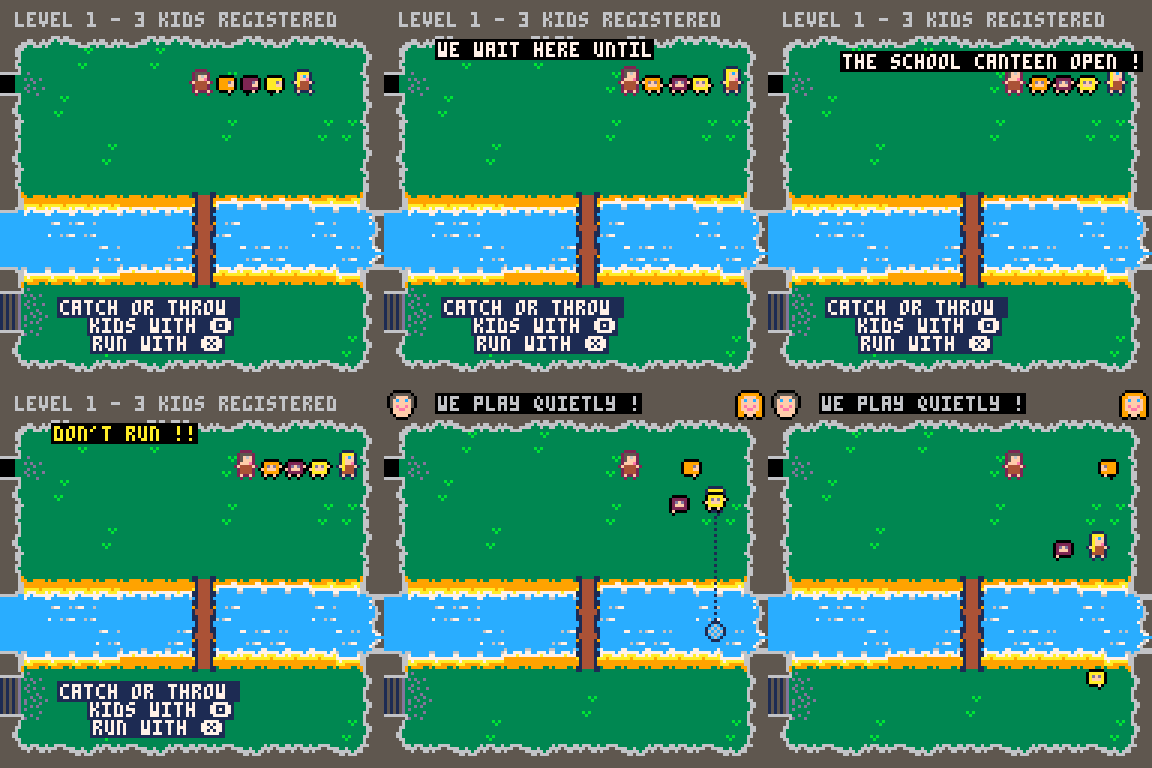
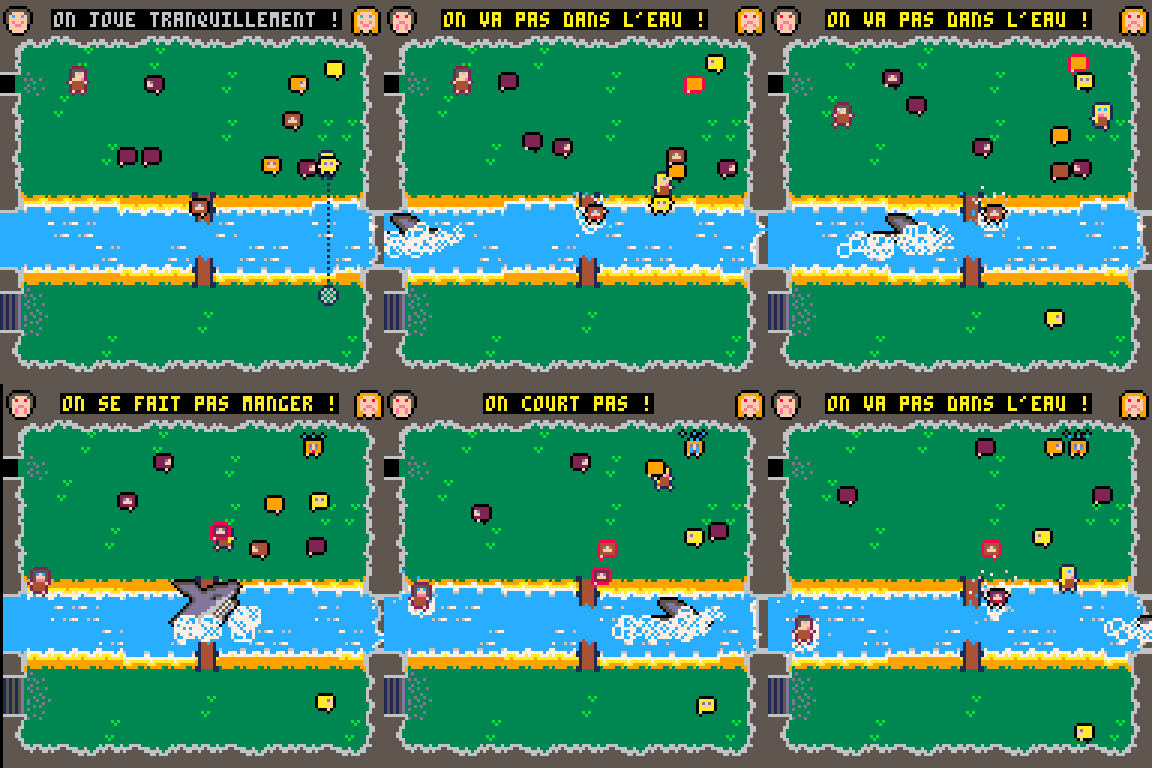
After school, the children play by the river and then go to eat in the school canteen. It's up to you to keep an eye on them and then take them to the school canteen.
Do everything you can to make sure kids don't fall into the water, bump into walls, or get swept away by dinosaurs.
When the bell rings, bring ALL the kids to the school canteen to take it to the next level!
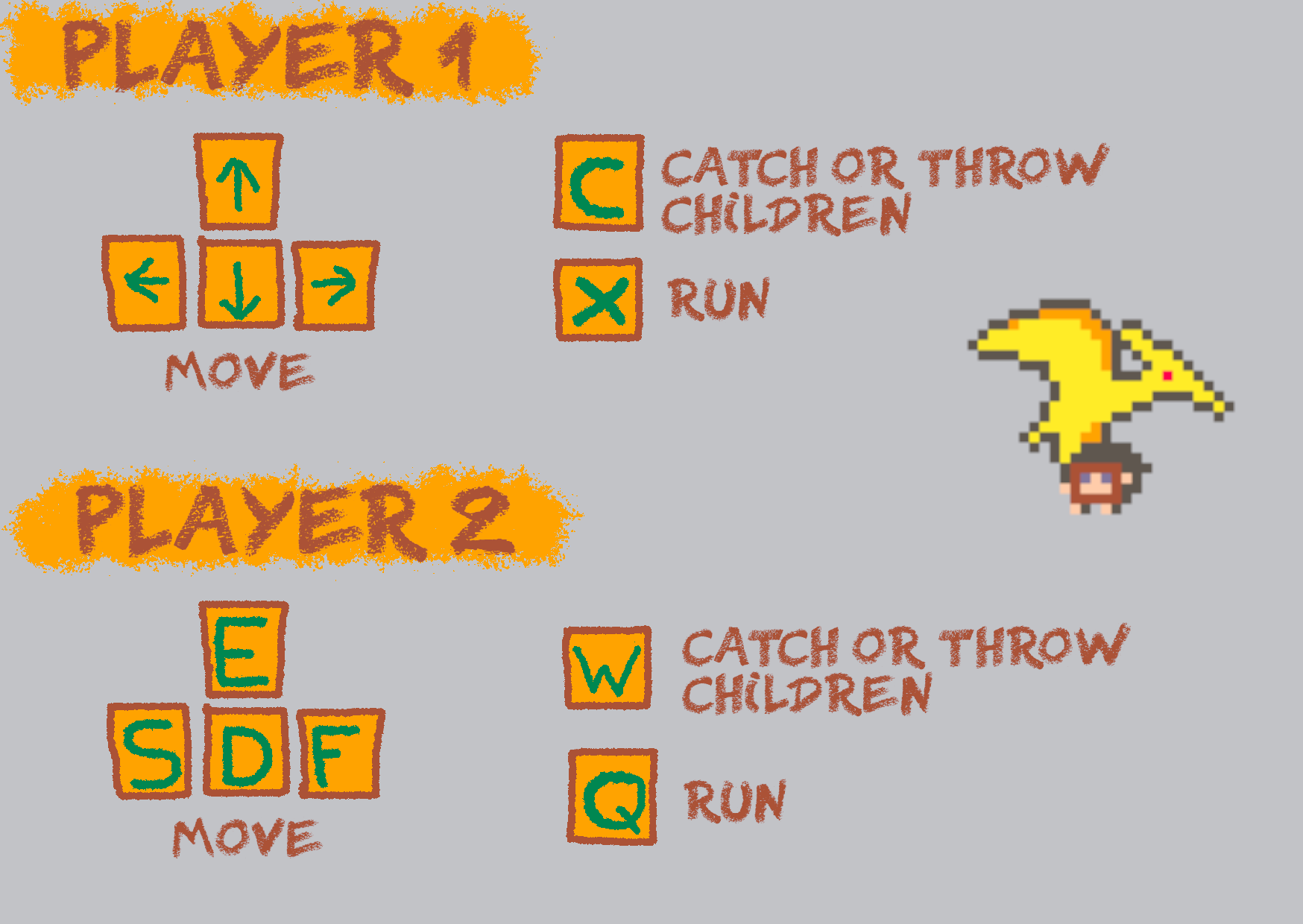
Play with one controller per person or one keyboard for two.
--
French version is here :
2 comments


kept this one under 500 lines of code, i think that's a new record for me
get that cheese 🧀
16 comments





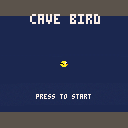
About
- Try to go the furthest distance!
- Collect coins to brighten the cave!
Controls
- Press any button on keyboard, gamepad or mouse to jump.
- Press enter or start to pause.
Credit
- Made by: MrDuckyWucky
- Uploaded: Jan 12, 2024
- Also on itch.io
0 comments

[CAT]
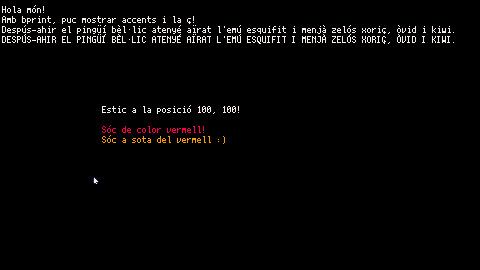
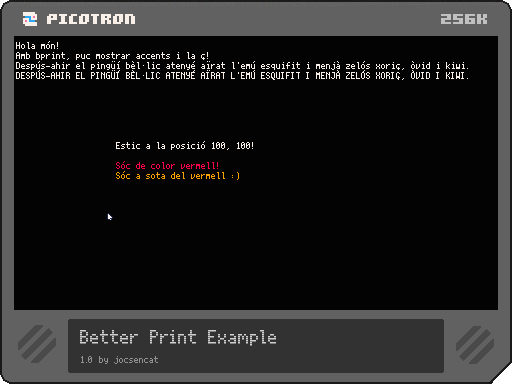
Hola a tots! He fet una petita utilitat per poder mostrar per pantalla els caràcters especials del català a Picotron. En concret afegeix suport per als caràcters:
ÀÈÉÍÓÒÚ àèéíòóú ÏÜ ïü Çç l·l
Sou lliures de modificar-la si voleu. Aquest cartutx és un exemple d'ús. Només cal:
1-Importar la llibreria al vostre cartutx
2-Importar-la al codi (com a l'exemple)
3-Ja podeu utilitzar les funcions de la llibreria. Són dues: bcursor(x,y) i bprint(text, [x], [y], [color])
0 comments

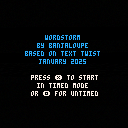
This is my first game, Wordstorm! It's based on the old Text Twist flash game-- the goal is to use a scrambled set of letters to find valid words. Each round, you need to make three 3-letter words, two 4-letter words, and one 5-letter word to increase your score and get a new set of letters. Use the arrow button to submit a word once you've spelled it out. Timed mode adds a one minute timer per round and lets you accumulate a persistent high score. Untimed mode lets you spend as much time as you'd like per round, but you can't get a high score.
Huge thankyou to zep's is_word_40k dictionary that allowed me to greatly increase the number of words used. The font is copied from Early Gameboy by Jimmy Campbell on Dafont.
2 comments


Rain Maker
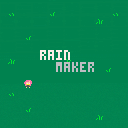
Oh, River... you really want to do this, huh? Well.. who am I to stop you... but, keep in mind, Becoming the new rain maker will not be easy.
Your name is River, you are a 19 year old trans girl looking to become the new rain maker and save your town's crops from drought and death, and the gem is right there, were the stories all false?
Exposition
This is my first go at a game like this!!! I've never worked on a game that required design and wasn't completely endless! I'm really looking for constructive criticism and code suggestions! I really wish to improve my code and my game design abilities!! The dungeon is completely the same every time as I didn't know the Pico8 could do procedural generation. :(
0 comments

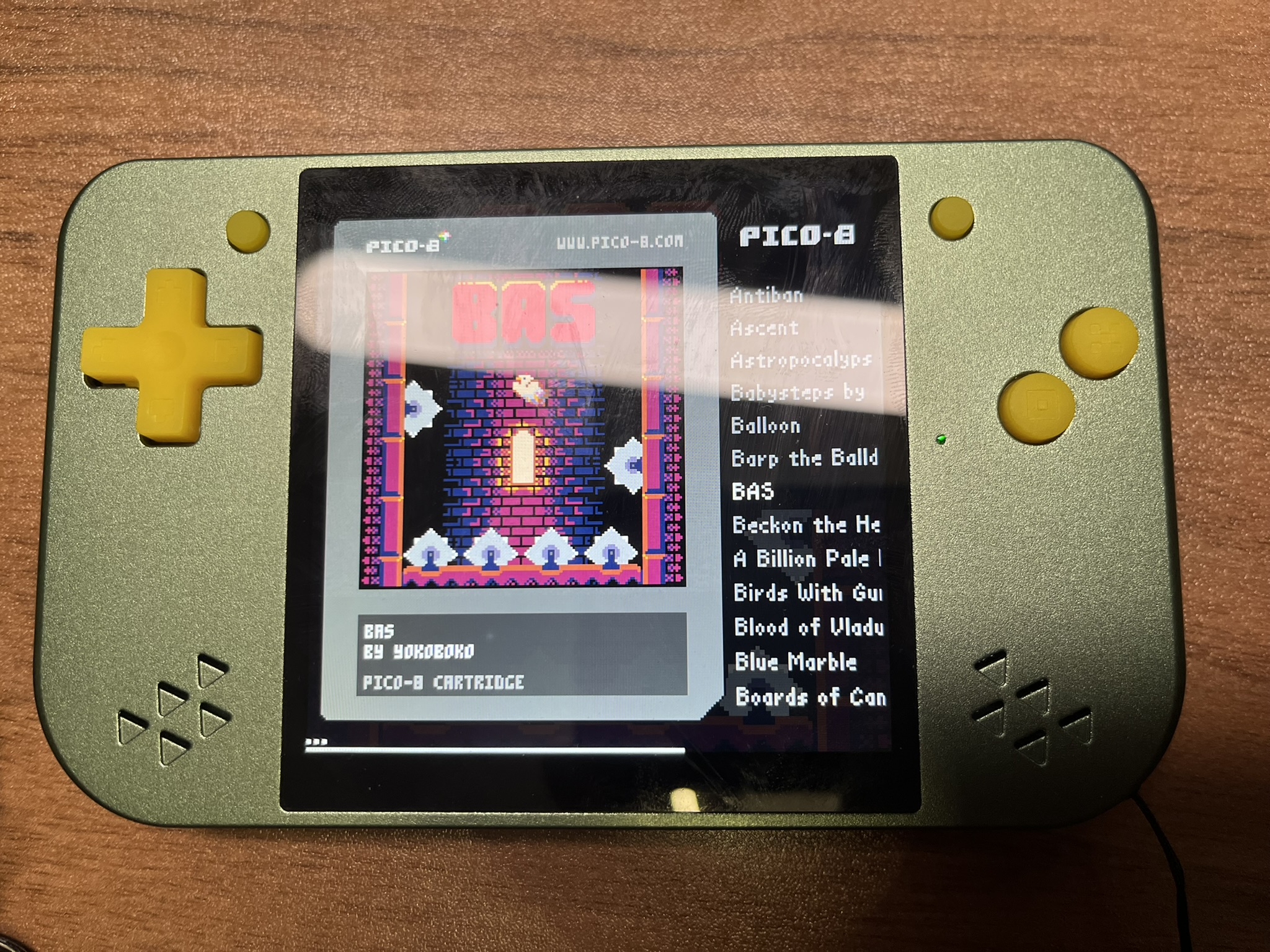
Love the PICO-8 platform.
I just got a perfect handheld to run pico-8 games.
It's a RGB30 with a new metal shell and with a modified system programmed for pico-8 only. Hope you like it!
12 comments








Feature Suggestion: Cart Forking and Collaboration
I wish there was a way to track when a cart from the BBS is improved or modded or altered, linking it back to the original in some way. This could function like a "fork," showing all variants and allowing users to see the evolution of a cart over time.
With this feature, we could collaboratively work on adding features and fixing bugs, even through small individual contributions. Over time, these efforts would add up, leading to polished and feature-rich games and software.
Isn’t that the beauty of open-sourcing carts? A system like this would make it easier for the community to come together and create something truly amazing!
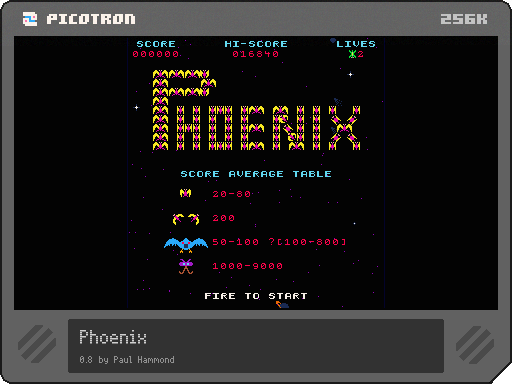
Feature added:
- Added more shading on sprites
- Added "wasd" + "e" + "space" as optional keyboard control
0 comments

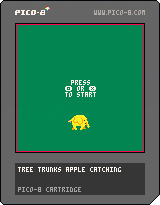
Tree Trunks catchin apples cause I love that small cartoon elephant
Controls:
Z to use basket
X to heal
Arrow Keys
1 comment