





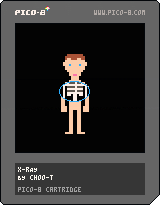
A simple example of an x-ray effect using bitplane masking.

Using bitplane have the advantage of having both values (skins and skeleton) in a single sprite, but you're quite limited in the number of available colors.
How it work :
There only one sprite in the sprite sheet, but as you can see, the palette have redundancy.
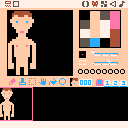
To be concise, by removing the first bitplane, we're essentially shifting all odd numbered colors to the even color right before them, so color 1 become color 0, color 3 become color 2 and so on.


 3 comments





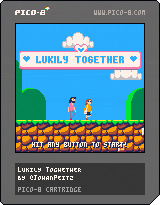
Lukily Together
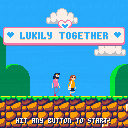
Luke and Emily are getting married! Now they have to cooperate to get all the rings, find their cat, and get to the end of the game!
This is a short two player game about helping each other and that we're always stronger together than alone. With a bit of friendly competition sprinkled on top!
HOW TO PLAY
Each player controls either Luke or Emily. Use standard controls to move and jump.
P1 - arrows + M
P2 - S/F + Q
CREDITS
Design/Art/Code: Johan Peitz (@johanpeitz)
Music/Sound: Vav ( @vavmusicmagic)
Cabinet: Mark Kleeb (@markkleeb)
4 comments





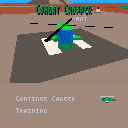
Update: Updated cart to latest version. This is probably close to what will be released.
A work-in-progress helicopter combat flight simulation. Loosely based on my memories of playing Gunship on C64 a few decades ago.
The heli can be controlled with player 1 input:
- By default the arrow keys control the cyclic stick.
- Hold down circle (z) to switch to collective (up/down) and tail rotor (left/right).
- Hold down cross (x) for weapons mode, where up/down cycles between targets, and left/right selects the weapon.
- Tap cross (x) quickly to fire.
So to take off, hold down circle (z) and up.
Alternatively you can use player 2 input (E,S,D,F in keyboard) for collective and tail rotor.
1 comment


See my first mention of this here:
https://www.lexaloffle.com/bbs/?pid=120143#p
I assumed the headless export option (pico8.exe myFile.p8 -export "paramsHere") could export audio as it does graphics. Apparently it cannot! Specifying a .wav output crashes pico8.exe (on Windows at least).
pico8.exe myFile.p8 -export snd.wav pico8.exe myFile.p8 -export snd%d.wav etc. |
- If headless wav export is disallowed, can it indicate that gracefully, without crashing?
- If headless wav export can be allowed (please! for sound/music tools) how should we specify single sound vs all sounds vs music? Following the existing exports, might I suggest:
pico8.exe myFile.p8 -export "-s 2 snd.wav" // for single sound, example 2 pico8.exe myFile.p8 -export "snd%d.wav" // the % pattern indicates all sounds pico8.exe myFile.p8 -export "-p 5 mus.wav" // music, -p indicates starting pattern, example 5 |
Thanks for considering.
0 comments
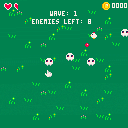
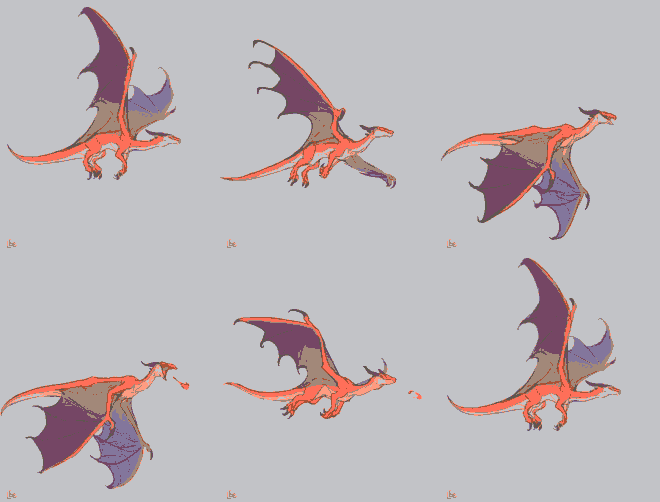


I would love to see the following feature added to the sprite editor:
Keyboard shortcuts for changing the active drawing tool. This would be especially useful when editing in 'full frame' mode and the tool buttons are not visible.
Suggestion:
p - pen
s - stamp (Note: currently used for select, see below)
f - fill (Note: currently used for flip, see below)
c - circle/oval
l - line
b - box (also know as rectangle, but r is already used for rotate)
Notes:
The s key is already used for select in pen mode, but I never use it, because it's the same as the Shift key. The key could be re-assigned IMHO.
The f key is already used for flipping horizontally. But it's the same as the H key. The key could be re-assigned IMHO.
More ideas:
Because in full-view mode, you can't see the tools, it would be nice to show the active tool in the bottom status bar (or perhaps in the top bar?). As a bonus, why not show the currently active color there too?
4 comments



(Wow ! Where did the cart go ?)
Because there are idiots in the world. Yep. And I have to write code so that they don't light firecrackers up their nose. SIGH I will return when this program is considerably safer.
(v07 11-08-22)
If you use this cart it is at your own risk cause it's not here for download now.
VVhat's new ?
Hello there !
No, your eyes are not deceiving you. This is indeed NOT a Pico-8 game but a useful utility and one I had need of for quite some time now.
First off giving credit where credit is due, I am making use of @Heracleum's convenient picture to PRINT, especially since it's only 1-color and she is using ONE-OFF to do this. To make use of this utility yourself, go HERE:
https://www.lexaloffle.com/bbs/?tid=49901
Now what does this program do ? Just what it says. It is indeed a utility to help you compress files with 7zip. 7zip if you do not know is a standard and FREE utility to compress files. Some compression can be quite high especially files that are text only. It is also a standard practice to compress programs or games that exceed megabytes for storage.
24 comments






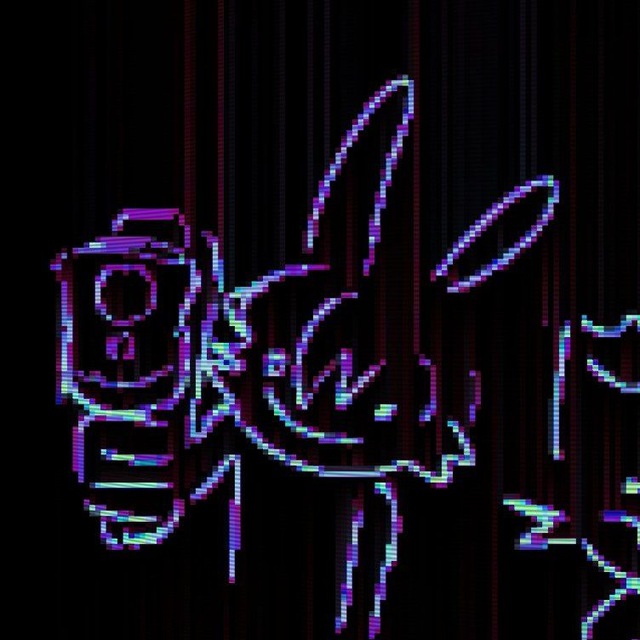

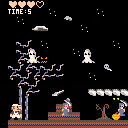
hello, we present you "Dark Mario" which is similar as Mario bros but with horror effect, grenade as attack and multiple monsters. No princess to save this time, just you, the monsters and the time. You need to finish the game before the time is up. It's not perfect but hope you gonna enjoy it. Xoxo
1 comment
A couple options (totally different methods) to display big titles, e.g. a 'game over' screen or 'the end' in the style of silent movies.
Method 1 - Map and sprite tiles
You draw a few sprite tiles with corners and reusable portions to form your title.
Pros: all the advantages of Pico-8's maps and easy to edit your title
Cons: you need some free area in your Map and you spend tiles of your spritesheet
Method 2 - P8scii One-Off characters
You can use this spritesheet to P8scii string converter here to obtain a printable string that will display the title (or logo etc..).
Pros: no map, no spritesheet, just a big string
Cons: pick your image carefully, avoid one with many stray pixels (read hints in the linked One-off page) or it will eat compressed characters space.
Press:
- Z to restart the animation.
- X to swap the method (One-off gfx / map)

 7 comments


Hello.
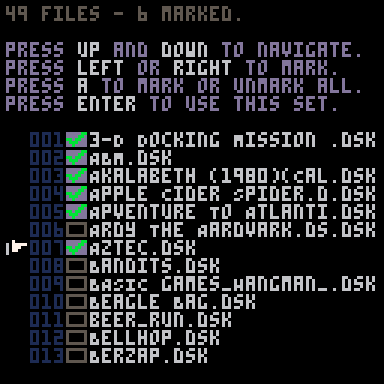
I'm working on a batch utility to merge 7-Zip with Pico-8 and to work with directories outside Pico-8 as I have a need for this, yet I am running into a curious problem.
When I retrieve the directory, I am getting a filename back like:
3-d dOCKING mISSION (1978)(pROGRAMMA iNTERNATIONAL).DSK
@zep, could you please add some options to P8SCII such that I could convert this string line to 4-unique formats:
ORIGINAL:3-d dOCKING mISSION (1978)(pROGRAMMA iNTERNATIONAL).DSK INVERSE :3-D Docking Mission (1978)(Programma International).dsk LOWER :3-d docking mission (1978)(programma international).dsk UPPER :3-D DOCKING MISSION (1978)(PROGRAMMA INTERNATIONAL).DSK FIRSTCAP:3-D Docking Mission (1978)(Programma International).Dsk |
It could be done via: "\c" followed by O I L U or F
It would then change the visual case for every character for that single PRINT or string definition line. Once a new string or definition is in place, the effect would not be there.
7 comments


So, I am looking for a way to dynamically load code from an external cart. As a way of redistributing parts of my game as paid software or something.
There are functions like load for loading a cartridge, but this doesn't let me run just like a loaddata function, does it? Just wondering.
3 comments


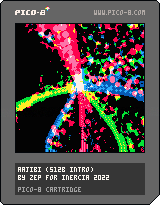
Turn on your subwoofer!
This is a 512 byte intro I made for inercia 2022, a demoparty that took place in Lisbon over the weekend. It's the first time that I put the no longer secret 0x808 audio channel to use, with around 200 bytes of the (compressed) code spent on generating the music.
I was pleased to find that techniques used for golfing down visual effects' code size transfer quite well to audio. There are a lot of expressions in there that change meaning over time in a way that produces some kind of structured progression -- some planned, some not so planned. The whole thing is really a single effect, with a lot of janky math to roll out different audio and gfx layers at different times. I can't completely explain how it works in places, but feel free to ask about anything if you like!
2 comments

Hello everyone. Is there a way to write and read values to specific bits in a byte?
For example:
I have a variable 0x0000 .
I want to write a 1 to the 3rd bit so it'll be
0x0100 . How can i do that?
I want to later read that variable. How do I
check the value of the 3st bit? I haven't operated
with bits & bytes before.
8 comments


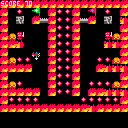
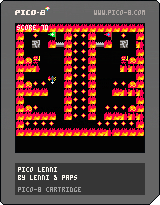
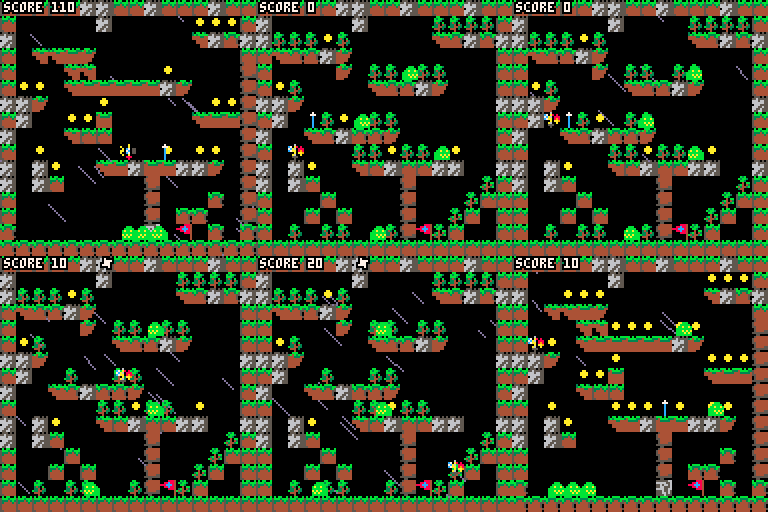
A simple in progress platformer. Jump, shoot, collect coins. Not that difficult.
Controls
- arrow keys to move and jump.
- X jumps, too.
- if you have picked up the sword, you can shoot it with O.
- jump on enemies or shoot them with the sword.
- reach the flag to get to the next level
Warning: Some walls are just an illusion. Some tiles a lethal.
TODO
- make the collisions more accurate; this is currently a copy-paste of a platformer engine I found here
- more work on the art side
- more levels
- save hi-score
- bosses
- a win screen; currently the last level is a dead end
About the game.
This is a game I'm creating together with my son. He is doing all the arts (well, not the music). This post mainly serves to share the game with his friends.
I wondered if I really need to make this post. Is there another way of accessing uploaded games without making a post?
5 comments


I completely forgot to upload it here.
At least now you can make your own challenge maps or idk lol
Also, Zniw Adventure is celebrating it's 2nd anniversary, so go check it out if you haven't already!!!
0 comments


A Celeste levelpack where you must move through two mirrored versions of the same level at the same time. Every level has a strawberry, with the key on one side of the mirror and the chest on the other. Enjoy!
3 comments
