



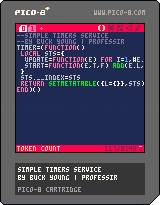
Simple Timers Service
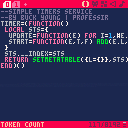
Here is a Simple Timers Service that can manage multiple timed events -- feel free to use it in your games :D
How to use
This service is a Singleton and can be referenced with the variable "timer".
The service exposes 2 methods:
- timer:start( _frames , _callback )
- Simply start any number of timers, wherever you want in your code
- _frames: the number of frames to count down before executing the callback function
- _callback: the function to execute after the number of frames has elapsed
- Example: "timer:start(600,my_function)" -- this will execute "my_function()" after 600 frames have elapsed


 12 comments



snäkätor - a demo released at Assembly Creative Tech 2021. Placed 2nd in the combined Wild / Short film compo.
Uses the tiniest trifill function by p01 from the Trifill Thunderdome, plus picotool for minification.
Seems to run quite well in browser with v0.2.3.

Well anyway, here's a video capture, too:
26 comments






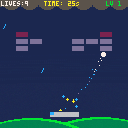
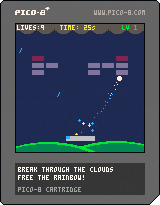
Breakout Sky
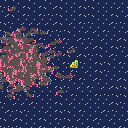
A little something I made up from the LazyDevs tutorial. I wanted to try my hand at PICO-8, and I really had a lot of fun! Your job is to break up the clouds to reveal the sun again.
Control
Use "LEFT" and "RIGHT" to move, of course. Press "X" to kick, but be sure to do it with good timing! In addition, if you collect enough Stardust, you can hold down "O" to unleash a surprise!
Some blocks react differently if you kick the ball into them. Pay close attention!
Modes
STORY MODE is a set of thirteen levels. You get 9 lives to complete them, so good luck! It's the best mode to help you learn the game, too; I recommend beating it first.
2 comments


How does the sin() function work in pico-8?
I've tried experimenting with it, but it doesn't seem to work the way I want it to.
cls() print(sin(90)) -- returns 0 |
I really don't understand, why doesn't it return 1?
3 comments



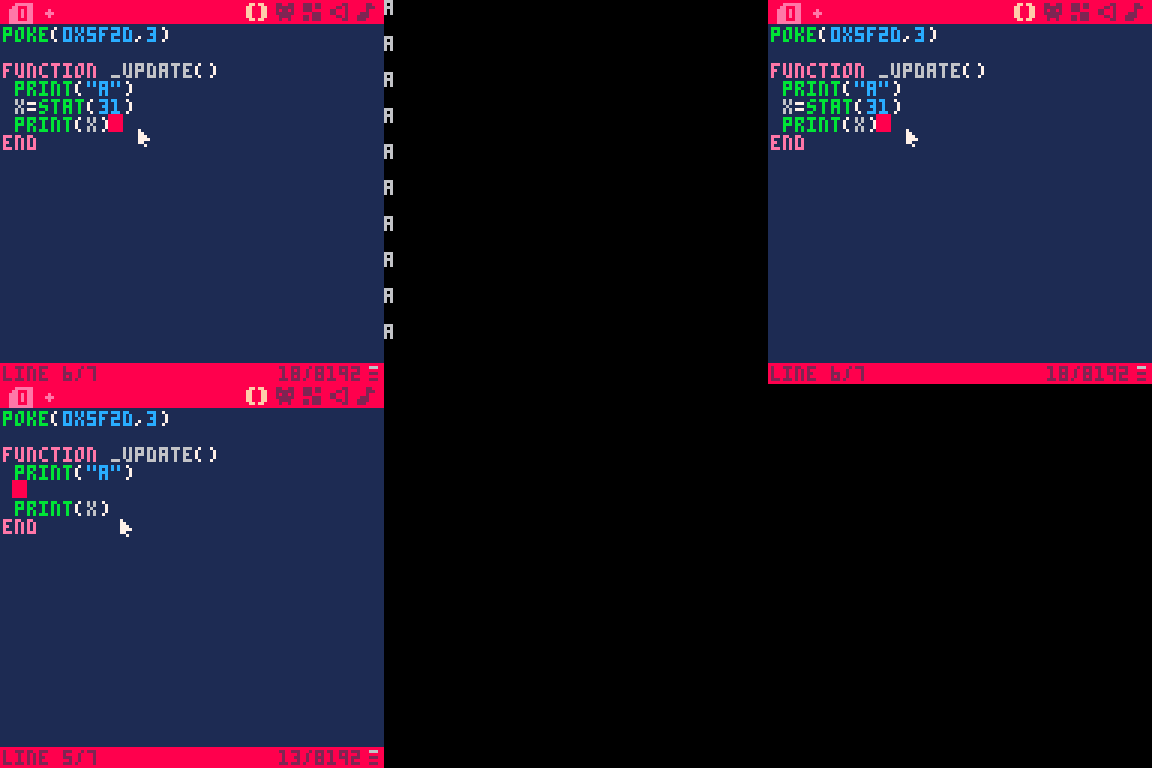
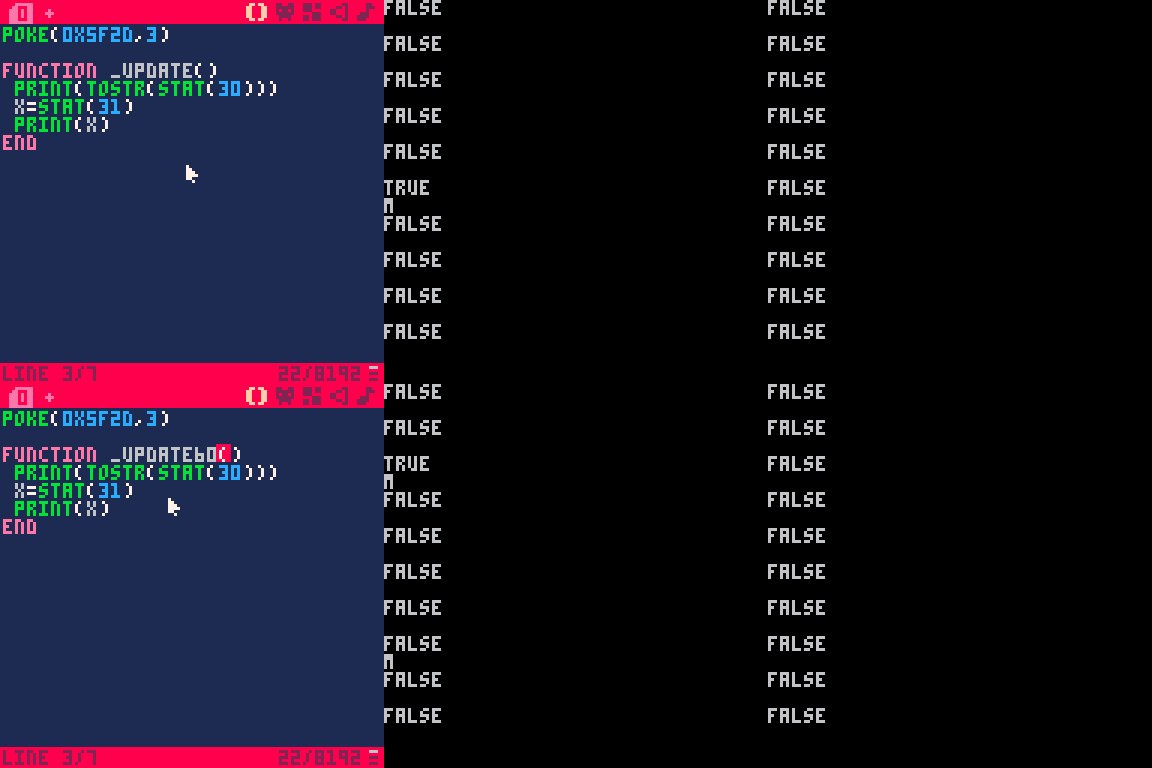
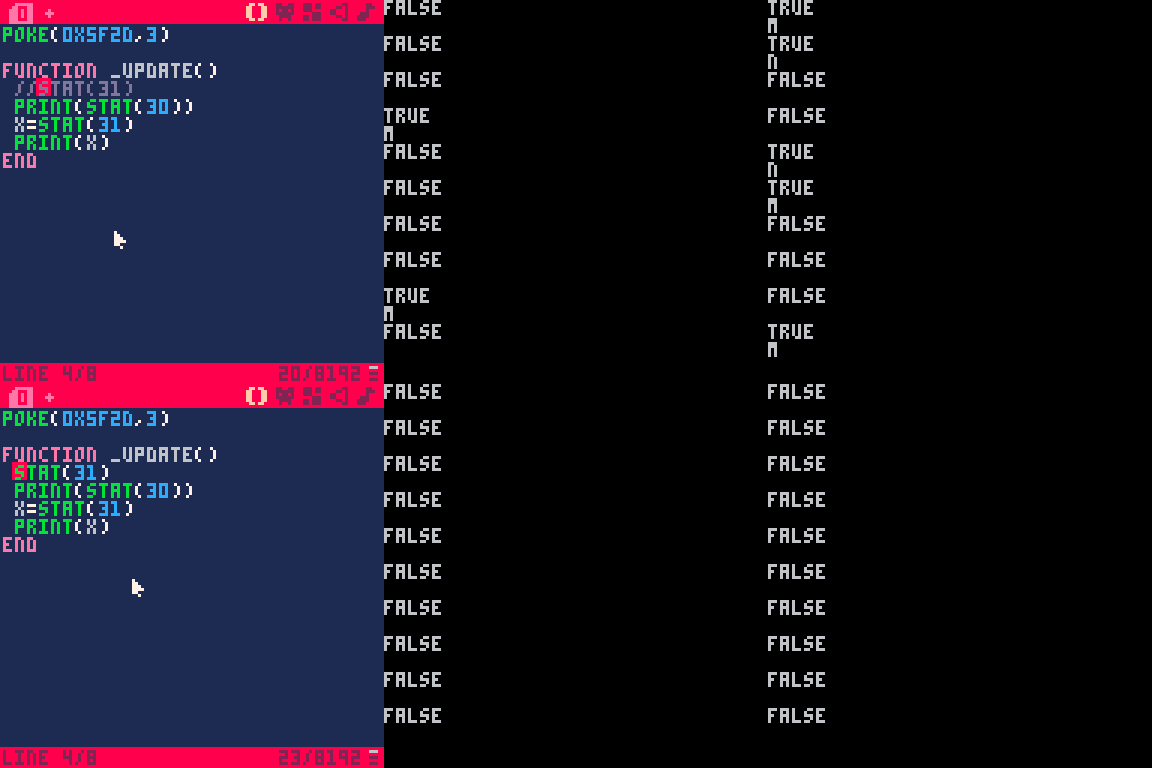
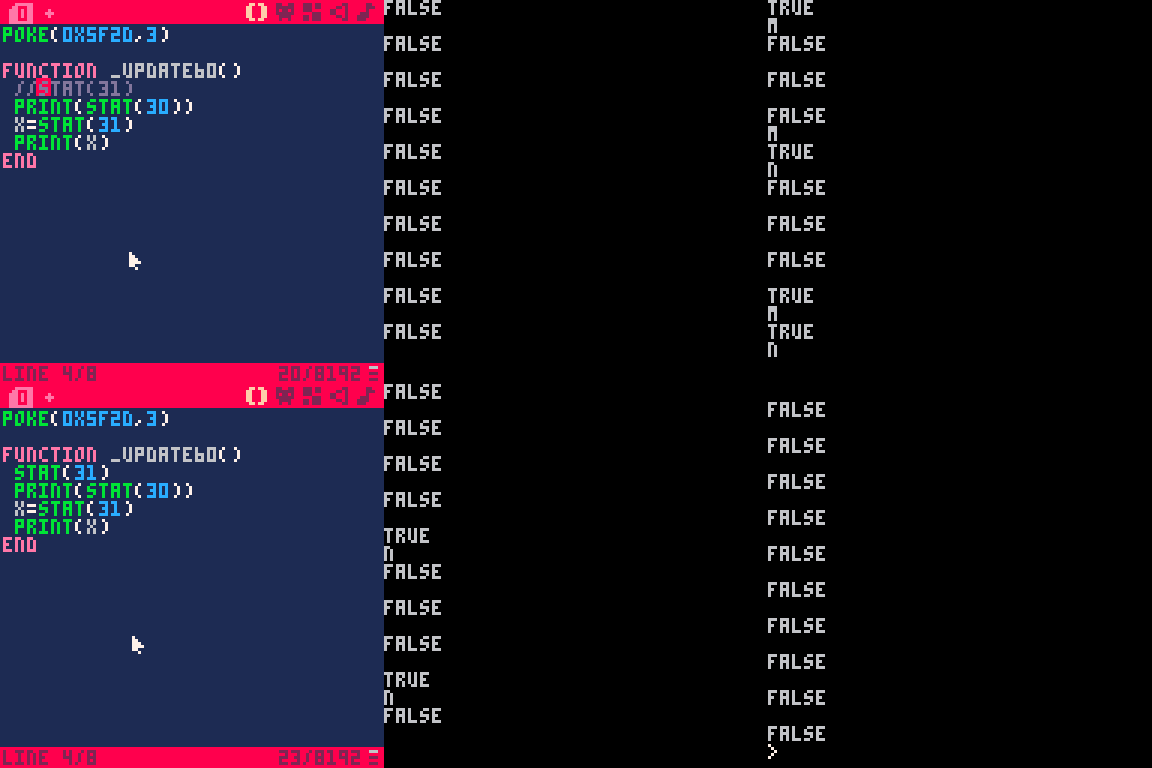


.png)

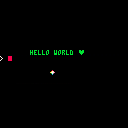
In an effort to easily contain 64-different characters for use in a compression table, I am seeing that if I use PRINTH() to @CLIP - that it is forcing the clipped data to be uppercase only in Pico-8.
a="" for i=33,98 do c=i if (c!=34 and c!=92) a=a..chr(c) end printh(a,"@clip") |
The results saved to the clipboard are:
!#$%&'()*+,-./0123456789:;<=>?@ABCDEFGHIJKLMNOPQRSTUVWXYZ[]^_`ab |
yet when pasted in Pico-8, you get:
!#$%&'()*+,-./0123456789:;<=>?@ABCDEFGHIJKLMNOPQRSTUVWXYZ[]^_`AB |
Where the last 2-characters are converted to uppercase.
So pasting with CTRL-V in Pico-8 apparently converts the entire clip to uppercase.
I would like to recommend that if you copy something to the clipboard from Pico-8, you have the option of it pasting it entirely as it is supposed to be.
printh(a,"@iclip") |
"i" for ignore case for instance.
3 comments


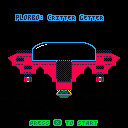
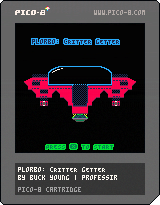
An alien abduction game with procedurally generated planets
ATTENTION, PLORBO! We require new critters from across the Universe for our intergalactic zoo, the Pride of Plorbia. You must venture to new, unexplored worlds to find specific critters that we beam to your Mothership and return them to us.
Controls
When controlling green ship:
- ARROW KEYS: move
- Z: boost
- X: abduct
When docked to Mothership:
- DOWN: undock
When out of energy:
- LEFT / RIGHT: control Mothership for a rescue
Any time:
- Press ENTER to VIEW THE ZOO or MUTE THE MUSIC
In the zoo:
- Left/right to scroll
- Hold Z + left/right to scroll quickly
- X to exit zoo
3 comments


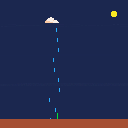



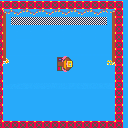
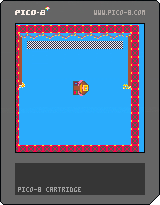
Made a new game with my daughter.
Pilot a Paddle Boat to the finish line.
Z - Left Paddle
X - Right Paddle
0 comments
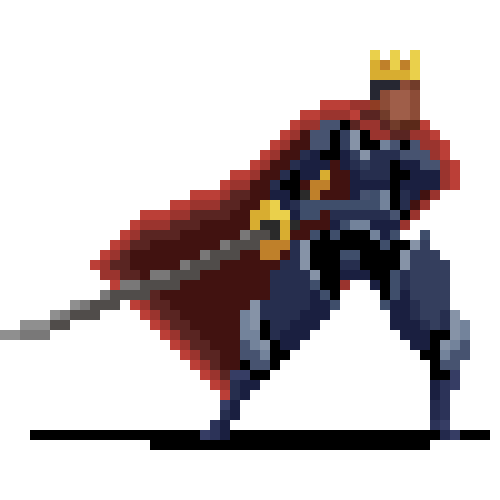

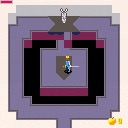
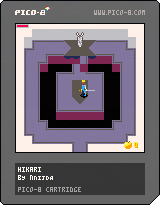
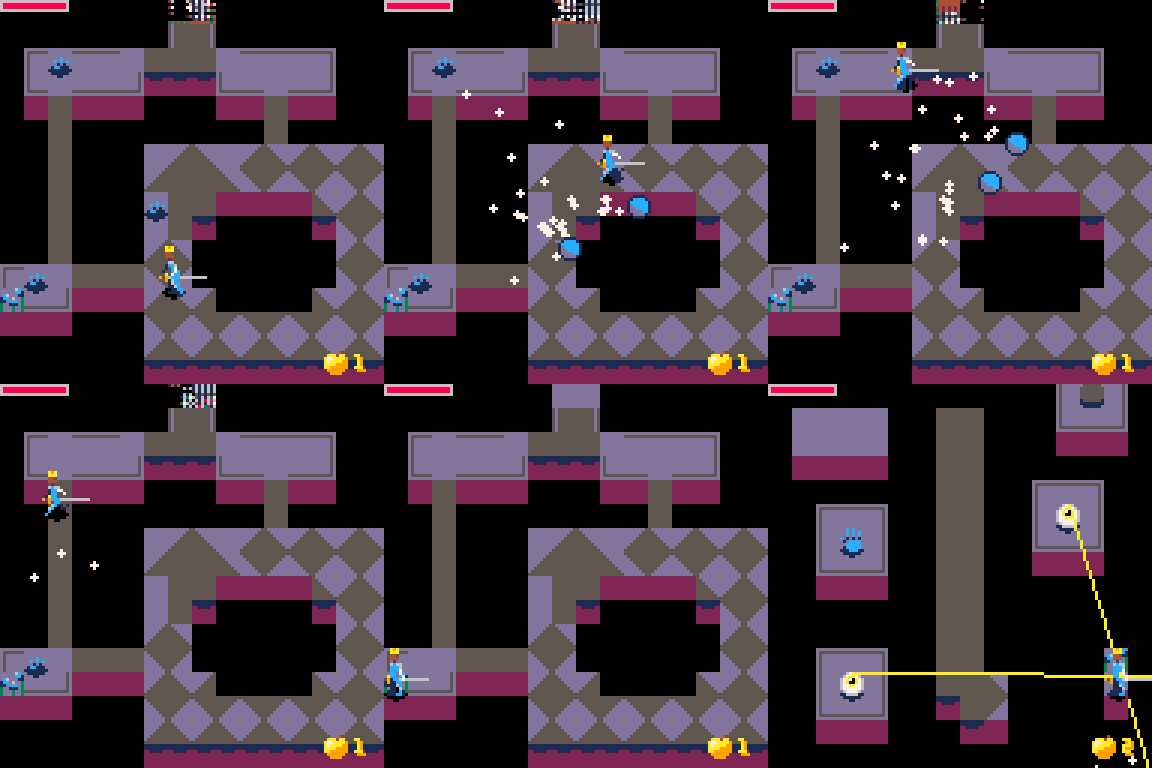
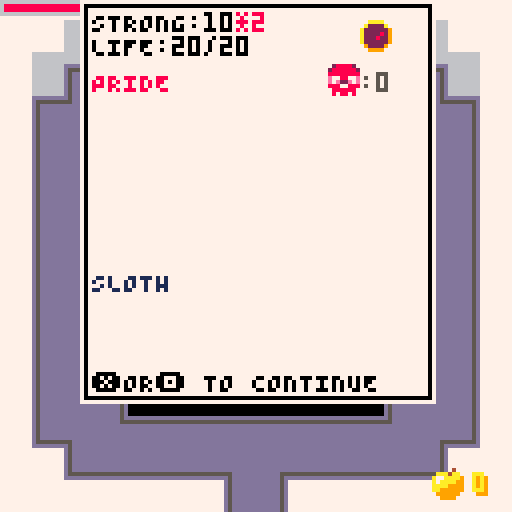

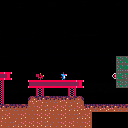

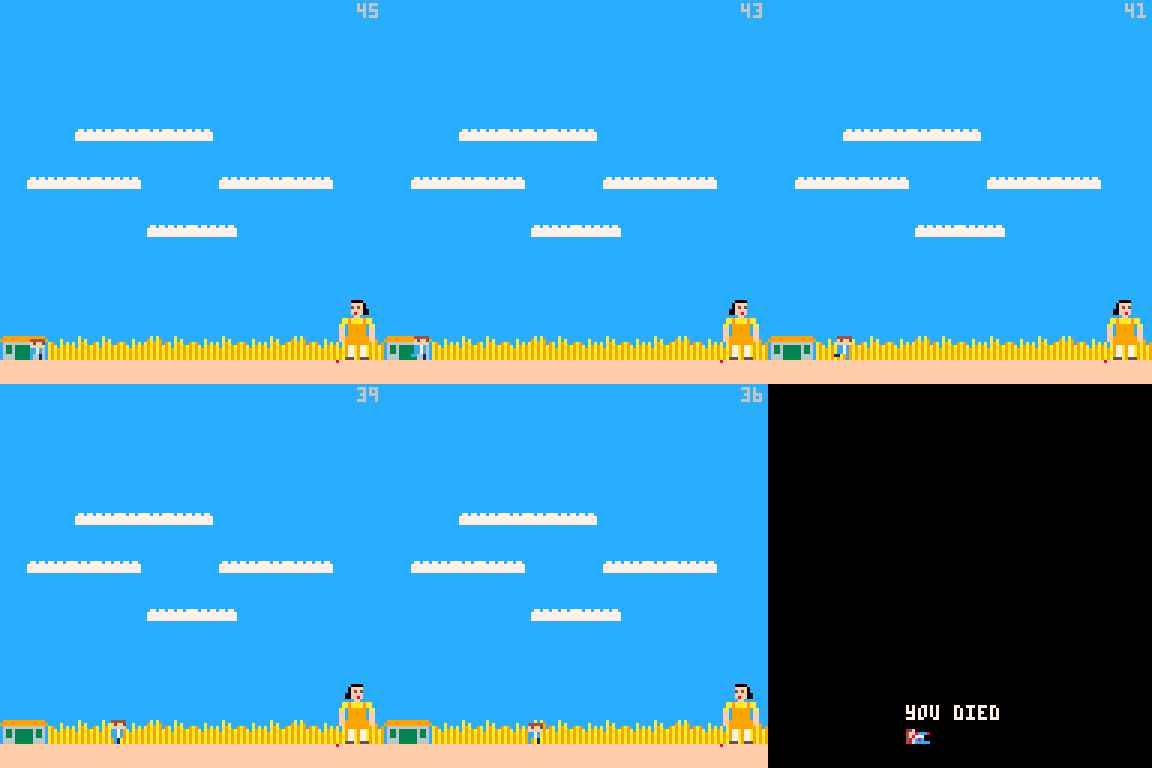
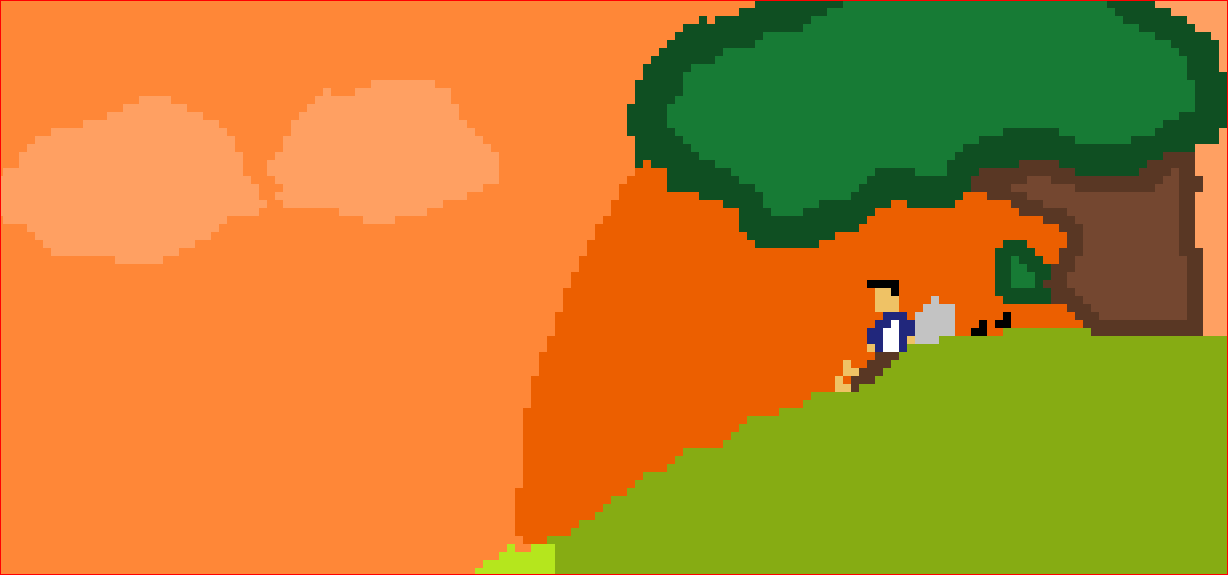

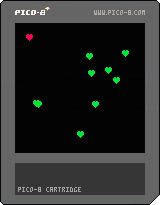
Created the most basic game I could manage in a couple of hours as a first-time experiment that my daughters might like. I'm posting it here so they can try it out. It's very basic, but it has hearts which they enjoy.
0 comments




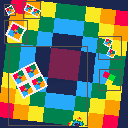
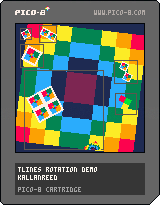
I was only able to find a few examples of rotating sprites using tlines on the forums. While the code worked, I couldn't really make sense of all the variables and magic numbers.
After spending quite a lot of time reading, debugging, and sketching hundreds of triangle, I think I have a decent understanding of the math and how it works. SOH-CAH-TOA haunts my dreams.
At some point, I'd like to make a more detailed post, but for now, I've written a tile rotating function with a lot of comments.
Hopefully it explains the math and the concept well enough that you can modify the code to suit your projects.
This code is intentionally not optimized or minified.
 0 comments