





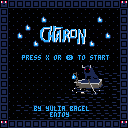
You wake up in a place with the knowledge that you are dead.
You have one coin, and a voice in your head that whispers to you to go and find Charon.
__
This mini RPG has 3 outcomes, 3 enemy types, and challenges that will demand dexterity, patience and morals.
Through the different conditions for the seperate endings, you can play this in different ways!
__
Controls:
- arrow keys for movement
- X to attack
__
Charon is my first game, and my first coding experience. At all.
So I'm really proud of how far I got from zero in ~160h of work.
I'd love some feedback!
And if you've found a bug, or saw code that's just ... dumb. Then please let me know!
otherwise.. Enjoy~
__
latest small bugfix:
-no "minus" coins anymore
-minor dialogue improvements.


 12 comments






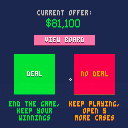
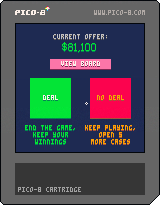
It's the game "Deal Or No Deal," except with fewer commercial breaks.
The whole game is clicking buttons, so a mouse is required! You probably don't need to be familiar with the show to play, but let me know if it's confusing, and I can try to figure out how to communicate the rules better.
Currently missing some stuff like music/sound and a title screen, but you can go through a full round and it works "pretty much like the show."
3 comments





Lately PICO8 will sometimes randomly crash, sometimes in a running game, sometimes in the editors. Full error in terminal shows up as:
-[MTLRenderPipelineDescriptorInternal validateWithDevice:]:2400: failed assertion `No valid pixelFormats set.' |
I am running High Sierra (10.13.6) on a 2013 iMac.
4 comments



A cat maze and puzzle game. Get through 16 levels in as few moves as possible, find your favourite socky and defeat your nemesis.
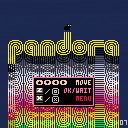
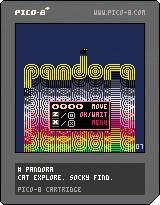
Clear the fog as you expand your territory, navigating through gardens, dark dungeons, slippery ice, an ancient city and a mandatory industrial zone. Win medals based on how many moves you have left.
If you get stuck, there are hints in the menu. Version 07 is more forgiving and has a level select.
11 comments





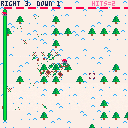
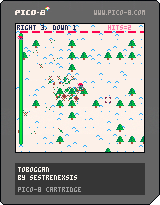
Toboggan is a visual solver tool for Advent of Code 2020 Day 3. It can accept custom inputs that are properly formatted by pasting from that day's input file.
0 comments
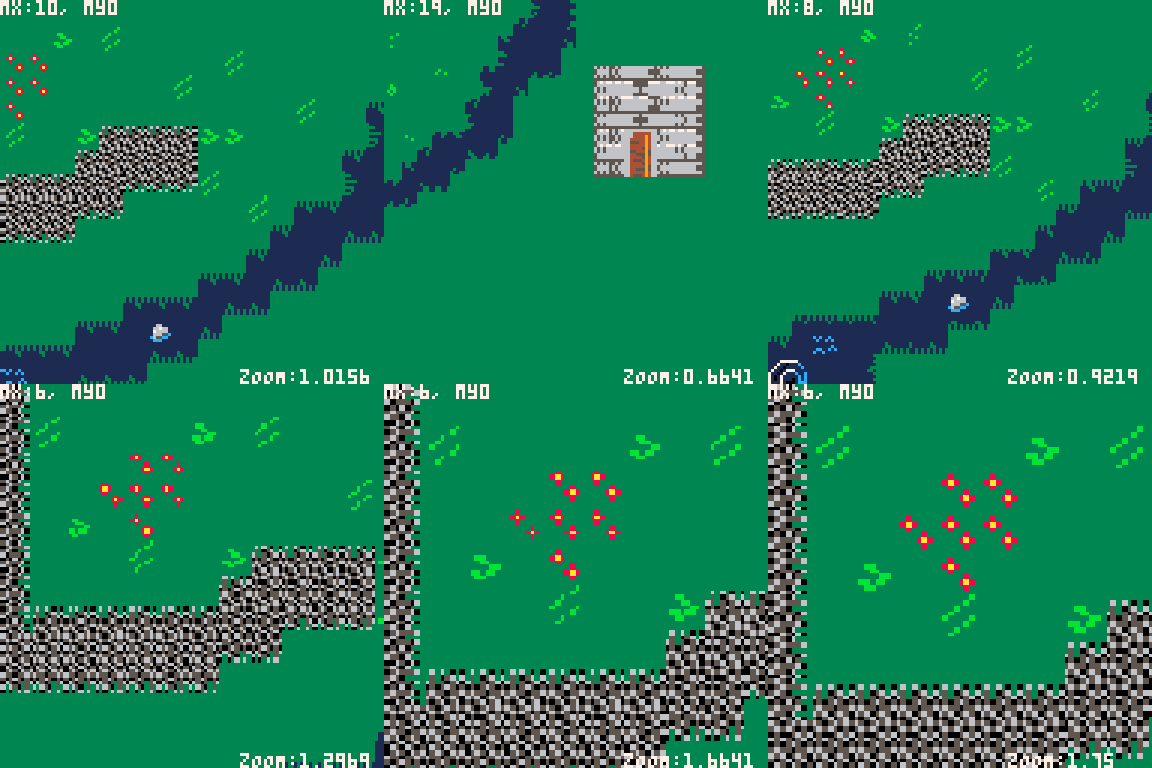
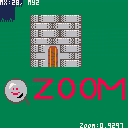
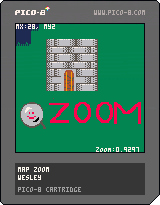
Do you want to zoom in our out of your map during the game this may be for you.
Simple cart to show off the zoom function.
Cursor keys to scroll x/z to zoom in and out.
actual function is as follows
--prints the map zoomed -- zoom is the zoom factor 2 for twice as big -- 0.5 for half as big -- mx = the pixel cordiante of the map to start -- my = the pixel cordiante of the map to start -- sx = screen offset x -- sy = screen offset y function zmap(zoom,mx,my,sx,sy) zoom = zoom or 1 mx= mx or 0 my= my or 0 sx= sx or 0 sy= sy or 0 for i=0, 127 do tline(0,i,127, i, mx, my+i/8/zoom, 1/8/zoom) end end |
Please feel free to adapt for your own projects.
A better version of this could use a screen clipping rectangle but I wasn't sure if it was necessary or not
1 comment




A question came up yesterday in the pico-8 discord: are there any nice ways of doing default arguments? For example,
function foo(a,b,c) a=a or default_for_a b=b or default_for_b c=c or default_for_c -- do stuff end |
That's five tokens spent per argument; can we do better?
yes
My first thought was doing something like this:
function new_actor(fields) return merge(parse"x=64,y=64,w=8,h=8",fields) end |
This is a common pattern I use in my games; merge(A,B) is a custom thing I have that merges tables A and B together by creating a new table, copying all of A's contents into it, and then copying all of B's contents into it. Note that if A and B share any keys, the value from table B will be used for the result, which makes this handy for setting defaults in a table. (and parse is another custom thing that does what you'd expect, turning a string into a table)
However, this wasn't quite what the questioner was asking for; I can set default values for table members with this method, but I can't set local variables. This method wouldn't work to save tokens if you had to say locals.myvar throughout your function instead of just myvar!
1 comment


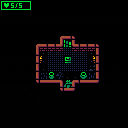







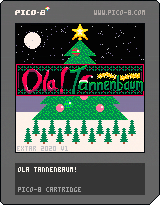
Hola! I thought it would be cool try making a Christmas-themed game, so here it is. Ola! Tannenbaum is a quick arcade game where you're going to need good timing, lightning reflexes, and absolutely no sense of colour-coordination to create the most chaotically decorated Christmas tree ever. Start by placing baubles, tinsel and fairy lights and top everything off with a star on top. Will you be a bauble boffin or a yuletide liability?
Ola! Tannenbaum is an accurate simulation of what it is like to decorate a tree after too many glasses of sherry and with your eyes closed.
I tried to make an in-game tutorial that explains everything reasonably well but here's what you need to do in more detail if you're planning on min-maxing this.
3 comments

Hello! Welcome in a world of pain.
The unofficial harder-than-sub-150(tm) CELESTE Classic mod is here.
This mod was designed as first to be a parody of "add spikes" mods, but I actually put a lot of time and efforts into this to make it actually interesting.
This doesn't require any rem manipulation, spike clip or that kind of crap (you can't see rem and spike clip is lazy), but includes a lot of setups that require extended knowlage of the game and pixel/frame perfect precision.
All the levels were verified by me, they are humanly doable without any spike clip. If you think than it's too easy for some reason, try beating it without spike clip like I did.
23 comments





.png)






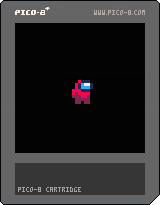
this is a crewmate sprite I made, and i also decided to put a little animation to show all the color variants of it.
enjoy!!! :))
2 comments


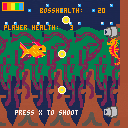
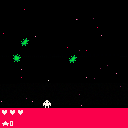

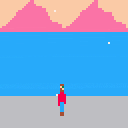
I've never been on a cruise, but this is what I imagine it'd be like! Press O or X to admire the view.
1 comment

Just got the new Pimori Picade 10" and wanted to set up PICO-8.
- Downloaded the RPi version from the site
- Unzipped it to
/home/pi/pico-8 - Created a file called
splore.sh, put it inhome/pi/pico-8(And made it executable, see below for the file contents) - Updated the
es_systems.cfgfile to add a pico-8 entry (See below for entry) - Rebooted and launched RetroPi, launched the
splore.shfile and got an error sayinglibwiringPiwasn't linked. So I installed that and when I run now I get a segfault - Created a bash file to launch it in emulationstation, and it is missing the libwiringPi library. So I installed that and now I get a segfault whenever I try and launch it
Here's the splore.sh file:
#!/bin/bash pushd "/home/pi/pico-8" ./pico8 -splore popd |
Here's the es_systems.cfg entry:
<system> <name>pico8</name> <fullname>PICO-8</fullname> <path>/home/pi/pico-8</path> [ [size=16][color=#ffaabb] [ Continue Reading.. ] [/color][/size] ](/bbs/?pid=84965#p) |
7 comments




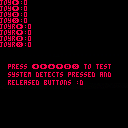
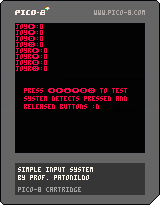
Simple input system, to manage key/button presses.
Registers pressed and release buttons.
Horizontal axis, vertical axis, O and X buttons are all independent of each other.
The code is commented, so you can follow along what it is doing (and possibly improve it, if you wish).
As is, it is good enough and does the job, but I wouldn't be surprised if there is a more efficient way of doing this.
9 comments






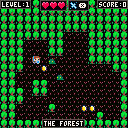
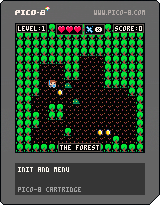
Rumors say that goblins hide their most precious treasures deep within their nests. They guard it with their own lifes, so it must be quite valuable indeed!
If you want the Goblins' Gold you must be tough, but also cautious and witty! Traverse 10 levels of goblin-infested rooms one step at a time, facing 8 different creatures, from the mindless slime to fearsome necromancers.
HOW TO PLAY:
- Attack enemies by bumping into them. Your sword will do the job.
- Use the ZAP attack (X) to hit and stun (if they can be stunned) all enemies around you.
- Clear a room to find the stairs to the next level (grab all gold and kill all enemies)
- Do not rush! This is a turn based game. Some enemies are fast and weak, some slow and won't be stunned by your blows. They are easy to defeat when they are alone, but dangeours if they surround you!
- Make the most of your surroundings! Running head-first is not usually the safest option...
THANKS FOR PLAYING!
This was a side-side-project inspired by Jeremiah Reid's Broughlike tutorial, loosely translated to Pico-8 as a first contact with this wonderful fantasy console.
6 comments
.png)


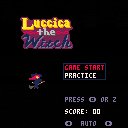
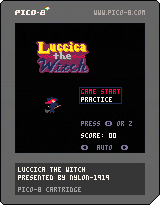
"Luccica the Witch" is the classic shooting game.
Shot or Use MAGIC!
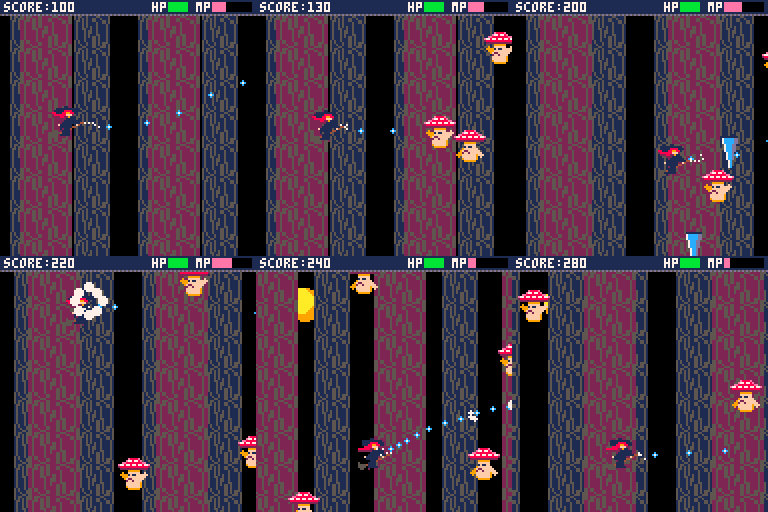
・control
〇:shot (if manual mode)
×:magic (with cursor key)
・Magics
×(only):FIST OF TITAN (20%)
×+↑:ICICLE ARROW(20%)
×+←:MAGICAL BLASTER(40%)
×+→:BURNING PHOENIX(60%)
×+↓:SHORT BRAKE(30%)
You can check how it works in practice mode.
・tips
There are 3 stages, and each stage has boss fight.
You can collect MP(magic point) automatically, while player in right side in window.
You can use different magic at same time.
4 comments

Silly Snow
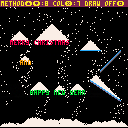
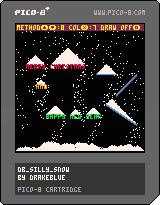
(update: added 2 new methods that incorporate gusts of wind)
Controls
UP/DOWN chooses different behaviour for the snow flakes
X changes the colour of the falling snow so you can see the "trick" a bit easier
O/Z toggles drawing the non-snow bits of the graphics each frame on and off
What it is
--
TL;DR
Only track falling snow, add lying snow to the background.
--
As it's that time of year again, I thought I'd write some winter-themed stuff.
This is my take on ye olde faithful falling snow demo, which I'm using for the intro screen for another cart (on its way soon). I've cleaned it up a bit, added way more comments than I normally do and added some options to show what's happening a bit and show some variations. Click "Code" below the display above if you're interested.
0 comments