





Hi everyone,
I made a couple of videos on making Pong in Pico 8 if anyone's interested.
As I mention in the video I don't consider this to be a tutorial really, since I'm new to Pico 8 and programming as a whole but it'd be great to get some feedback!


 0 comments

Got a https://www.sparkfun.com/products/16301 phat for raspberry pi.
Running pico8 on it is fine.
I want to use some custom gameinputs (joystick and button a,b on the phat) using uinput from linux.
Using a controller.c for reading i2c packages and generating uinput events KEY_C,X,LEFT,RIGHT,UP,DOWN.
<b>Got a problem with KEY_LEFT and KEY_RIGHT:
- problem is that in the linux command line KEY_LEFT works fine.
- If i start pico8 (console or splore) the KEY_LEFT doesn't work.
</b>
Any ideas?
1 comment



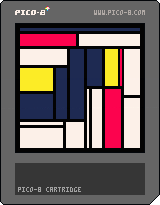
Press Z to generate a brand new modern art masterpiece. Generated works are indistinguishable from an original Mondrian!
Been working on binary space partitioning for PCG and this was the simplest thing to get working. Feeling cute, might tweetify later.
UPDATE: Totally tweetified down to 263 chars by the insane brain of Midnight Dysktra.
0 comments


Hi! The title says it all!
I've recently been looking to get into Pico8. There's so much tutorials out there and so much to consider. I have no idea where to start! My second worry is that I have no coding experience at all. With all that being said, it's why I felt like asking out from the community itself!
So, where is the best place to get started using pico8 for the first time and what should I consider going in?
Thanks!
4 comments





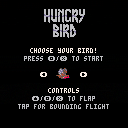
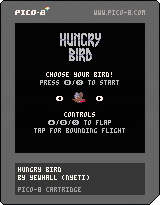
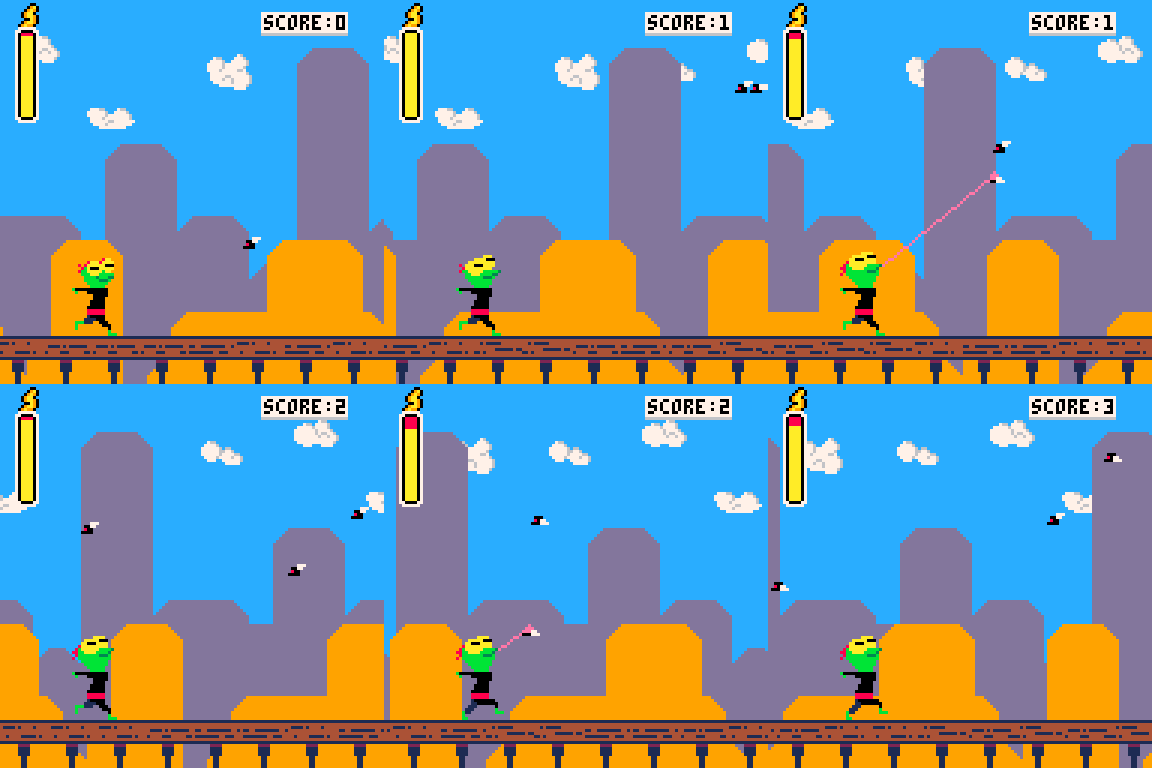
My first game for PICO-8 and one of my first playable games ever, developed using code from JALECKO's Flappy.
This is a reverse Flappy Bird where you have to eat to keep flying. Thanks to Megan Williams for the concept and advice.
Features:
- Two whole birds!
- Realistic biomechanics (well, sort of)
- Moving prey
- Original art
- Original arrangements of music by Rammstein, Trey Williams, and Judas Priest
4 comments


This is the second game my 3-years-old son and I did together.
It started as something simple. A car which moves around. A police car? No, a regular car.
Then we added coins. And made the car pick them! Interactivity! Randomness!
Then we needed a monster. So of course Covid-19 makes an appearance as the bad guy. You "kill it" with the car (which conveniently uses the same code as the coins).
Although to more experienced players the game might feel like it needs some kind of "success screen", my son doesn't seem to miss it at all.
It was also the first time we used the sound editor. Bruno is way too impatient, and I am too inexperienced, to create a whole song for a game just yet.
Fun facts:
- There's exactly 10 instances of the virus because that's the biggest number Bruno is able to count up to so far (reliably).
- There's exactly 51 coins because "51" is the number Bruno uses when he wants "a very big number".
Controls: arrows to move.
0 comments

Hello all!
I have been trying to make a minesweeper clone in order to practice grid based games. Everything was going well, until I tried to make the mechanic where adjacent 0 tiles are revealed. I made a recursive function, but when set to all eight directions, it would run out of memory almost instantly. Any tips on how to either optimize the function or replace it? Any help would be awesome, I'm not the best programmer, thanks!
Recursive function:
function tile_reveal(x,y) if y > 0 and y <= #board.board and x > 0 and x <= #board.board[1] then if board.overlay[y][x] == 11 then if board.board[y][x] != 9 then for d=1,#dirs do if y+dirs[d][2] > 0 and y+dirs[d][2] <= #board.board and x+dirs[d][1] > 0 and x+dirs[d][1] <= #board.board[1] and board.overlay[y+dirs[d][2]][x+dirs[d][1]] == 11 then board:change_overlay(x+dirs [ [size=16][color=#ffaabb] [ Continue Reading.. ] [/color][/size] ](/bbs/?pid=78805#p) |
5 comments
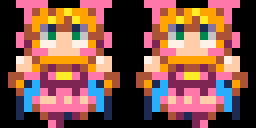




A little cover I made two months ago and forgot to post on the BBS. Enjoy!

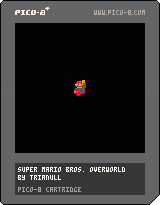
There's four different visual modes picked at random on reset, I tried to sync two of them to the music.
Mario's colors based on the SMB port by @mhughson
0 comments
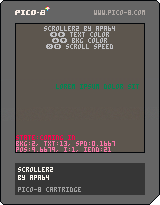
Hello world!
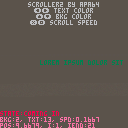
How can I make my code more like a library or a self-contained independent module/component? Here's a text scroller by me (my first published cart yay!). Currently you need to call three functions to use it:
function _init()
    scroller = init_scroller("lorem ipsum dolor sit amet, consectetur... ", 30, 5/30)
end

function _update()
    update_scroller()
end

function _draw()
    cls(0)
    draw_scroller(4, 60, 7)
end |
I tried to write it more like an component but couldn't make it work. My idea was that init_scroller() would return "an object" which would contain everything. Then you'd call object.update() and object.draw() to use it and could create as many instances as needed. However my return object had just pointer to global functions and later instances overwrote earlier ones.
3 comments


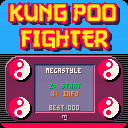
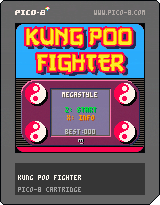
You are Kung Poo Fighter, who is trying to avoid being hit by the flying and bouncing bog rolls.
You simply have to avoid being hit by the toilet rolls, amassing the highest score you can by surviving as long as you can from being struck by a turd threatening roll of tissue.
This is yet another a simple casual high-score chase game that gets progressively harder the longer you play it.
The original game was created by myself for the Commodore 64 as an entry for the
RESET C64 4KB Craptastic Compo 2020.
This is a competition for creating a 'crap' game in 4 kilobytes or less (compressed file size).
Code and graphics in this PICO-8 version by yours truly, Roysterini of MEGASTYLE.
2 comments
.gif)
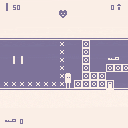
This is a game I made for MiniJam54:Memories my first game jam.
z to jump, left arrow to choose left option, right arrow to choose right option, and x to toggle X and O blocks
0 comments


I'm trying to make a checkers game as a first game, and have the function loc_type(loc) which should return 1 if the location has a black piece and a 2 if the location has a white piece, and zero if it's empty.
This works perfectly well for setting up the board but I'm now trying to code selecting a piece. But when I call loc_type, it seems to think that pos = {5,7} (Which is the last white piece I spawn).
I'm really unsure how to fix this. Any thoughts?
Code for reference
--game logic

function _init()
	-- enable mouse
	poke(0x5f2d, 1)
	curr_peice = nil
	val = {-1,-1}
	-- starting places for peices (might want to automate this?)
	blacks = {{0,0},{0,2},{0,4},{0,6},{1,1},{1,3},{1,5},{1,7},{2,0},{2,2},{2,4},{2,6}}

[ [size=16][color=#ffaabb] [ Continue Reading.. ] [/color][/size] ](/bbs/?pid=78789#p) |
1 comment

This simple animation engine is an attempt at creating a universal animation engine that I could use to handle all the animations in my game.
After searching online, I realised every animation tutorial or example code was either too simplistic to handle more complex animation states like player movement, or too complex and I couldn't understand the code.
This simple animation engine is robust enough to handle more complicated animation, such as player movement, and simple enough that it's not overkill to use on stationary objects. And if it's not quite what you need, I hope my code is simple enough to understand that you can make whatever modifications you need.
By no means is this the be all and end all of animation engines, but for those who are new to pico-8 development or people looking to improve their current engine, I hope this helps.
0 comments

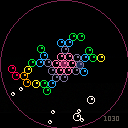
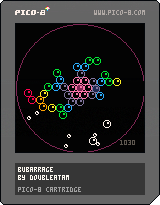
New endless action-puzzler game. It's more chaotic than a tetris clone but I think it's fun.
Difficulty is still being tweaked, no game over screen yet.
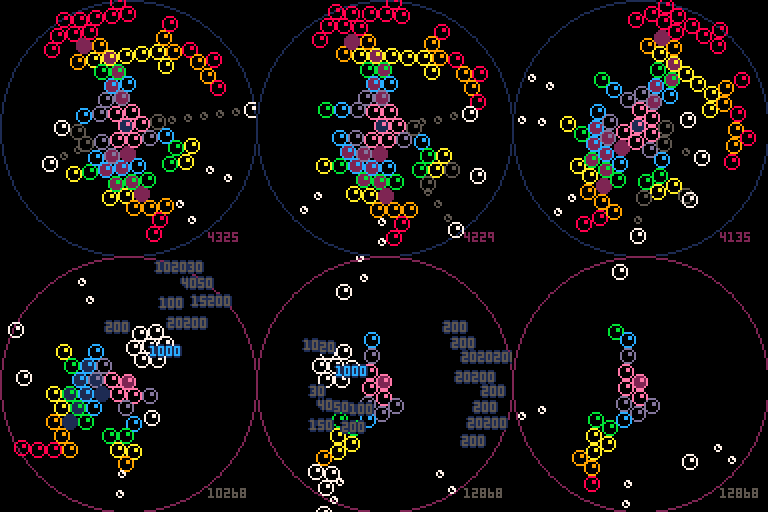
Controls and game:
</\>: rotate center bubbles counter/clockwise
Z/X: slowmo, or "focus" mode. Also shows an aim assist, and gradually deducts from your score.
down: speeder. Bubbles fall faster, but difficulty rises at same pace, making it technically efficient.
To clear bubbles, make a donut out of 6 of them, or a circle out of 7.


Bubbles that get disconnected from the center structure will fall off, which I totally didn't steal from puzzle bobble!
Also, the "bubble" in the center of the screen can't be cleared.
 2 comments

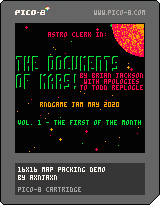
This snippet was requested on the Discord, and shows how to pack a 16x16 byte map into the cartdata. I've used the title screen of Astro Clerk just to have something non-repetitive to use to show that the behavior is correct.
0 comments
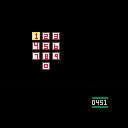
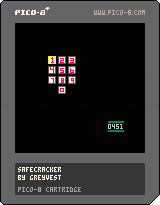
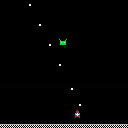
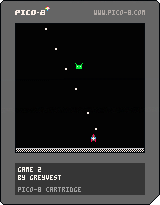




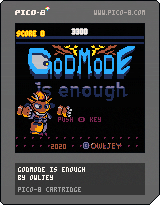
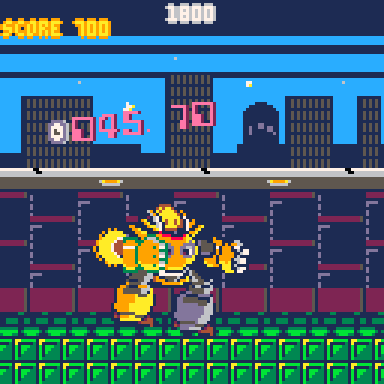
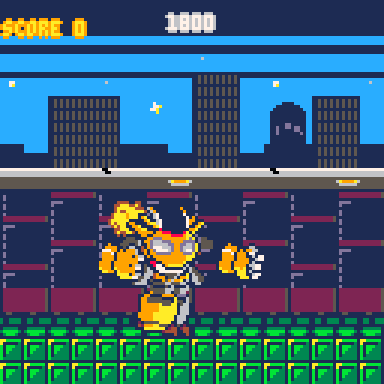
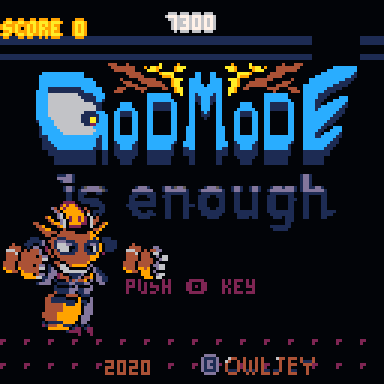
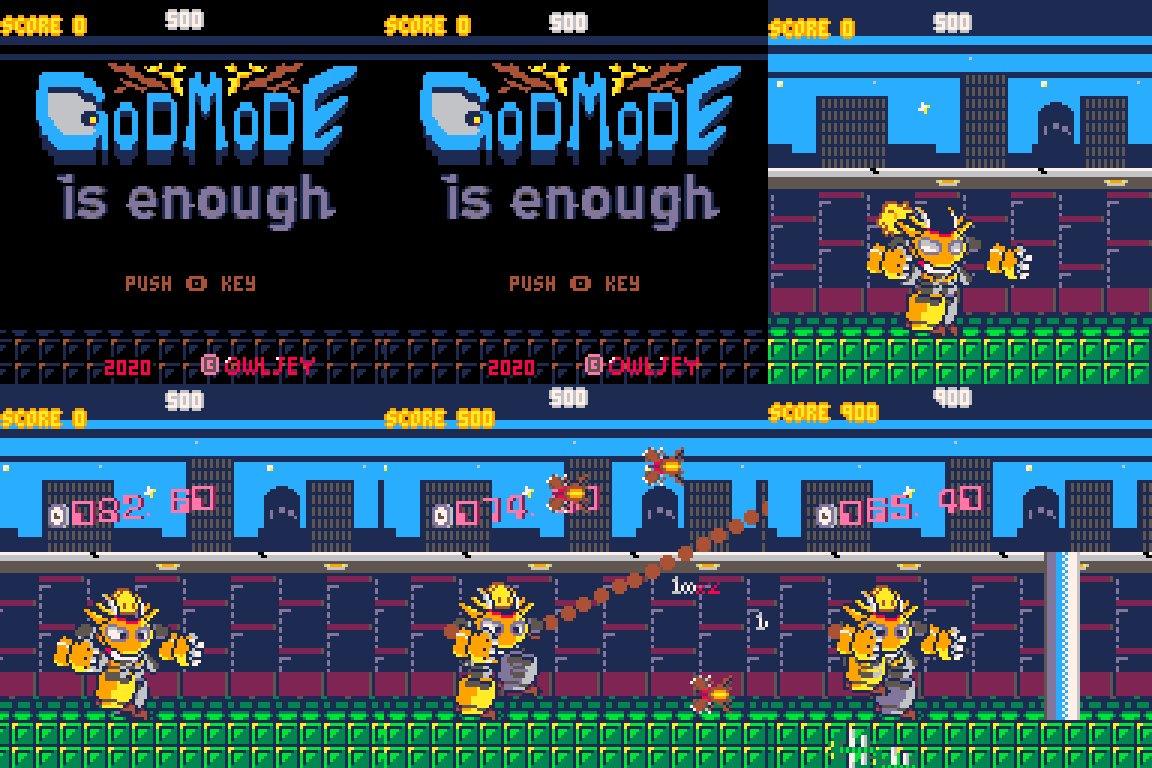
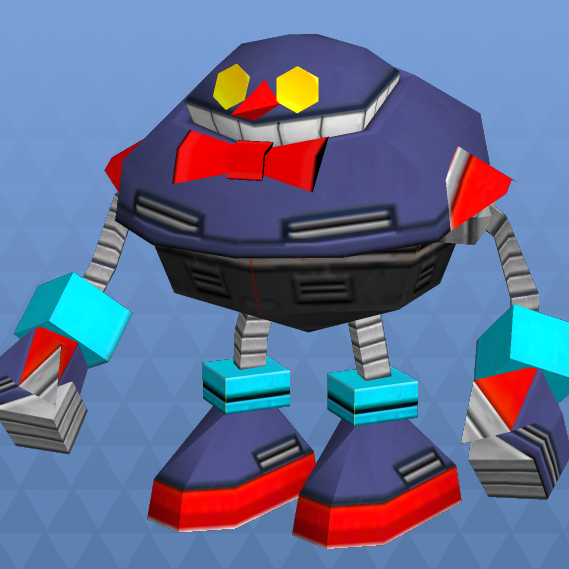
GodMode is enough
Story
...I don't know where this is. But I do know what we're going to do!
Get into your invincible robot and kick out the oncoming insect army!
Rules
Use the left and right punches of different performance to defeat the enemy at the right time.
Robots don't mind being hit, but they don't get a score.
The more you punch them in succession, the higher your score multiplier will be.
If we don't get there in time, we'll jump and stomp it out!
If you quickly eradicate an enemy group, the next group of enemies will emerge early.
This quick turn is the key to higher scores.
Of course, this title is a homage to the theme song "Goonies is good enough" in the legendary movie.
control
⬅️➡️ move left and right
⬆️ jump
🅾️ left punch
❎ right punch
...thank you for playing!
4 comments


Hey
I saw a post from a few years back on this same topic and @zep himself had to change the username for him, so i was wondering if either there was a way to do it by yourself now or if @zep could help me out. Thanks
0 comments