


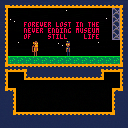
"As you know we have a ghost situation here. Find out what it wants and make it leave. Builders are afraid to tear the place down. We need the space, for whatever. Or something. Good luck."
A tiny adventure game about ghosts and love.
Left, Right : move
X : interact
C : use item
Up, Down : select item
I had this idea for a game for a long time, but somehow it wasn't until encountering pico8's restrictive format that I could actually make it into something. I hope you like it!


 13 comments







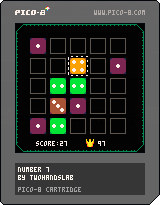
.png)

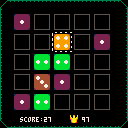
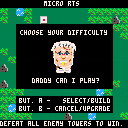
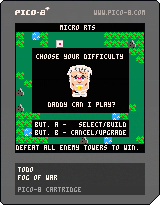
Battle your computer opponent to the death. Build and upgrade your defences, attack enemy towers and explore the procedurally generated world. Win by defeating all enemy towers.
Your minions harvest wood. Use this to build new towers or upgrade existing ones.
Select your tower once warriors are present and target an enemy tower to attack.
A button/Z key - build or select
B button/X key - cancel command, or if on your own tower upgrade it.
A button - double click on tower - transfer warriors from one tower to another
Note once you've selected towers the cursor goes red, this means you must select either enemy towers to attack or your own towers to get more warriors involved or to transfer. Click the X key (B button) to cancel out, and be able to build again (notice cursor goes yellow).
Instructions:
To build a new tower - move the cursor using the D-Pad or arrow keys to the location you like- ideally near a forest and press the A button (z key). You can only build bases on green grass land. Note the grey fog of war will disappear revealing more of the map as you build out towers and as your minions roam further.
Two minions spawn per base and will chop down trees and bring it back to it's home tower. If this tower is destroyed, the minions die as well.
Each tower will produce 1 warrior per wood contained directly in the tower. Move your cursor over your tower to see it's statistics. When you first build a tower, it starts at level 1 and can house only 4 warriors. You can upgrade a tower (if you have enough wood - 4 to get to level 2, and then 8 to get to level 3) by moving the cursor to the tower and pressing the B button (X key). While upgrading you can't attack from the base and new warriors won't spawn. However upgraded towers can hold more wood, and spawn more warriors.
To attack the enemy, select a tower with the cursor and press the A button (Z key). The cursor will turn red. You may now select an enemy tower to send half your warriors. Press the button repeatedly to send more warriors - it will always leave 1 back at the home tower. Note you can select multiple towers to send minions from. So select your source towers first (where the warriors will come from), then select the single enemy target.
Also you can transfer warriors from one tower to another. To transfer, select one of your bases with lots of warriors then select a tower with room to spare for more warriors, and double click the A button (Z key) on the destination tower. This will transfer half- double click again to transfer more.
You win by defeating all enemy towers.
Updates Jan 5-2017
- Changed computer/AI opponent to also use fog of war rules.
- Adjusted AI logic to not build it's own towers so close together
- Adjusted AI to attack from multiple towers more often when it outnumbers you substantially. Less stalemate outcomes arise then.
- Made it visible which towers had been selected when transferring warriors or attacking.
Updates Jan 4-2017
- Fixed fog bug (was off by 4 pixels)
Updates Jan 2-2017
- Path finding (uses A* algorithm, so no more lost minions)
- Improved fog/visuals - thanks to Offler for the pretty fog
- Hard mode is much harder now
- Computer will attack in a wider radius if there is not activity for extended periods
 21 comments









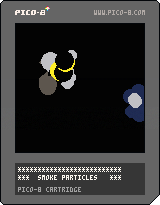
This sample code shows how to use particles to create smoke or explosions.
Use direction keys to move the smoke
Press X for a pufft of smoke
Press Y for a big explosion
7 comments





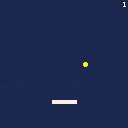
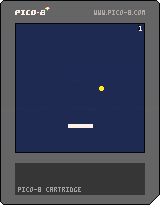
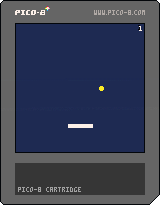
Beta 1.3.1
-Ball speed increases after every tenth bounce
-Paddle width decreases every hit and resets every tenth bounce
-Bounce height slightly increased
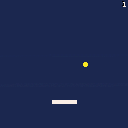
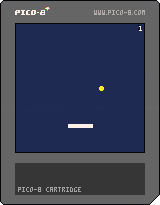
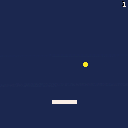
Beta 1.2
-Added ability to restart with Z key
-Score no longer gets cut off the edge of the screen
-Fixed ball bouncing under the paddle bug
 0 comments

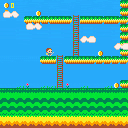
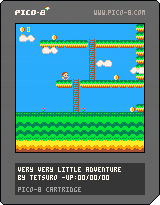
Hi the geeks ! [o.o]
Here is my first game of my very very little RPG.
I want to make a game with a very short lifetime, capturing the essence of RPG in a humoristic way.
I make code, graphics and sound, do not hesitate to criticize my code, because I'm begginning.
| USER'S GUIDE :
LEFT: Left move |
Sorry I'm French…
7 comments





A short demo top-down shooter whereby players control a cannon-equipped bipedal walking machine on the moon, battling against AI foes.
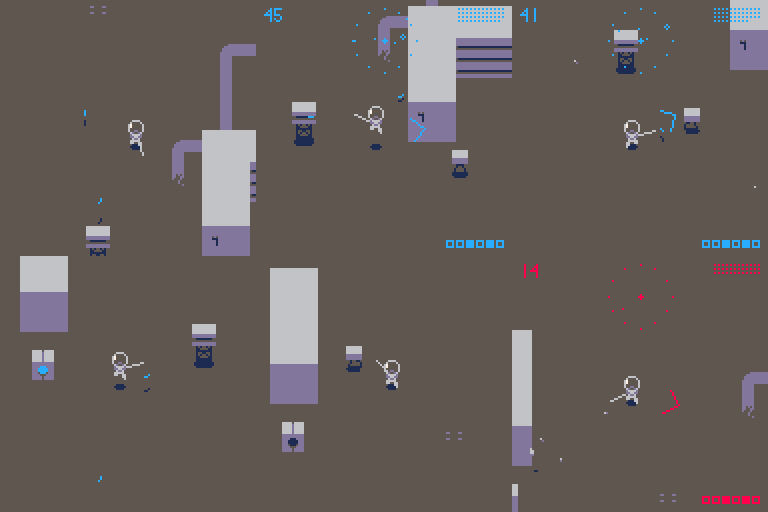
Controls
Direction keys: Movement
z: Jump
x: Press lightly to Fire/Press and hold to rotate cannon/Start game
HUD
Upper left number: Energy
Middle: Radar
Upper right sequence of points: Remaining ammo
Bottom right: Remaining destinations
- Your energy will gradually decline over time or due to damage.
- When your energy level reaches 0, the game is over.
- By firing while you are jumping, you can use the recoil to make quick moves.
- By standing on top of the power panel, the switch is turned on, and your ammo and energy will be replenished.
- The machine #2 has not a canon but a sword.
3 comments



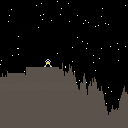
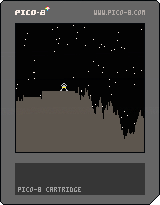
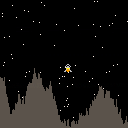
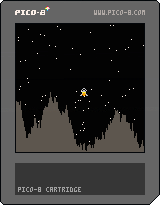
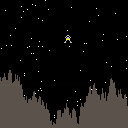
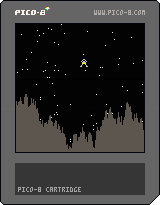
So I've recently got Pico-8 and thought I'd try something simple, a Lunar Lander game where you have to bring your spacecraft to a safe landing on a dangerous terrain.
Very very much a work in progress at the moment. But I'm going to try posting here updates as I go along.
Now with gravity and collision detection and explosions. Landing next.
Really ropey code for landing in place, with flat bits to land on.
Fuel next.
3 comments

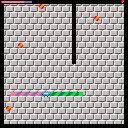
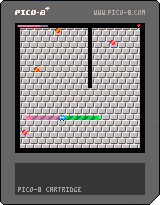
It's a play-alike for the old Windows game. Collision detection is a little bit wonky (almost always in your favor), but it's very playable.
3 comments

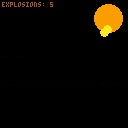
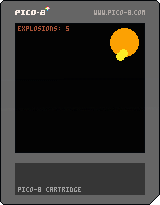
I have the sound muted -- if you want to test with the explosion sound, uncomment line 26.
The magic happens in the MAKE_EXPL function which creates a new explosion in the table (maxed out at 10 explosions). I call EXPLODE() to update all the explosions every frame.
Things I learned from this:
- creating a RN function for a shorthand FLR(RND)
- how to delete the oldest entry in a table
- conditional animations based on count and argument data
- palette cycling
I'm sure there's a better way to create the explosions using a single formula. This is the messy way. Feel free to remix with cleaner code or use this in your project.
0 comments

I am curious as to the devices that people use for portable play?
I am new to pico 8 and want a handheld console that I can take with me like a PSP. I saw an adafruit kit, the pigrrl zero, but doesn't exactly fit my needs and I am not very good with electronics.
Anyone have any recommendations?
7 comments



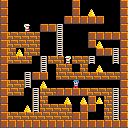
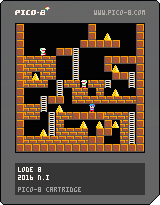
Lode 8 is an action puzzle game similar to Lode Runner.
The goal of the game is to collect all the gold bullion.
- Control
Arrow key:Move
Z:Dig a hole left
X:Dig a hole right
- Demo movie
4 comments


Hi everyone,
Just wanted to quickly share some pico8 tooling for visual studio code I wrote up. It's published at pico8-vscode.
Here's a mini screencast of it in action

Hope you find it useful. I'm looking forward to getting stuck in with more pico8 dev now I've got my tools working nice.
6 comments


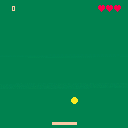
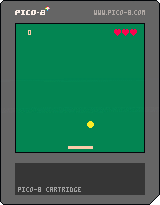
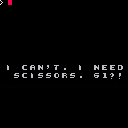
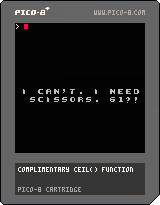
I wanted to make something that let me use different type-faces, so here's a rudimentary implementation of text-to-sprite.
I'd be quite happy to hear improvements, because I can't imagine my lookup table is the most effective method... >.>;
Hopefully, it'll be useful to someone! :)
0 comments
I wanted to make something that let me use different type-faces, so here's a rudimentary implementation of text-to-sprite.
I'd be quite happy to hear improvements, because I can't imagine my lookup table is the most effective method... >.>;
Hopefully, it'll be useful to someone! :)
0 comments
I wanted to make something that let me use different type-faces, so here's a rudimentary implementation of text-to-sprite.
I'd be quite happy to hear improvements, because I can't imagine my lookup table is the most effective method... >.>;
Hopefully, it'll be useful to someone! :)
0 comments
I wanted to make something that let me use different type-faces, so here's a rudimentary implementation of text-to-sprite.
I'd be quite happy to hear improvements, because I can't imagine my lookup table is the most effective method... >.>;
Hopefully, it'll be useful to someone! :)
2 comments
