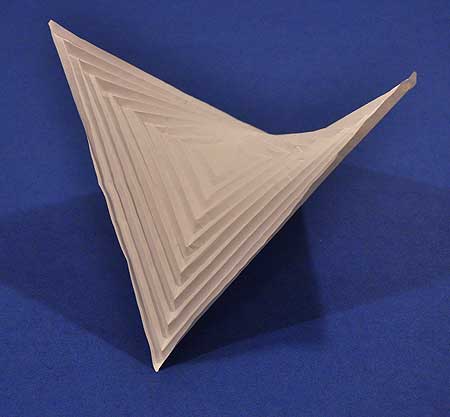
its worth it, the corners are the hardest part. It compresses flat along two different axis . go on, why dont you fold-a-hyperbolic-paraboloid


 0 comments



A preview of local multiplayer. The co-op mode follows typical arcade rules: player bullets don't hurt and when one player dies the other is left to play out the game solo. Bullets push the players around quite a lot, so it pays to coordinate your efforts to some degree to avoid inadvertently pushing your comrade into hurty things.
Competitive modes are still on the cards but will probably deviate from the obvious approach of transplanting existing characters into a death-math scenario. Pitting the default robot characters against each other results in quite chaotic play where the best strategy is often to spam bullets and leap around randomly. It might turn out better to have quite a separate set of characters and rules for this purpose. In any case, it will also be possible to invent silly 4-player party games using the editor.
3 comments


 | An abstract action game made for LD48#26. The theme was "Minimalism".
Press SPACE or Z to start. Move with cursor keys or WASD. (Wait to load and then click for focus) |
| Tweet |
9 comments


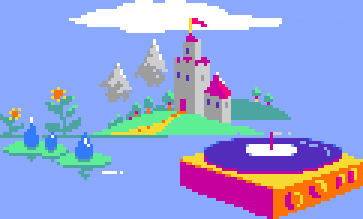

This is exactly the format that Voxatron is designed from the ground up to run on: a 128x128x64 block of voxels. Until now the game has only been viewable on a virtual, simulated display that is projected onto flat screens. That is about to change!
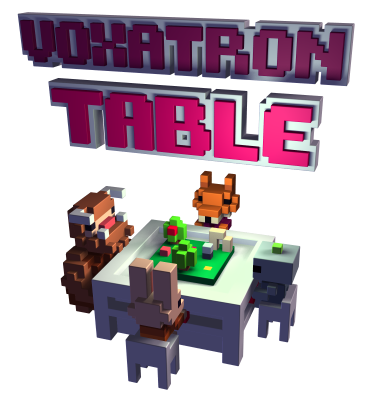
Voxatron Table is the working title of a collaboration between Voxon and Lexaloffle. It is an arcade table supporting up to 8 players facing a volumetric display fixed in the center. The game is based on multiplayer Voxatron, allowing both co-operative and competitive styles of play. We don't have any footage to show yet, but I have mocked up this little visualization aid that shows roughly the format of the table. Unfortunately the mockup is also made in Voxatron, leading to a kind of Russian Doll situation -- the resolution of the real display is much higher than is shown here!
3 comments


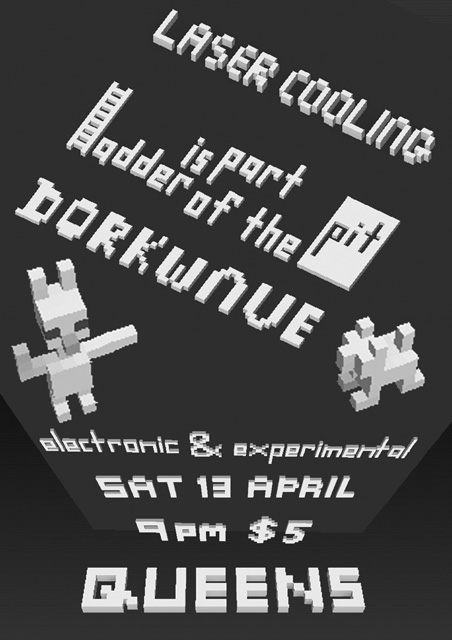
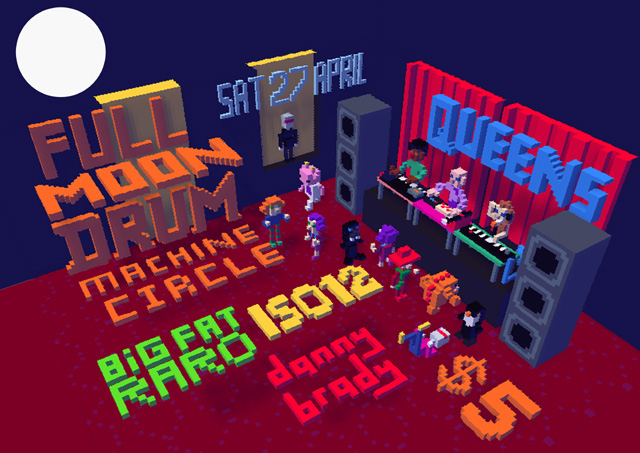
heres a wee poster i made for a local electronic dance/club nite thats starting here in dunedin!
so damn cute! i even chucked a few monsters in there. Its a rough replica of the new bar QUEENS.
3 comments



I love sloth in my room.
he has nice smooth far and let me touch any time. nice sloth.

beautiful white cat.
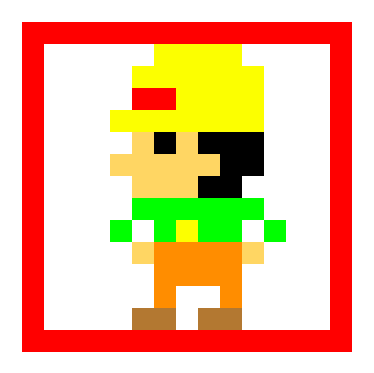
the man who works hard every day.
1 comment

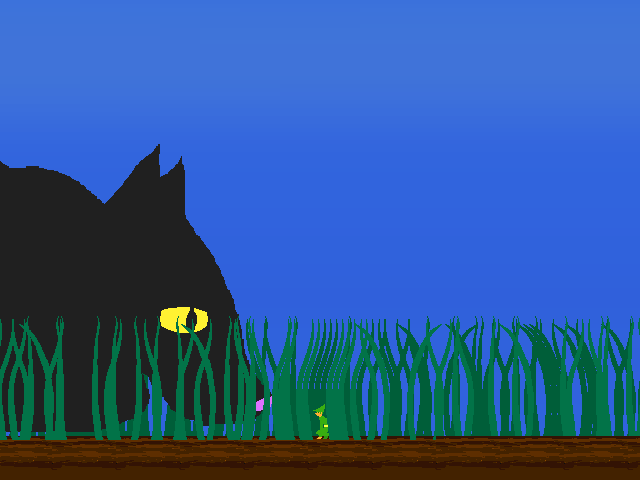
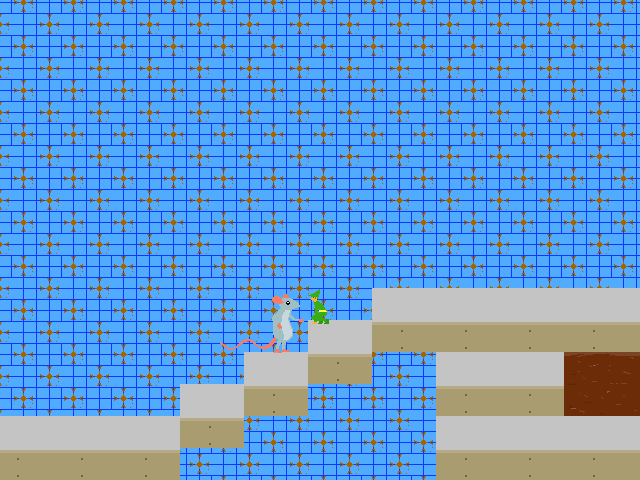
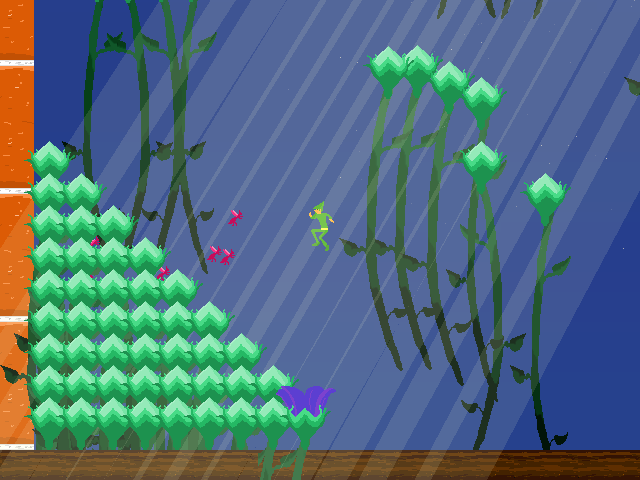
These are some screen shots from a game im making about a elf who gets shrunk and has to venture through a garden populated by various bugs and creatures to try and regain his size. This game is being made with the help of jumps and functor.
4 comments


Some of Voxatron's soundtrack is composed entirely digitally (using MilkyTracker), but most of it is starting out as sketches on acoustic piano. Here's a quick sample of music in development for the adventure mode, and at the end you'll hear the title theme for Zoot -- a new demo level coming in alpha 0.3. All of these pieces will eventually become 100% chip-tunes, so the finished product may sound quite different (and usually less melancholy!).
10 comments







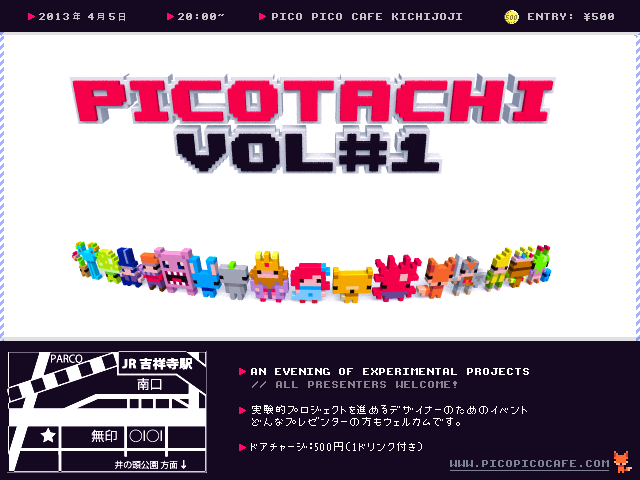
Picotachi is a show and tell event for designers and researchers in Tokyo with a focus on experimental, unusual, personal, half-finished and tiny projects.
Pico Pico Cafe / Friday April 5th 2013 / 20:00pm~ / 500 yen entry (w/ drink ticket)
0 comments
hi zep, ive been happily trying the new animation and monster settings, totally awesome, thought i best mention a few bugs ive encountered. I will add any more as they crop up. Sorry if already a known issue.... ive dont even know how to do a proper bug report.
When using select tool if i select a whole object with a big sweeping motion ( i mean a circle ) when the edges of the dotted line touch it often crashes. (only when its generally a quick tidy circle motion. But if i draw an angle around the object and dont connect the dotted part it selects fine and doesnt crash. No idea why?
EDIT ( now the select tool isnt doing that at all?? i tried in prop animation and monster but that bug just disappeared but was occuering over and over again so im not sure what was causing it after all )
The reset camera function doesnt seem to be working within animations but works fine if its a prop.
more stuff later....
0 comments
 | Swarm Racer builds are back up for Mac, Windows and now Linux and Web. Go here to download / play in your browser. |
2 comments

Voxatron 0.2.5 builds are now up, and will shortly be up on Humble Store (check the version number in the filename). If you don't have a lexaloffle account (Games > My Games) and would like one, see this thread. To update from a Humble Store account, search your email for the download page link, or request a new one here
This is a quick bug-fixing update. To see a list of the recent features, see the v0.2.4 post
v0.2.5 Changes
Fixed: Crash caused by monster property: spread out
Changed: Monster chasing player ignores axes that are locked
1 comment
Hey Zep, I'm just wondering, is there a way to export my models to STL format to use for 3d printing?
5 comments
How to make a basic monster with v0.2.4..
Example monster for reference:


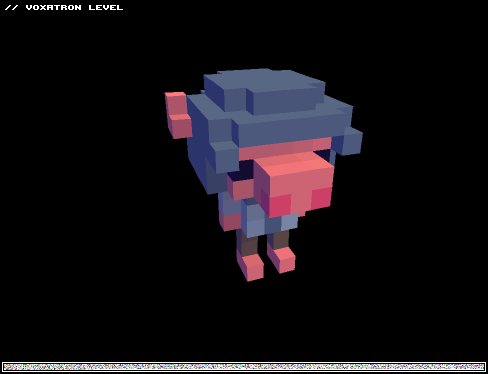
1. Create the Monster's Structure
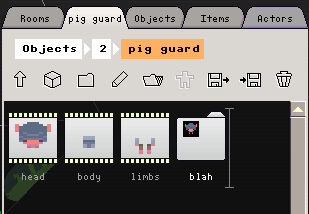
Monsters in Voxatron (and all complex objects) are represented as special folders in the item navigator. The first thing you need to do is set up a folder with at least one animation in it (so that you can see the monster!)1.1 Create a new item somewhere in the Objects tab, choose a size, and set the type to monster.
1.2 Double click on the monster folder to look inside (it will be empty to start with)
1.3 Create an animation: new item, set type to animation, add some props as frames.
Here's the structure for the armoured pig character in the example level:
 17 comments


Hi All
Voxatron 0.2.4 builds are now up, and will shortly be up on Humble Store (check the version number in the filename). If you don't have a lexaloffle account (Games > My Games) and would like one, see this thread.
To update from a Humble Store account, search your email for the download page link, or request a new one here
v0.2.4 is the first update that exposes many features of the second (and final!) generation of the Voxatron engine. It introduces new tools for designing simple monsters and pickups, which all run on a new physics engine. I've retro-fitted the old monsters to work roughly as they did before, but you might notice a few differences -- for example, monsters jumping on each other, or carrying fruit around on their heads.
Some example monsters can be found here:
19 comments