

How to play
There are square panels around you. You must jump on them and go up (foreground side).
If you miss the panel and fall toward bottom, the game is over.
D-pad: move the character
This is also released on itch.io for PICO-1K Jam 2025.
Release notes
- 0.01 (September 23, 2025)
- Initial release.


 17 comments







Z or C or (A) - swap - hold with left/right to carry
X or (B) or (X) - hold with any direction to push
Organize medical ingredients and complete recipes to heal some friends in mini pharma!
This is a small arcade puzzler I made in 9 days for the Falling Block Jam 2025! The optional theme was "Analog Memory", and this is why the people you help will give you beads as tokens of appreciation for your performance!

Ingredients come continuously from the top of the screen and you have to organize them to fill in recipes at the bottom of the screen. Completing the recipes continuously (no more than 2 gravity steps between ingredients) will get you better quality beads as thanks!
9 comments




.png)

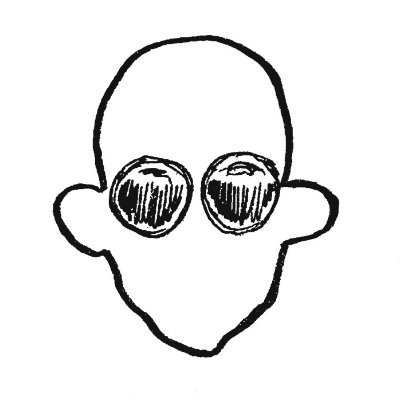








What is Kero Comments?
Have you ever wanted to add fun sprite-based comments
to your code? Kero Comments can help you do that in 5
simple steps!

How to Use

- Use the green frog button to open the sprite
menu and choose a fun head sprite.

-
Use the blue talk bubble button to open the dialog
menu and decorate your talk bubble with colors
border styles, and fonts. - Write your message in the talk bubble itself

-
Use the orange copy button to copy everything
to the clipboard. - Use ctrl-v to paste into your code, text file, or
even the sprite editor ♥
Advanced Options

- Use the orange folder button to open your own gfx
files and use your own head sprites.
 1 comment


Caverns of the Souleater
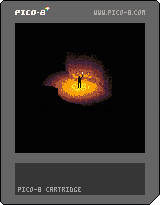
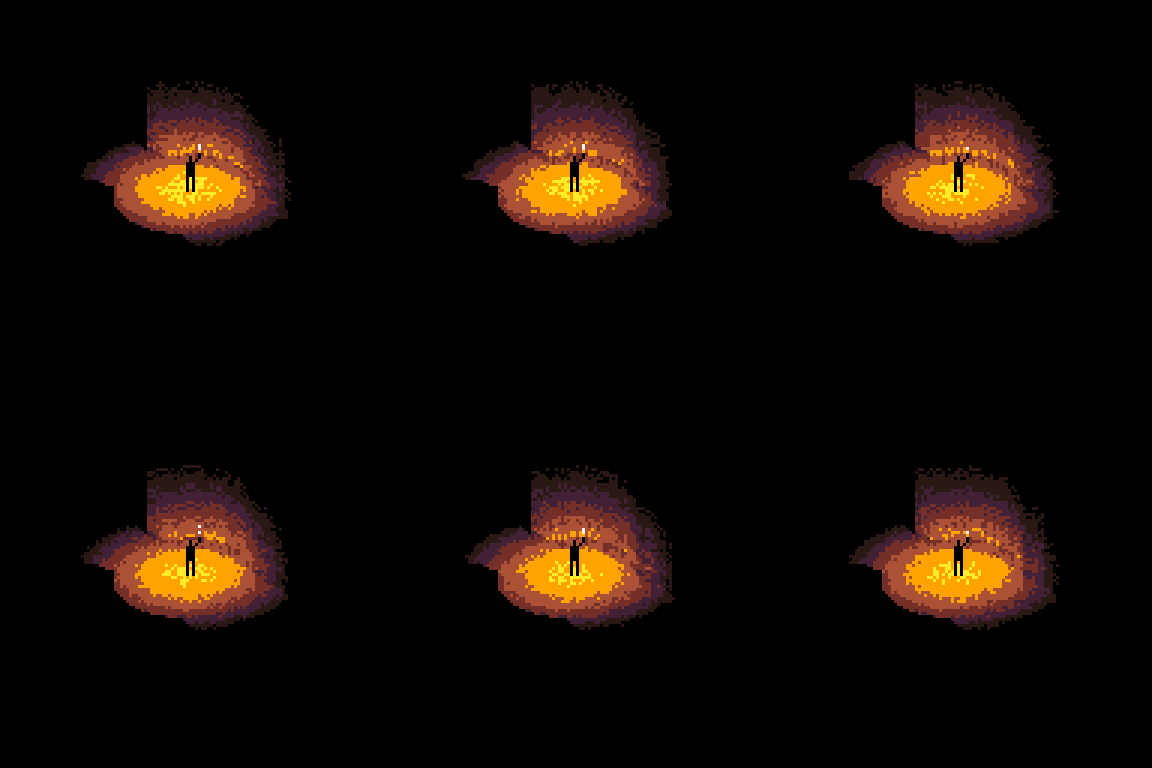
Father told you these caverns hold a great treasure. But all you've found are endless tunnels and venomous snakes. As your torch burns low, you wonder if the gold was ever real. And why he didn't share this with your brother?!
Gameplay
Your goal is to escape these forsaken depths without being bitten by snakes. Torch should scare the snakes but once it wanes they will crawl to you and bit you. Unfortunately there's not much fuel in the torch so hurry up or put it off.
- Use the arrow keys to move the character
- Press Z to toggle torch
- Contemplate the path you took
- There are two endings, indicated by captions
6 comments


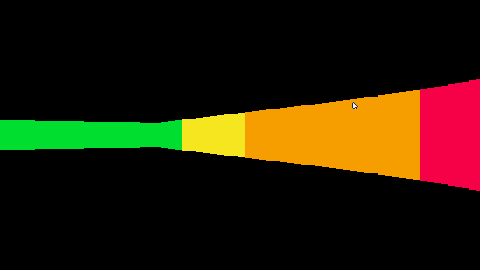
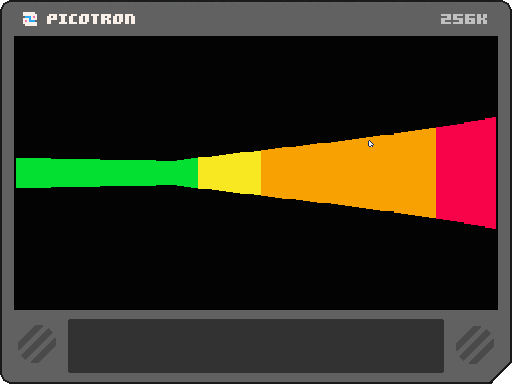
Hi, I've been experimenting with Picotron.
Raycast is hard for me to understand. I feel it's complex and difficult, so I built this cartridge so you can experiment with 3D.
I don't have much faith it'll go far, but it's useful if you want to make a 3D game.
Thanks for reading.
Sorry for the translator,
I don't speak English :)
1 comment

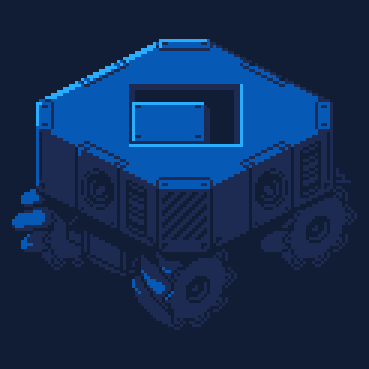
Due to the high demand of blocks, you will need to make your own polyominoes.
Arrow keys to move.
X + an arrow key to weld.
Z + an arrow key to drill.
made for the Falling Block Jam 2025
itchio page
5 comments
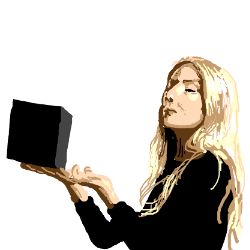
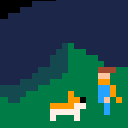
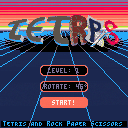
Submission to Falling Block Jam 2025
Controls:
⬅️➡️ Move block left/right
⬇️ Slow drop
⭕️ [Z or C] Rotate block clockwise
❎ [X or V] Rotate block counter-clockwise
[P or Enter] Pause Menu and options...
Gameplay:
Move the current block like it's Tetris... but it's not, the rules of Rock Paper Scissors apply, a quick recap just in case:
- Rocks beat Scissors
- Scissors cut Paper
- Paper wraps Rocks
Now this doesn't only apply when you drop a block onto others but you can hit single elements of your block on elements that they can beat while your block keeps going. For this reason there's no instant drop button.
5 comments



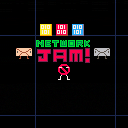
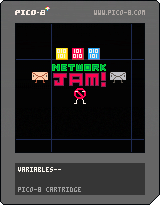
Someone's trying to load a video but it keeps buffering! Clear the network jam by collecting data in cyberspace! Watch out for enemies and corrupted data!
Made for WPI IGDA New Tech Game Jam
Theme: Lagging Behind
Alex Lanz - code and art
Ben Levy - code and art
Kevin Koroveshi - audio
2 comments

PICK-1K is an annual game jam where --- hang on, I think I misread the name of this competition.
PICK-1K is a wordlike roguesearch made in 1024 bytes for PICO-1K jam
. You have 32 seconds to find the singular "K" in the letter grid. Once you do, you'll pick a new detriment. The detriment will give you a negative effect, AND all the letters in the detriment's description will be added to the letter grid, making future rounds more difficult. If you touch any of the red pixels, you lose. If you run out of time, you lose. If you fail to pick 1 k, you lose.

 0 comments




v0.2 of PICOSLOTS
I have increased the number of spins and modified the centre reel to make button mashing less rewarding
The slot mechanic is skill based (in that it isn't random)
- scoring is on any three in a row horizontally or diagonally
Feedback has been amazing and is welcome =]
enjoy!
H_Iris
7 comments


Hi, everyone!
I'm hoping someone can point me in the right direction to solving this mystery. I have ended up with a GKD Bubble handheld, and I plopped PlumOS onto it.
On two different handhelds in the house, both running Knulli, Splore works correctly. Same network settings, same network. The version of pico-8 is slightly revised for the TrimUI Brick, and it's the standard Raspberry Pi version for the Anbernic rg35xx Pro.
Everything went fine for install on the Bubble once I figured out where it wanted the files. Splore booted up fine, lists refreshed fine. When I try to download a cart, however, a message at the bottom pops up and says "could not connect to BBS"
I've tried several variations of settings and such, but I just can't figure this out.
Any suggestions for how to track down the issue?
1 comment
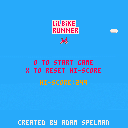
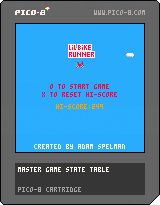
My first little game getting to know pico-8 as an ide. Had alot of fun. mainly just vibe coding with AI.
Definitely giving pico a purchase!
Simple, jump over obstacles and control your speed. see how far you can go to set a new highscore.
X to break (x on keyboard)
O to jump (c on keyboard)
have fun.
3 comments
Hello, I'm very new to pico-8 (and fairly inexperienced with coding in general) and I need a bit of help with some menu code. I'd like to have a menu that has two sections to it that you can move between with the left and right arrows. I'm working off of pixelcod's menu code example, here is what I have so far:
--menu system

function init_menu()
	menu={"menu1","menu2"}
		menu.y=12
			menu1 = {}
				menu1.x=25
				menu1.options={"𝘸𝘢𝘭𝘬","𝘵𝘢𝘭𝘬","𝘵𝘢𝘬𝘦","𝘨𝘪𝘷𝘦","𝘪𝘯𝘷."}

			menu2 = {}
				menu2.x=88
				menu2.options={"𝘸𝘩𝘢𝘱","𝘬𝘪𝘴𝘴","𝘥𝘪𝘴𝘴","𝘧𝘳𝘦𝘵","𝘴𝘵𝘯𝘺"}

	menu.amt=0
	menu.sel=1
	menu.swp=false

	for i in all(menu1.options,menu2.options) do
	  menu.amt+=1
	end

end

function update_menu()
 update_cursor()
end

function draw_menu()
	for i=1,menu.amt do
		oset=i*8
	end
 if menu.swp==true then
 	  if i==menu.sel then
	   spr(39,menu2.x,menu.y+oset,2,1)
			 print(menu2.options[i],menu2.x,menu.y+oset+1,10)

[ [size=16][color=#ffaabb] [ Continue Reading.. ] [/color][/size] ](/bbs/?pid=174261#p) |
4 comments


etselec
This is a draft version of a platformer that I am working on. It is not done yet, please be patient.
It's a difficulty platformer. Good luck.
It is heavily based upon the Pico-8 version of Celeste. I like Celeste a bit.
Use arrow keys to move and up arrow to jump. If you hold jump, you jump higher and fall slower.
Stages
Each "stage" is a set of 5 levels with unique theming.
For the first stage of 5 levels, it's just regular jumping without any dashing. The first stage is effectively a tutorial for the rest of the game to ensure you are used to the movement.
In the second stage of 5 levels, you unlock dashes. The exact behaviour of these dashes are outlined below.
Dashing
You can dash using Z once you have unlock it (in stage 2). The dash goes up, down, left, and right, but not diagonally. It prioritises vertical dashes if diagonal inputs are held. If no inputs are held, it dashes in the direction that the player is facing. Your total dash counter is printed in the top left (a proper GUI will be implemented later). There are floating crystals that give you dashes. When you touch a crystal, you immediately get 3 dashes. When you stand on the ground while you have no dashes, you recharge a single dash after a second. This recharge only starts after you have touched the first dash crystal.
0 comments
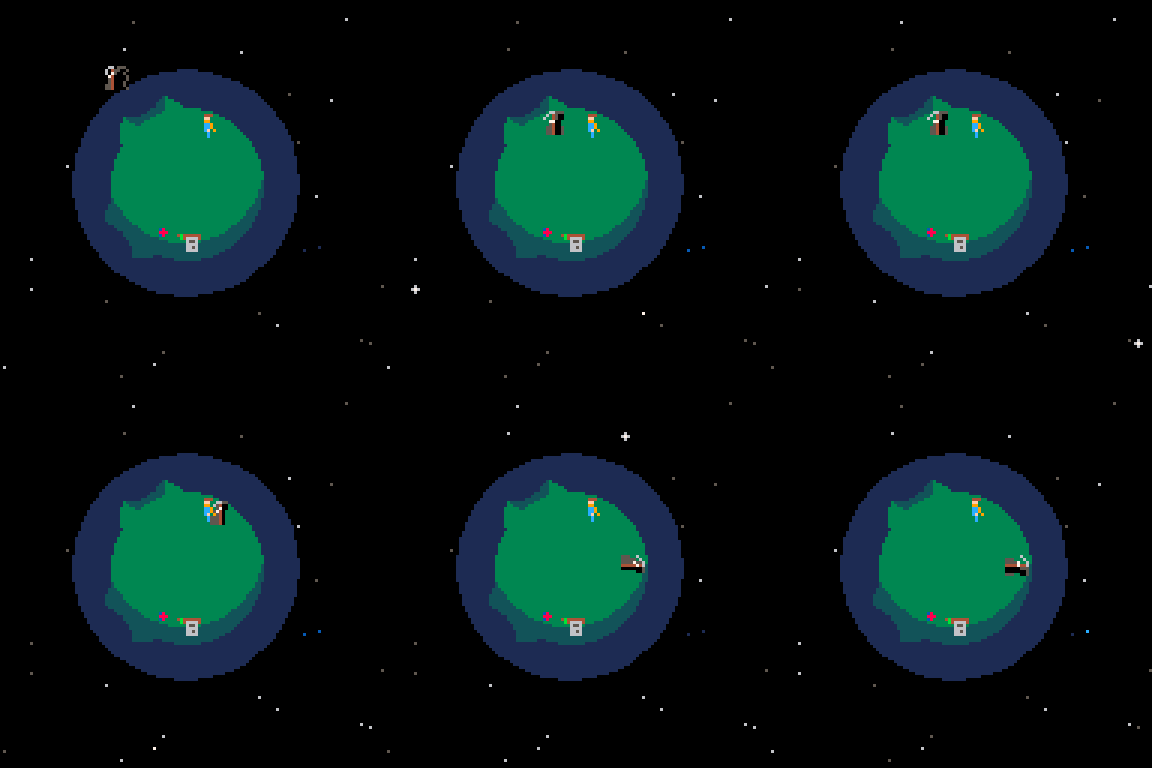
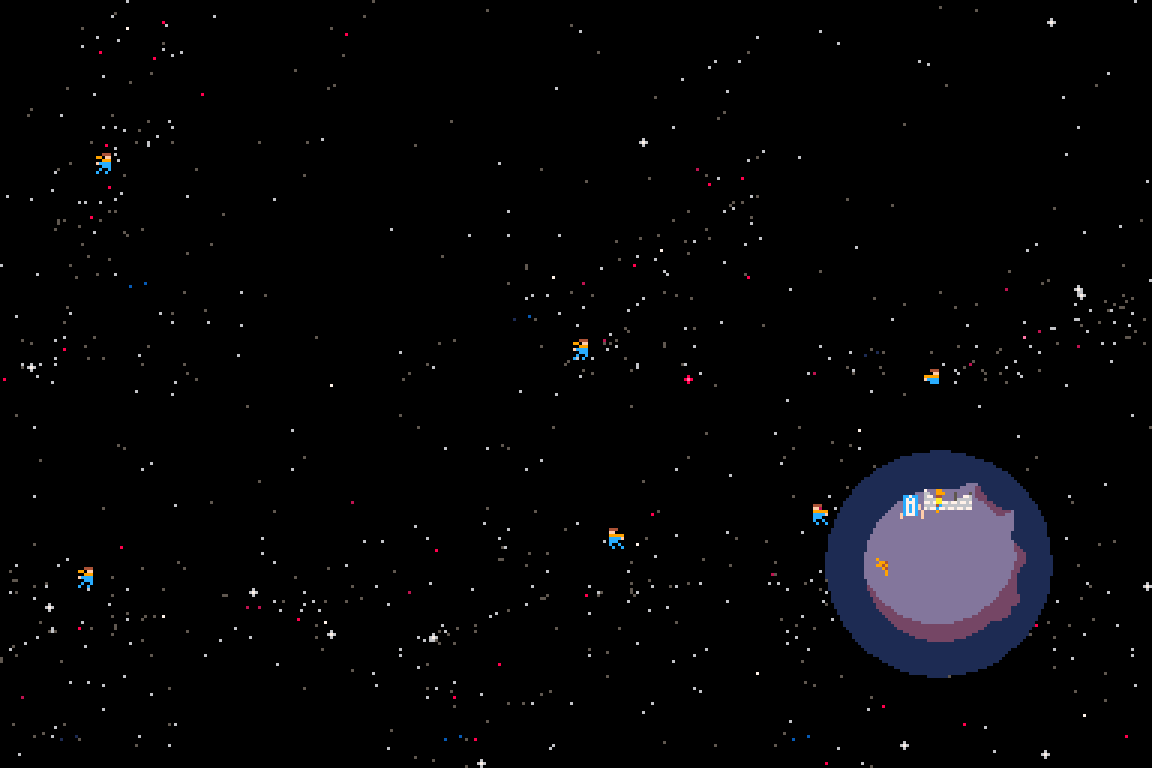
this is my sad little game about death.


controls
← → walk around on planet (X) interact with things, talk to people HOLD (O) hold breath, float away, escape tedious conversations ↑ ↓ ← → fly around |
on a gamepad (O) and (X) will be buttons 1 and 2
on keyboard (O) and (X) are Z and X for qwerty keyboards.
NOTE: on other keyboard layouts, (O) and (X) will be next to your left shift key
objective
well that's really the question i'm asking you in this game.
explore.
screenshots
.gif)
13 comments