Decided to make an incremental game and hit a math wall
Postponing this project until I enjoy math :)




 0 comments


Hey everyone, I was just wondering for a potential multicart project:
How would I pass data from one cart to another, mainly a base cart for things like high score or level unlocks?
Thanks in advance.
5 comments



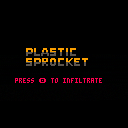
First full game in Pico-8(and first publicly published game ever).
A shot at a turn-based, procedurally generated, stealth game.
Music by Robby Duguay
Disclaimer:
Any resemblance to existing works—real, fictional, or tactical—is entirely intentional. Dense Adder knows exactly what he’s doing.
2 comments

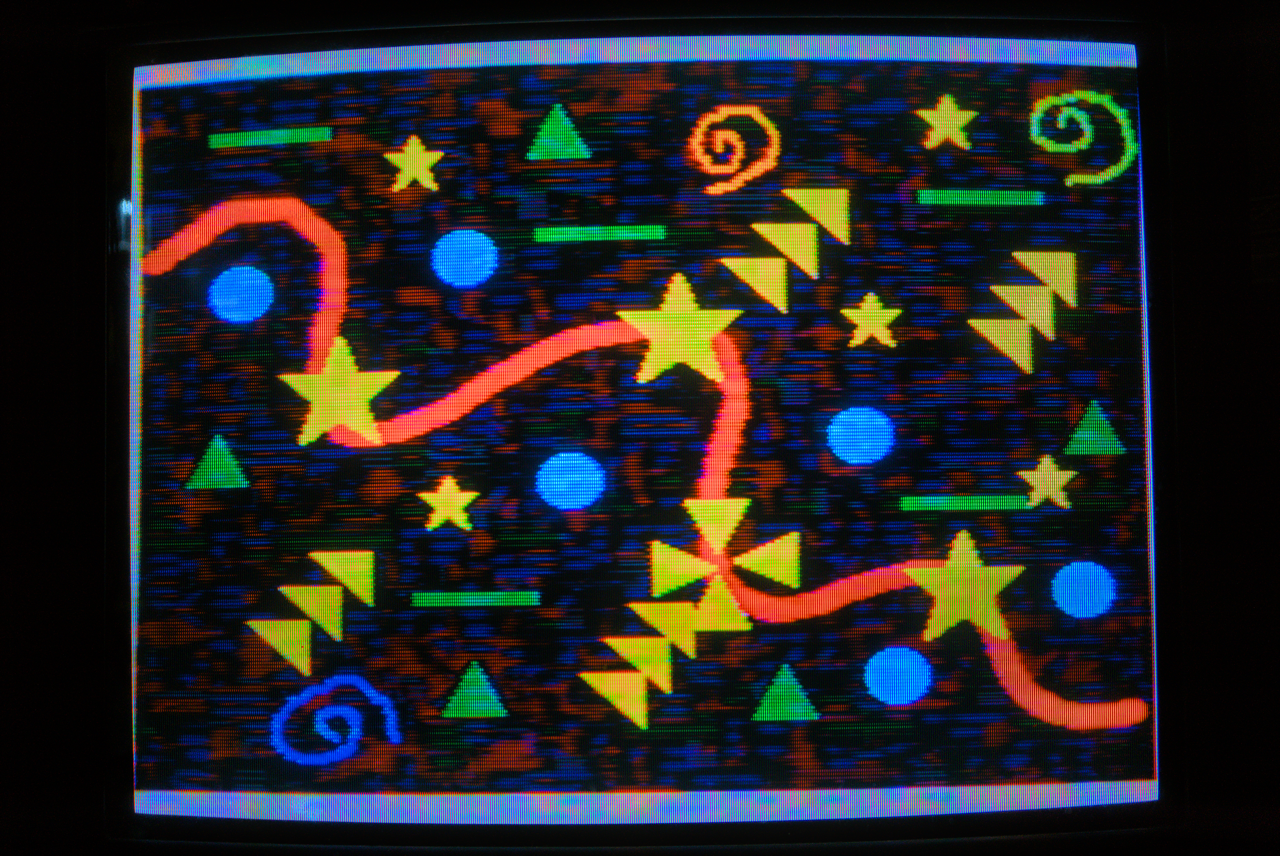

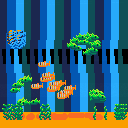
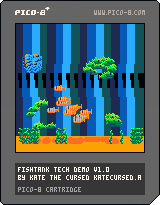
Pretty basic demo showing off schools of fish ~ basically just combining particles and finite state machines to make them either group or scatter at different moments. There's no game but you can tap the glass!
Feel free to break this off and use it like a library in your own projects!!
My biggest personal breakthrough here was adding 'parent' relationships into my lil OOP setup so that each fish can live within the school object and inherit behavior-modifying values from the hive-mind while still acting independently in certain scenarios :)
0 comments

hi all! it's been a while!
the past couple of years have been a pretty cool and wild ride (moving to a new house, learning new skills, starting new projects, passing exams, etc.) but i've decided to return to my roots (that is, to make things with PICO-8 once more).
i likely won't be posting as frequently as i used to, but i hope you like what i do end up showing off.
as for the cover itself, it's a personal favorite song of mine! i tried to recreate the sound effects used in it as best as i could. constructive criticism is appreciated!
(note: if you would like to use my work for your own projects, please ask me for permission and credit accordingly!)
4 comments




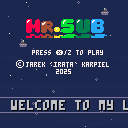
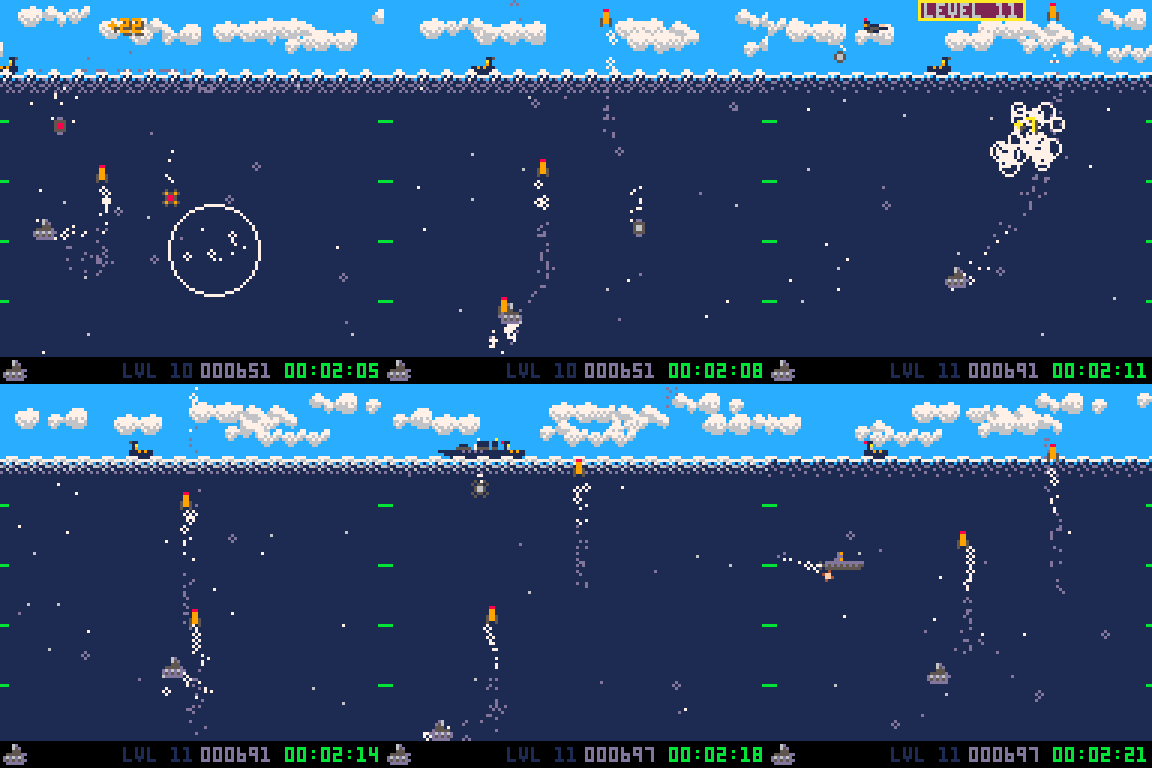
One-screen underwater shooter.
Controls
Move Mr.Sub with arrow keys and use Z to shoot missiles.
Mission
Move Mr.Sub around the screen, shoot your missiles to eliminate enemies and avoid getting hit. The deeper you are the more points you're gonna earn for successful shots. Your mission is to get as many points as you can get and survive as long as you can.
Levels
The difficulty level starts with 1 and gets incremented every 10 seconds. The first 5 levels are introducing new enemies to let you learn their mechanics. From level 6 up to level 12 the difficulty is making all enemies (including Mr.Sub) move and drop bombs a little faster. From level 12 the only thing that counts is survival. Stay alive as long as you can.
7 comments







Asteroids, but time only moves when you do.
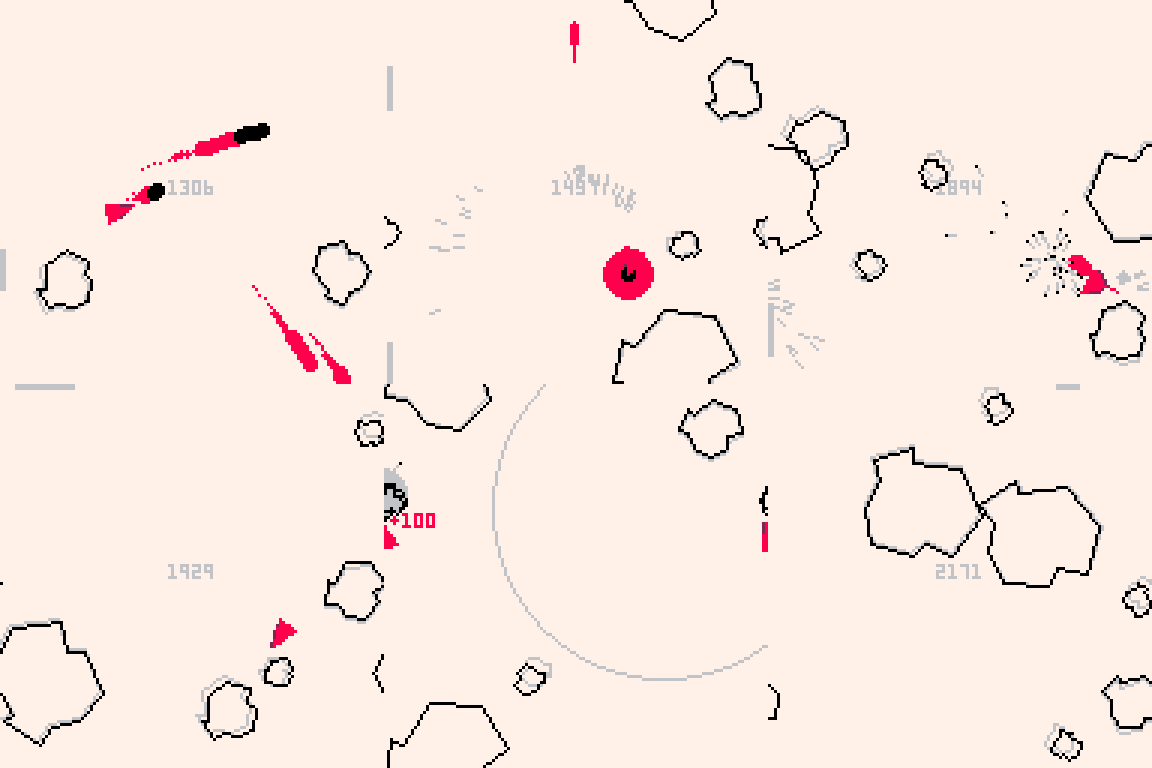
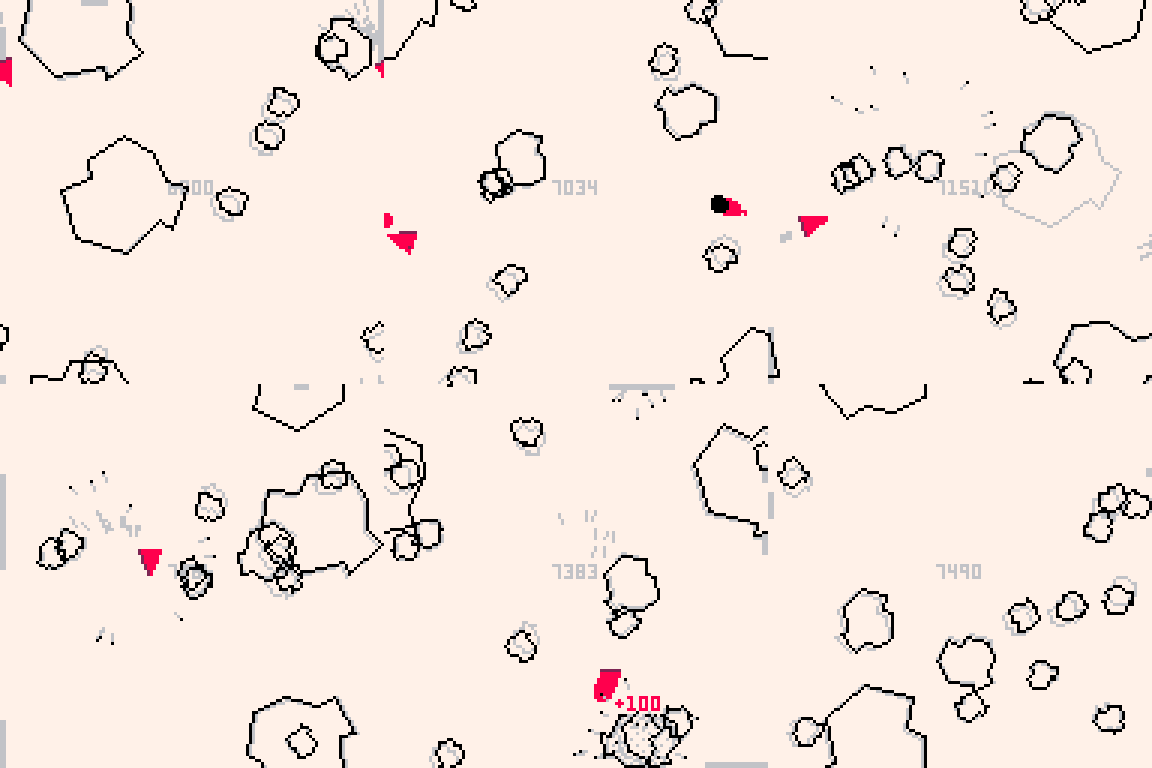
How to play
Stay alive to score points. Destroy asteroids to score more points.
Controls
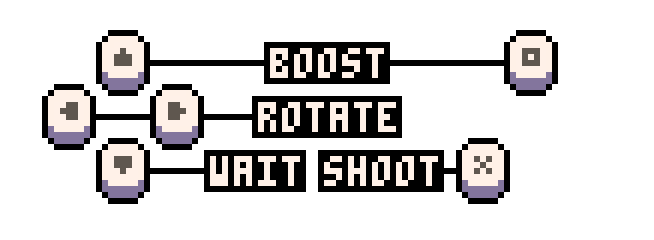
- Left/Right arrows: spin
- O button/Up arrow: accelerate
- X button: shoot
- Down arrow: wait
Tips
- Because your ship's engine is always running, time will still advance when not pressing any button (albeit slowly)
- While bullets don't wrap around the screen, it is possible to shoot yourself if you're not careful
- You can use your cannon's recoil to get yourself out of tight situations
15 comments






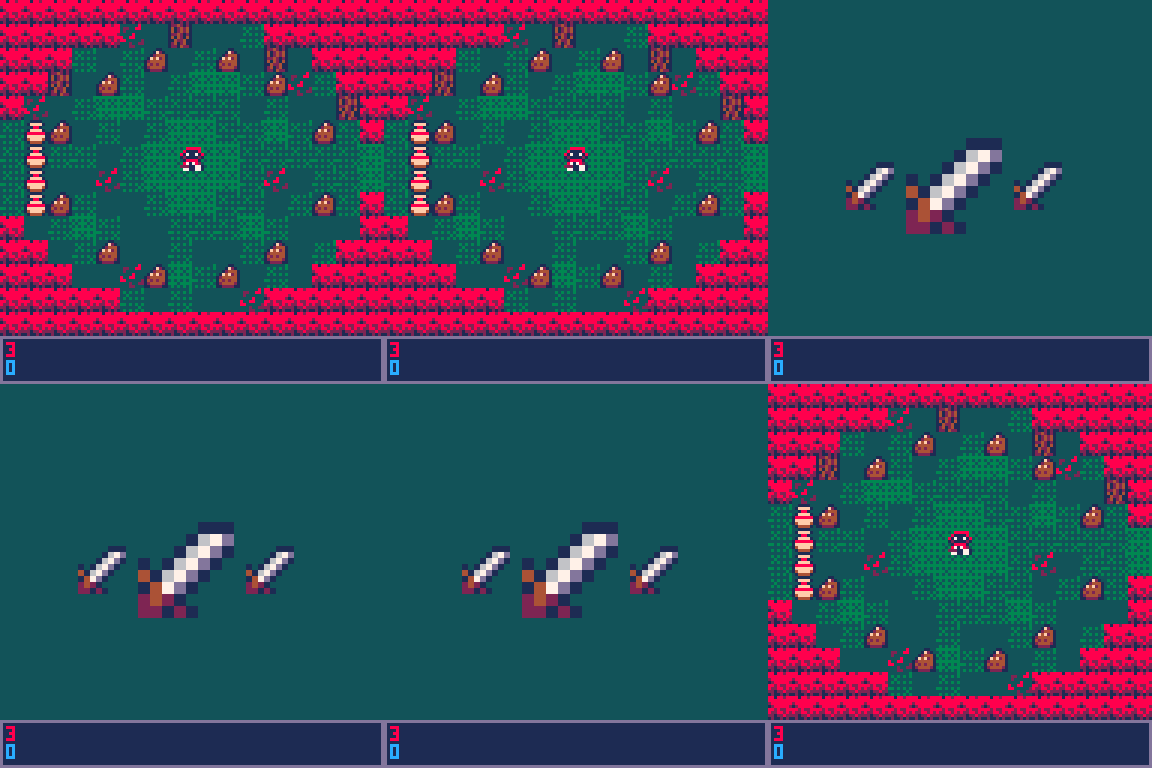
I'm trying to make a Zelda style game, but i can't for the life of me figure out how to work the inventory.
What I'm trying to do is make a sort of Silent Hill thing where it shows the one you highlighted as being larger than the previous, and next item. I'm not doing anything complex, each item you can get corresponds to a sprite in the sprite sheet (probably 14 sprites in total, 33 to 47). I'm using a table called inv by the way, I don't know though.
Here's a gif and the code for the inventory. the gif is from earlier, right now I've just kind of left the code blank-ish for now.
--inventory-- function upd_inv() poke(0x5f30,1) if btn(➡️) and bhd==false then itmsel+=1 elseif btn(⬅️) and bhd==false then itmsel-=1 end --this just makes sure the buttons are pushed once if btn(➡️) or btn(⬅️) or btn(⬆️) or btn(⬇️) and bhd==false then bhd=true elseif bhd==true and not btn(➡️) or btn(⬅️) or btn(⬆️) or btn(⬇️) then bhd=false end if btn(6) and bh6==false then state="play" bh6=true elseif bh6==true and not btn(6) then bh6=false end end function drw_inv() --slots, middle shows item hovering over, right shows next item, left shows previous item sspr(8+slm*8,16,8,8,46+camx,46+camy,32,32) sspr(8+slr*8,16,8,8,82+camx,54+camy,16,16) sspr(8+sll*8,16,8,8,26+camx,54+camy,16,16) end |
Sorry for any bad grammar or spelling, and/or if this is confusing. It's 3:54am as I'm writing this and I'm also new here.
7 comments
Space Boogie
Space Shooter Example
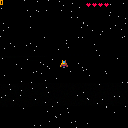

I just did this space ship shooter tutorial while throwing in a few of my own ideas about how to go about things. So it's relatively early work-in-progress type stuff.
This is basically just an attempt to get started with something as quickly as possible so my kids can draw some new sprites and maybe try modifying the code, or making music and sfx. Perhaps eventually they'll even learn some code from it.
Versions/Updates:
- 0 > No sfx, score kind of broken, but you can autofire and blow things up. Also lots of comments in code.
- 1 > Broke the code into "tabs" for easier browsing and editing. Also added some sound effects, but no real music except a very short simple tune at game over.
2 comments



What was the call about?
Suddenly you hear a noise. Be careful!
This is something I came up with while exploring ways to store strings.
5 comments



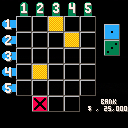

DISCLAIMER: NO REAL MONEY NOR PRIZES ARE AWARDED.
This is a game show bonus round idea I had.
In this game, you are presented with a 5x5 grid. You roll 2 distinct dice, one for the row, and one for the column. You light up boxes corresponding to the dice roll. If your roll cannot fit on the board, or it's not a duplicate, you get a strike (and it is possible to get 2 strikes in one roll). 3 strikes, and the game is over.
You roll by pressing X.
You can quit the game at any time (as long as you have at least one strike) by pressing the O key (Z on the keyboard).
If you happen to get 5 in a row, either across, up and down, or diagonally, you win the virtual jackpot!
3 comments



My contribution for the Marave Goyave jam #1 (2025)
Theme : "Arcade classics with a twist"
0 comments

I'm no expert in any of this frankly but I wanted to document how I got Picotron working using Portmaster on my ARM based retro handheld, the Anbernic RG353P. Since the ARM release this was the first thing I wanted to do, even though my device has a 4:3 3.5 inch screen (which is not ideal).
I have only tested it on Ark OS but in theory as long as your OS supports SDL 2 it should be the same process. Don't shoot me if I'm wrong.
- Create a picotron folder within your ports folder (for me this sits within roms/roms2 - make sure you pick roms2 if you have a second SD card)
- Download and extract the ARM version of Picotron to your new picotron folder
- Create a picotron.sh file with the following content and save it to the ports folder (not the picotron folder - the parent folder)
#!/bin/bash
# PORTMASTER: picotron.zip, Picotron.sh

XDG_DATA_HOME=${XDG_DATA_HOME:-$HOME/.local/share}

if [ -d "/opt/system/Tools/PortMaster/" ]; then
  controlfolder="/opt/system/Tools/PortMaster"

[ [size=16][color=#ffaabb] [ Continue Reading.. ] [/color][/size] ](/bbs/?pid=170294#p) |
4 comments




There is a recent feature request on the arkos github asking if the joystick could control the mouse. I managed to make it work on my device, and thought others might want to use it too, so here is a tutorial. Only tested on rgb30 and this tutorial is for that handheld running arkos, altough most ARM chips should work. Other devices might have their events in a different location, you can run evtest from ssh to test it.
- ssh into the device using the info from here
- Get
xboxdrv. You can either install the official files usingsudo apt-get update sudo apt-get install xboxdrv
Or get the package I compiled that fixes the bug where there is a 60-90 second delay. The .deb file is here you need to unpack it, move it to the sd card and install using:
1 comment



-- parametrlər
player = {
x = 64,
y = 64,
s = 2,
sprite = 1 -- bu sprite ID-dir
}
item_sprite = 2 -- item üçün sprite ID
score = 0
max_score = 15
items = {}
-- itemləri yarat
function spawn_items()
for i=1, max_score do
add(items, {
x=flr(rnd(120))+4,
y=flr(rnd(120))+4,
collected=false
})
end
end
function _init()
spawn_items()
end
function _update()
if score >= max_score then
return
end
-- hərəkət
if btn(0) then player.x -= player.s end
if btn(1) then player.x += player.s end
if btn(2) then player.y -= player.s end
if btn(3) then player.y += player.s end
-- sərhədlər
player.x = mid(0, player.x, 120)
player.y = mid(0, player.y, 120)
-- item toplanması
for item in all(items) do
if not item.collected and abs(player.x - item.x) < 5 and abs(player.y - item.y) < 5 then
item.collected = true
score += 1
end
end
end
function _draw()
cls()
-- itemləri çək
for item in all(items) do
if not item.collected then
spr(item_sprite, item.x, item.y)
end
end
-- karakteri çək
spr(player.sprite, player.x, player.y)
-- xal
print("xal: "..score, 1, 1, 7)
-- təbrik mesajı
if score >= max_score then
rectfill(20, 50, 108, 78, 0)
print("UYY ALLAH, QAZANDIN!", 30, 60, 11)
end
end
0 comments


In this strategic arcade game, you navigate a maze collecting items while avoiding enemies.
Disclaimer: This is not pac-man and not affiliated with Bandai Namco.
Controls:
- Arrow Keys – Move the player around the maze.
1 comment
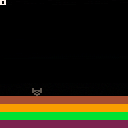
-- parametrlər
player = {
x = 64,
y = 64,
s = 2,
sprite = 1 -- bu sprite ID-dir
}
item_sprite = 2 -- item üçün sprite ID
score = 0
max_score = 15
items = {}
-- itemləri yarat
function spawn_items()
for i=1, max_score do
add(items, {
x=flr(rnd(120))+4,
y=flr(rnd(120))+4,
collected=false
})
end
end
function _init()
spawn_items()
end
function _update()
if score >= max_score then
return
end
-- hərəkət
if btn(0) then player.x -= player.s end
if btn(1) then player.x += player.s end
if btn(2) then player.y -= player.s end
if btn(3) then player.y += player.s end
-- sərhədlər
player.x = mid(0, player.x, 120)
player.y = mid(0, player.y, 120)
-- item toplanması
for item in all(items) do
if not item.collected and abs(player.x - item.x) < 5 and abs(player.y - item.y) < 5 then
item.collected = true
score += 1
end
end
end
function _draw()
cls()
-- itemləri çək
for item in all(items) do
if not item.collected then
spr(item_sprite, item.x, item.y)
end
end
-- karakteri çək
spr(player.sprite, player.x, player.y)
-- xal
print("xal: "..score, 1, 1, 7)
-- təbrik mesajı
if score >= max_score then
rectfill(20, 50, 108, 78, 0)
print("TEBRIKLER BALIM", 30, 60, 11)
end
end
0 comments


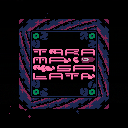
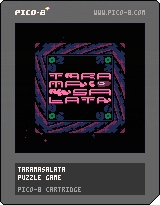
Working on a puzzle game about a dip with a weird name
I'm currently working on a new game inspired by some shitty mobile game sliding block puzzles. This is a game that I have wanted to will into existence out of the frustration that there aren't many games out there like this without terrible monetisation.
There are ~30 levels atm, with a spread of difficulty, there is an option to skip in the menu if needed! I'm testing out a mechanic for garlic, which only moves when next to an olive but I'm worried it doesn't translate too well, so if you play the last few levels lmk how it is :)
So yeah, enjoy! (or don't)

|
[48x16] |
 10 comments