





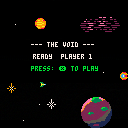







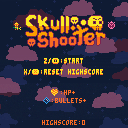
Hello!! After several months of work on and off, I am proud to share my first pico-8 game!
This is Skull Shooter, a demake/remake of the very first game I ever programmed in high school. It's a top down shmup with randomized enemies and two powerups.
Arrow keys to move, Z to shoot. Green enemies are worth bonus points, and every 50 points a boss enemy spawns that has more HP than regular enemies.
I used the song "Dimensional Rift" from Pico-8 Tunes Vol. 2 (https://www.lexaloffle.com/bbs/?tid=33675) for the ingame music.


 2 comments

v1 (11/28/2020)
Updated with 3 new levels, 2 new object types (lock and key), sfx and music! Though I'm not sure if the sfx and music sound good together... I feel like it gets muddied sometimes and there is too much going on in the audio. Feedback is appreciated!
v0 (11/23/2020)
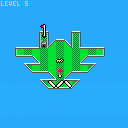
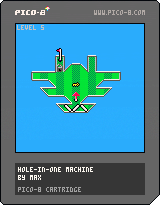
A golf-based puzzle game I am working on! So far there are only 3 levels but I am planning to add many more, including more types of objects. There is currently no music or sfx but I am planning to add those too, eventually.
6 comments








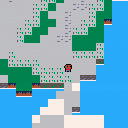
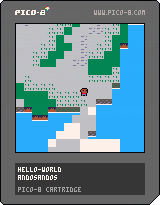
A character and some tiles. Combined basic character and basic tilemap into one.
- Collisions. The character can only walk on tiles with flag 0. Shout out to doc_robs he taught me mget , fget , and the whole grid system.
- Before I was drawing the edges myself but not anymore :D
0 comments



.png)

A Celeste Template v2
Pls report any bugs cause I was kinda lazy so I didn't look through it while playing so some of it might be buggy
I'm sorry but I cannot post any previous versions for
8 comments




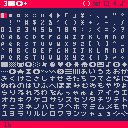
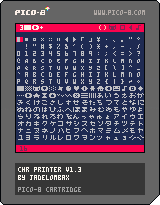
v1.1 -- Added ability to clear output string by pressing Z
v1.2 -- Removed characters 0-15 as Pico-8 0.2.2 made these unusable, tweaked appearance
v1.3 -- Added characters 0-15 as code comments so they can be copied and pasted manually
This is a little tool for easily selecting and outputting characters from Pico 8's extended character set. You can build strings of any length and paste them as text using Ctrl+V or a right mouse click (on the BBS, you have to press Ctrl+C as well). I had some fun making it look like a version of the Pico-8 code editor with text characters as the icons, and since it's a pretty small program, I squeezed it down to fit in a tweet =).
Controls:
6 comments



So, I'm modding a game called Andy the Adventurer and making it into more of a spider man style thing. I want the player to be able to grab onto ledges. I've already made the code for making the player go up by four pixels, but what I need to do is get the coordinates of the nearest instance of a certain sprite. Closest to the player that is. It's the most efficient way to do it I think. I have a sprite specifically for ledge grabbing, and it's invisible. In the map editor, I place it directly next to any steep ledges. So yeah.
TLDR: How do I check the top-left corner location of the nearest instance of a sprite, to the player?
Still long, but better.
EDIT: I suppose a better question would be, how do I check if an x,y coordinate is inside a certain sprite on the map?
1 comment

Make some burgers! om nom nom

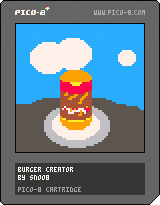
How to play:
arrow keys to move cursor
X to add selected ingredient to the burger
O to finish
1 comment





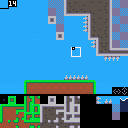
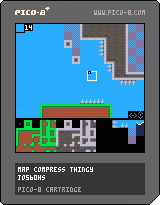
new version of mapcompress
use 4x the sprites (kind of)!
this cart serves as a map editor for a new way to draw the map
ESDF to move
left click to place tiles on the map
right click to get a tile from the map
left arrow to toggle x flip
right arrow to toggle y flip
up arrow to toggle sprite selector
z to save map to cart
x to load map/sprites to editor
notice:
- currently you cant use sprite flags to draw certain sprites
- camera won't work with this, use sx and sy
- you cant choose the width/height of the map area you want to draw
map code (put this in your game instead of map()):
2 comments


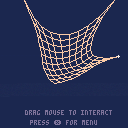
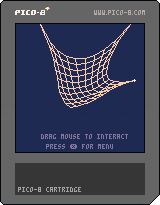
Hi all. I put together a work in progress demo of a simple physics engine that can handle particles connected by springs. This uses a method known as Verlet integration which is stable and efficient, so you can simulate dozens of springs in real time.
The cart includes 4 demos: a pendulum, a string, a cloth, and a deformable rigid body.
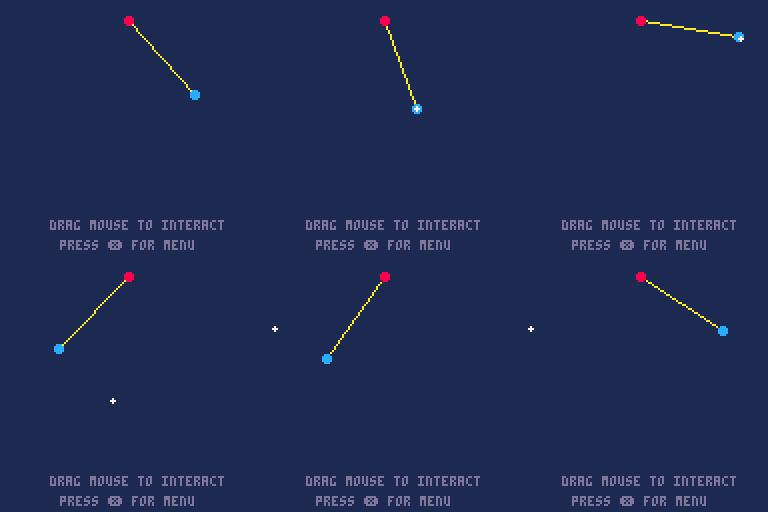
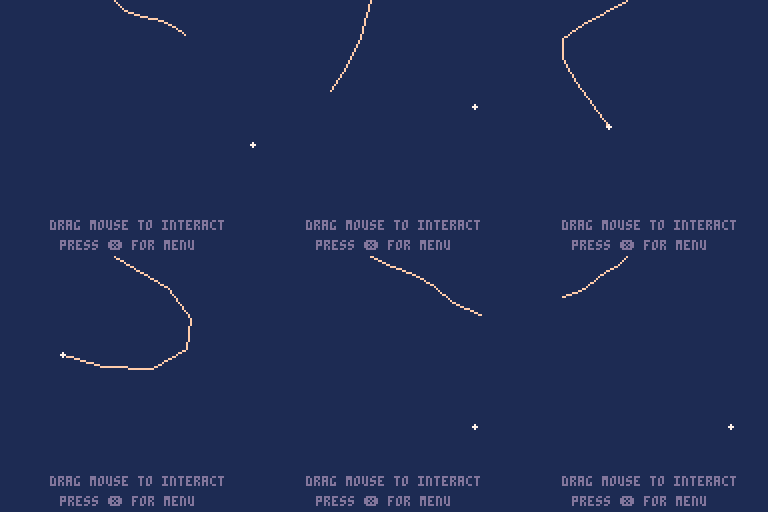
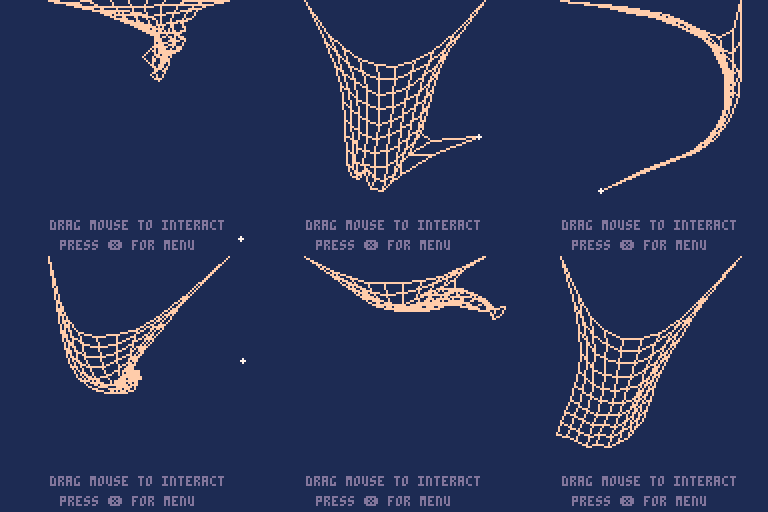
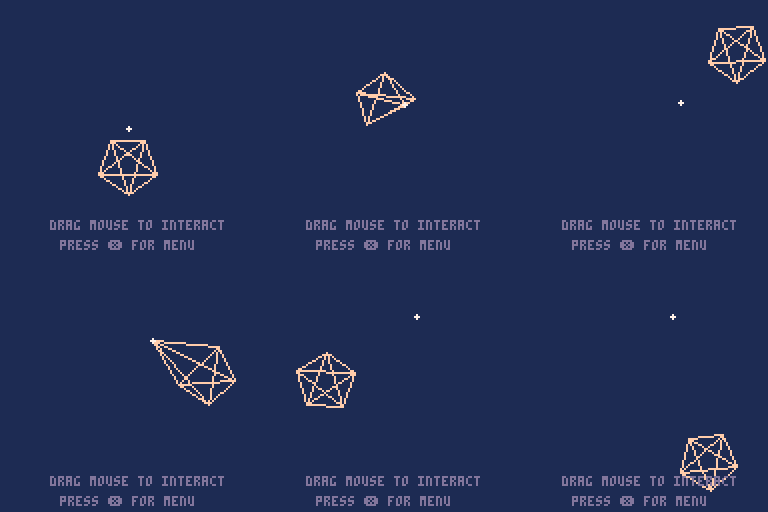
The library implements the approach laid out by Thomas Jakobsen in the article Advanced Character Physics. The syntax is inspired by the physics simulation library
2 comments


