





Title: Locks
Version: 0.8
Type: hack n' slash
Difficulty: progressive, imprevisible and unbalanced (that's why its a wip)
another dungeon level, made expecially for the little robot from the adventure mode!
I don't have much of the will to balance this one but I'll try
the boss, when hurt gets really fast, so if you change the room size to the standart (128)
you can see that he goes trough the level walls, just like the dragon, yet, it's not supposed to be like that.

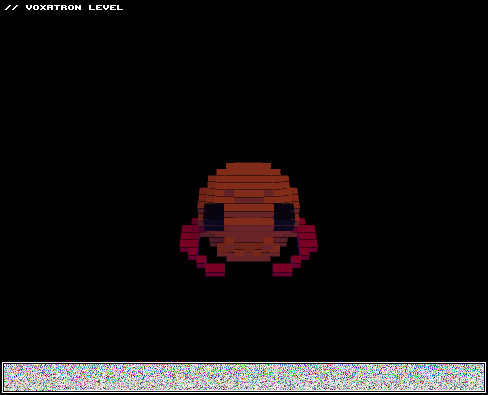
Edit: first room was impossible due to timeline


 4 comments


first, it seem that if you give a certain time for the item to disapear and the player doesn't take the item in time, the points simply go to the score when the item disappear, I don't think thats what supposed to happen
monsters that are locked in the z axis when on a void room simply spins around on the same place (only tested on monsters that are on the air)
If I want a certain item, or group of items to disappear at a certain point of the timeline but, some of them are only activated by the player (whenever he wants) what do I do so they don't stay when the time is over?
there is also a monster (which I'll post soon on a level) that gets away from the room when at a really high speed (5) and yet, a weak gravity (o.2/-0.1)
why a monster can only swich its gravity in the middle of the air twice when I change the option of "collide with ground"?
thats all for today, thank you for the answers zep!
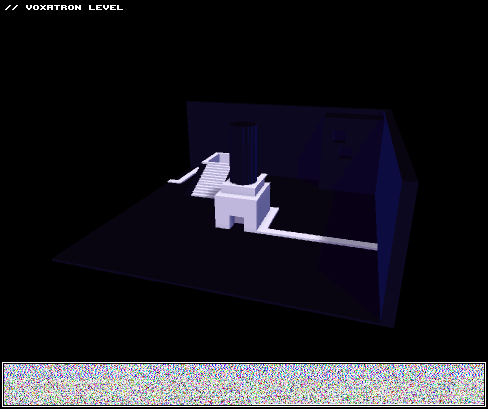
Edit: I'd like to add that this room on the picture has an impossible puzzle because the monsters can't move on the red area
 5 comments
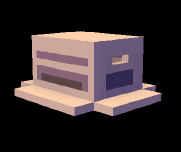



So here I have the LATEST UPDATE to the Lonely Voxel! So much hype, coming from me!
I've just added a few more areas thanks to little time and/or inspiration.
An idea that I implemented in the end is a simple HUD editor deal. Thanks to Draw In Screen Space you can move an animation up where the HUD is, as everything besides props can be put 15(?) voxels above the editing area, though they can't be seen until the level is played.
It can't be used for health or anything (unless you have a REALLY intricate boss) but can be used for "quest item collection" like the Spiritual Stones or key items. Or you could change the font, add vines on the weapon box, name weapons, many possibilities.
I also found exploding enemies neato. 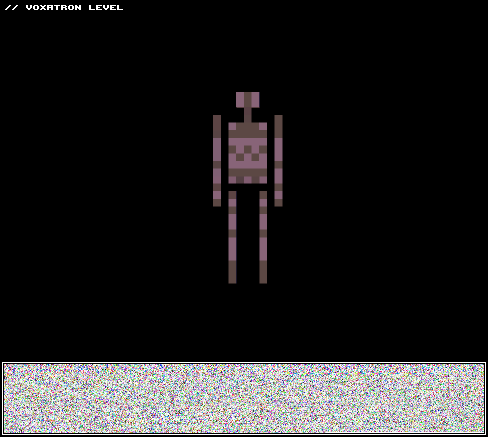
3 comments


日本語 fullpowersideattack.com ブログ投稿!
If you're at the Tokyo Game Show this weekend, please swing by the Indie Games Area (Booth 9-C7) and pay us a visit! Lexaloffle is teaming up with FullPowerSideAttack.com to run a booth on Saturday the 21st and Sunday the 22nd of September. I'll be there on the Sunday to show Voxatron (of course) if you want to say hi, and nanmo-san from FPSA will be there both days demoing the adorable physics platformer, TorqueL.
1 comment
why is this level not opening anymore?
(I removed the image)
fixed, it seems that I only have two versions of voxatron at the same pc,
so I used the outdated one and it happened like that
all is fine now
there is also a bug that I found where a modifier activates when a monster
is on water, and when the monster jumps to a solid ground it glitches and activates the modifier
making water appear where there was a voxel, you can see it at one of the rooms here
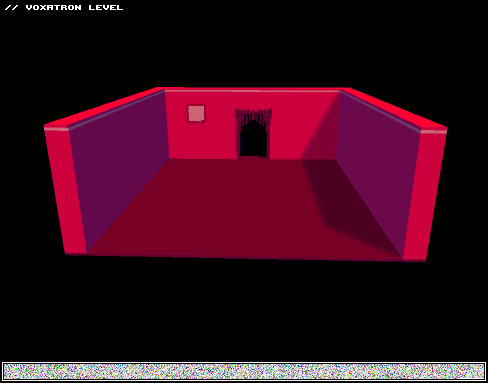
edit2: it seems that when I do a trigger of a modifier like host periodicaly and then give a certain number, but then, change it to none (to be triggered by another modifier) it keeps the old trigger, why?
7 comments
Hey All
Voxatron 0.2.9 builds are now up, and will shortly be up on Humble Store (check the version number in the filename). If you don't have a lexaloffle account (Games > My Games) and would like one, see this thread. To update from a Humble Store account, search your email for the download page link, or request a new one here.
v0.2.9 is an incremental updates that includes fixes to keep the BBS levels (mostly) functioning in the wake of underlying engine changes, some improvements to activations controllers, and a couple of new base types for fun (jelly, mud).
I've removed the experimental player editor for now, but it will come back in 0.2.10 in its completed form, at which time we can finally ditch the "_char" hack (Woo!)
This is also the last build that the existing doors and save game system will appear -- I'm aiming to have proper custom doors and full world state saving finished in 0.2.10 to go with the new player editor.
Some quick notes about activation control:
- you can now optionally type a 5 character (or less) string in the group field instead of a number.
- you can choose if the component is reset each time it is activated, or continues -- e.g. if you want an animation or emitter to continue from the same state it was last at.
- shift-P to play in debug mode, you can use '
6 comments


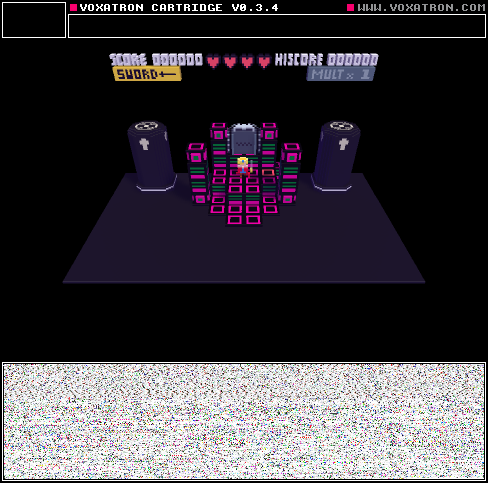
Title: enchant: heart's dungeon
Version: Final
Type: Adventure
Difficulty: 2.5/5
features:
a big map with lots to explore
shiny bosses!
optional collectables (health and sword upgrades, code decrypter, special hearts)
code system! (thanks zep)
story:
sequel to the catridge enchant, it occurs inside the protagonists psyche, the whole of the database door (the one you see on the title) is yet to be uncovered, the story will be completely revealed only on the next cartridge.
[b]notes:
6 comments

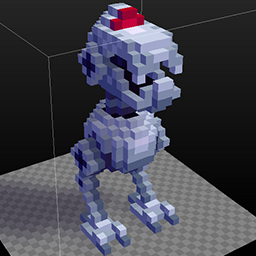


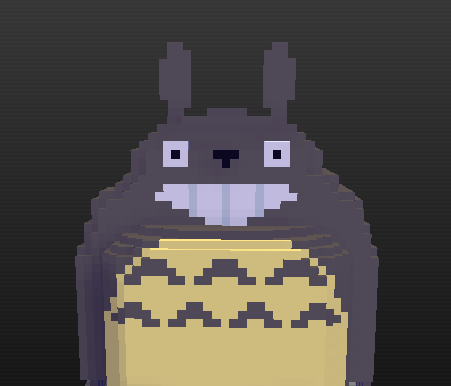

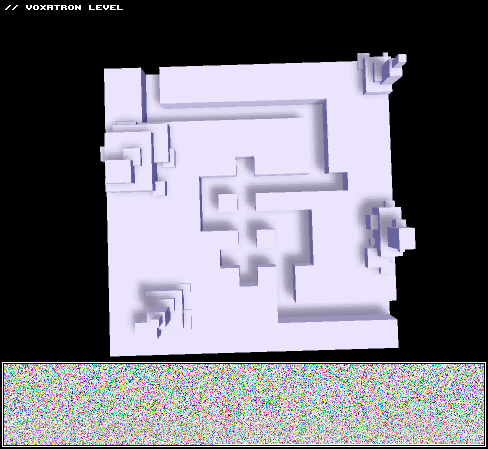
Title: Cube Fusion
This is a project I've been working on for a little while. I will make some changes based on the feedback I get and then post the final version. You won't be able to play this in the editor. There are some glitches that prevent you from going forward, but if you reset the room it usually fixes it. I've played through this 2 times, so all the doors should work correctly and every room can be completed.
I made the game so you can't jump or pick up any cubes, so if you can there is something wrong.
I made this to experiment with puzzle ideas and discovered that there is infinite possibilities. Please try to use the ideas I came up with in your levels or create all new puzzle concepts.
14 comments
Recently I noticed that a certain item that I placed as a prop is not really supposed to be so, but I place lots of them and when I try simply to change the type of the object the game actes like the id doesn't exists, I mean, it doesn't exists as a prop but as a monster or an animation is there, I wish to know how could I make the replacement without having to place all those objects again.
I need to do so for various reasons, like the mob placement (it differs from the prop placement wich is side to side) and how it can react.
please help me here, I thank you in anticipation
4 comments
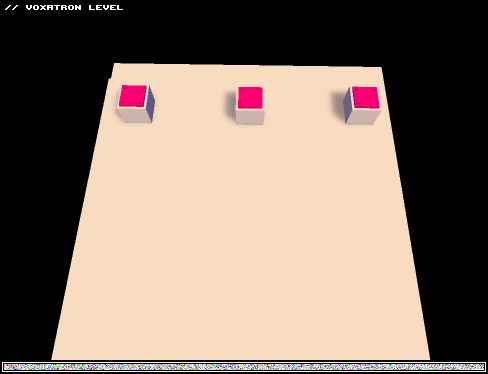
This is a short demo level involving some ninja-like (robot like? robits?) guys I built.
The focus of this level was to play and learn the new modifier system.
What's there:
Blue ninja - runs real fast. Basic guy who follows the player. As they take damage they eventually reach different crawl paces. This was a feature for each ninja. At 2 lives it's crawl speed 1 with crawl animation 1. At crawl speed 2 the movement speed is lowered and the animation is changed once again.
Red Ninja - shoots a single bullet. At crawl speed 1 the bullet speed is slightly lowered. at CS2, the bullet speed is lowered and will be lobbed at the ground (you have shot the ninja a few times by this point.)
Green ninja - red, but with spread. The spread decreases with the crawling speeds.
Black ninja - faster and spawns two blue ninjas after a few hits, otherwise exactly like the blue ninja.
The levels were quickly designed, more or less I was just hoping for feedback on the enemy mechanics!
 1 comment
ok, so I didn't quite liked the new sistem really, using the same name was still better than giving each animation a group number.
anyways I'm having some problems with monsters and it's modifiers right now, like, triggers that are not supposed to happen and modifiers with a given time that never ends.
the first example was when I was trying to create something like a floor that when you stepped on it, it activates and then, after a given time it flies and at a certain height and after that it pursuits the player.
my idea: a colision modifier to one of the sides of the mob(1), then it triggers a colision of jump (2)and then another one to follow the player(3).
it happens that when you put the mobs together (no matter how many) and they collide side to side, after a certain time all the monsters are activated, but only from the second modifier and after, I dunno why, so I think it's a bug.
there is another one where I want a monster to shoot bullets after a certain animation, the animation works finely, but the bullets keep on shooting forever, and if I make a certain amount of burst, it stops and does not repeat aftewards when the animation starts again.
here is the sample (the good side is: no door bug!)
[box=ffeedd]
3 comments

Hi Zep,
After the last update an inconsistent bug occurs with the default player spawn. If you don't or do place a player spawn it will spawn inside voxels instead of dropping from the top the screen or showing up on top the voxels. This sometimes happens even when you have a player spawn.
Also, the boss I made in Journey the East is broken. Something is going wacky with the emitter and bullets and it causes major slowdown.
8 comments
I'm naming my animations the same things, however, they still overlap. My older monsters have same name animations don't overlap though. It doesn't affect me that much right now, but it could look really weird on newer monsters.
4 comments
Hey all you voxatron fans out there I think that voxatron should be added to steam.Because if it was there for a systems a lot more people would see it and think it is a cool game and buy it.
1 comment
Hey All
Voxatron 0.2.8 builds are now up, and will shortly be up on Humble Store (check the version number in the filename). If you don't have a lexaloffle account (Games > My Games) and would like one, see this thread. To update from a Humble Store account, search your email for the download page link, or request a new one here.
0.2.8 is mostly another bug fixing update. If you've been away for a while, check the 0.2.6 update post to learn more about recent features.
This update includes water displacement, and a bunch of fixes for monster editing functionality. Here's the water in action:
I've updated the monster editing tutorial to reflect changes in 0.2.8. The only tricky difference is that instead of using labels to group animations (e.g. 'body'), they now follow exactly the same rules as modifiers. That is, each item has a standard activation controller. This can be useful for doing things like starting an emitter shortly after its containing modifier has been activated (e.g. trigger: parent, t == 240). You can also use it to daisy chain animations together without needing to wrap them in modifiers, using the activation controller's NEXT attribute.
11 comments


I used to have Jaspers journeys and I lost it on my old computer. And this is my first time making a lexaloffle account so How do I contact this website?
1 comment
..that doesn't sound right.
Polygon.com came to visit earlier this year to talk about Voxatron and Lexaloffle's newly evolved cafe-form. It's more of a personal story than about development (it was originally for their "Human Angle" series) but I think does a nice job of introducing the direction of the project that I haven't really talked about much yet outside of BBS comments. That is, treating Voxatron not just as a game but also as a platform for creating programs that can run on Voxatron's display.

1 comment


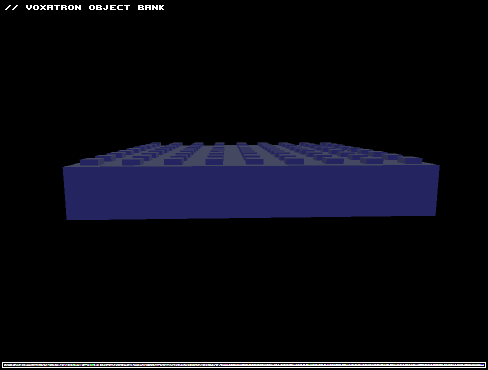
So, a long time ago, I made a Legend of Zelda dungeon object set. It was okay, but I could've made it better. Then, I forgot about Voxatron. Unrelated to that, now I've spent hours making Lego-style building block objects, that can be used to build anything real Lego-style blocks can. Flip 'em upside down, and they actually resemble a Lego-style block on the underside as well!
In this is a object bank that contains standard size bricks, both normal and thin "plates", that can be stacked to equal the height of a single normal brick. You can build with them, obviously, and easily make a copy of each color available due to them being single-color. You may have to manually set the Z axis location to get some of them to mesh properly due to the "studs" on top, but it shouldn't be too difficult to figure out.
If I feel like it, I might make packs to accompany this in the future, like sloped pieces, plate pieces, stuff like that.
2 comments
I found this interesting voxatron thing, while I was trying to make a cube that could destroy walls when close enough
but my logic is diferent than the game's, I actually made some transparent voxels with the negative ones.
no crashes happen when playing with this, I searched for bugs but nothing that I could see but I did not found any use for it either.
you can see it in action in this little level

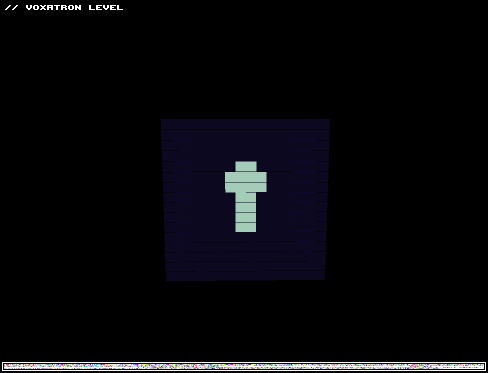
to finish it, just find all the keyblocks
1 comment

