


BLOCK TEST
It's just a Tetris clone.
There's an issue where the more left-spanning rows there are, there more processing it takes (this is quite an issue, but I'm too lazy to fix it.)
Controls:
- Arrow keys (except Up): Movement
- Up Arrow: Fast fall
- X: Rotate clockwise
- O: Rotate counter-clockwise


 1 comment


Nashi's Micro Adventure
Story:
Nashi, a usually cheerful girl, wakes up one morning, only to notice a strange lingering shadow at the door, and her brother has gone missing! It was PANROO kidnapped him. Angered by this, she takes the yo-yo with her and must chase him down, but... his army of robots and traps won't make it an easy task...
General:
You're Nashi, that pear girl you play as. You've got 120 seconds to reach the end of the level.
You start off with 3 lives, but you can get extra every 50000 points.
You have to play 2 laps before you can fight Panroo and save your younger brother.
On longer stages there are checkpoints you can reach to get another shot at the harder spots.
9 comments





500 Featured Carts
Yes, we have just crossed that milestone! Have you ever wondered what kinds of carts don't make it into the featured section of the BBS? Call me crazy, but I have.
So I looked at the 500 top-starred carts (searching for t:) and checked which ones aren't featured. It happens there are only 30! Here they are (with links, in case you want to go check any of them):
11 comments


Picotron Package Manager


Browser version is not functional
ppm.lua is a script that checks, based on a dependencies file, if specific packages are installed locally on Picotron and, if not, it fetches them remotely and saves them in /appdata/shared/lib/. This folder is perfect, since even sandboxed carts have read/write permissions.
The goal of ppm is to avoid code duplication.
Instead of having to copy lua files inside cartridges, you can just define a list of dependencies.
If two cartridges uses the same packages, there's no need form them to hold their own copy of it. They can just check if the package is present at a common location.
It's similar to how Shared Libraries work, but with the added functionality of installing them automatically if they are not already present on the system.
2 comments


Get as many coins as possible while the red balls chase you!
Controls:
- Aim - Left/Right
- Power - Up/Down
-
Shoot - X
- Faster cue - Z/C
Updates:
version 1.0.1:
- Made the cue rotate faster if you hold Z/C
- Made the enemies spawn on the opposite side of the screen from the player
- Fixed a spelling mistake on the label
- Made the first enemy spawn when the first coin is grabbed (then they spawn for every fifth coin)
version 1.0.2
- Fixed a bug that made the first enemies, after you restart, spawn after the fifth coin
2 comments



A wallpaper of a piece that captivated me, Plage à marée basse à Ambleteuse, le soir by Théo Van Rysselberghe.
2 comments
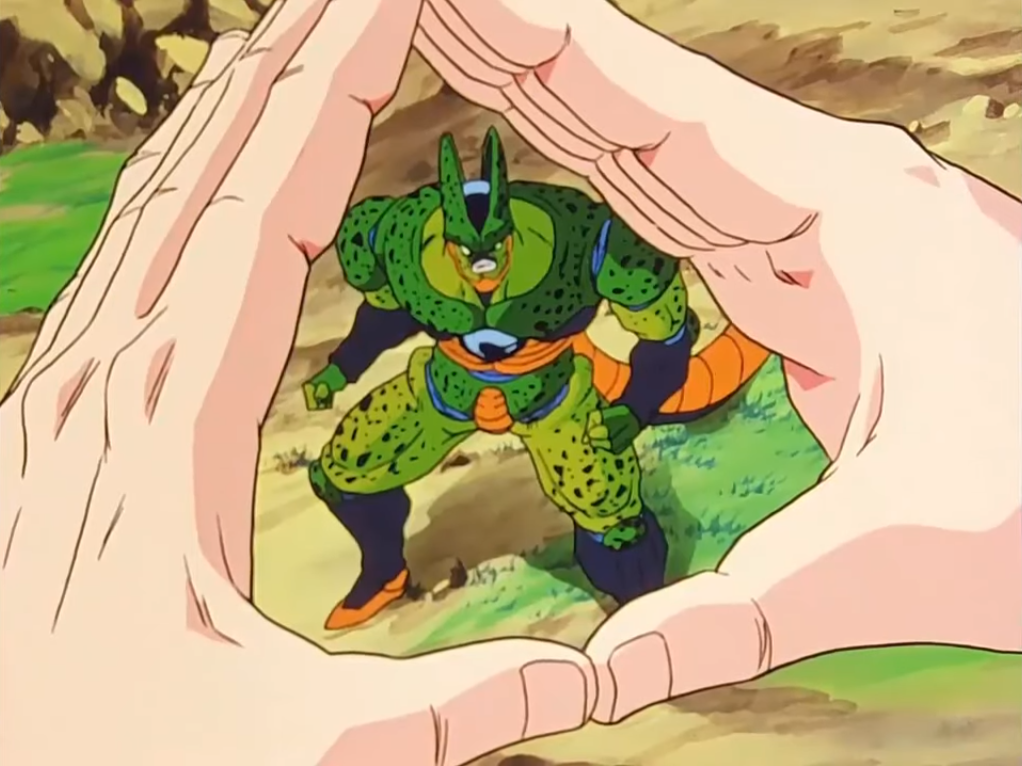


Strike first against the chickens across the way in this strategy auto-battler.
- Recruit, promote and unlock units
- Choose upgrades that improve your run
- Earn worms and spend them wisely
- Beware of the foxes
- 10 rounds of fights


Also on itch:
https://oystermoya.itch.io/flock
2 comments


Got some good feedback, so I've made some more changes to the stickman cartridge!
Changes:
- Removed garbage collection
- Changed instructions
- Added a holster with ammo that gets auto-reloaded
- Refactoring code

 0 comments


More metadata for picotron files!
This works by putting a metadata value called 'custom' (incase official metadata is added that clashes) containing:
{
inputMethods={ --boolean of whether its used or not
LeftJoystick=true,
LeftDPAD=true,
RightJoystick=true,
RightDPAD=true,
LeftTrigger=true,
RightTrigger=true,
Start=true,
X=X=true,
O=O=true,
Button1=true,
Button2=true,
Keyboard=true,
Mouse=true
},
url={either a url you set, or empty string ""},
appTypes={ --any app types in form of a string, no app type == appTypes is nil
2 comments


This cart is a fork of the original Seinfeld Simulator 1.0 by @Rangee27.
Quality of life improvements
- You will only see jokes that are not in your "Joke-iary" yet (until you complete it), works both in kid mode and 18+
- You can disable mouse in the pause menu - in case you enabled it by mistake on a device with no mouse
- Better contrast on the "Joke-iary" and some other text (title screen / button prompts)
- Same cartdata ID, so you can switch from the original to this cart and vice versa as you please
I had to do some tweaking to stay below the token and compressed limits, but I tried to keep changes to a minimum. Using a diff tool I only counted about 30 lines of code changed.
2 comments



Hi Zep! 🙂
Apologies if this was already reported but I couldn't find anything. stat(6) returns an empty string if param_str begins with a special character:
cart.p8:
str = stat(6)

if (str == "") then
  print("oh no!")
else
  print("oh yeah!")
end |
tty:
pico8 -p "-1" ./cart.p8 # oh no! |
Thanks, wishing u a great week!! ✨
2 comments




controls
arrow left / right — speed up, slow down, or reverse direction
arrow up — change ball color (random)
arrow down — change background color (random)
x — toggle comet trail
z — change trail color (random)
rules
There are no rules. Just play.
Comet is a small interactive experiment — a glowing ball tracing endless circles through space. Mix speeds, directions, and colors to create your own visual effects. Crank up the speed and watch the trail explode into a full particle ring. Slow it down for something more delicate. Every combination looks different.
behind the scenes
This isn't a game — it's a learning experiment. I wanted to understand how sine and cosine work in practice, and how particle systems behave. So I built something small and visual where I could actually see the math in motion.
It turned out more fun than expected. Tweaking colors and speeds produces surprisingly beautiful results — sometimes it feels almost alive.
Still learning, still experimenting — and this little cart is proof of that.
Also, I would gladly invite anyone who is into sound and music to join my projects with sounds and music :)
credits
To the tutorials from Nerdy Teachers, Space Cat and Lazy Devs — you're the reason any of this makes sense.
2026 03 25 this is an update of my former post
0 comments

Hello!
When I put one element into the TEST1 table at index 3, count(TEST1) will print out zero. I expect it to print one. When I add one element into the TEST2 table and index 1, count(TEST2) will print out one, as expected.
Why the difference in behavior? I'm used to iterating over collections, but this seems like it is some sort of sparse array.
My test code that shows the unexpected behavior:
pico-8 cartridge // http://www.pico-8.com
version 43
__lua__

TEST1 = {
    [3]={
        {t="The third word", x=45, y=35},
        {t="The third word", x=45, y=65}
    }
}
print(#TEST1)       --Prints 0   ???
print(count(TEST1)) --Prints 0   ???
print(TEST1[3])     --Prints [table]

TEST2 = {
    [1]={
        {t="The third word", x=45, y=35},
        {t="The third word", x=45, y=65}
    }
}
print(#TEST2)       --Prints 1
print(count(TEST2)) --Prints 1
print(TEST2[1])     --Prints

[ [size=16][color=#ffaabb] [ Continue Reading.. ] [/color][/size] ](/bbs/?pid=174968#p) |
2 comments




A simple puzzle-a-day calendar on PICO-8 is here!
For those who are not familiar with it, it is a fun jigsaw puzzle where you can fit the 8 pieces into the calendar frame, leaving only the month and the day showing.
Control:
- O: change pieces (active piece is highlighted red)
- X: rotate / flip pieces
- Arrows: move pieces
Here is one example solution:

Enjoy!
5 comments


A game about destroying blocks while managing a stack!
Grab blocks from the grid and throw them back, group 4 or more to destroy them and prevent the neverending overflow. Use the stack to save up to three blocks.
A small arcade game with classic and well-known mechanics by Albert Gonzalez
- Movement: left and right button
- Grab block: X button (x key) or down button
- Throw block: O button (z key) or up button
On touchscreens the up and down buttons should be disabled for a better experience. This can be done on the controls section (or by default when loading the game from the landing I made on my website - it uses the GPIO pins to check for touchscreen controls and then sets the best layout by default)
2 comments


From Pilgrimage, a 1024-byte game for PICO-8 1K Jam 2025
https://www.lexaloffle.com/bbs/?tid=151834
0 comments