


Hello!
When I put one element into the TEST1 table at index 3, count(TEST1) will print out zero. I expect it to print one. When I add one element into the TEST2 table and index 1, count(TEST2) will print out one, as expected.
Why the difference in behavior? I'm used to iterating over collections, but this seems like it is some sort of sparse array.
My test code that shows the unexpected behavior:
pico-8 cartridge // http://www.pico-8.com
version 43
__lua__

TEST1 = {
    [3]={
        {t="The third word", x=45, y=35},
        {t="The third word", x=45, y=65}
    }
}
print(#TEST1)       --Prints 0   ???
print(count(TEST1)) --Prints 0   ???
print(TEST1[3])     --Prints [table]

TEST2 = {
    [1]={
        {t="The third word", x=45, y=35},
        {t="The third word", x=45, y=65}
    }
}
print(#TEST2)       --Prints 1
print(count(TEST2)) --Prints 1
print(TEST2[1])     --Prints

[ [size=16][color=#ffaabb] [ Continue Reading.. ] [/color][/size] ](/bbs/?pid=174968#p) |


 2 comments




A simple puzzle-a-day calendar on PICO-8 is here!
For those who are not familiar with it, it is a fun jigsaw puzzle where you can fit the 8 pieces into the calendar frame, leaving only the month and the day showing.
Control:
- O: change pieces (active piece is highlighted red)
- X: rotate / flip pieces
- Arrows: move pieces
Here is one example solution:

Enjoy!
5 comments


A game about destroying blocks while managing a stack!
Grab blocks from the grid and throw them back, group 4 or more to destroy them and prevent the neverending overflow. Use the stack to save up to three blocks.
A small arcade game with classic and well-known mechanics by Albert Gonzalez
- Movement: left and right button
- Grab block: X button (x key) or down button
- Throw block: O button (z key) or up button
On touchscreens the up and down buttons should be disabled for a better experience. This can be done on the controls section (or by default when loading the game from the landing I made on my website - it uses the GPIO pins to check for touchscreen controls and then sets the best layout by default)
2 comments





From Pilgrimage, a 1024-byte game for PICO-8 1K Jam 2025
https://www.lexaloffle.com/bbs/?tid=151834
0 comments



🔴 is a bounce shooter with mostly procedural graphics and animation. Soar and blast your way through 5 levels of explosive mines, chopper bots, and other perils.
💀 The dev's high score is 10364 if you dare attempt to beat it.
⌨️ Best played on a keyboard.
↕️ Bounce up and down
↔️ Move
🇿 Shoot
🇽 Slam
🎵 Music and SFX by Jaden Eubanks (https://www.jadeneubanks.com/)
4 comments





Snippo
Swim through a river filled with snacks, but watch out not to bump your head.
This game has a fairly unique control scheme: move left and right with the arrow keys to move forward.
This is my second submission to the 1k jam 2025.
If there is enough interest, I might make a post-jam that adresses some issues due to the limitations, as well as expands on the idea.
You can also find it on itch:
https://doriencey.itch.io/snippo
4 comments




Earlier today I discovered that by replacing
/system/misc/p64_cart.png with another image, you can get custom carts for your p64.png exports! They export, save and load seamlessly!However, doing this manually is a bit tedious, especially if you want to replace what cart base you're using for your export
Cart Base is a very small program that makes it slightly easier! Add your custom cart bases to
/appdata/cart_base/, then run the program, and select the base you want to use! This cart base will be set as /system/misc/p64_cart.png, meaning that your next exports will use it instead of the default cart! This isn't persistent, so when you reboot Picotron, the export cart will be set back to the standard.
1 comment


recreation of the pump room in the game "blue prince"

controls
use the mouse or d-pad to move
click with the mouse or press x to select panel buttons
click and drag with the mouse or hold x and use the d-pad to move pump levers
how to play
select a water source in the bottom left panel
direct the flow of water by moving the levers on the pumps in the desired direction
the switch between tank1 and tank2 controls the flow of the middle pump
water can't be directly transferred from tank1 to tank2, use water sources to juggle
a couple challenges you can try:
empty the reservoir entirely
2 comments


Save poor Roberto's soul by concentrating on your prayers before the devil themselve takes over in this 1kb microgame!
Game made for the Pico-1K Jam 2025!
Original Idea and text: JaviS
Prigramming and art: Tréveron (@trevvieaamb on bluesky)


0 comments


V1.1 - Squeezed in ending message, improved enemy collision
Join Pico-8 Mascot Jelpi on a run and jump adventure. When out for a paddle in his canoe one day, Jelpi got swept over a waterfall and ended up in a strange land filled with creatures who don't seem very friendly. Travel though grasslands, forests, and cliffs on your way back home, hopefully in time for dinner.
Controls:
Dpad - Run
Z/C - Jump (hold to boost off enemies)
This game was created for Pico-1K jam 2025, and has been squished down to within an inch of its life to fit a multi-stage platformer in just 1024 compressed bytes.
0 comments



Help Lefty munch all of the tomatoes, but don't get squashed!
Z or C to jump. It is easy to get stuck ~ press ENTER to retry a room via the pause menu. Push items around by walking into them or by jumping on them from a decent height.
Made for #pico1k 2025 in 1024 bytes (thanks Liquidream & Shrinko-8!)
3 comments


Pilgrimage
An entry to the 2025 PICO-8 1K Jam
You are traveling back to your origin.
It is a journey of 200 steps.
Steps which grow longer, wider, taller, and deeper.
Some may even shift before your eyes.
But take a deep breath. Be patient.
Pay close attention to your surroundings.
You will grow stronger with every step you take.
Your capacity for flight (X) will extend.
It may not be possible to complete all journeys.
But there will be a new pilgrimage every day.


Press X to fly. Collect orbs to extend your flight time. Watch out for moving platforms!
The trial is different daily, but there are always 200 steps.
The Code
5 comments
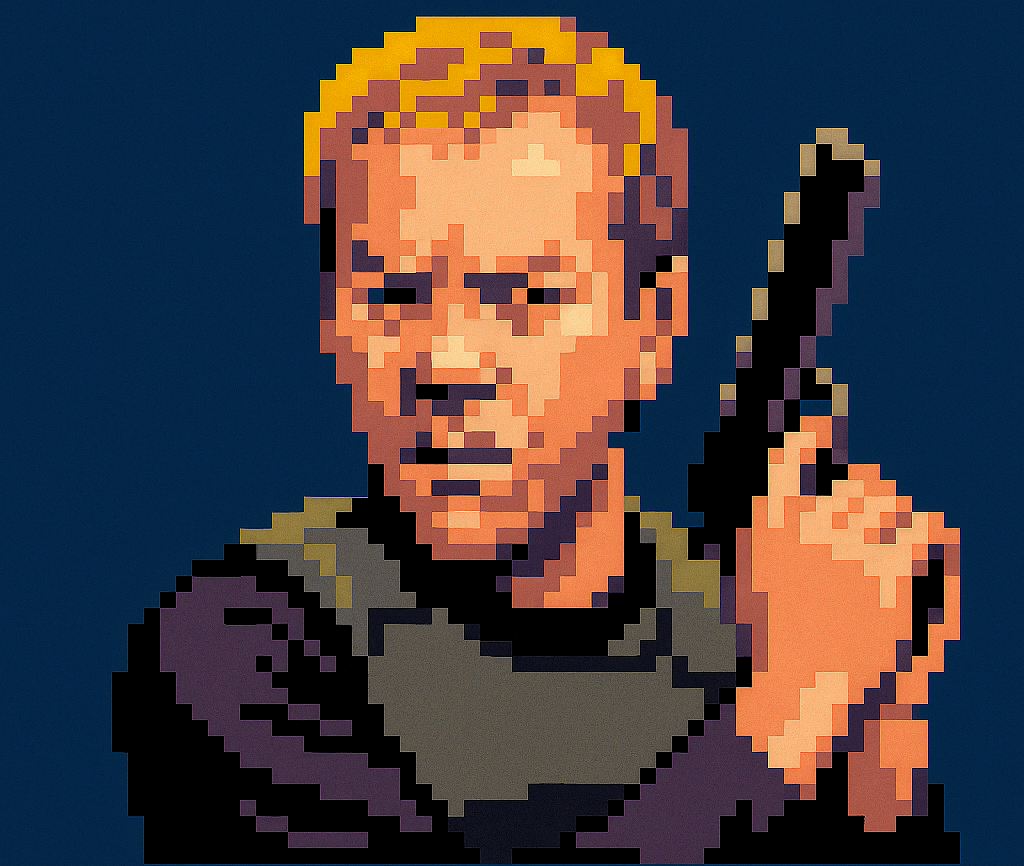





This is a simple little spooky Tetris clone I made to test making a game with Picotron. Enjoy!
7 comments






After some feedback from my resident play-tester, I've made some small changes to my stickman cart from yesterday that should make the gameplay experience a bit more engaging.
New features:
- High scores
- Instructions when you start the game
- Added a delay on the start and game over screens, so it's easier to read what those screens say
If this is the first time you're seeing this game, here's some info:
The aim of the game is to try and survive as long as possible. If you touch one of the green blobs then you lose.
You can move around, jump, and shoot bullets at the blobs. But whatever you do, don't touch them. Good luck!

 3 comments




ARRIVAL RADAR is a tiny game where you are put in the seat of an air traffic controller responsible for guiding arriving airplanes to their final approach. Your objective is to land planes as quickly as you can while keeping them a safe distance from each other.
0 comments


Here's something I was playing around with making over summer. It's basically a Kaiju auto-shooter where the upgrades are given randomly and allies are chosen on level-up instead. I've realised that unless the upgrades are chosen based on (as currently undefined) metrics then it just becomes luck based as to how far you'll get. I'd like to get the boss in the centre working eventually, for a nice little endgame challenge, but I have an idea for a Halloween game I want to get done as well so I'll just put this on hold for now.
If anyone has inspiration, sees potential or wants to add effective sfx then hit me up.
Peace :)
0 comments


C to attack
to restart the game press start on the keyboard and with the arrow keys click on reset cart
1 comment


You're a 'lil RC car!!! Except you're BUSTED!!! You can't go straight!!! You're also guzzling batteries like crazy!!! Collect batteries!!! Don't die!!!
Made for the PICO-1K Jam 2025, where the goal was to make a game under 1024 bytes! That's not a lot! It's also my first PICO-8 game! :D
2 comments


Demolisher
Hello everyone!
I just finished a new game called “Demolisher.”
Grab your trusty hammer and smash down buildings – your only job is to break stuff!
Different block types have their own toughness, and damage spreads through the structure in unique ways.
There are 4 stages in total to put your demolition skills to the test.
🎮 Controls:
• 🅾️ Hammer (hold to repeat)
• ❎ Move (hold for sprint)
• ⬅️⬆️➡️⬇️ Walk & climb around
0 comments