







v0.2 of PICOSLOTS
I have increased the number of spins and modified the centre reel to make button mashing less rewarding
The slot mechanic is skill based (in that it isn't random)
- scoring is on any three in a row horizontally or diagonally
Feedback has been amazing and is welcome =]
enjoy!
H_Iris


 7 comments





Hi, everyone!
I'm hoping someone can point me in the right direction to solving this mystery. I have ended up with a GKD Bubble handheld, and I plopped PlumOS onto it.
On two different handhelds in the house, both running Knulli, Splore works correctly. Same network settings, same network. The version of pico-8 is slightly revised for the TrimUI Brick, and it's the standard Raspberry Pi version for the Anbernic rg35xx Pro.
Everything went fine for install on the Bubble once I figured out where it wanted the files. Splore booted up fine, lists refreshed fine. When I try to download a cart, however, a message at the bottom pops up and says "could not connect to BBS"
I've tried several variations of settings and such, but I just can't figure this out.
Any suggestions for how to track down the issue?
1 comment

My first little game getting to know pico-8 as an ide. Had alot of fun. mainly just vibe coding with AI.
Definitely giving pico a purchase!
Simple, jump over obstacles and control your speed. see how far you can go to set a new highscore.
X to break (x on keyboard)
O to jump (c on keyboard)
have fun.
3 comments




Hello, I'm very new to pico-8 (and fairly inexperienced with coding in general) and I need a bit of help with some menu code. I'd like to have a menu that has two sections to it that you can move between with the left and right arrows. I'm working off of pixelcod's menu code example, here is what I have so far:
--menu system

function init_menu()
	menu={"menu1","menu2"}
		menu.y=12
			menu1 = {}
				menu1.x=25
				menu1.options={"𝘸𝘢𝘭𝘬","𝘵𝘢𝘭𝘬","𝘵𝘢𝘬𝘦","𝘨𝘪𝘷𝘦","𝘪𝘯𝘷."}

			menu2 = {}
				menu2.x=88
				menu2.options={"𝘸𝘩𝘢𝘱","𝘬𝘪𝘴𝘴","𝘥𝘪𝘴𝘴","𝘧𝘳𝘦𝘵","𝘴𝘵𝘯𝘺"}

	menu.amt=0
	menu.sel=1
	menu.swp=false

	for i in all(menu1.options,menu2.options) do
	  menu.amt+=1
	end

end

function update_menu()
 update_cursor()
end

function draw_menu()
	for i=1,menu.amt do
		oset=i*8
	end
 if menu.swp==true then
 	  if i==menu.sel then
	   spr(39,menu2.x,menu.y+oset,2,1)
			 print(menu2.options[i],menu2.x,menu.y+oset+1,10)

[ [size=16][color=#ffaabb] [ Continue Reading.. ] [/color][/size] ](/bbs/?pid=174261#p) |
4 comments



etselec
This is a draft version of a platformer that I am working on. It is not done yet, please be patient.
It's a difficulty platformer. Good luck.
It is heavily based upon the Pico-8 version of Celeste. I like Celeste a bit.
Use arrow keys to move and up arrow to jump. If you hold jump, you jump higher and fall slower.
Stages
Each "stage" is a set of 5 levels with unique theming.
For the first stage of 5 levels, it's just regular jumping without any dashing. The first stage is effectively a tutorial for the rest of the game to ensure you are used to the movement.
In the second stage of 5 levels, you unlock dashes. The exact behaviour of these dashes are outlined below.
Dashing
You can dash using Z once you have unlock it (in stage 2). The dash goes up, down, left, and right, but not diagonally. It prioritises vertical dashes if diagonal inputs are held. If no inputs are held, it dashes in the direction that the player is facing. Your total dash counter is printed in the top left (a proper GUI will be implemented later). There are floating crystals that give you dashes. When you touch a crystal, you immediately get 3 dashes. When you stand on the ground while you have no dashes, you recharge a single dash after a second. This recharge only starts after you have touched the first dash crystal.
0 comments
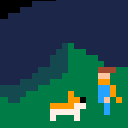

this is my sad little game about death.


controls
← → walk around on planet (X) interact with things, talk to people HOLD (O) hold breath, float away, escape tedious conversations ↑ ↓ ← → fly around |
on a gamepad (O) and (X) will be buttons 1 and 2
on keyboard (O) and (X) are Z and X for qwerty keyboards.
NOTE: on other keyboard layouts, (O) and (X) will be next to your left shift key
objective
well that's really the question i'm asking you in this game.
explore.
screenshots
.gif)
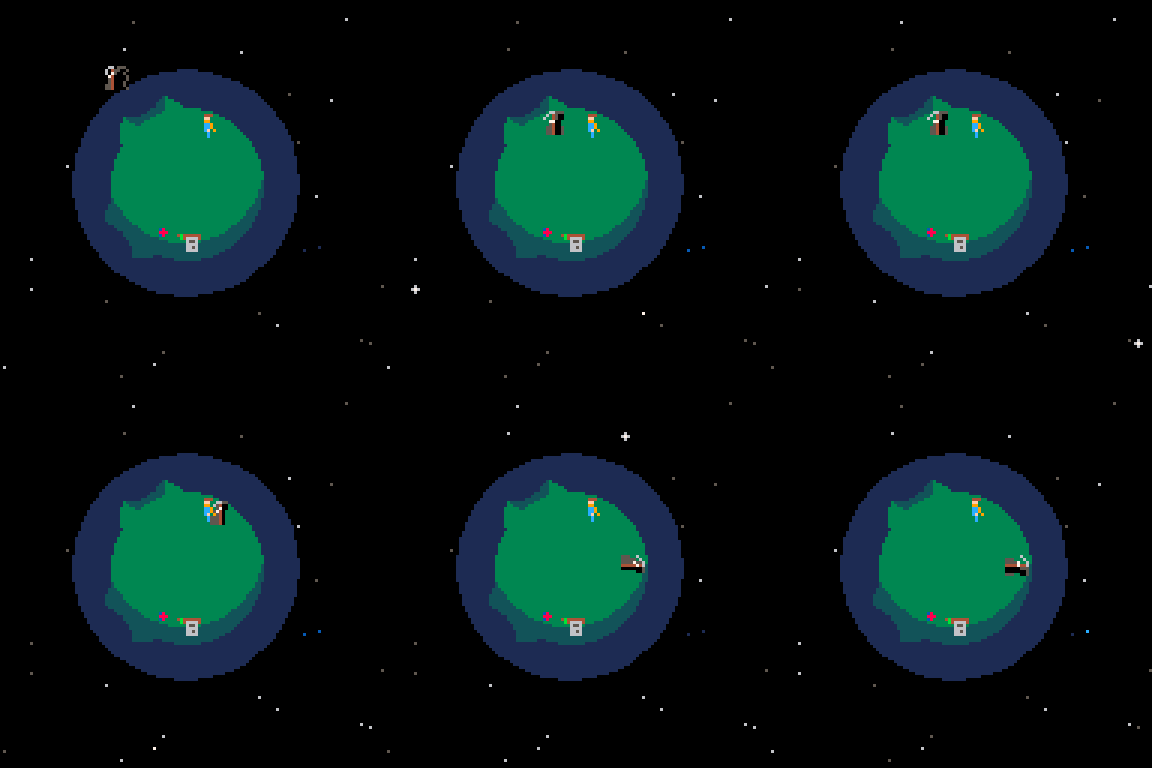
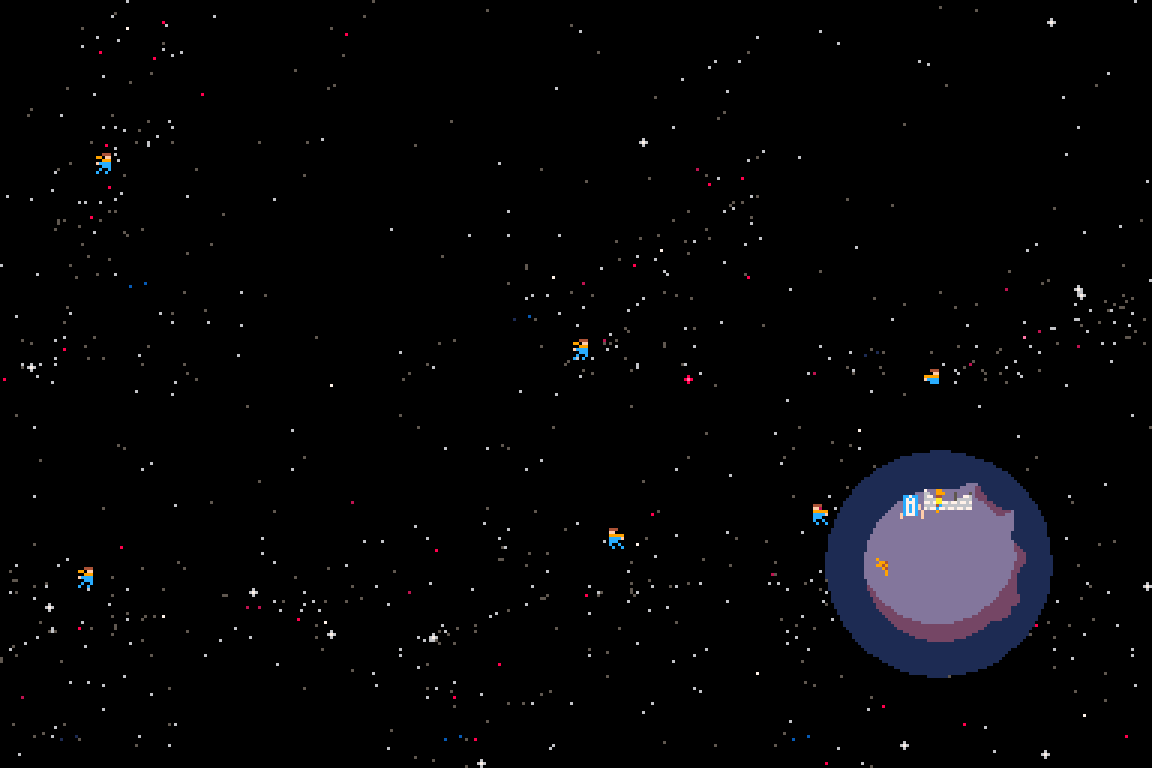
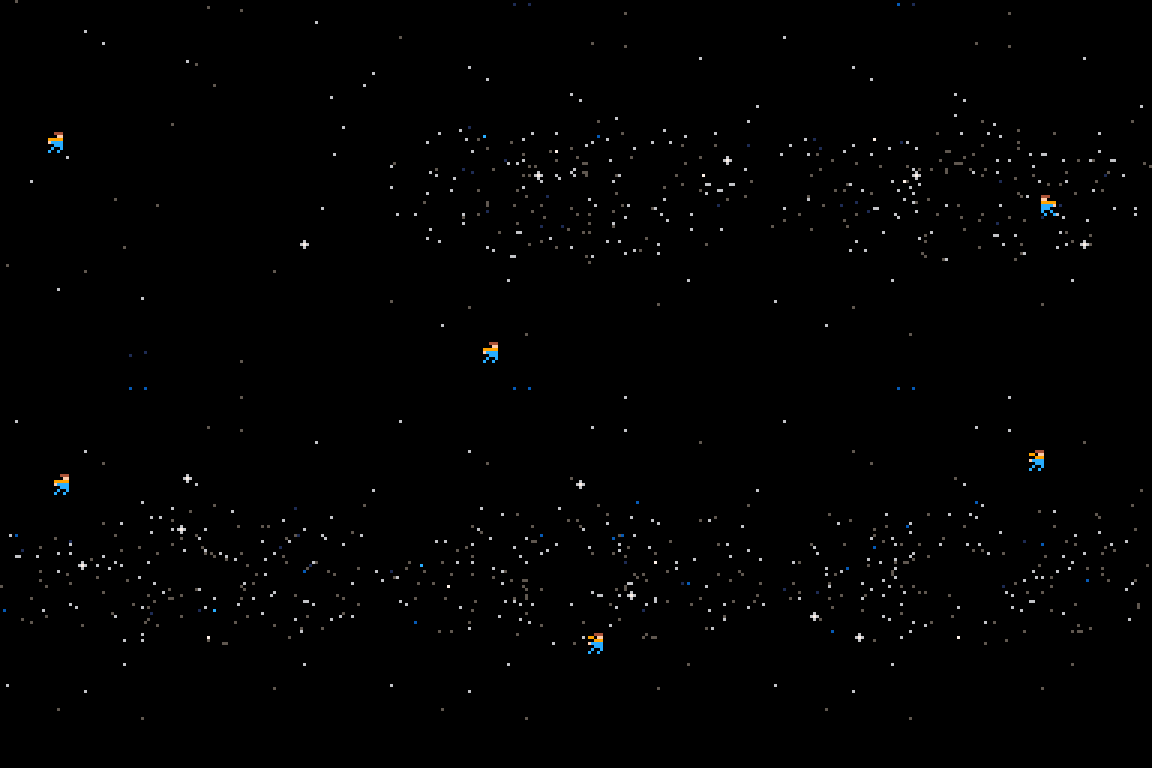
13 comments








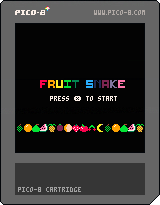
Continuing my Pico-8 education and recreation of other games, I made a snake game. This one was to teach myself the use of tables and tested my brain power but I think I learned some things!
1 comment


I have a table:
a={0,0,1,2,0,6,9,2,0,5,3,0,7,0,0}
I want to sort it so the 0's are moved to the front
This works:
 a={0,0,1,2,0,3,4,0,0,5,6,7,8,0,9,10}
 b={}
 c={}
 for v in all(a) do
  if v==0 then
   add(b,v)
  else
   add(c,v)
  end
 end
 for v in all(c) do
 add(b,v)
 end
a=b |
but is clunky and since this will be in a recursive function, efficiency is essential.
what is a more elegant/quicker way to do this?
4 comments


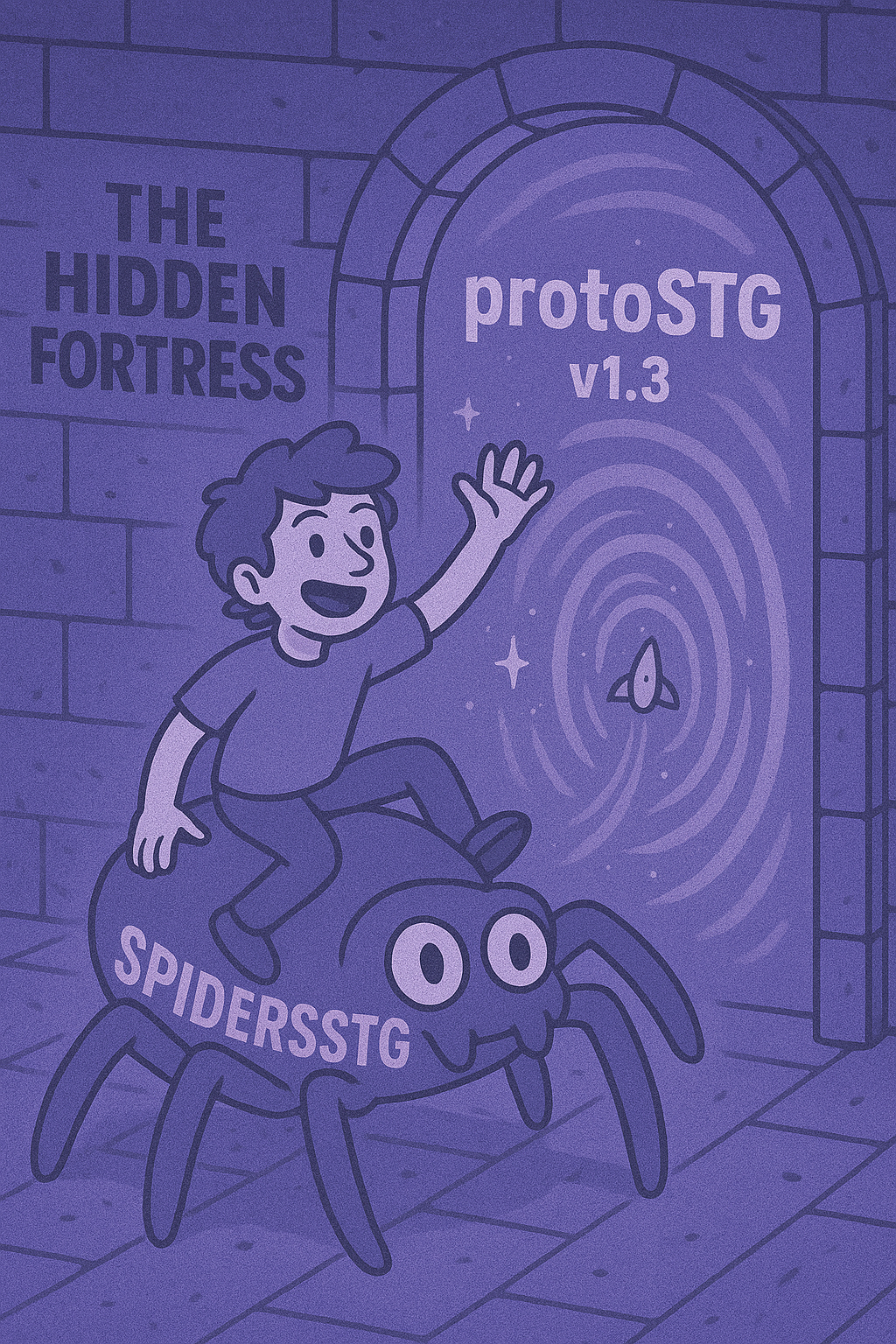
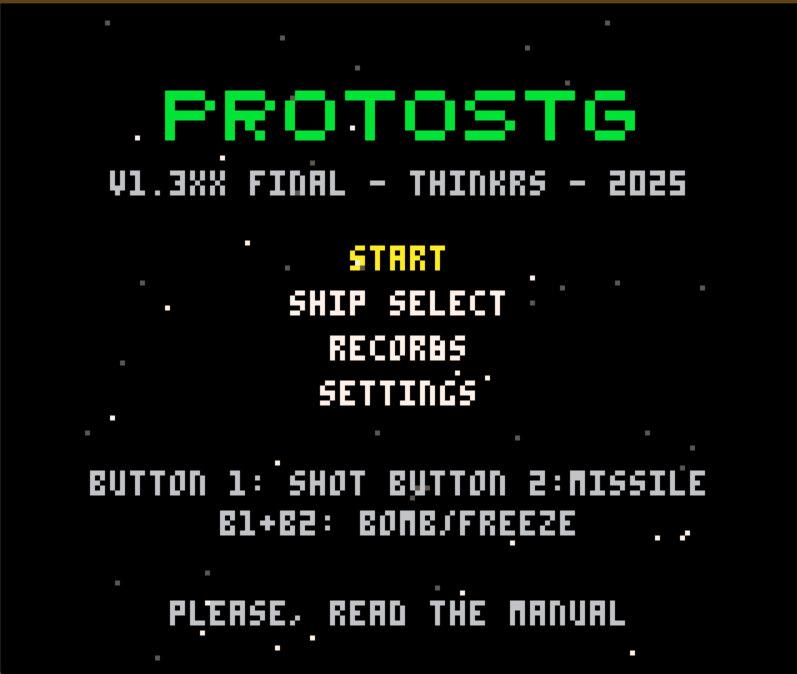
Title: protoSTG
Version: 1.3xx Final
Platform: PICO-8 (128×128) • Keyboard/Controller
Genre: Vertical shmup • 1-hit kills • Score attack
protoSTG aspires to be a clean, readable vertical shooter: tap a 5-way spread to “paint” lanes, hold a precise focus beam for damage and micro-dodging, feed a 3-tier homing-missile gauge, graze precisely for points, and tear a modular boss apart—parts first or greedily straight to the core. There’s also a special “Golden” celebration if you dismantle the boss and meet tight chain/score rules.
Controls (default)
B1 (Shot): tap = 5-way spread; hold = continuous focus beam + slow move (~45%).
B2 (Missile): fires homing missiles based on a 3-segment gauge; holding B2 automatically taps L1 when available.
B1 + B2 together (fresh press on both): Bomb/Freeze—Ship 1 = Bomb (bullet clear + heavy damage), Ship 2 = Freeze (~1.5 s stasis, then brief faster “catch-up”).
1 comment

okay so basically this trick almost gives you infinite savedata
first, choose a memory address above 0x7fff to represent a progress counter, a memory address above 0x7fff to represent if the game has already set the progress counter to 0, a memory address above 0x7fff to represent the progress before updating, a memory address to declare if the game has started, a variable declaring if the game is calibrating the save values, and a variable inside the game declaring how many extra groups of 64 savedata values are required.
second, in the _init function, set the initial progress counter to the actual progress counter. make an if statement which checks if the progress counter is equal or over the limit. inside that statement, run cartdata with an id concatenated with the progress, set a group of memory addresses to the cartdata values, change the progress counter by one by using the initial progress counter, and then finally load the cartridge again.
third, in the _update function, add an if statement which checks if the game has started. move all of the previous code inside of the _update function into that statement.
0 comments
this method exists which almost no information is spread about on the internet
all you have to do is print "\A" concatenated with the note, and then the octave e.g:print("\AD#3"). this plays the D# note on the third octave you can also print a message as it plays if you concatenate the string with a space, and then the message e.g:print("\AD#2 Hello World!"). one thing i find really cool about this feature is that you can harmonize notes by concatenating multiple notes by a space e.g:print("\AD#3 \AD2 \AD1 \AC#1 \AD0").
0 comments
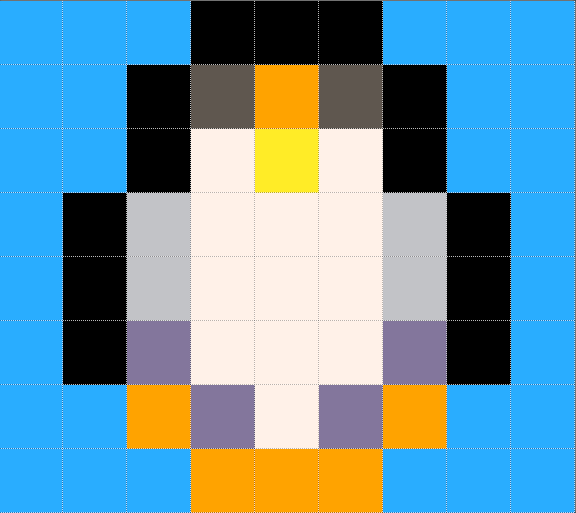



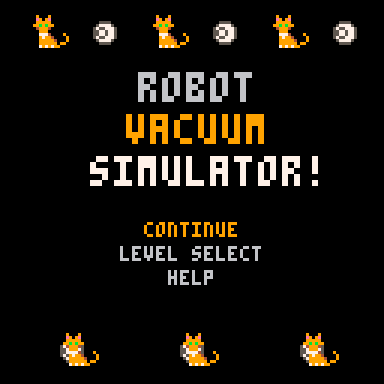
Robot Vacuum Simulator!
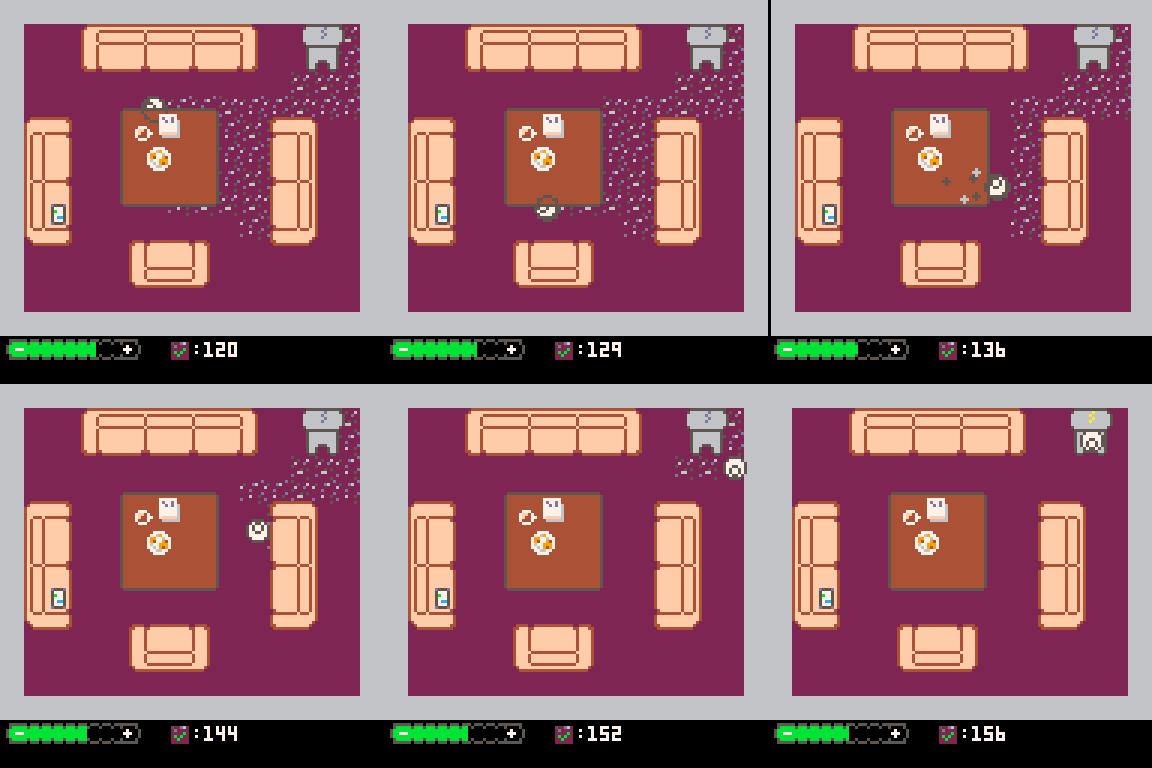
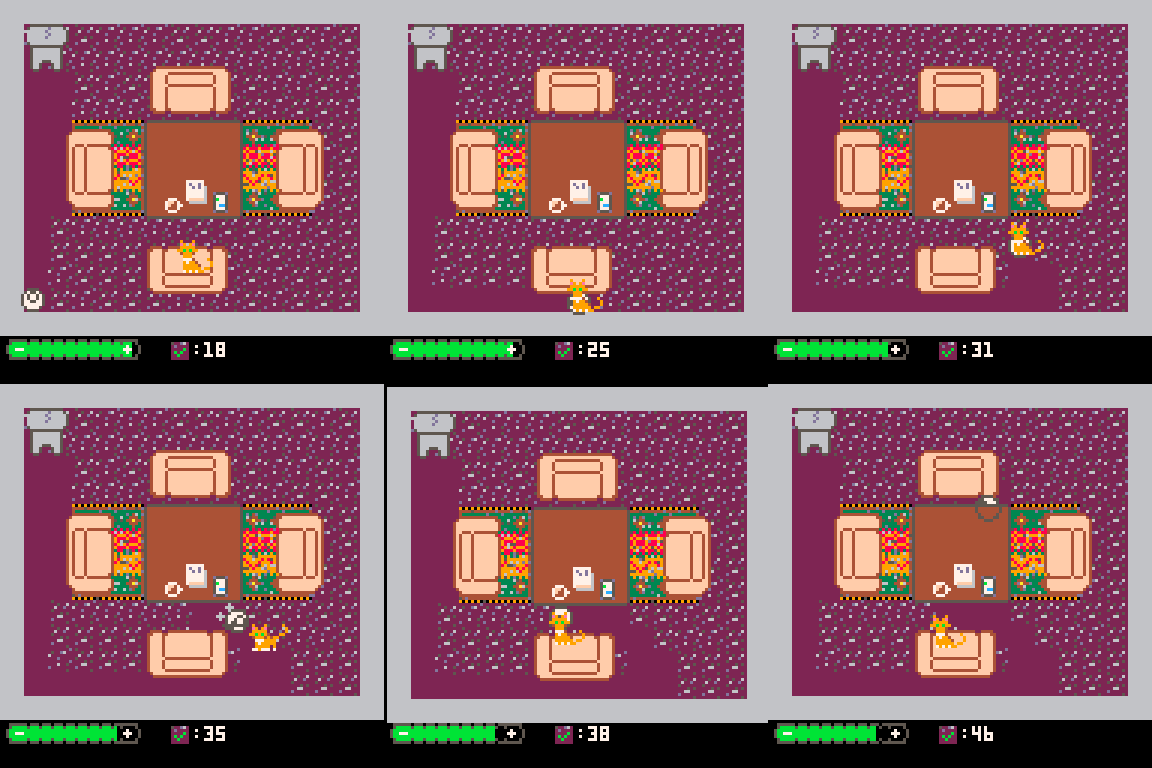
Hi all, first Pico 8 game here.
Controls
Use the arrow keys to move the robot around!
Rules
Clean up as much of the dirt as you can.
Don't forget to clean under the tables!
And avoid the cats - they love to ride on your back, but they slow you down a lot.
Pro tip - cats can't jump on you when you're under a table.
Behind The Scenes
So the idea for this game was "what's a simple game I can make, so that I don't get scope creep paralysis, and I can actually finish something?".
From there I thought of a vacuum sim where you have to avoid household animals, and it turned into this.
For me this game is more of a way to figure out what else goes into a game: menu, sfx, music, level design.
It's easy to think of a "cool game idea", but an idea does not a whole game make.
For that reason, I wasn't really aiming to make incredibly fun experience. I wanted to finish something...
Hopefully it's a little bit fun though!
Credits
You were expecting a collaboration but instead it was ME, TOBIO!
Changelog
1.0.3
- Fix the issue where completing level 8 breaks the game
- Add an easter egg for if you get a star on each level
1.0.2
- Fix complete level screen only working once D:
1.0.1
- Make 'press x to continue' use the x button and not the z button
10 comments




SET! For PICO-8
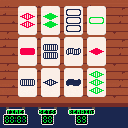
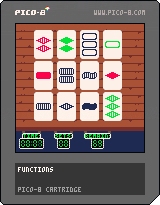
SET! is a card game where you try to find a SET in the 12 given cards as fast as you can.
(if there aren't any SETs on the table, new cards will be added until there is at least one)
I made this game in around 2 weeks for my computer science exam in highschool a few years ago, so it's not that polished, but I figured it's better to publish it than to leave it for no one to ever see. This game is by far my favourite card game, although no one wants to play it against me anymore since I'm way too fast :P
NOTE: There is no support for playing with keyboard controls, you are going to have to use a mouse or a touchscreen, but I will add this in the future if there is demand for it.
How to play
In order to play this game you'll first have to know what a SET is.
You'll notice that every card has 4 different properties with 3 possible values:
- Amount: One, Two, Three
- Color: Red, Green, Blue
- Shape: Bean, Diamond, Squiggle
- Filling: Full, Striped, Empty
A SET consists of 3 cards, where every individual property has to be either all the same, or all different.
These 3 cards form a SET:
- One, Red, Bean, Full
- Two, Red, Bean, Striped
- Three, Red, Bean, Empty
This is valid because the amounts are all different, the colors are all the same, the shapes are all the same and the fillings are all different
These 3 cards do not form a SET:
- Two, Green, Squiggle, Full
- Two, Red, Bean, Full
- Two, Red, Diamond, Full
This is invalid because while the other properties follow the rules the colors are not all the same and not all different
From here it should be pretty easy to understand when 3 cards are a SET and when they aren't.
Speedrunning
My personal best is a 3:21. I will keep track of the top 5 best times in this leaderboard. I don't check the BBS every single day, so if you want your time on the leaderboard fast then send me a DM on Discord at @vexxter9.
Current top 5:
- Vexxter - 3:21
- Coko & Ana - 16:22
8 comments







So I'm currently working on a little practise game about a duck in a pond. In the game you have to avoid slices of bread which damage your health if you eat them.
Until recently I just manually added 3 slices of bread as individual objects. But I'm now wanting to add multiple levels, where the amount of bread slices resets and increases to make the game more difficult, so I've been trying to learn more about tables to make this happen.
My goal with this code was to be able to add a different number of slices to the bread table each time the game state is triggered, based on the level number. So the 'for i=0,(level+2)' is meant to make it so that the number of slices is the level number plus two, so 3 for level one, 4 for level two, and so on.
But when I run the code below, I don't get any errors, but the bread doesn't even appear. I've definitely added these custom functions to the main code, so I'm not sure where I'm going wrong. Any guidance greatly appreciated as the concepts here are very new to me!
3 comments





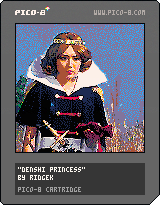
📷: 電子戦隊デンジマン
Time flies. This is, apparently, the first original song I've made in Pico-8 in over a year. I hope u like it, and I wish u a great rest of your week!
14 comments



